

 DownloadMech Trowel
Get the files on 9Minecraft
Guides
Step-by-step, in-game.
Build Large Structures with Wand ModeActivating Wand Mode Press R to cycle through building modes until you reach Wand Mode . This mode lets you place…Create and Manage Custom Block PalettesSetting Up Your First Palette Press G to open the palette menu. Create a new palette by selecting an empty slot—you…Replace Existing Blocks Without Clearing SpaceEnabling Replace Mode Press V to toggle Replace Mode on or off. When active, the trowel will swap out existing blocks…Use Quick Mode for Fast Hotbar BuildingSetting Up Quick Mode Press R to cycle to Quick Mode . This mode pulls blocks directly from your hotbar instead of…
Recipes
Every recipe the mod adds, grouped by how it is made.
Items
 AE2 Integration Template
 Extended Reach Template
 Mech Trowel
 RS Integration Template
 Variant Conversion Template
 Wand Capacity Template
 Wand Template
Configuration
Every setting in the mod config file, with what it changes.
| Option | What it does |
|---|---|
ae2UpgradeEnabledAE2 Integration Upgrade | Enable AE2 ME Storage integration upgrade |
enable3DModelEnable 3D Model | Enable animated 3D model for the Mech Trowel item |
gradientEnabledGradient Mode | Enable gradient mode. When disabled, gradient and replace buttons are hidden from palette GUI. |
infinite | Infinite |
maxPalettesMax Palettes | Maximum number of palettes (multiple of 7) |
reachUpgradeBonusReach Bonus | Additional reach distance from upgrade |
reachUpgradeEnabledReach Upgrade | Enable reach upgrade crafting and functionality |
replaceBlacklistBlocksReplace Blacklist | Blocks that cannot be replaced |
replaceBlacklistTagsReplace Blacklist Tags | Block tags that cannot be replaced |
replaceModeEnabledReplace Mode | Enable replace mode functionality |
rsUpgradeEnabledRS Integration Upgrade | Enable Refined Storage integration upgrade |
singlePlaceDurabilityCostSingle Place Cost | Durability cost per single block placement |
trowelDurabilityTrowel Durability | Durability of the Mech Trowel (0 = infinite) |
chippedConversionUpgradeEnabledVariant Conversion Upgrade | Enable variant block auto-conversion upgrade (Chipped, Rechiseled) |
wandCapacityUpgradeEnabledWand Capacity Upgrade | Enable wand capacity upgrade crafting |
wandMaxBlocksWand Max Blocks | Maximum blocks placed per wand action |
wandMaxRangeWand Max Range | Maximum range for wand mode block detection |
wandPlaceDurabilityCostWand Place Cost | Durability cost per wand mode action |
wandUpgradeEnabledWand Upgrade | Enable wand upgrade crafting and functionality |
wandModeWithoutUpgradeWand Without Upgrade | Allow wand mode without requiring upgrade item |
Frequently asked questions
How do I make my first palette?
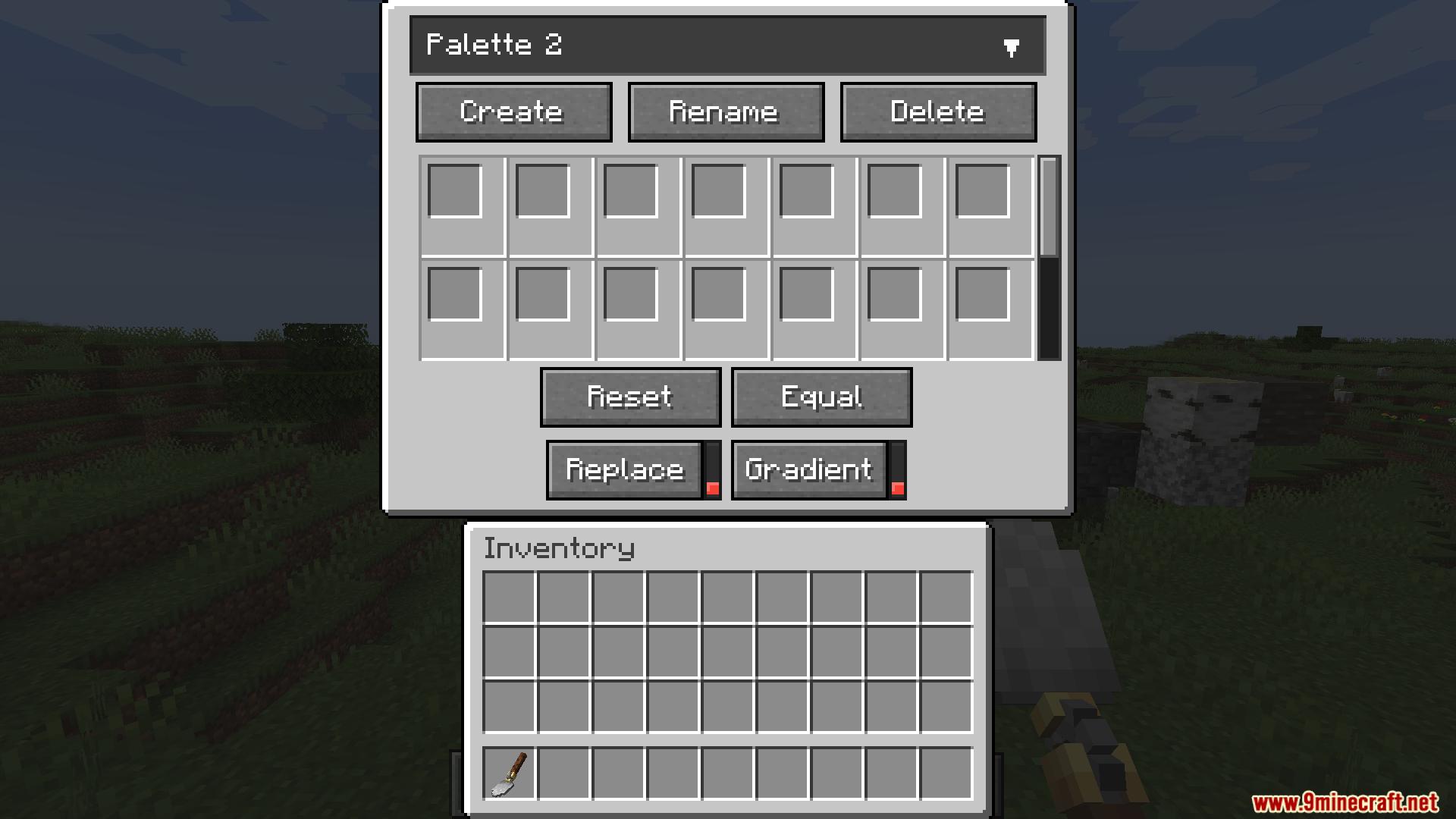
Press G to open the palette menu, then create a new palette and add blocks to it by clicking on them in your inventory. You can set the weight (how often each block appears) by adjusting the number next to each block.
What's the difference between quick mode and palette mode?
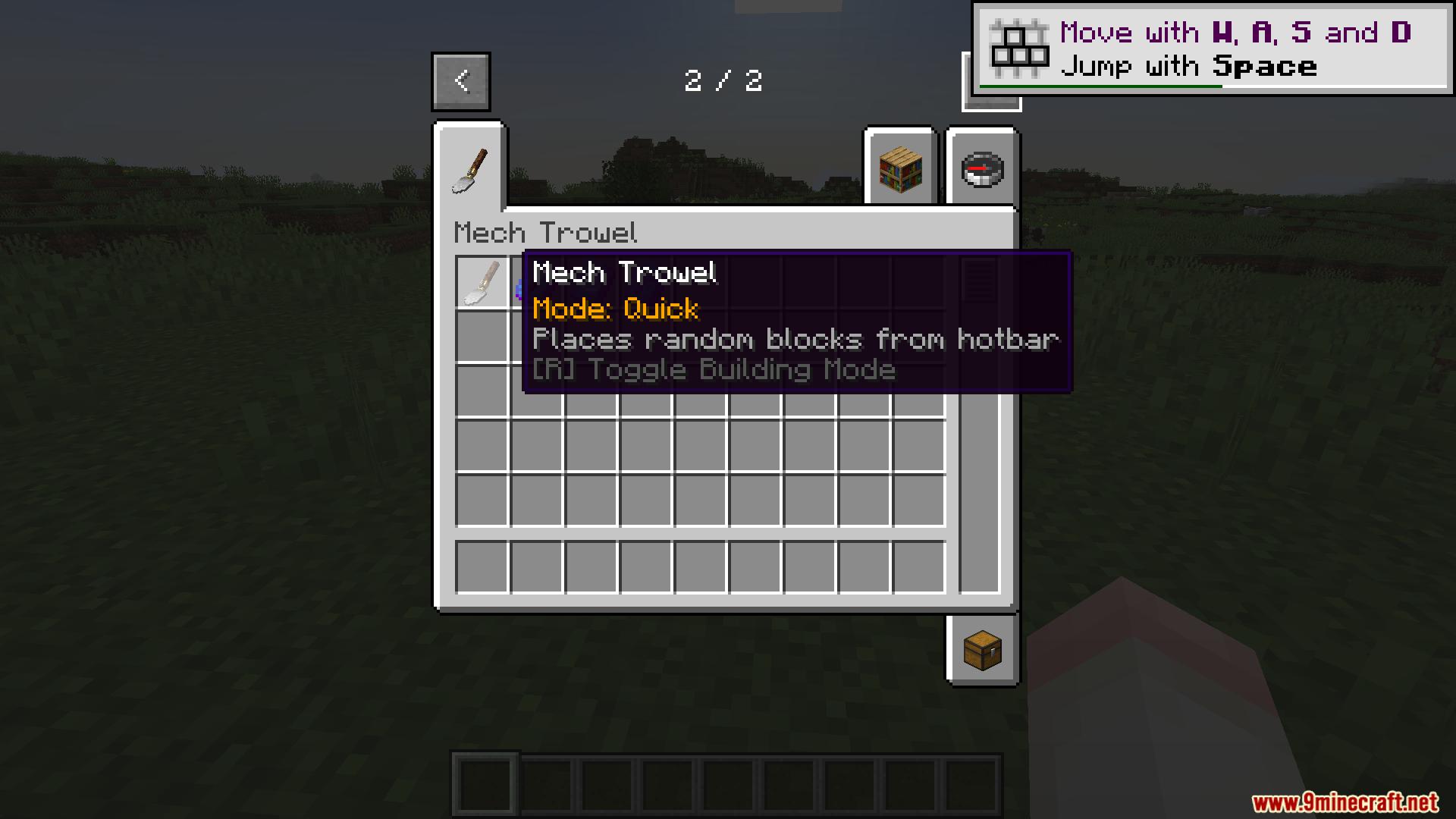
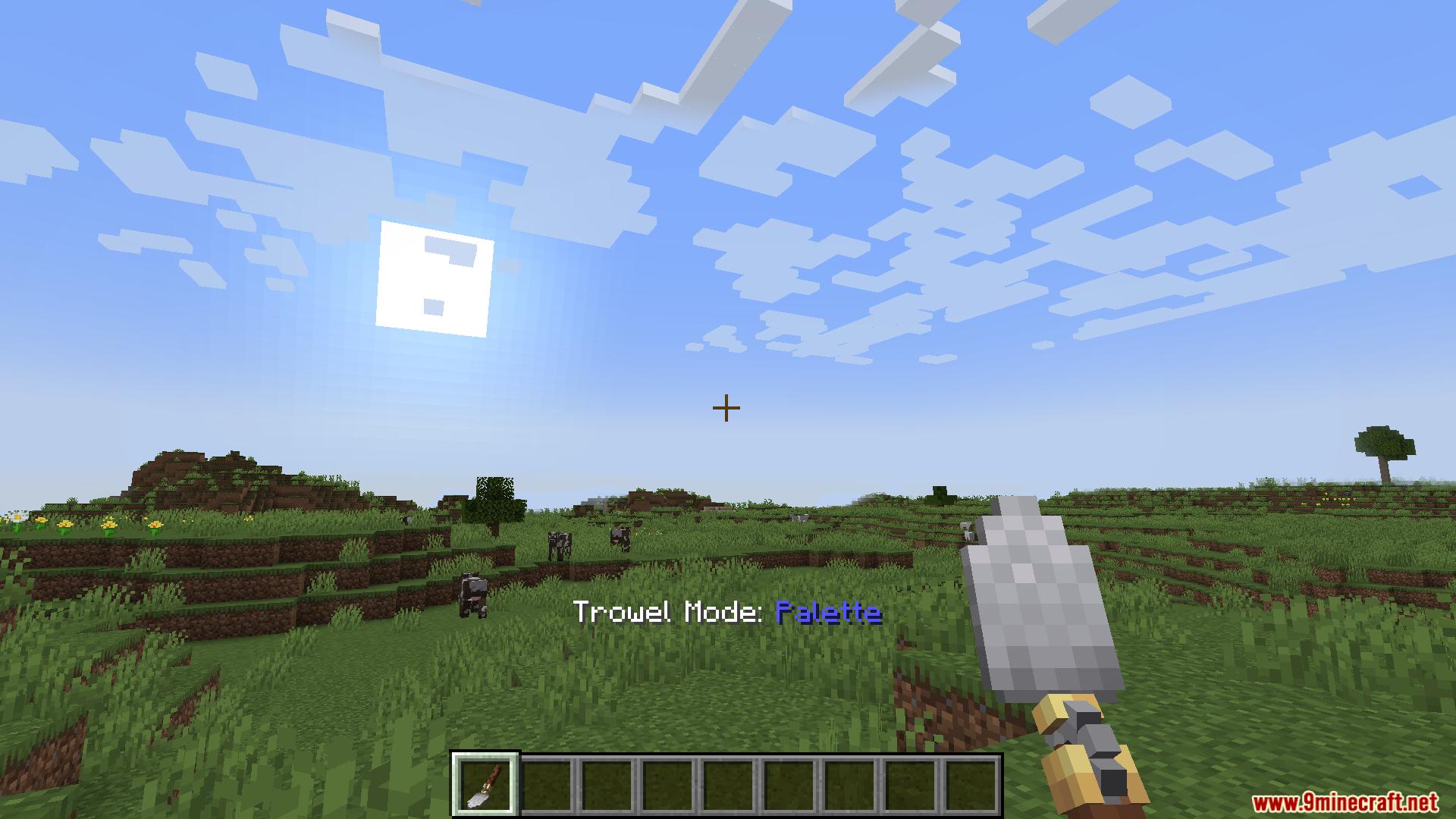
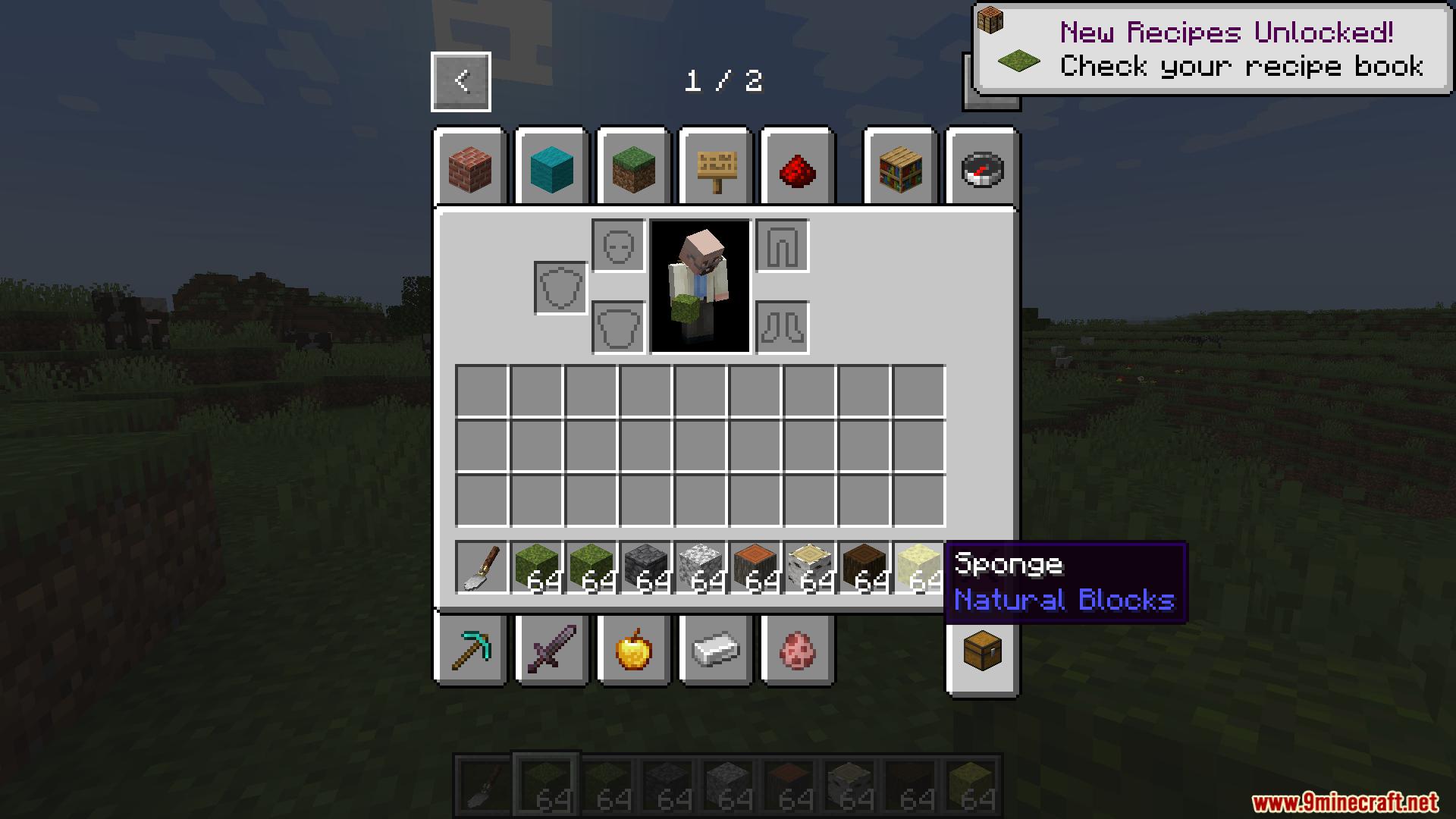
Quick Mode places random blocks directly from your hotbar without opening a menu, while Palette Mode lets you use a saved custom palette with specific block weights you've configured. Press R to switch between modes.
Can I place blocks in the air or do I need a surface?
You can place blocks in the air using Wand Mode, which lets you select an area and fill it with random blocks from your palette. Quick and Palette modes work on existing surfaces or empty spaces depending on whether replace mode is enabled.
How do I undo mistakes with the trowel?
You need to upgrade your Wand Mode to access the undo feature, which lets you undo your last 3 placements. Check your mod's upgrade system to add this capability.
Does Mech Trowel work with stairs and slabs?
Yes, use Rotation Control to lock the direction stairs and slabs face before placing them, which prevents them from rotating randomly and keeps your builds looking intentional.
Can I pull blocks from my backpack automatically?
The trowel can connect to shulker boxes and Sophisticated Backpacks, so blocks inside them will be available when you place—you don't need to carry everything in your hotbar.
What does the wireframe preview do?
The wireframe shows you exactly where blocks will be placed before you click, so you can see the full area of effect and avoid mistakes.
How do I use the trowel with create mod blocks?
Install the Create mod upgrade for Mech Trowel, then you can use the trowel to set the materials of Create and Copycats+ blocks just like you would with regular blocks.
Can I mix multiple palettes together?
Yes, use Color Gradients to blend different palettes together, which makes block colors transition smoothly across your build instead of appearing randomly.
What's replace mode and when should I use it?
Replace Mode swaps existing blocks with new ones instead of only placing in empty spaces—press V to toggle it on. Use it when you want to overwrite terrain or existing structures with your random blocks.
Gallery
12 images from the Mech Trowel Mod page.
You May Also Like
Wikis that share the most with this one
Wikis on the same theme: end
More mod wikis on the site
 Mebahels Elder Scrolls Core Mod
The most downloaded mods that have a wiki here
A few wikis from each of the other kinds