

 DownloadMcMouser Mod
Get the files on 9Minecraft
Guides
Step-by-step, in-game.
Disable Right-Click Emulation on Magic Mouse and TrackpadProblem By default, macOS Minecraft emulates right-click as Ctrl + Left Click. This causes issues with precise…Fix Shift + Scroll Hotbar Switching on macOSProblem On macOS, holding Shift while scrolling your mouse wheel doesn't switch between hotbar slots like it does on…Play Minecraft on M1/M2 Mac with Proper Mouse SupportCompatibility McMouser Mod supports both processor architectures used in modern Macs: arm64 : Apple Silicon (M1, M2,…Troubleshoot Mouse Issues After Installing McMouserExpected Behavior After Installation Once McMouser Mod is active, you should notice: Shift + Scroll now changes…
Frequently asked questions
Does McMouser work with my Magic Mouse or trackpad?
Yes, McMouser fixes mouse issues on both Magic Mouse and trackpad. It disables the Ctrl + Left Click = Right Click emulation that was causing problems, so your clicks will register as intended.
Why does Shift + Scroll still not work after installing the mod?
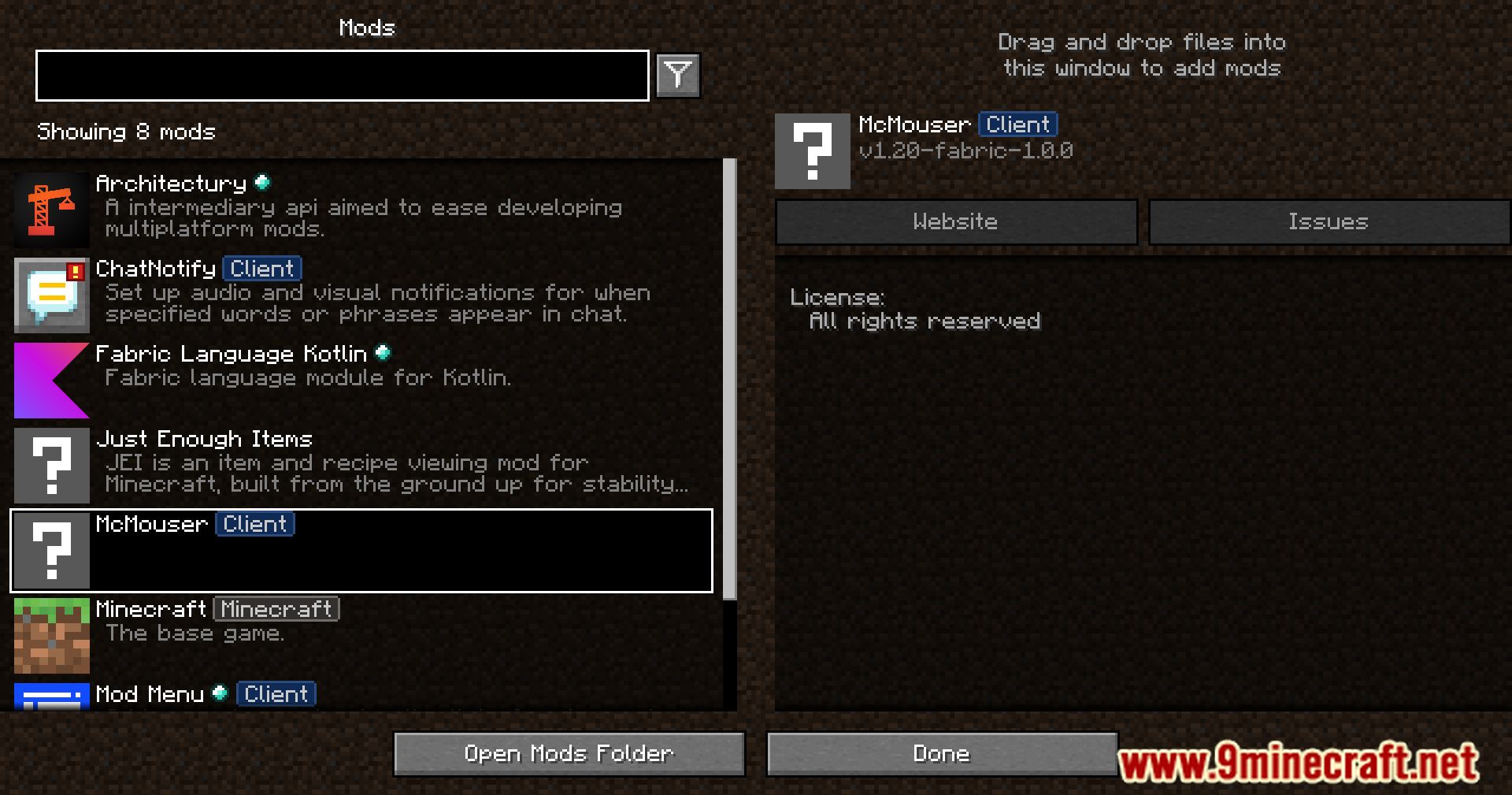
Make sure the mod is actually loaded—check your mods folder and launcher to confirm McMouser is enabled. If it's installed correctly, try restarting the game; sometimes the fix requires a full restart to take effect.
Can I use this mod on my M1 Mac?
Yes, McMouser supports both arm64 (M1/M2) and amd64 (Intel) Macs, so it will work on your M1 without any issues.
What Minecraft versions does this mod support?
McMouser fixes Shift + Scroll for versions below 1.20.2 and also fixes the reversed direction bug that appeared in 1.20.2 and later, so it covers both old and new versions.
See all 10 McMouser questions ›
Gallery
12 images from the Mcmouser Mod page.
You May Also Like
Wikis that share the most with this one
More mod wikis on the site
The most downloaded mods that have a wiki here
A few wikis from each of the other kinds