

 DownloadMclogs Mod
Get the files on 9Minecraft
Guides
Step-by-step, in-game.
How to Configure Mclogs Mod with the Config FileFinding the Config Mclogs Mod stores its settings in config/mclogs.toml . Open this file with any text editor after…How to Debug Crashes Faster Using Mclogs ModReproduce, Then Upload The fastest way to debug is to reproduce the crash, then immediately upload the log. Run…How to Share Server Logs and Crash Reports with Mclogs ModExporting Old Logs and Crash Reports Mclogs Mod is not limited to the current session. It can export older logs,…How to Upload a Minecraft Log with Mclogs ModUsing the Client-Side Command With Mclogs Mod installed on your client, open the chat and type /mclogsc . This…
Frequently asked questions
How do I upload a log with Mclogs Mod?
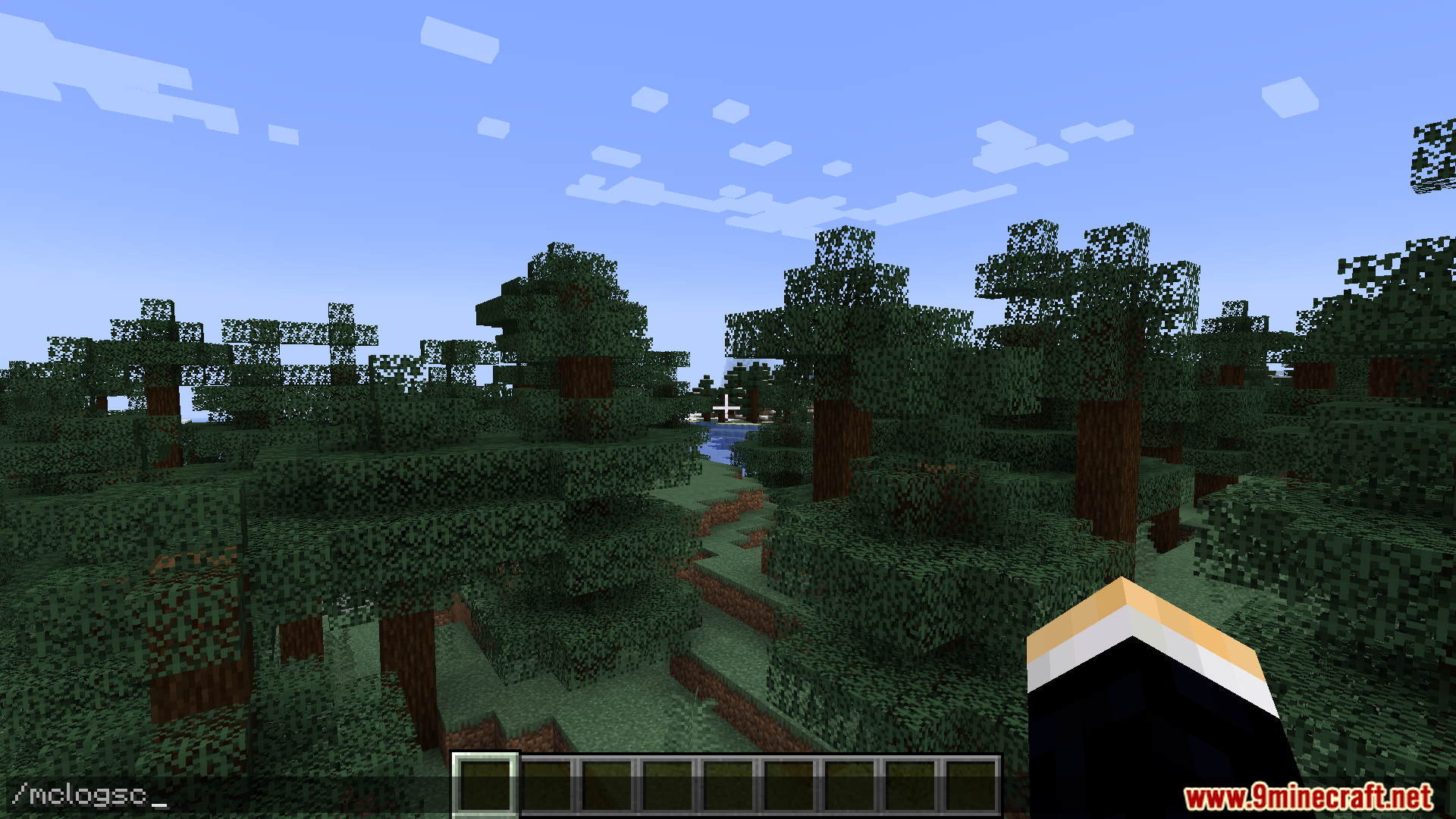
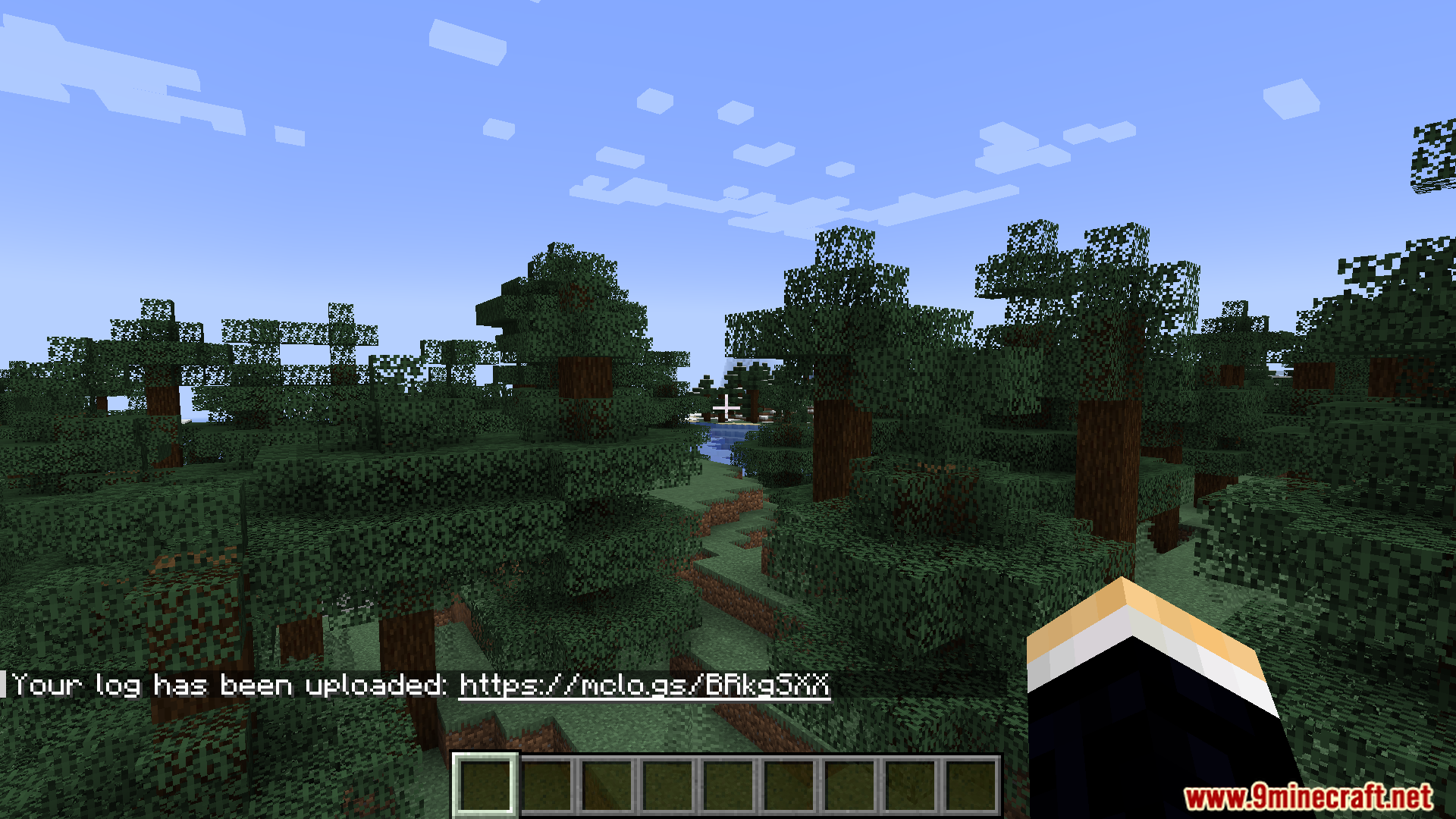
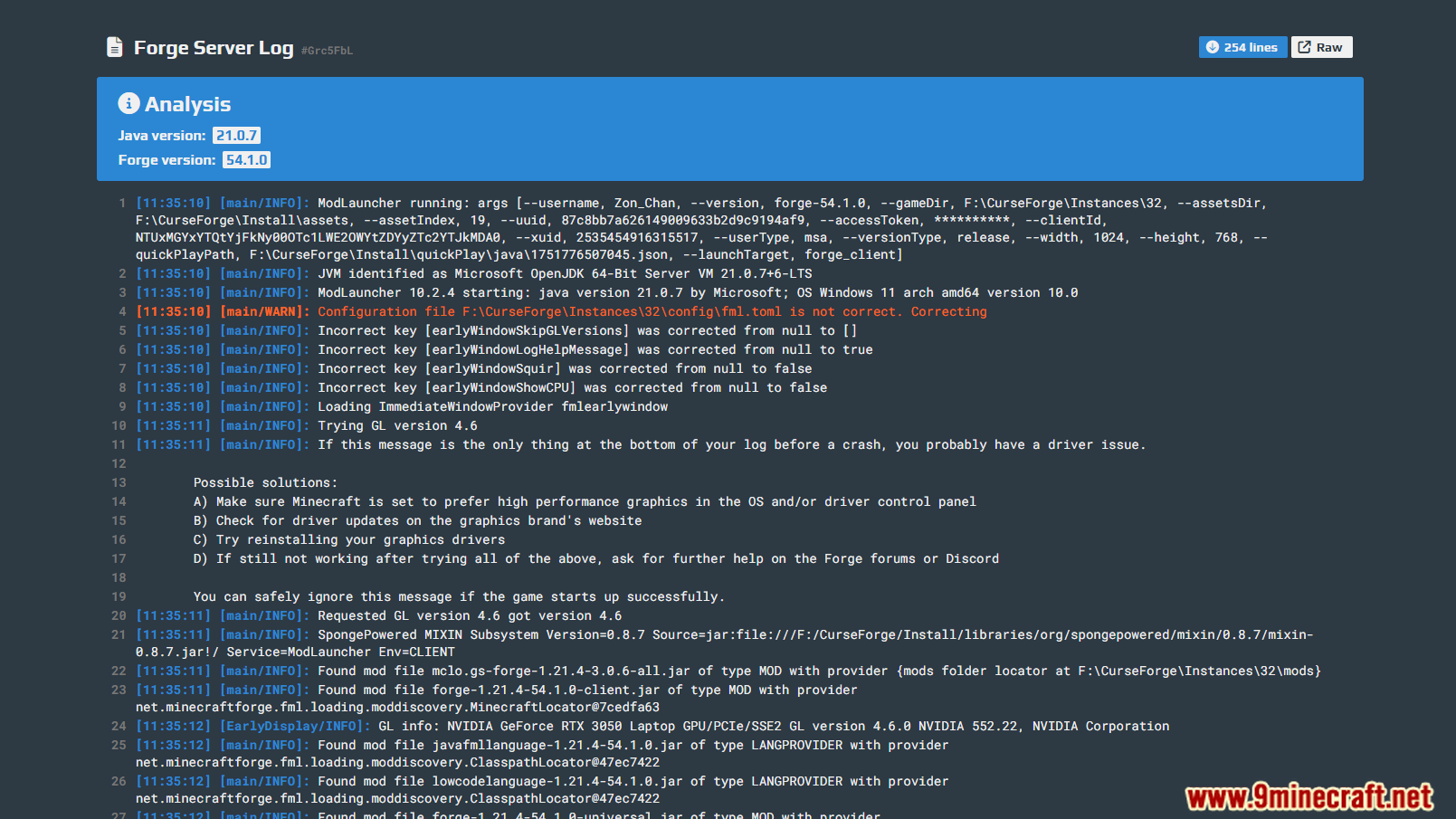
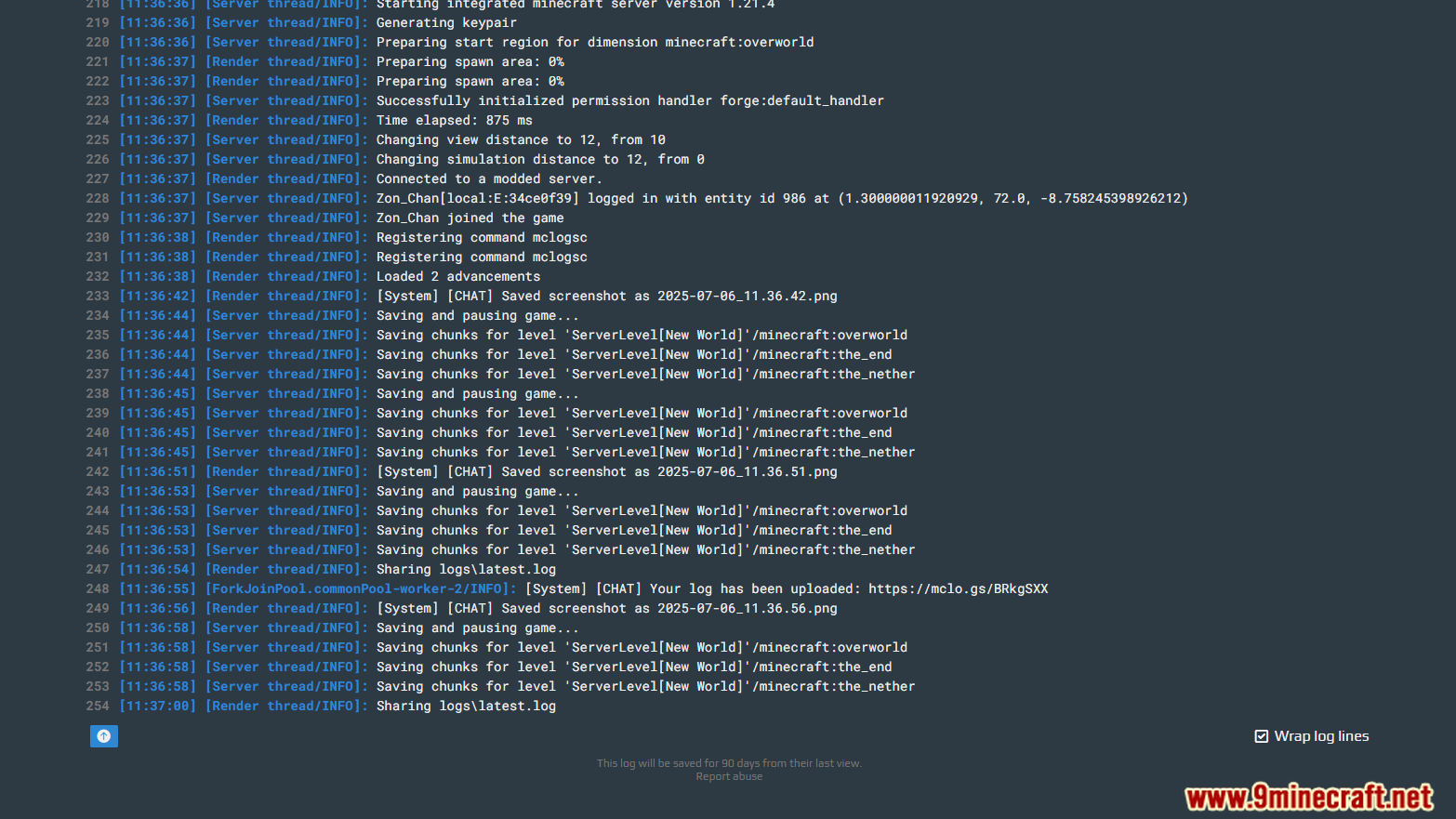
Run the /mclogsc command in chat to upload your current client log to mclo.gs. The mod will reply with a shareable link you can paste anywhere.
What's the difference between /mclogsc and sharing server logs?
/mclogsc uploads the log from the side you run it on, so on a client it sends your client log. On a server, the same command uploads the server log so admins can share it with players or other staff.
Does Mclogs Mod hide my IP address when I share a log?
Yes, the mod automatically strips sensitive info like IP addresses before uploading. You can still review the link after upload to confirm nothing private slipped through.
How do I share a crash report instead of the latest log?
Use the mod's log export options to pick the crash report or an older log file rather than the current one. The uploaded link will then point to that specific file.
Gallery
9 images from the Mclogs Mod page.

You May Also Like
Wikis that share the most with this one
More mod wikis on the site
The most downloaded mods that have a wiki here
A few wikis from each of the other kinds