

 DownloadLoot Integrations Mod
Get the files on 9Minecraft
Guides
Step-by-step, in-game.
Adding Custom Items Like Immersive Armors to Dungeon ChestsWhy You Need a Source Table Some mods add equipment but never ship a loot table, so there is nothing for Loot…How to Add Loot from a Vanilla Loot Table to a Modded Dungeon ChestFinding the Config File After installing Loot Integrations, launch the game once so the config folder generates. Open…Tuning Loot Amounts So Dungeons Stay BalancedWhat the Amount Value Controls Every integration entry has an amount (sometimes expressed as a number of rolls or a…Understanding What Loot Integrations Actually DoesThe Core Idea Vanilla Minecraft chests draw their contents from loot tables. Many mods add their items to those…
Frequently asked questions
How do I get started with Loot Integrations after installing it?
Launch the game once so the mod generates its config files, then open the config folder and look for the Loot Integrations files. Edit those files to point at the loot tables you want to inject and where you want them to go, then reload or restart the game.
Where do I actually configure which loot goes into which chest?
Everything is done through the mod's config files rather than in-game menus. You specify a source loot table and a list of target loot tables, and the mod merges the source loot into those targets.
What's the difference between the source loot table and the target loot tables?
The source is the loot table whose items you want to spread around, usually a vanilla chest table or a custom one you made. The targets are the modded dungeon chest tables you want those items to appear in.
Can I add loot to more than one dungeon at the same time?
Yes, a single source loot table can be listed against multiple target loot tables. This is the main point of the mod, since it lets one set of items show up across many different structure mods' chests.
See all 20 Loot Integrations questions ›
Gallery
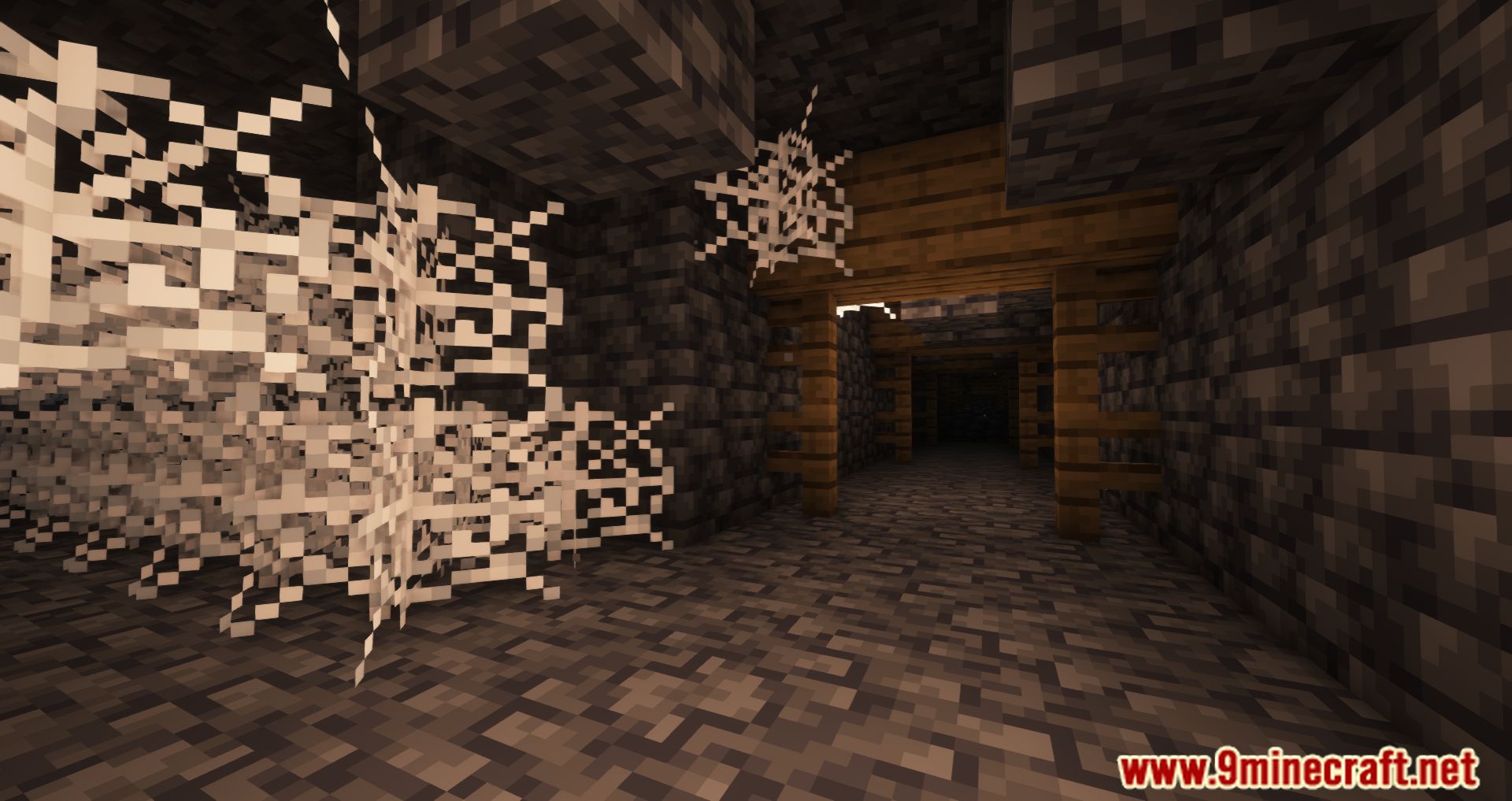
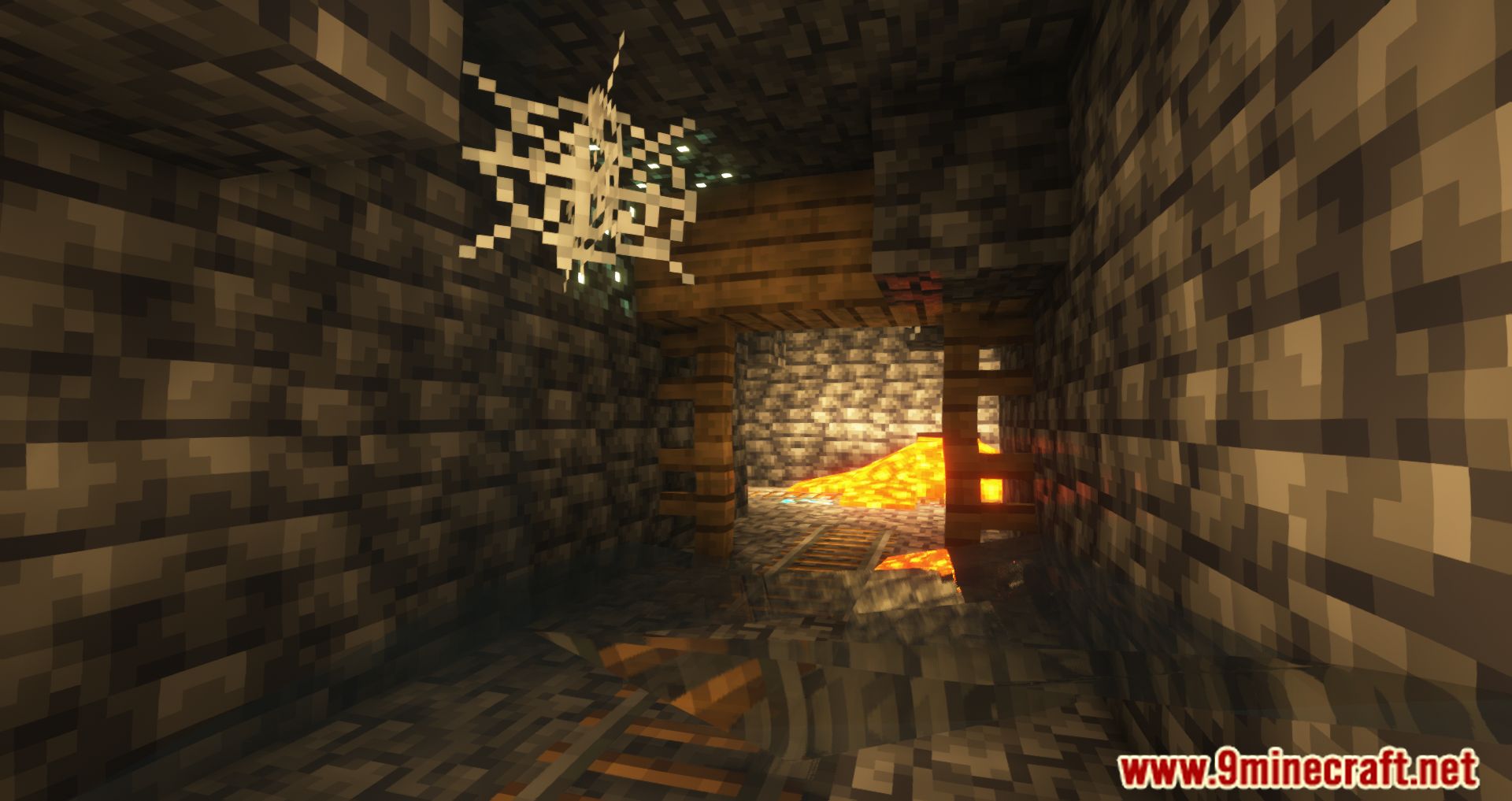
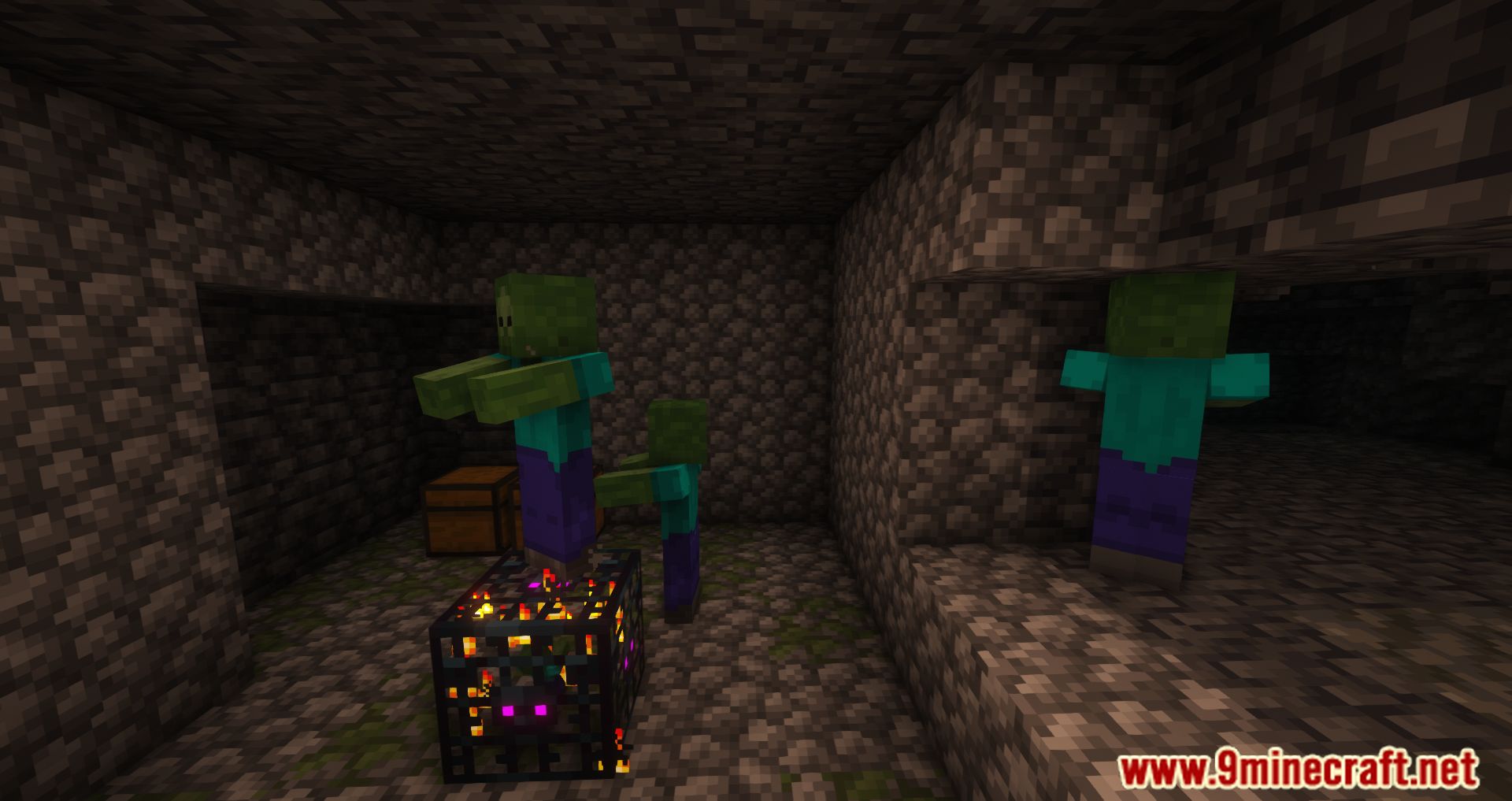
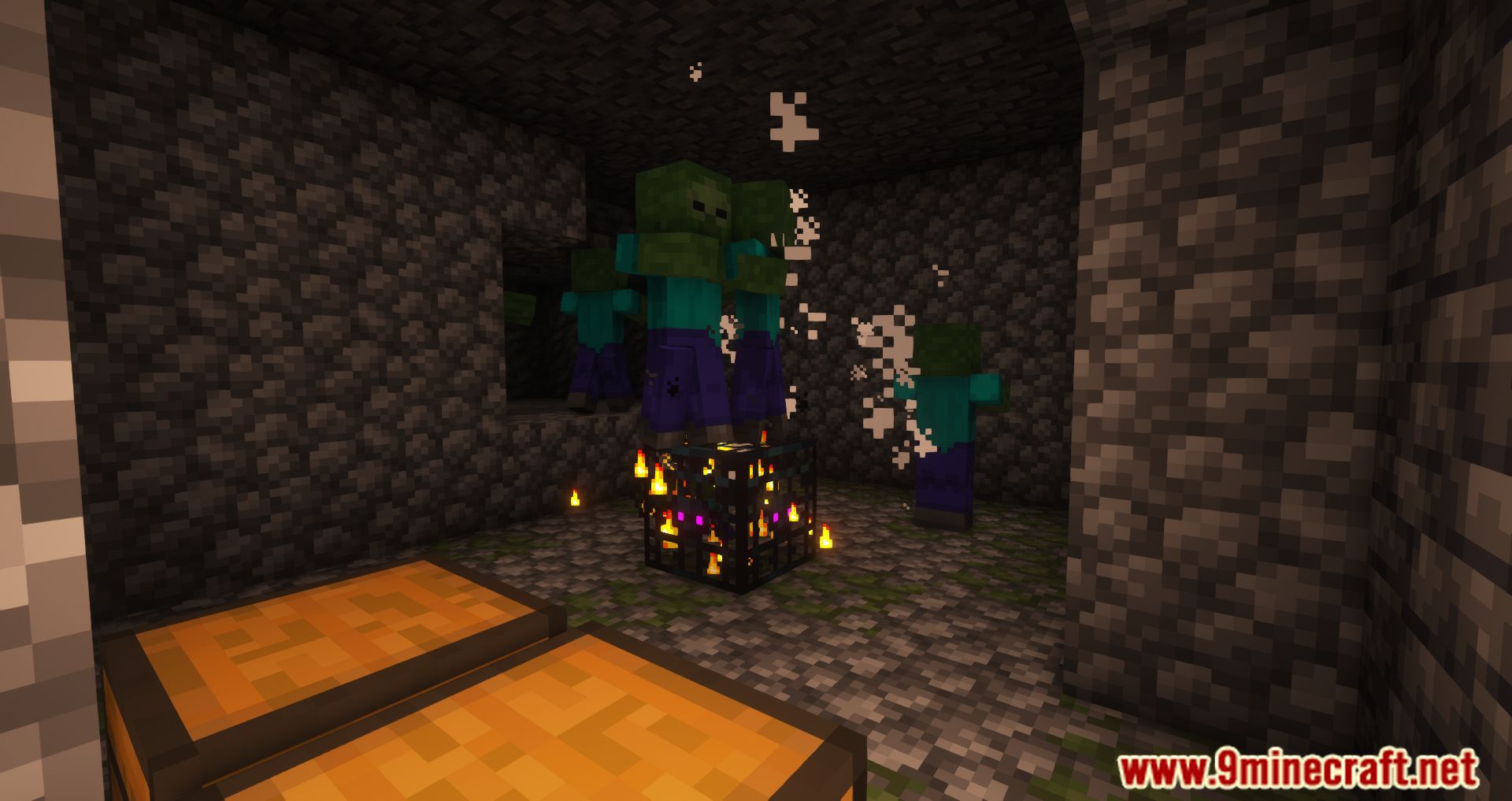
10 images from the Loot Integrations Mod page.
You May Also Like
Wikis that share the most with this one
Loot Integrations: Dungeon Crawl ModLoot Integrations: Philip’s Ruins ModLoot Integrations: Towns And Towers ModLoot Integrations: Medieval Buildings ModLoot Integrations When Dungeons Arise ModLoot Integrations Valhelsia Structures ModLoot Integrations: Dungeons And Taverns ModLoot Integrations: Structory And Towers ModLoot Integrations: Randomized Loot Compatibility ModLoot Integrations Underground Villages Stoneholm ModLoot Integrations: Formations Overworld And Nether ModLoot Integrations: Hopo Better Mineshaft, Ruins And Portals Mod
More mod wikis on the site
The most downloaded mods that have a wiki here
A few wikis from each of the other kinds