

 DownloadExcavar Mod
Get the files on 9Minecraft
Guides
Step-by-step, in-game.
Change the Number of Blocks Mined at OnceLocating the Configuration File The Excavar mod stores its settings in a configuration file. Navigate to your…Mine Specific Block Types with ExcavarHow Block Selection Works Excavar destroys multiple blocks of the same type when activated. When you hold the keybind…Troubleshoot Excavar Not WorkingVerify the Keybind is Active Confirm that you're pressing the correct key. By default, this is left-alt . Check your…Use Excavar Efficiently Without Breaking Your ToolsUnderstanding Tool Durability When you activate Excavar's multi-block mining, your tool loses durability for each…
Frequently asked questions
How do I start using Excavar?
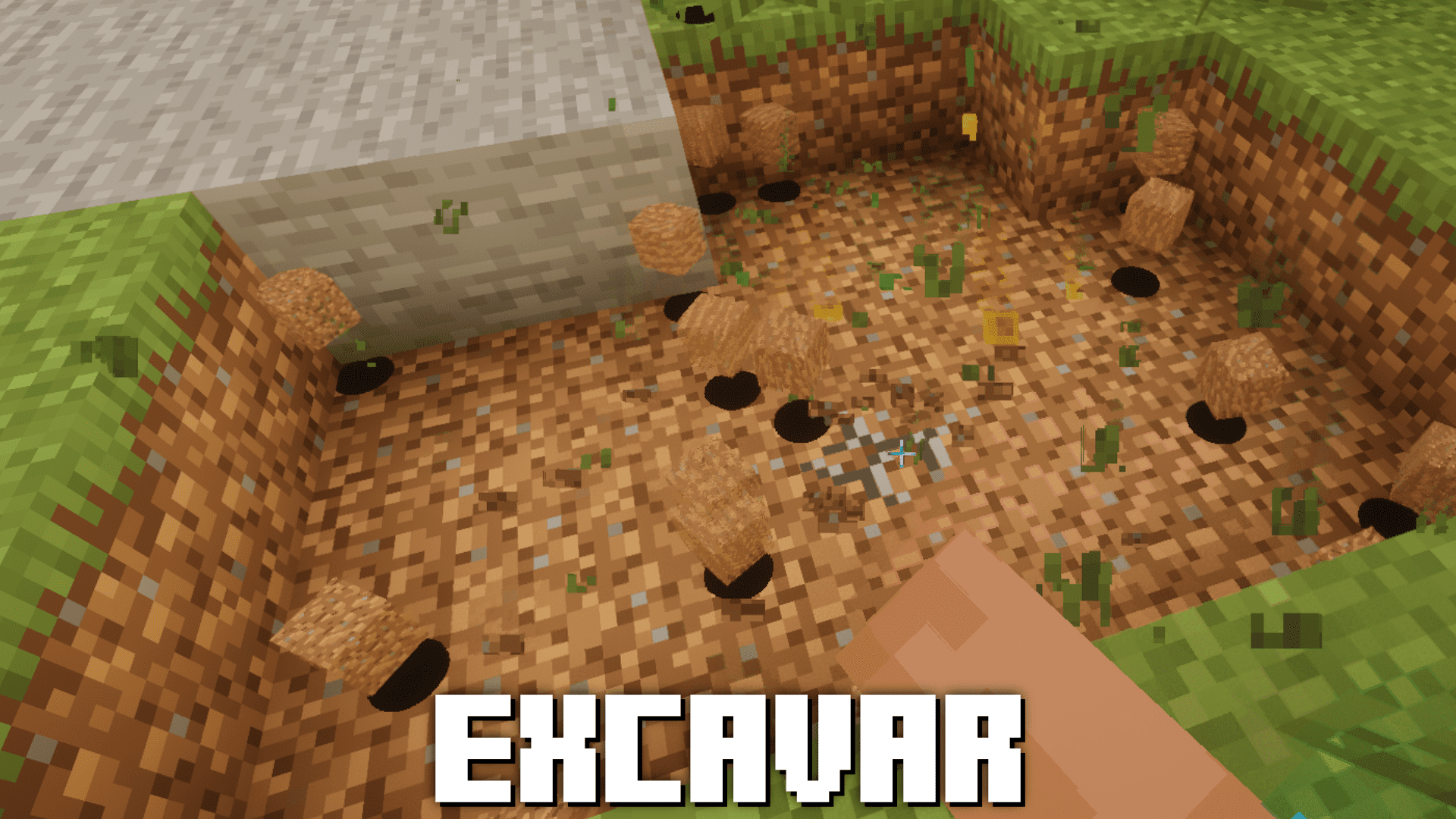
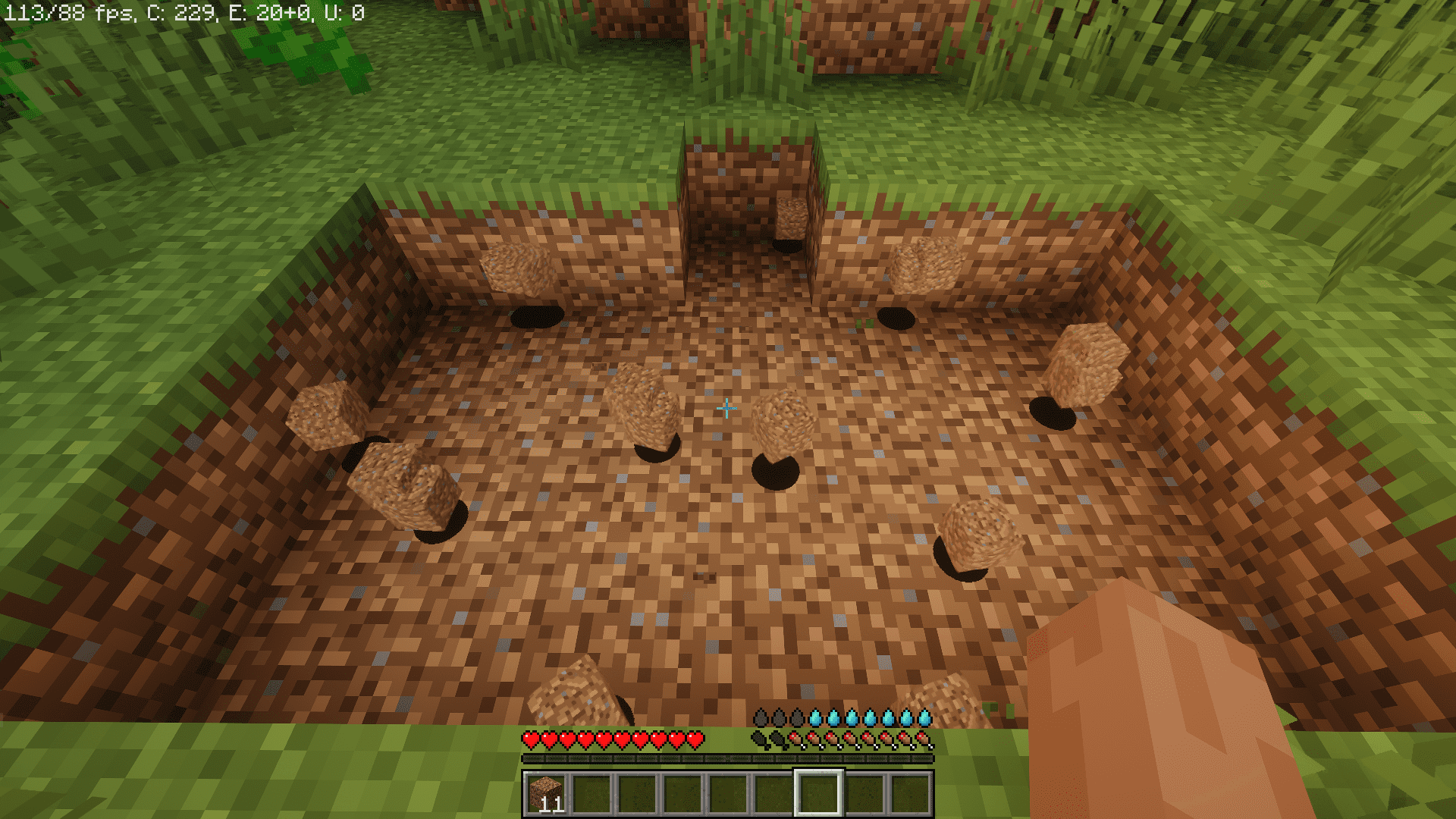
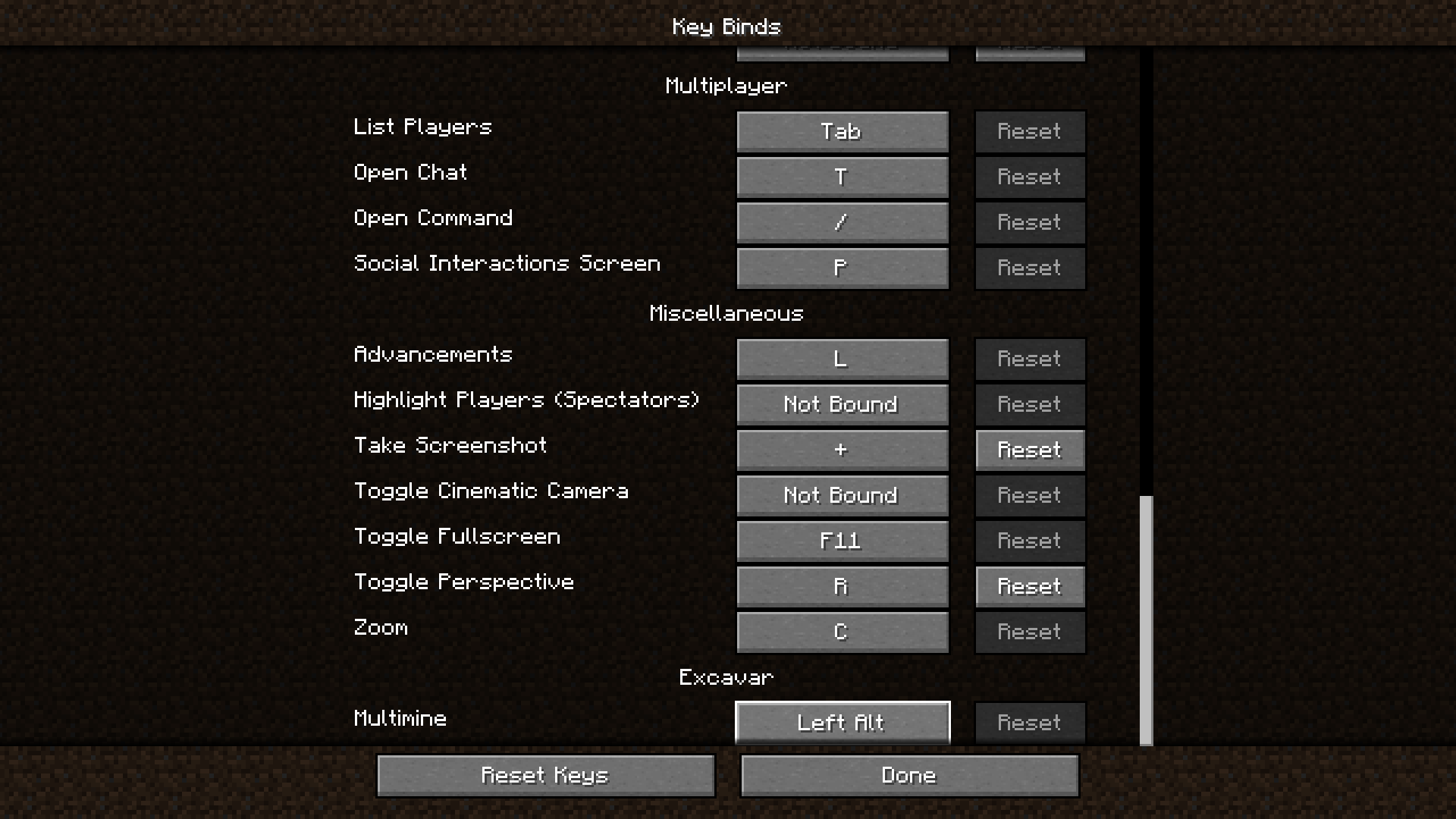
Hold down the default keybind (Left Alt) while mining to destroy multiple blocks at once. You'll see blocks around your target break simultaneously up to the configured limit.
Can I change the keybind?
Yes, open your configuration file and modify the keybind setting to any key you prefer. After saving, restart your game or reload the config for changes to take effect.
How many blocks can I mine at once?
By default, Excavar mines up to 16 blocks simultaneously, but you can adjust this number in the mod's configuration file to suit your preference.
Will Excavar destroy my tools faster?
Yes, mining multiple blocks at once uses more durability than normal mining. To preserve your tools, either use Excavar selectively, increase your tool durability through enchantments like Unbreaking, or lower the block count in the config.
See all 10 Excavar questions ›
Gallery
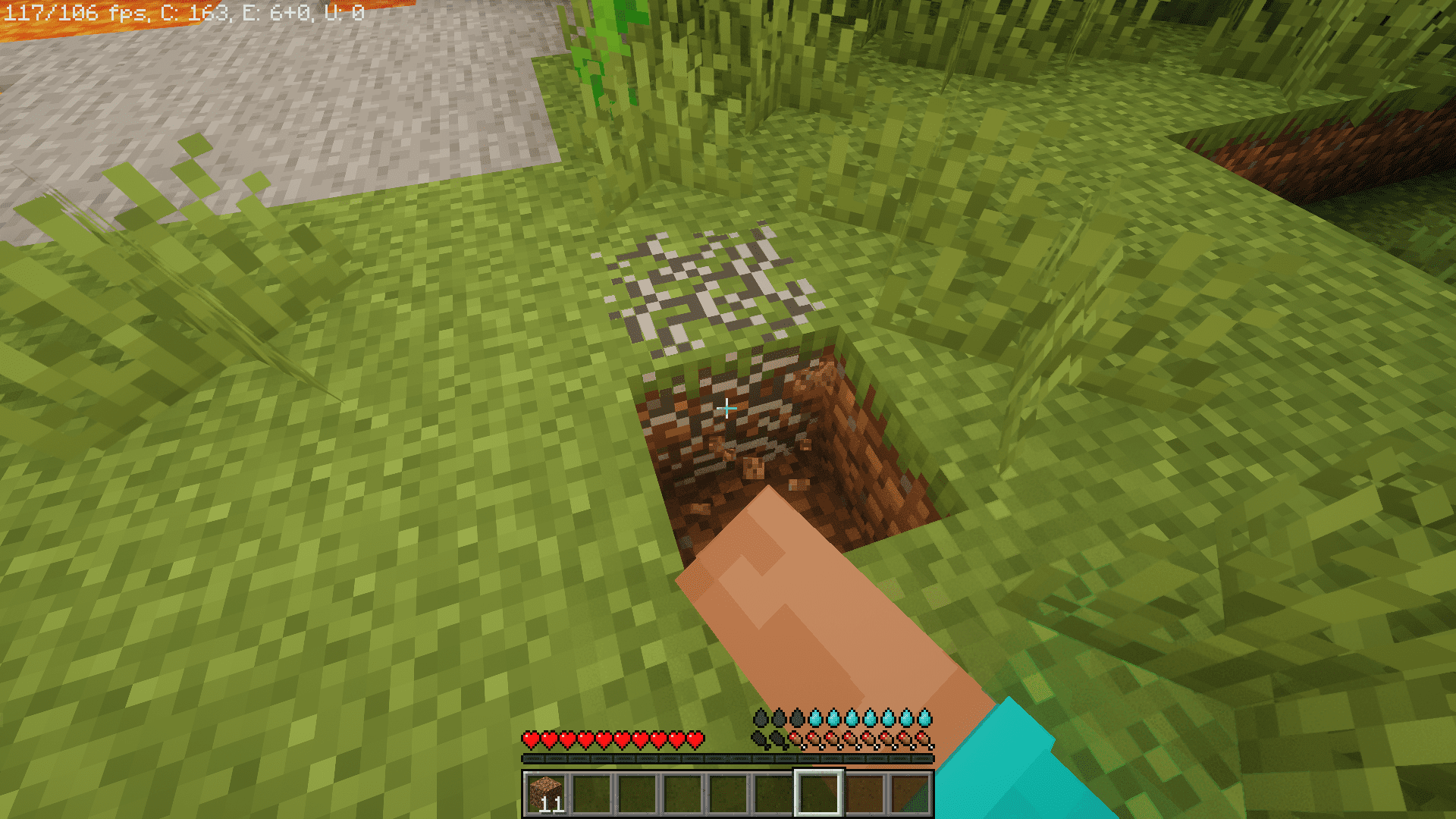
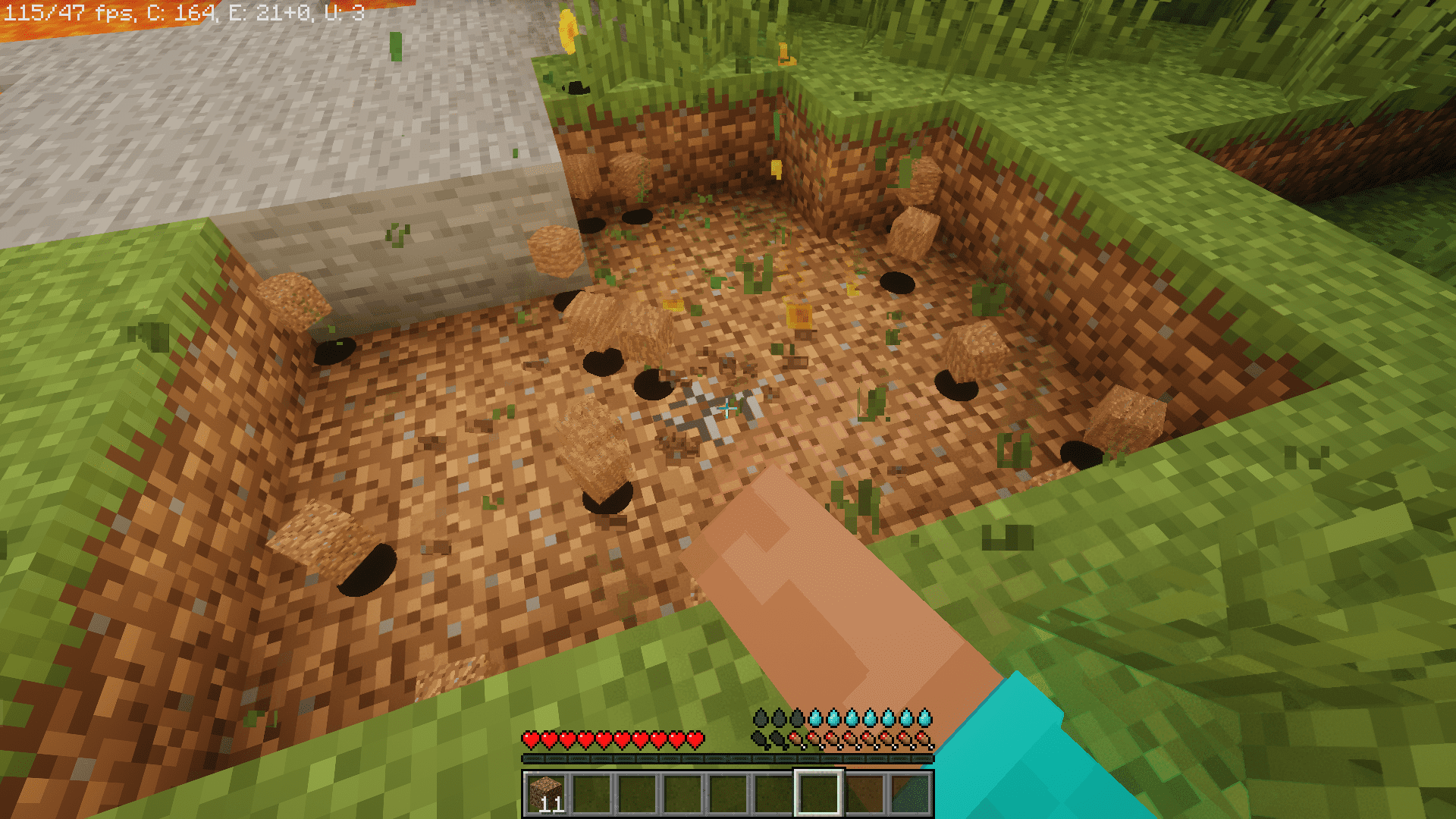
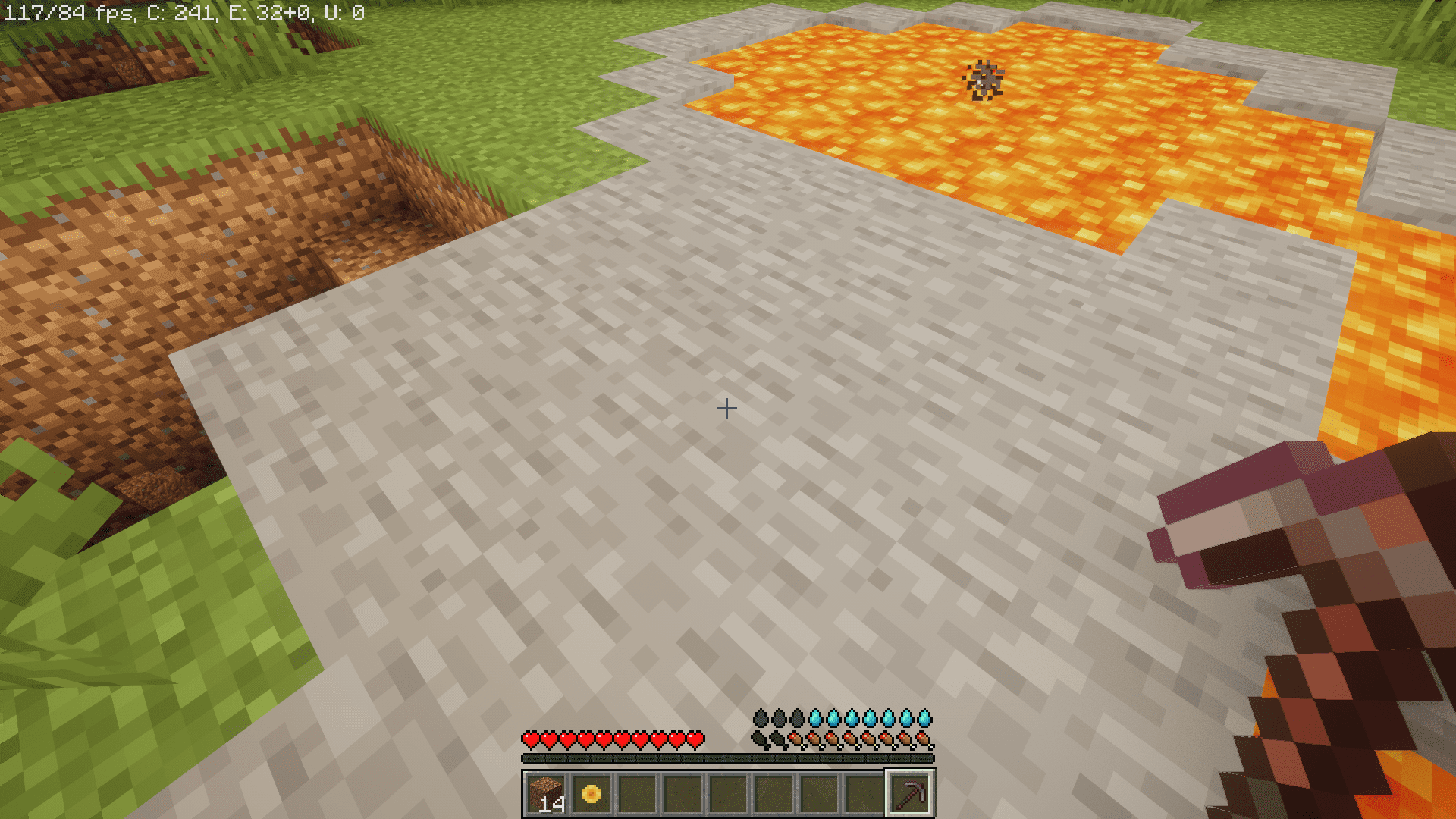
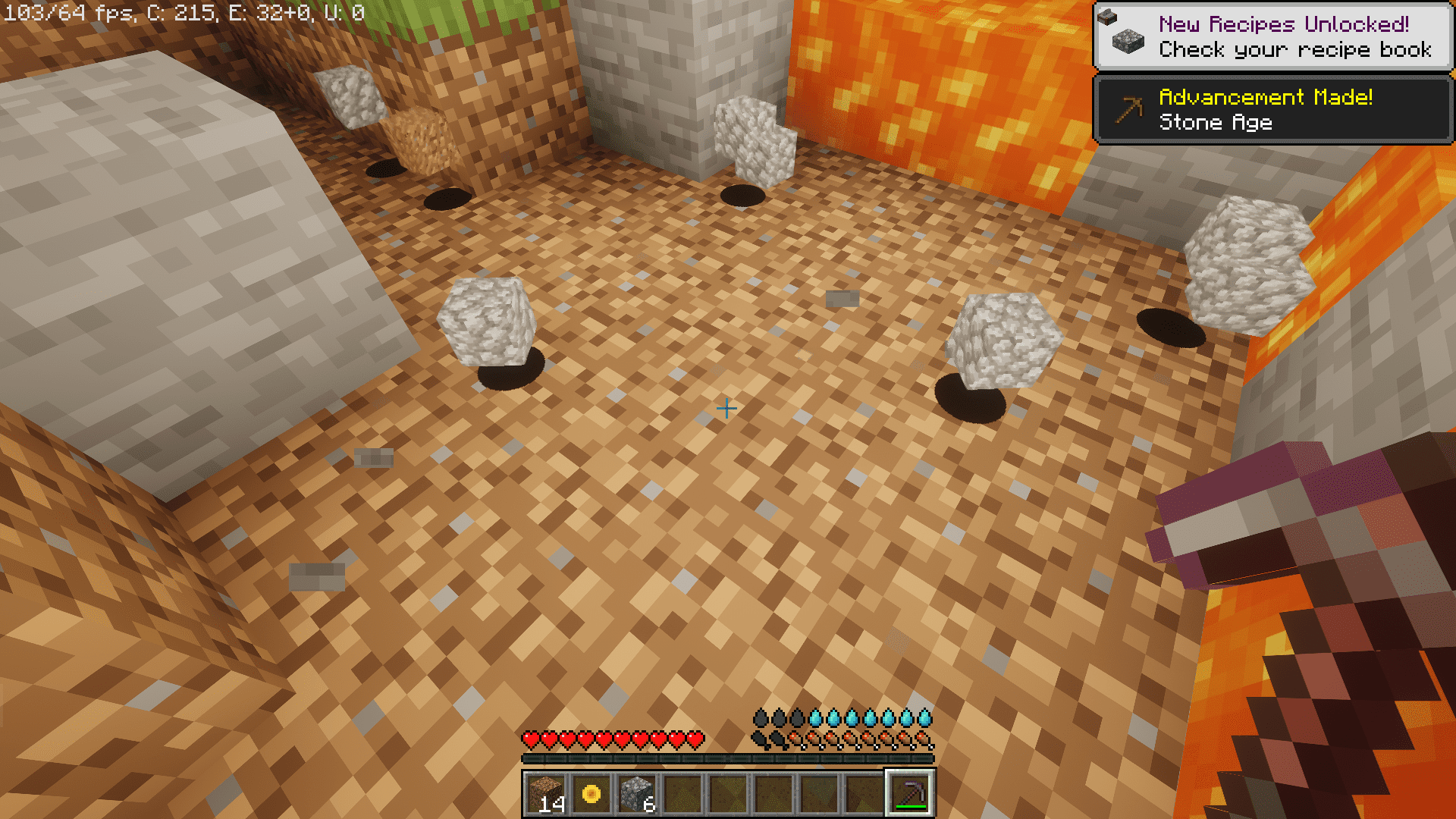
9 images from the Excavar Mod page.
You May Also Like
Wikis that share the most with this one
Wikis on the same theme: tool
More mod wikis on the site
The most downloaded mods that have a wiki here
A few wikis from each of the other kinds