

 DownloadDLC Manager Mod
Get the files on 9Minecraft
Guides
Step-by-step, in-game.
Add Hover Tooltips to Your DLC ContentCreate an Info File For any mod, resource pack, or data pack you want to document, create a text file with…Change the DLC Manager Scan Folder LocationAccess the Settings Open the DLC Manager settings from the in-game menu. Look for a configuration or preferences…Organize Multiple Resource Packs and Data PacksUnderstand the Folder Structure The DLC Manager uses a specific directory layout to keep resource packs, data packs,…Set Up Optional Mods in the DLC Manager MenuPrepare Your Mod Files Place the optional mods you want to manage into a dedicated folder within your modpack…
Frequently asked questions
Where do I put my optional mods so DLC Manager can find them?
Create a folder inside your modpack directory following the mod's folder structure (typically a designated DLC or optional content folder), then place your mod files there. The mod will scan this location automatically when you open the DLC Manager menu in-game.
Do I need to restart the game every time I enable or disable a mod?
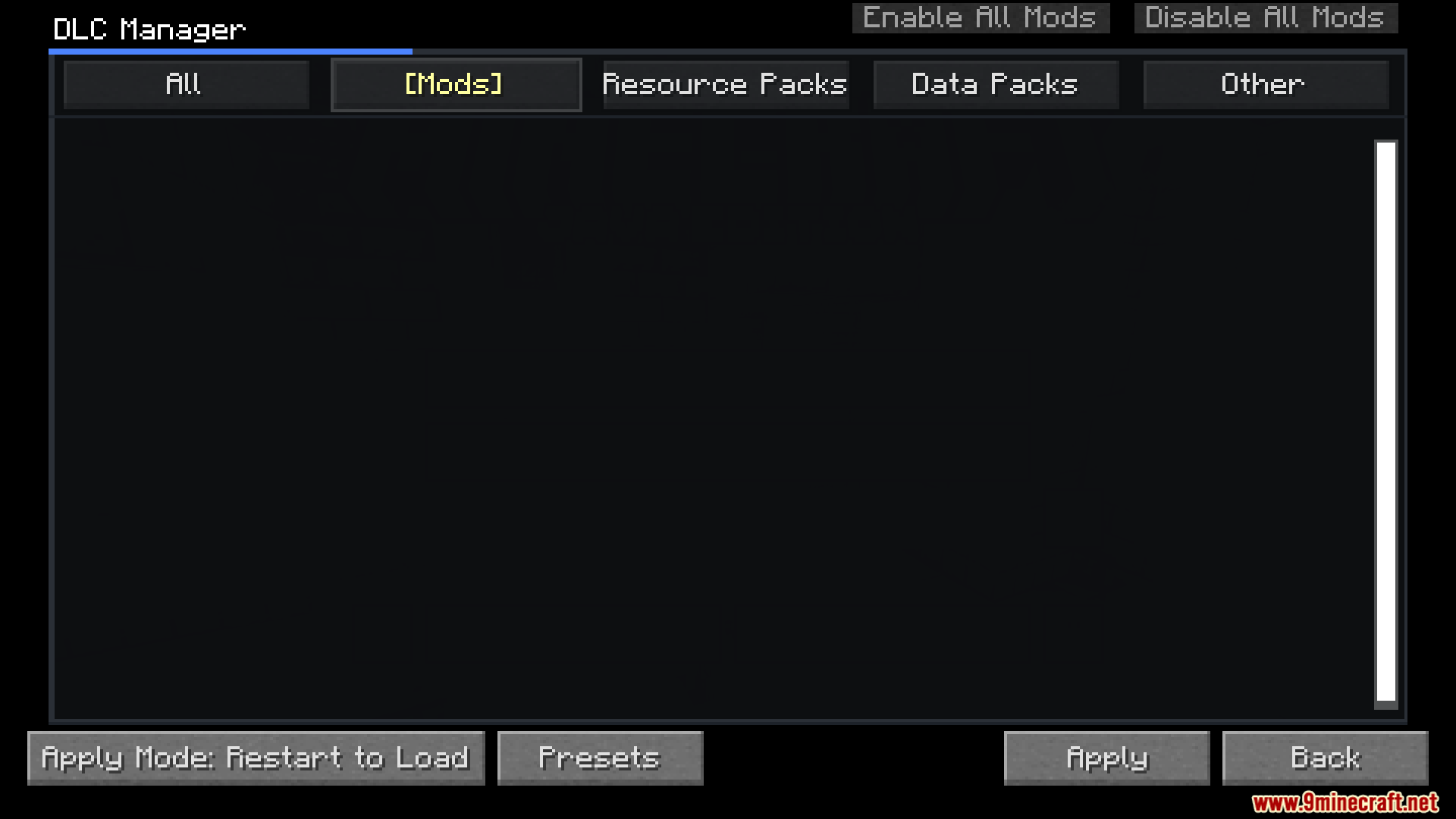
Not always—DLC Manager tells you whether you need a full game restart or just a resource reload depending on what type of content you're toggling. Resource packs and data packs usually only need a reload, while mods typically require a restart.
How do I add descriptions that show up when I hover over items in the menu?
Create an info file (usually a text or JSON file) in the same folder as your content and name it according to the mod's naming convention. The mod will read this file and display the text as a tooltip when you hover over that item.
Can I use DLC Manager with resource packs and data packs, or just mods?
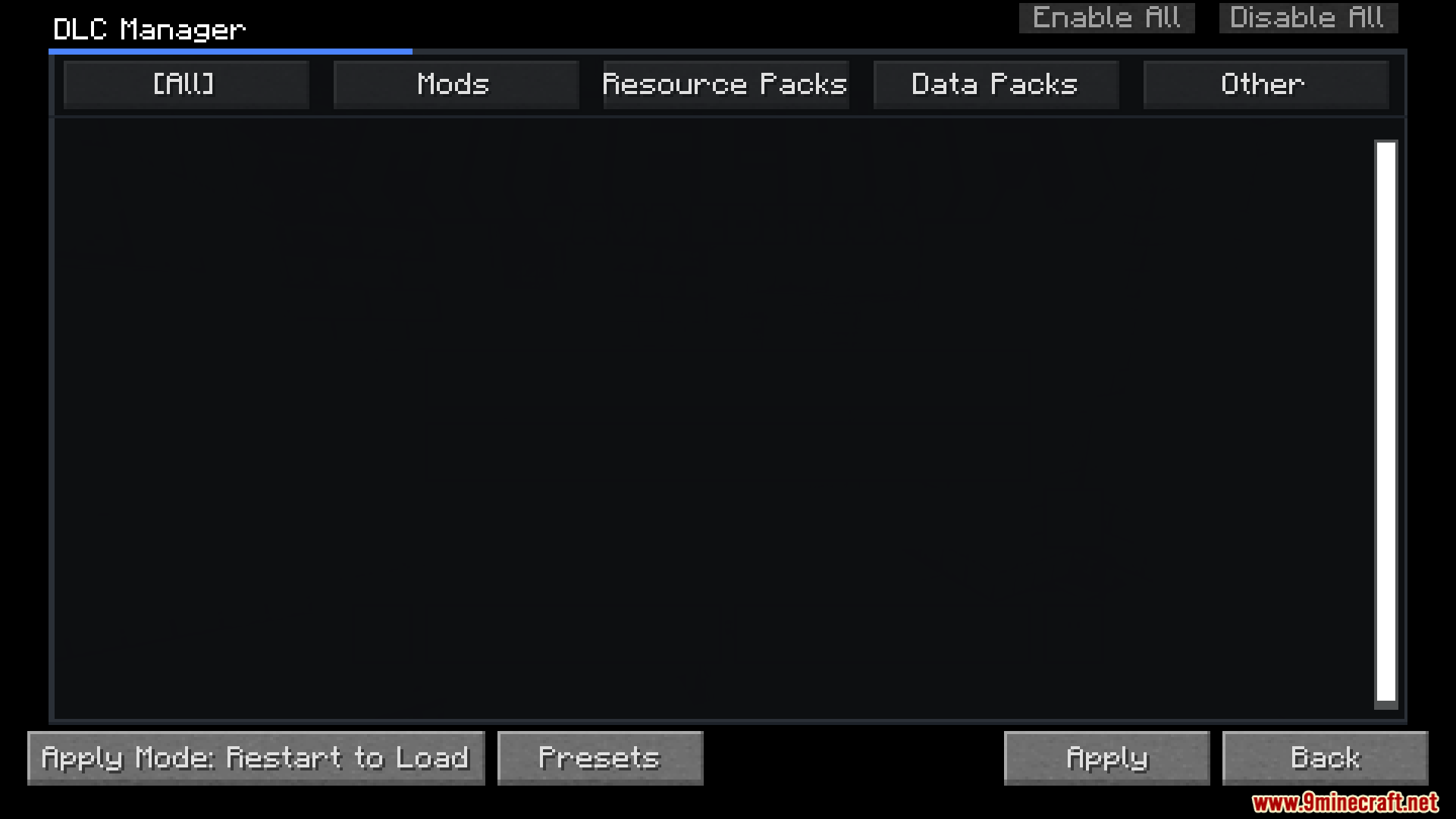
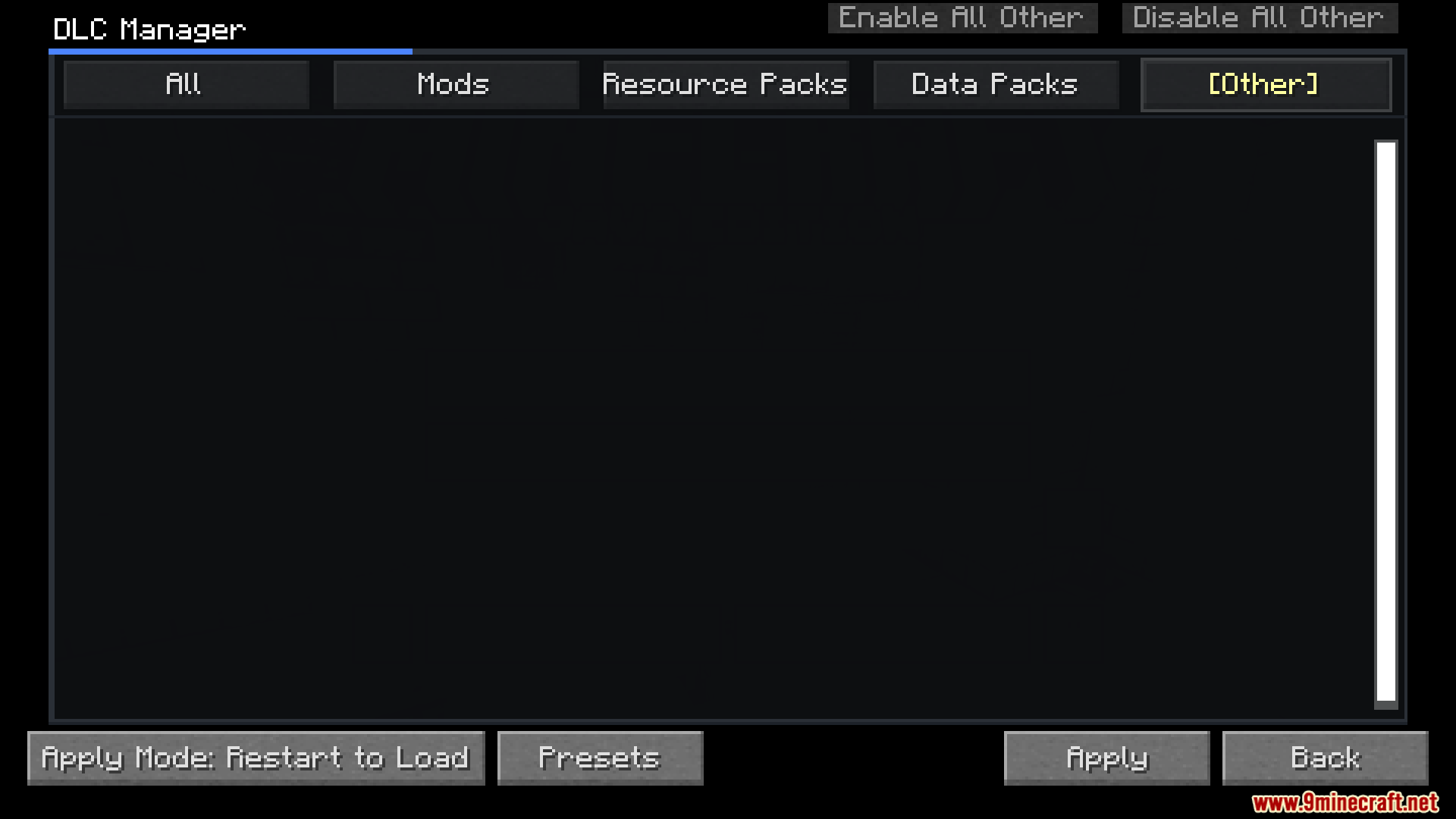
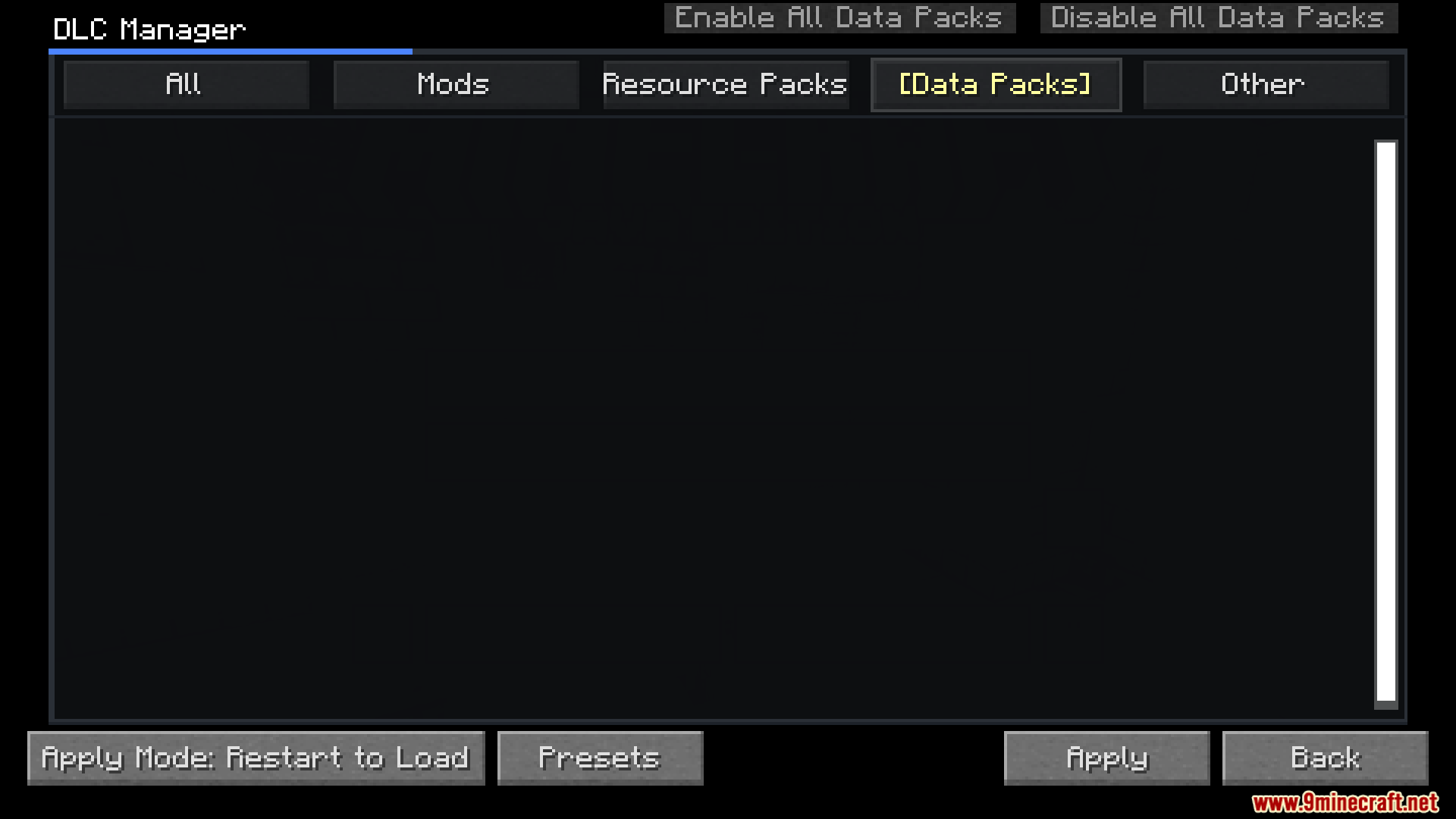
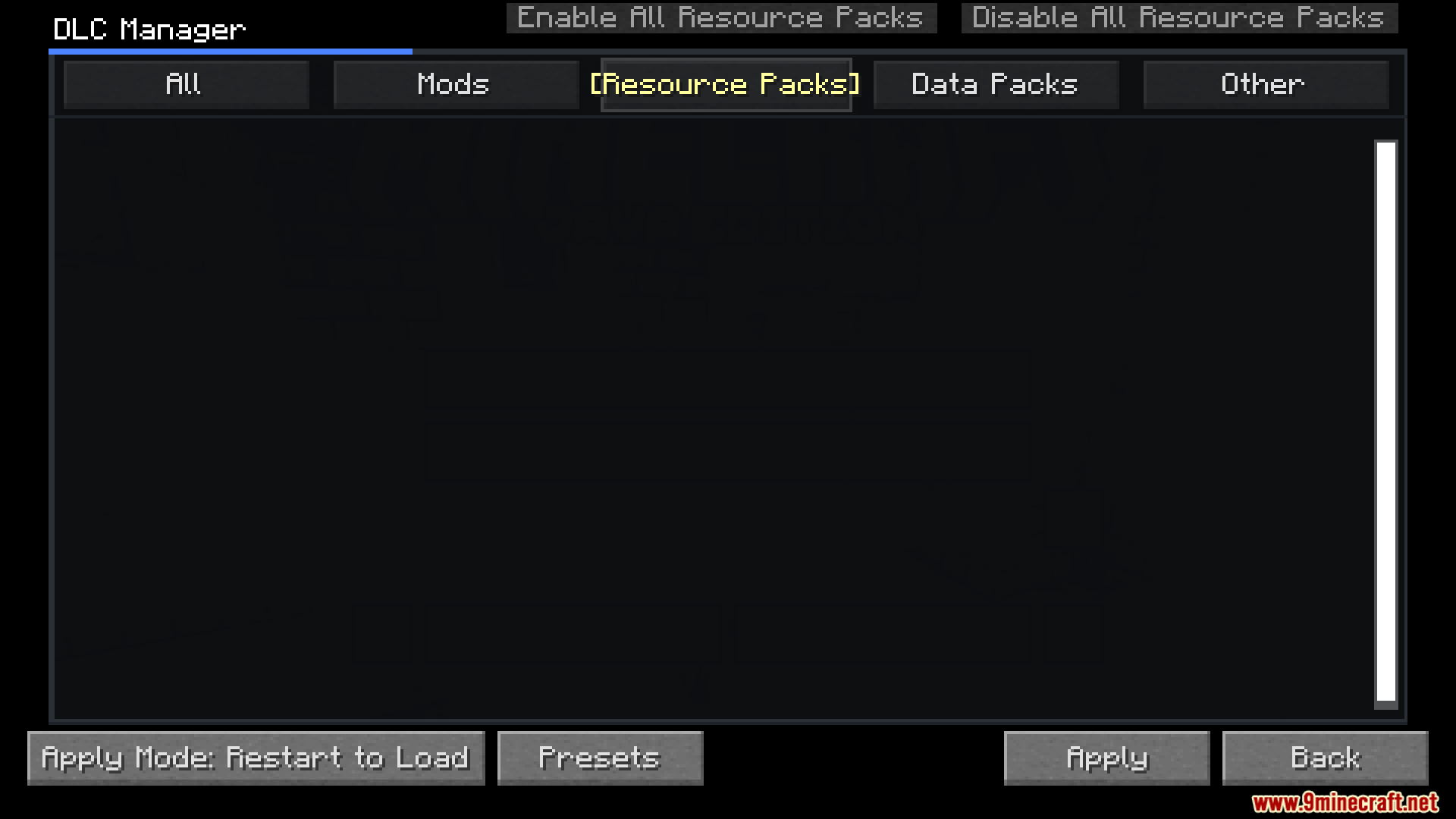
DLC Manager works with mods, resource packs, data packs, and even specialized content like TACZ gun packs—anything you want to toggle on and off without manual folder management.
See all 10 DLC Manager questions ›
Gallery
10 images from the Dlc Manager Mod page.
You May Also Like
Wikis that share the most with this one
More mod wikis on the site
The most downloaded mods that have a wiki here
A few wikis from each of the other kinds