

 DownloadDisccord
Get the files on 9Minecraft
Guides
Step-by-step, in-game.
Create and Use Your First Custom RecordCrafting a Custom Record Gather the materials needed to craft a Custom Record. Check your mod's crafting recipe in…Set Up FFmpeg and YoutubeDL for DiscCordInstalling Required Tools DiscCord requires FFmpeg and YoutubeDL to convert and extract audio from URLs. These tools…Troubleshoot Audio Not Playing from Custom RecordsCheck Your Setup If your Custom Record doesn't play, first verify that FFmpeg and YoutubeDL are properly installed in…Use YouTube and Other Platform Links in Custom RecordsSupported URL Sources DiscCord works with several music sources. YouTube links are fully supported—simply copy the…
Recipes
Every recipe the mod adds, grouped by how it is made.
Items
 Custom Record
Configuration
Every setting in the mod config file, with what it changes.
| Option | What it does |
|---|---|
clientClient | Client Settings |
downloadFFmpegDownload FFmpeg | Download FFmpeg executable if it's not found in the config folder. USE WITH CAUTION! (This option downloads a zip file from a third party websites: - (MAC OS) - |
downloadYoutubeDLDownload YoutubeDL | Download YoutubeDL executable if it's not found in the config folder. USE WITH CAUTION! (This option downloads the executable from the github) |
serverServer | Server Settings |
whitelistedUrlsWhitelisted URLs | List of whitelisted URLs to allow for playing music |
whitelistedWebsitesWhitelisted Websites | A list of website names to show when a player tries to use an unwhitelisted URL |
Frequently asked questions
How do I craft a Custom Record?
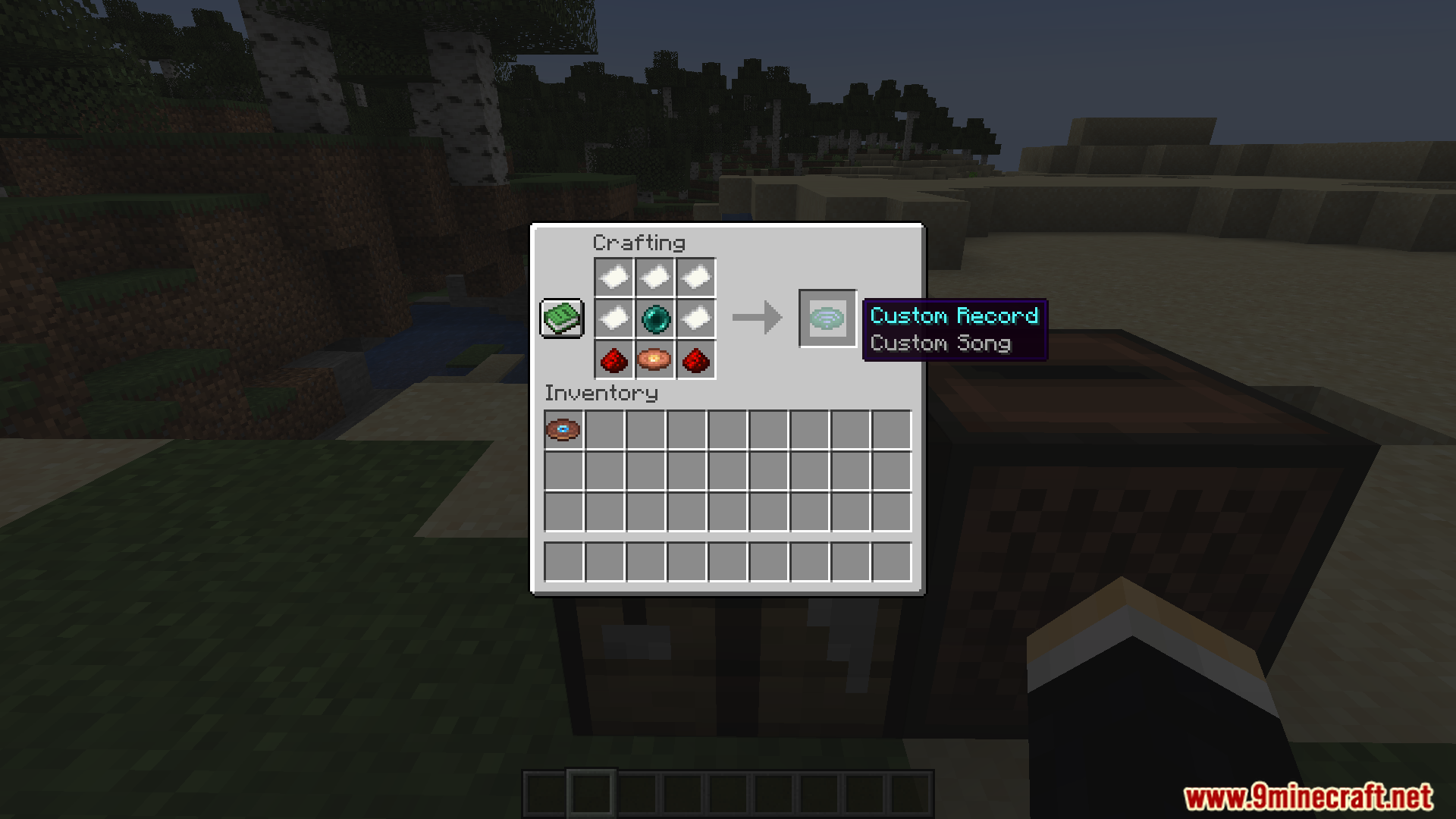
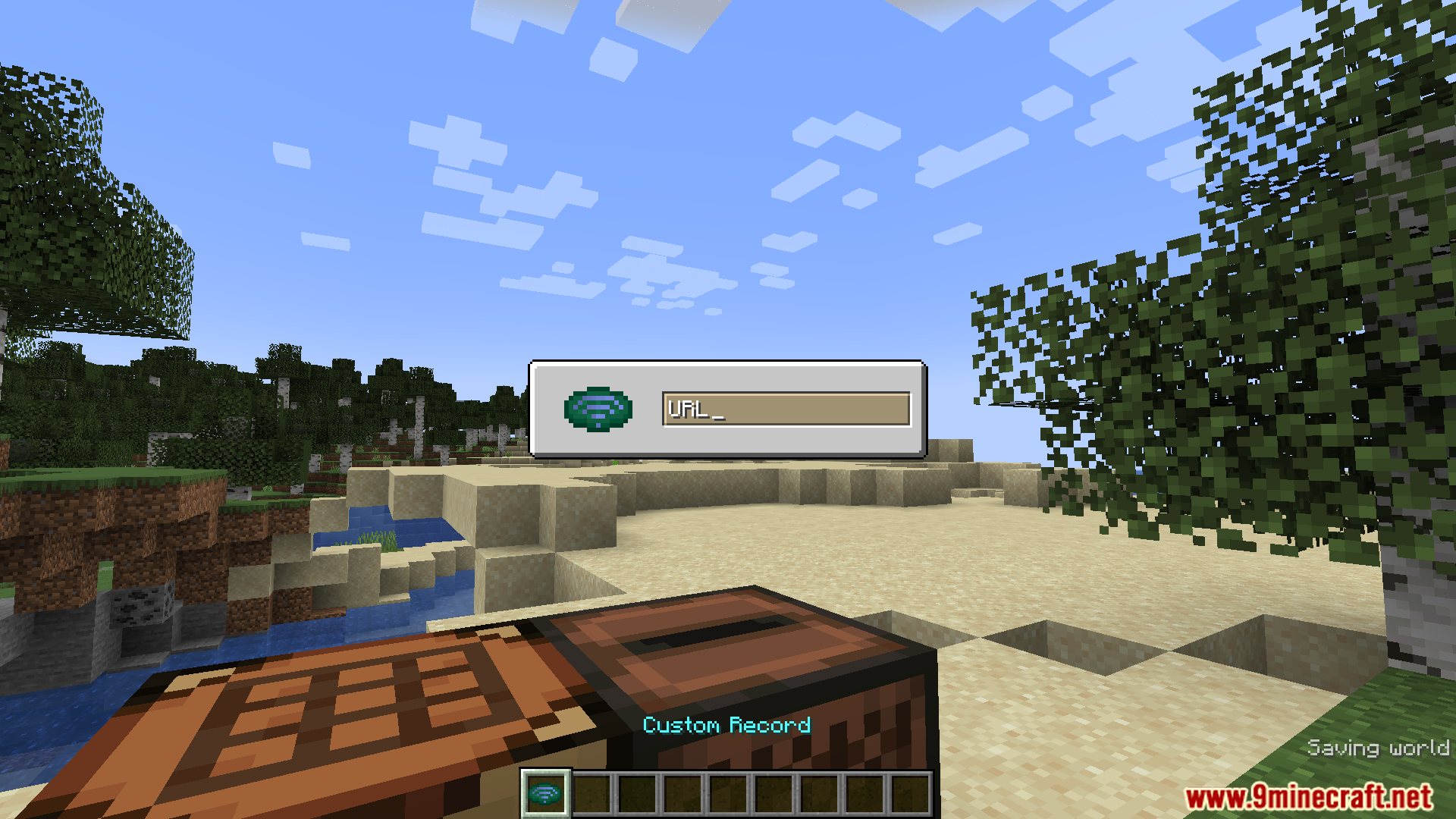
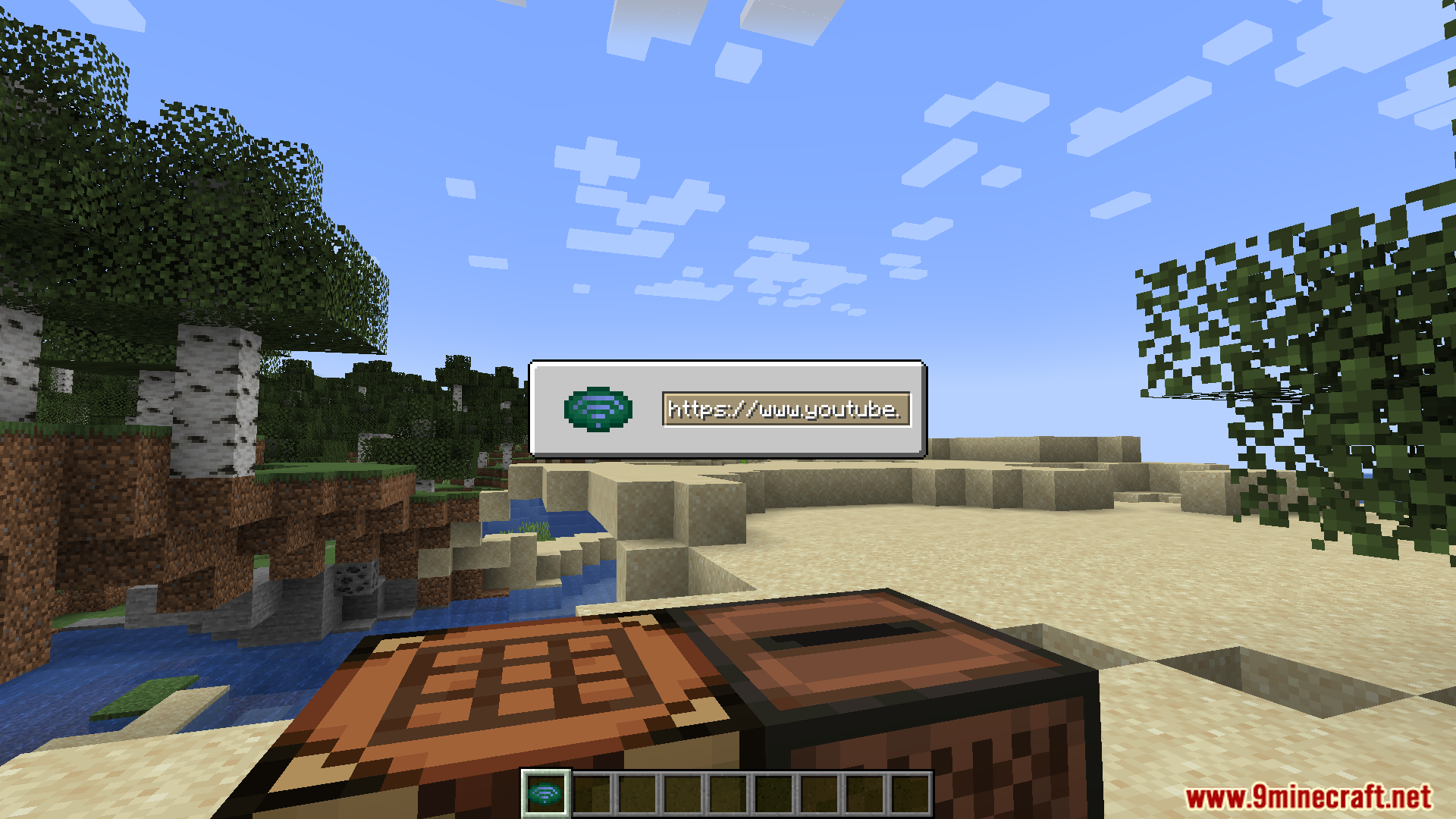
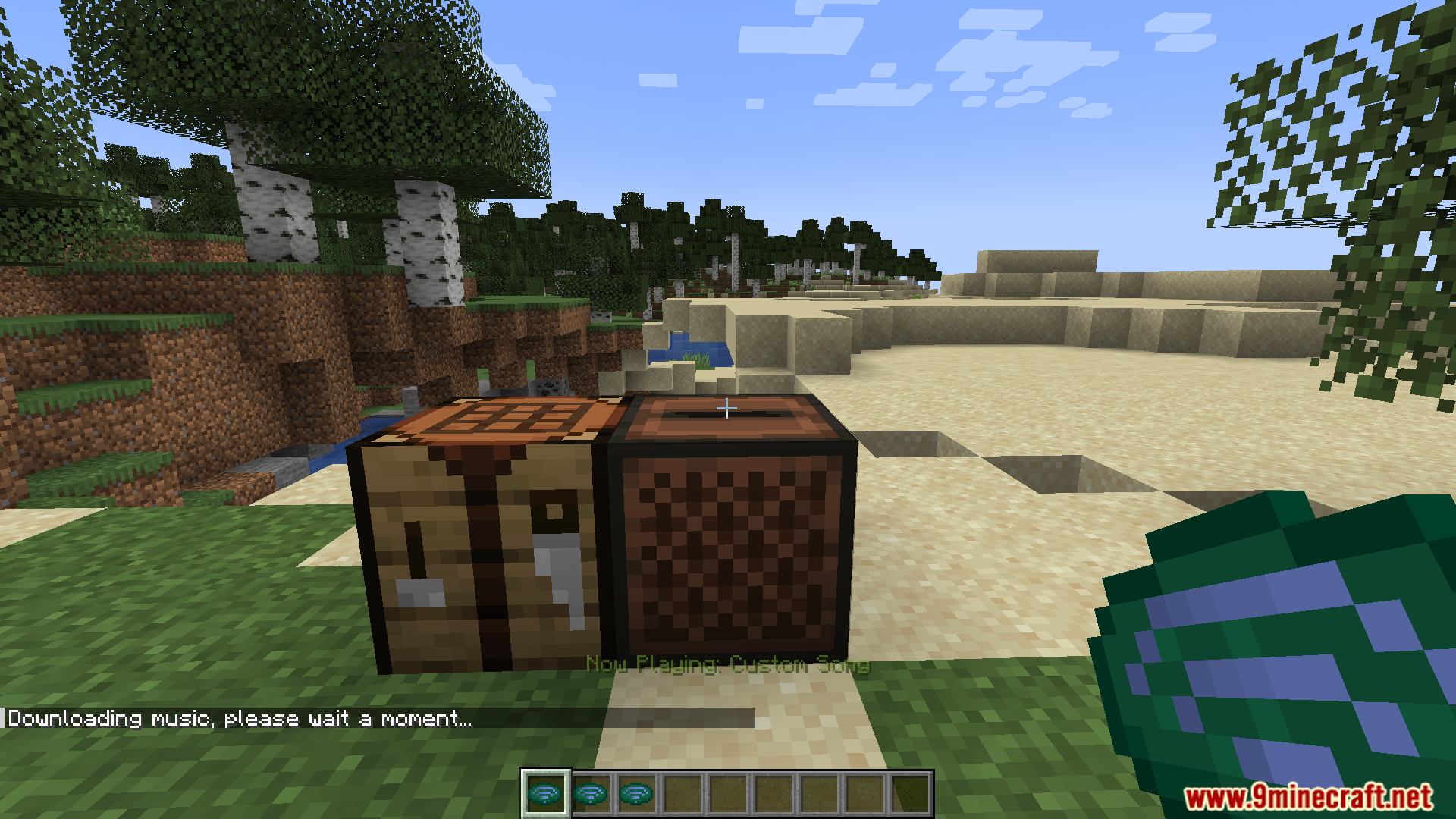
Craft a Custom Record using the recipe shown in your crafting menu—it combines common materials into a blank record. Once you have it, right-click the Custom Record in your hand to open a text box where you paste your music URL.
Do Custom Records work on servers?
Custom Records are client-side only—the server sends a packet telling your client which URL to play, so you hear the music but other players won't unless they have the same Custom Record set up.
Can I use Google Drive or Dropbox links?
Yes, both are supported—just make sure you use a direct download link (not a preview or sharing page) that points to an audio file format the mod can process.
What audio formats does Disccord Mod support?
The mod supports any format that FFmpeg can decode, which includes MP3, WAV, OGG, FLAC, and most common audio codecs. The exact formats depend on your FFmpeg installation.
Do I need to install Disccord on the server?
No, DiscCord only needs to be installed on the client side. The server just needs to send the packet with the URL, so it doesn't require the mod to be installed server-side.
Gallery
7 images from the Disccord Mod page.
You May Also Like
Wikis that share the most with this one
More mod wikis on the site
The most downloaded mods that have a wiki here
A few wikis from each of the other kinds