

 DownloadDatapack/Gamerule Menus Mod
Get the files on 9Minecraft
Guides
Step-by-step, in-game.
Adjust Difficulty Settings Without CommandsFinding Difficulty-Related Gamerules Open the Gamerules menu from your Options screen. Look for gamerules that…Change Gamerules After World CreationAccessing the Gamerules Menu Once you're in your world, open your inventory and navigate to the Options screen.…Enable or Disable Datapacks Mid-GameOpening the Datapacks Menu From your world, access the Options screen through your inventory. Look for the Datapacks…Test Datapacks Without Restarting Your WorldQuick Datapack Testing Workflow When experimenting with datapacks, use the Datapacks menu to enable and disable them…
Frequently asked questions
How do I access the gamerule menu after creating my world?
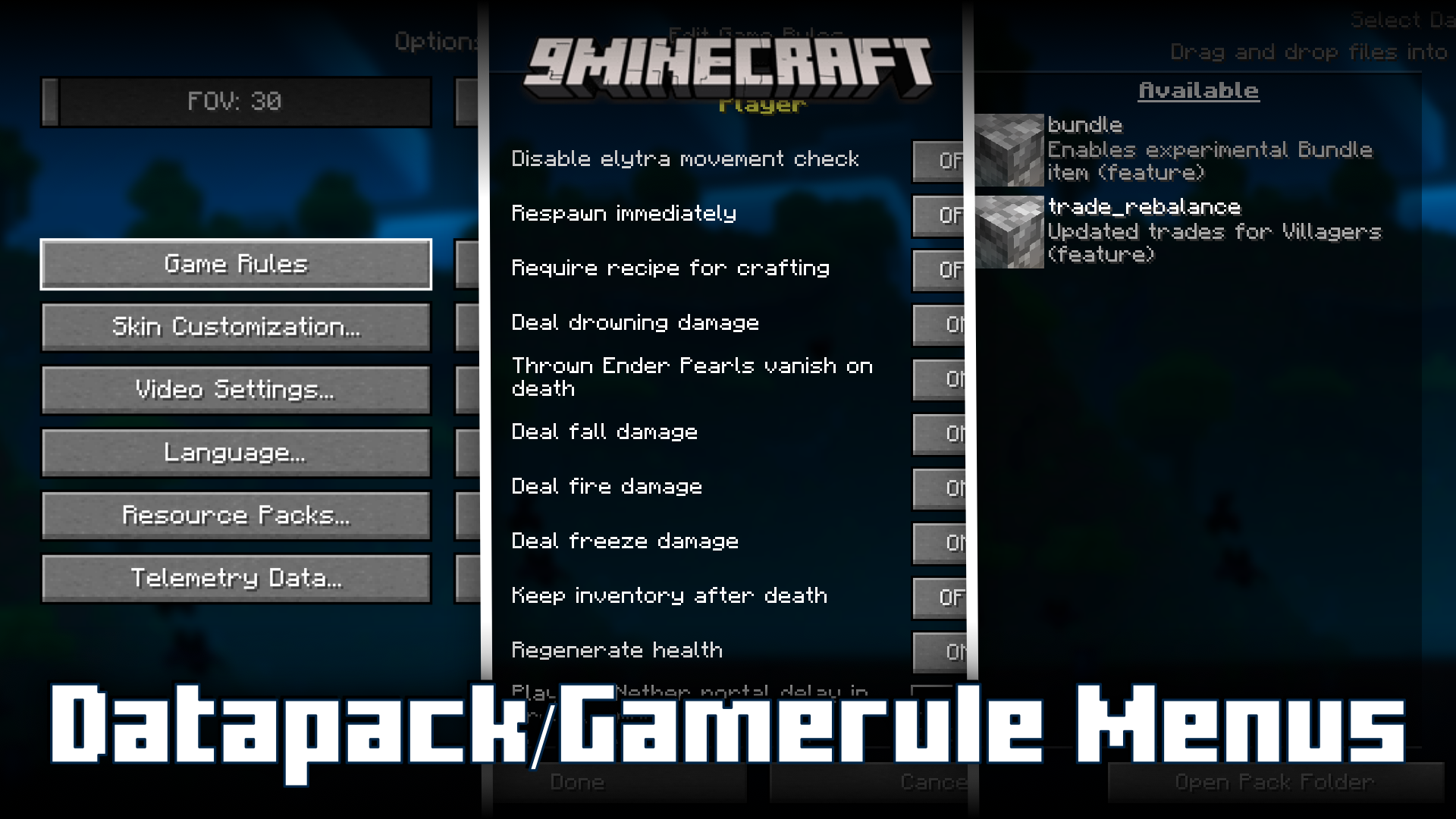
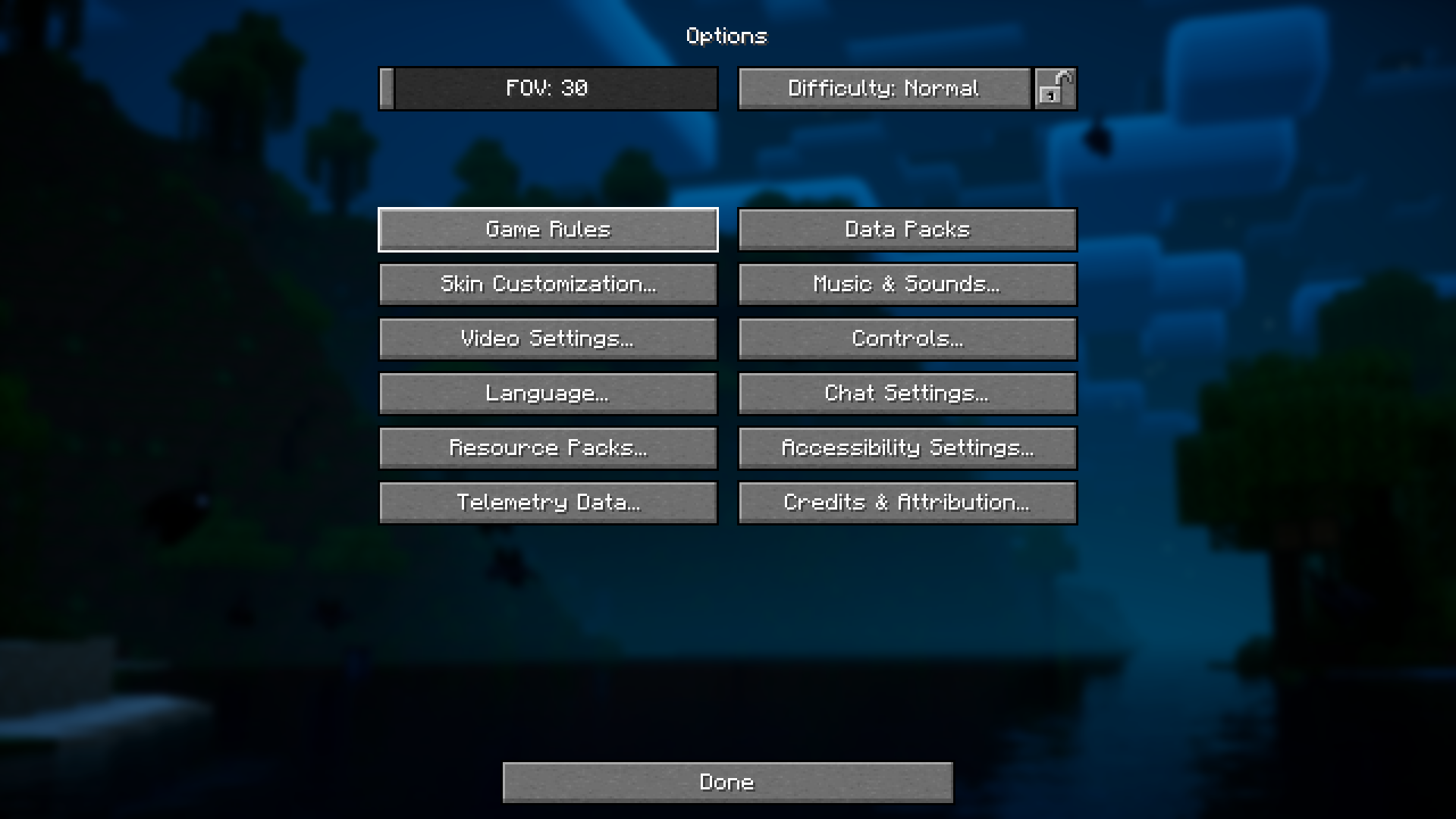
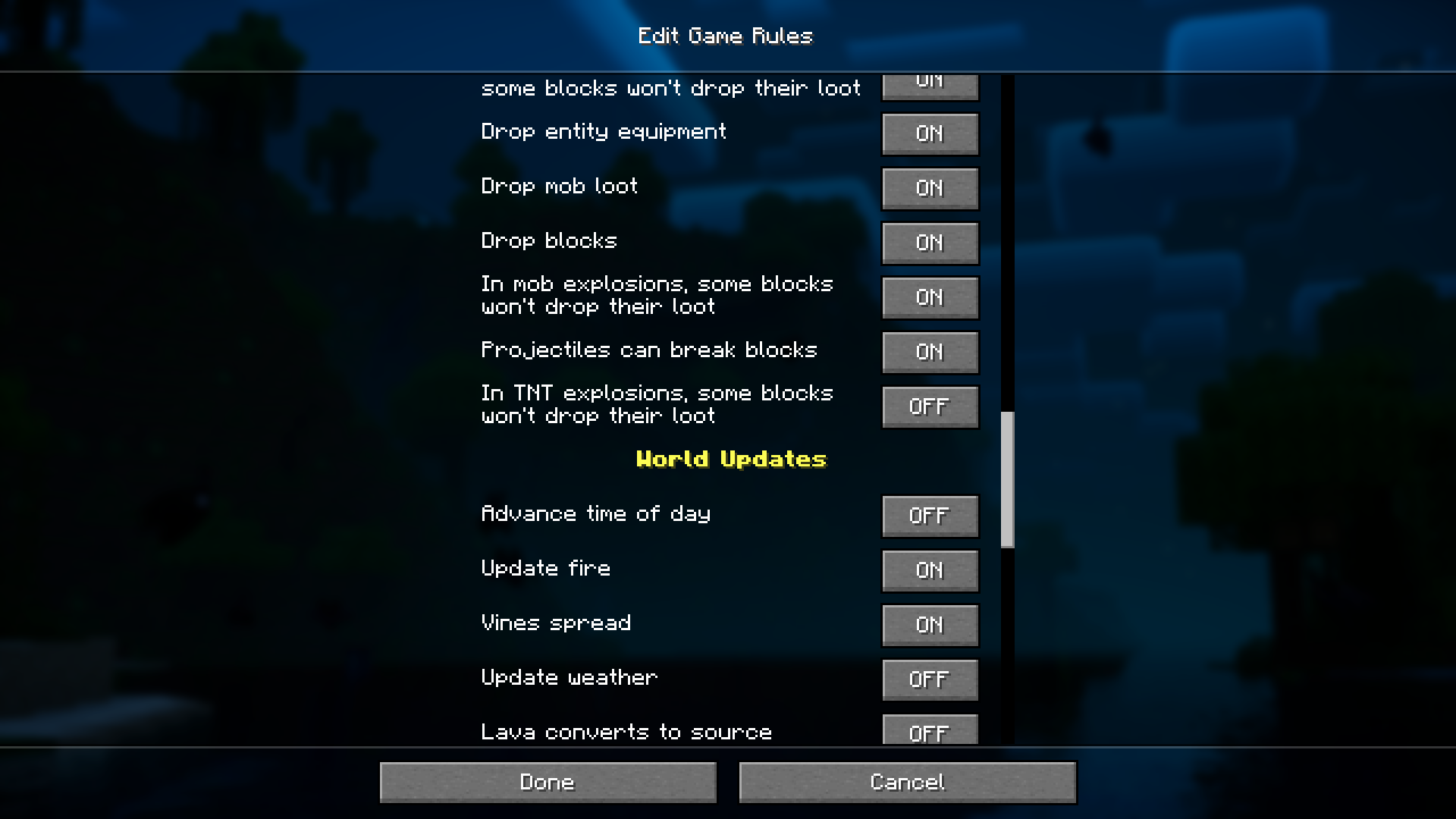
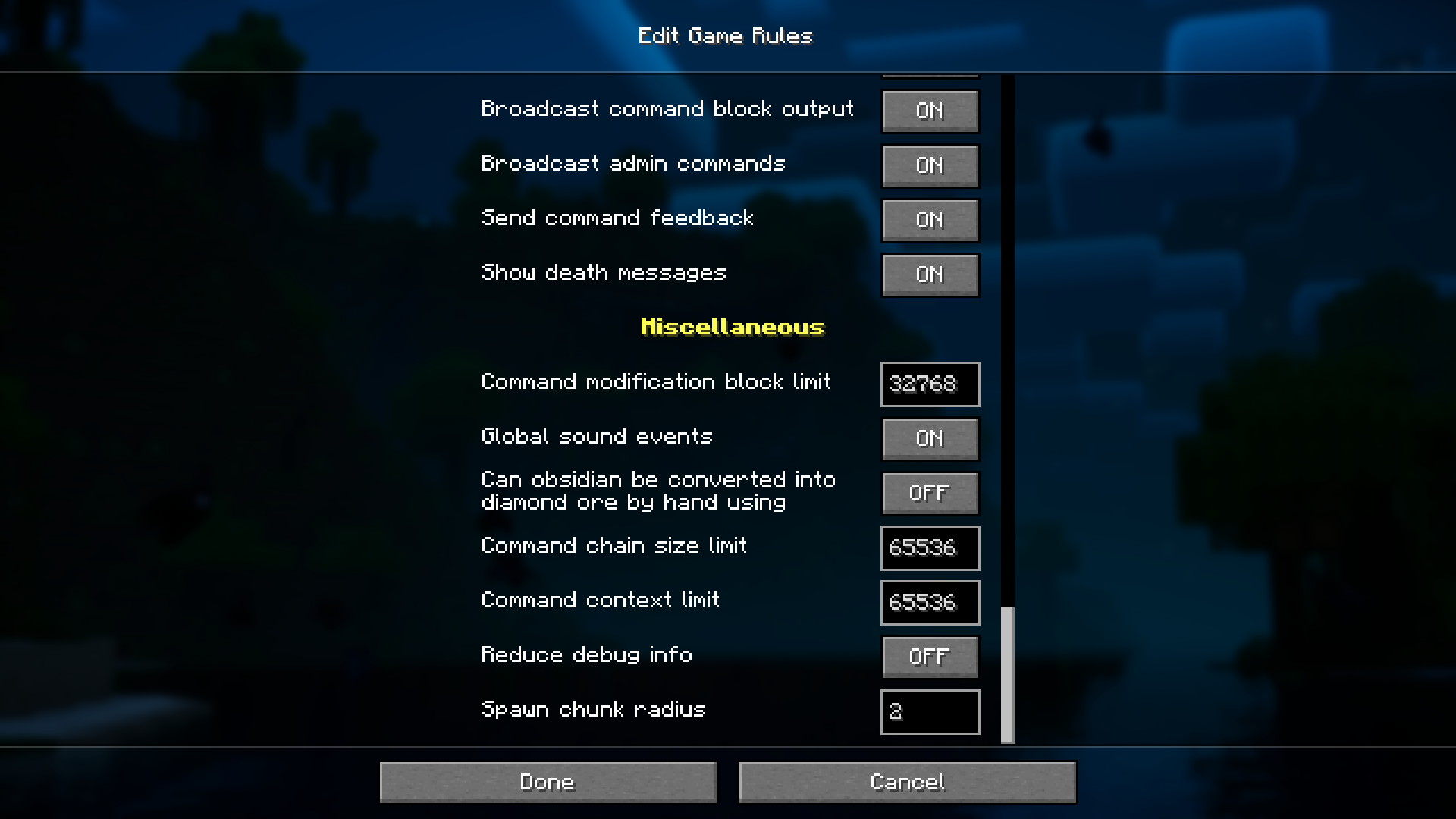
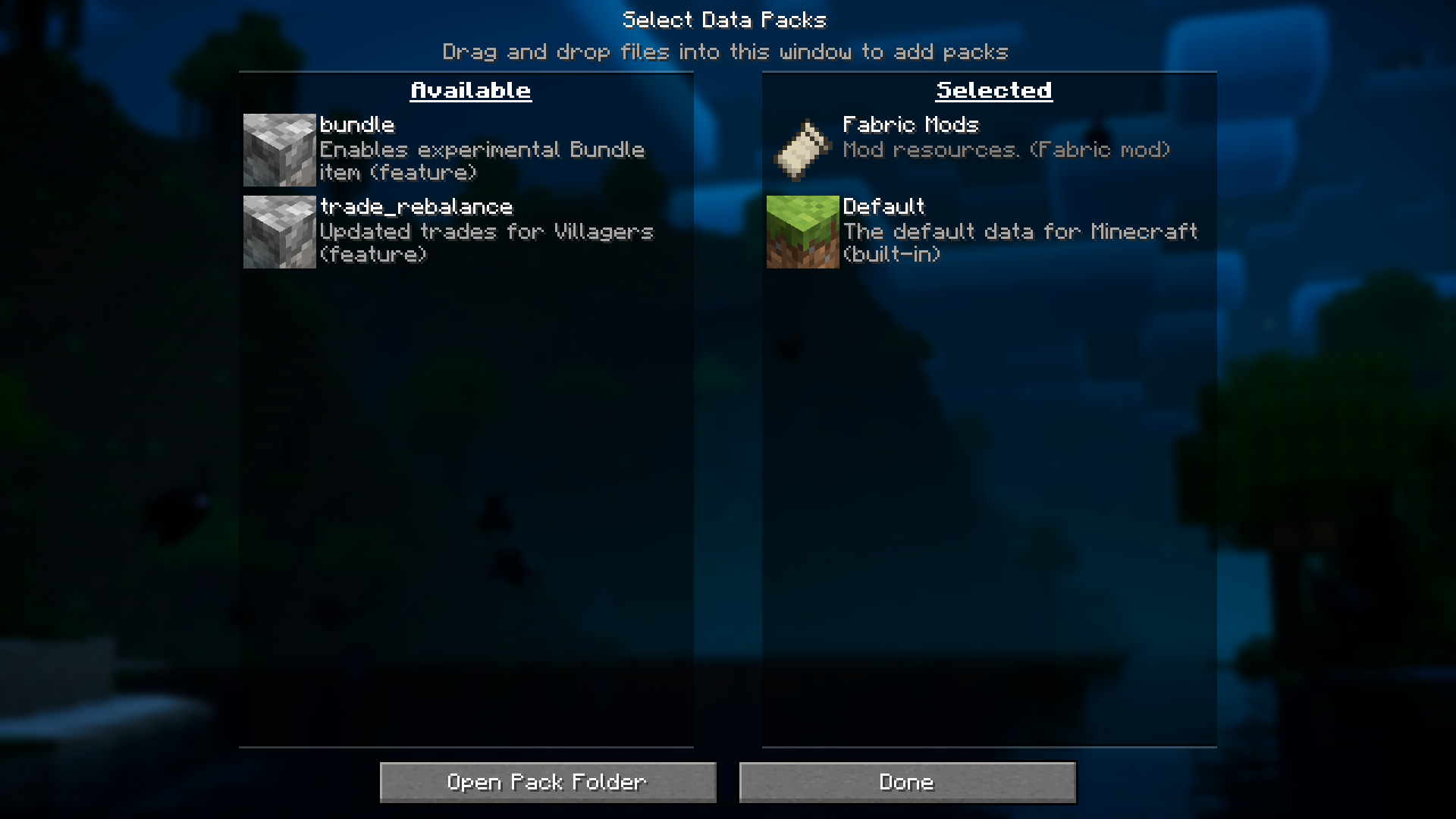
Open your Options screen (Pause menu > Options), and you'll see new buttons for Gamerules and Datapacks. Click the Gamerules button to view and modify any gamerule currently active in your world.
Can I change gamerules without using commands now?
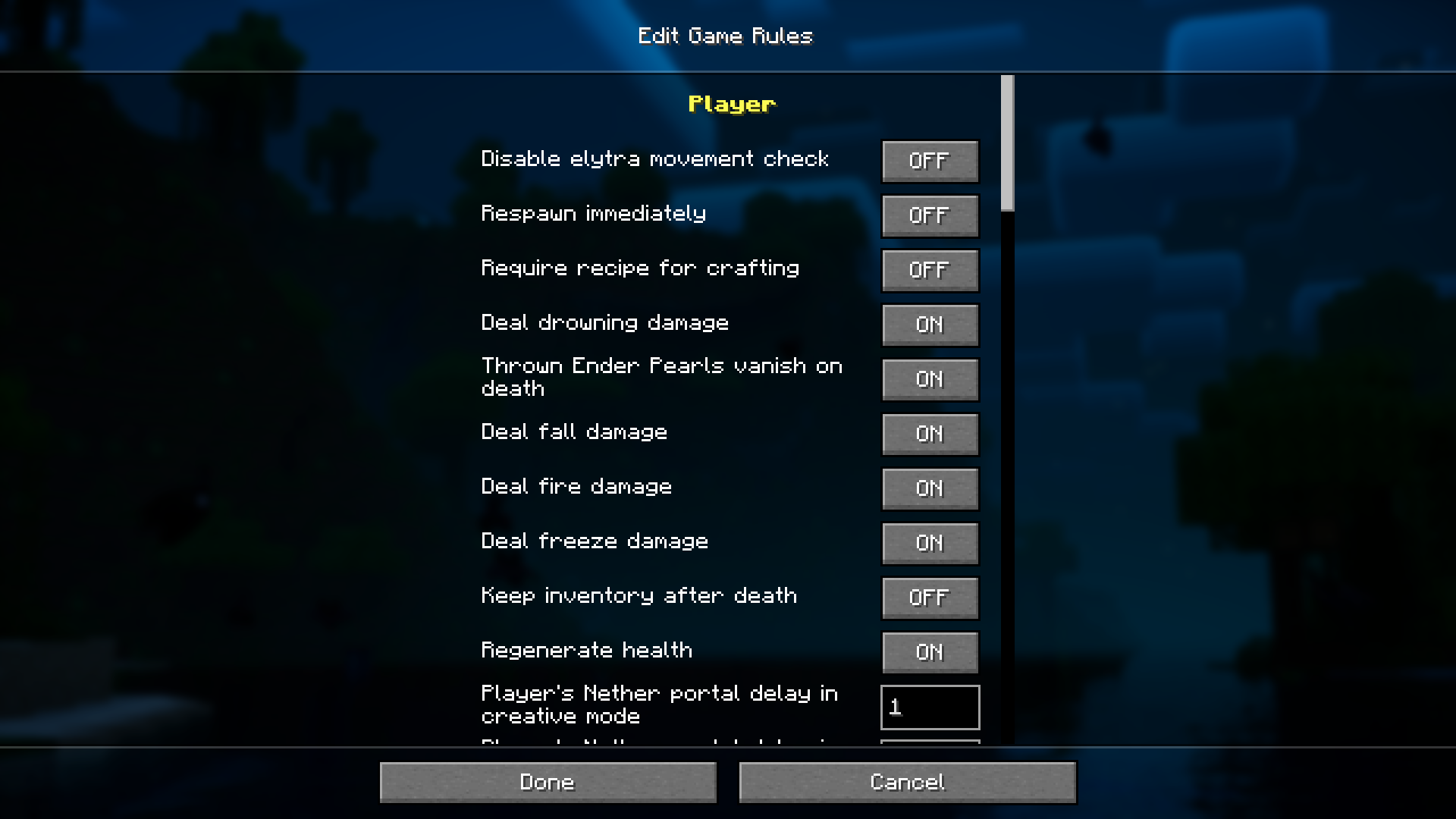
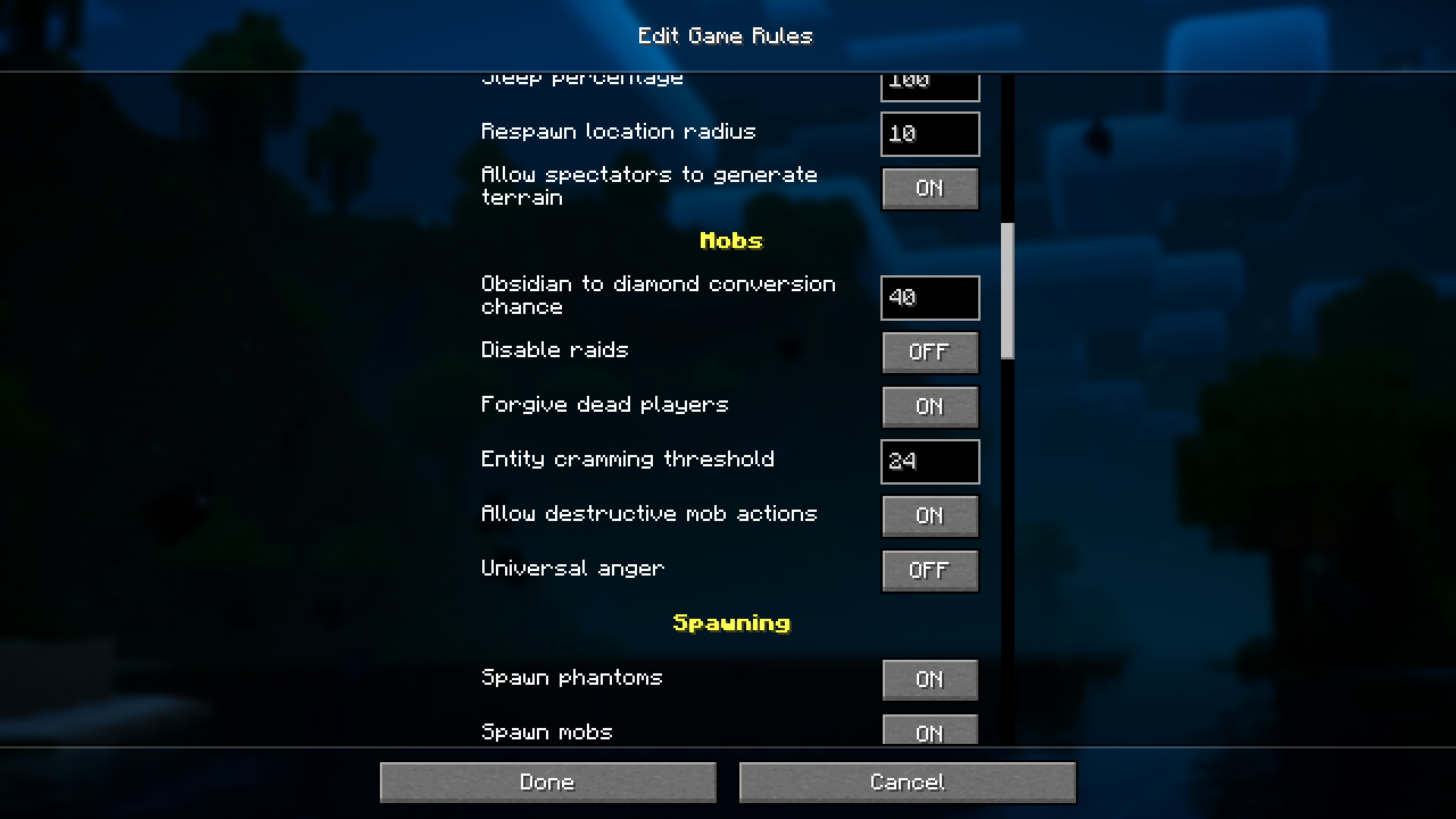
Yes, that's the main purpose of this mod. Instead of typing commands like `/gamerule`, you can now use the graphical menu to toggle gamerules on or off, making changes much more accessible.
What's the difference between the Gamerules and Datapacks buttons?
The Gamerules button lets you modify world rules like fall damage, mob spawning, and PvP settings. The Datapacks button allows you to enable or disable datapacks that are loaded in your world without restarting.
Do I need to restart my world to apply gamerule changes?
No, changes take effect immediately when you apply them through the menu. You can continue playing and see the results of your gamerule adjustments right away.
See all 10 Datapack/Gamerule Menus questions ›
Gallery
7 images from the Datapack Gamerule Menus Mod page.
You May Also Like
Wikis that share the most with this one
DataPack Anvil ModPlayer Corpses Datapack ModMob Explosion Griefing Gamerule ModAn Origins Datapack Remnant Army Data PackOrbital Strike Cannon Datapack & Mod Data Pack Loot Tweaks for Artifacts Utility Datapack for Prominence II Data PackRepurposed Structures Better Nether Fortress Compat Datapack Resource PackCustom Music Discs CMD DP Data PackCuttable Wood Data PackCyberpunk 2077 Guns For Vics Point Blank Data PackDark Bindings Recipe Disabler Data PackDark Blades Armor Trims Data Pack
More data pack wikis on the site
Minecraft Data PacksData API Data PackCursed Limitless Resonance Data Pack CTOV Friends and Foes Compat Data PackCrop & Kettle Data PackCreative Dimension Data PackCreate Wrencheable Planes Data PackCreate Hangars Data PackCreate Energistics A Recipe Data PackCreate Easy Stone Generators No Obsidian Gen Data PackCreate Create Dreams N’ Desires No Diamond Recipes Data PackCreate Cobblestone Deepslate Generators Data Pack
The most downloaded mods that have a wiki here
A few wikis from each of the other kinds