

 DownloadCc Rj45
Get the files on 9Minecraft
Guides
Step-by-step, in-game.
Connect Computers Across Long DistancesUsing Huge Net Cable Connectors For networks spanning very long distances, use Huge Net Cable Connectors instead of…Create and Use Portable Storage DrivesCrafting Portable Drives Portable drives let you access files from any computer on your network by inserting them…Disconnect and Reconnect Network CablesRemoving a Link To disconnect two connectors without breaking the blocks themselves: 1. Hold nothing in your hand…Set Up a Star Network HubBuilding the Hub A star network uses a central Net Cable Hub to connect multiple computer setups without chaining…
Recipes
Every recipe the mod adds, grouped by how it is made.
Items
 Net Connector Cable
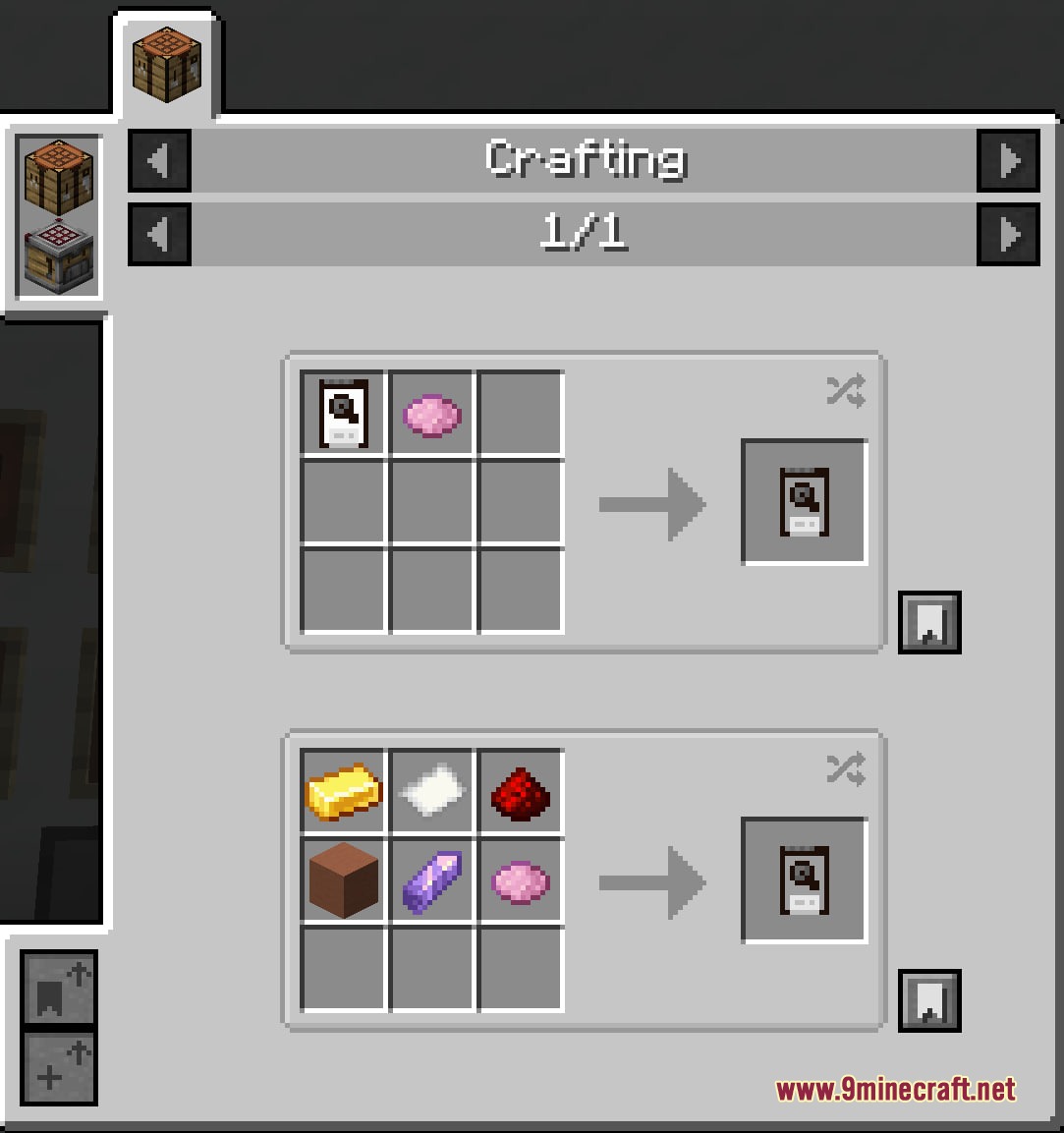
 Portable Drive
Blocks
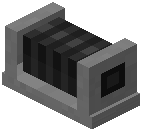 Huge Cable Connector
 Net Cable Connector
 Net Cable Hub
Frequently asked questions
How do I start using Cc Rj45 Mod?
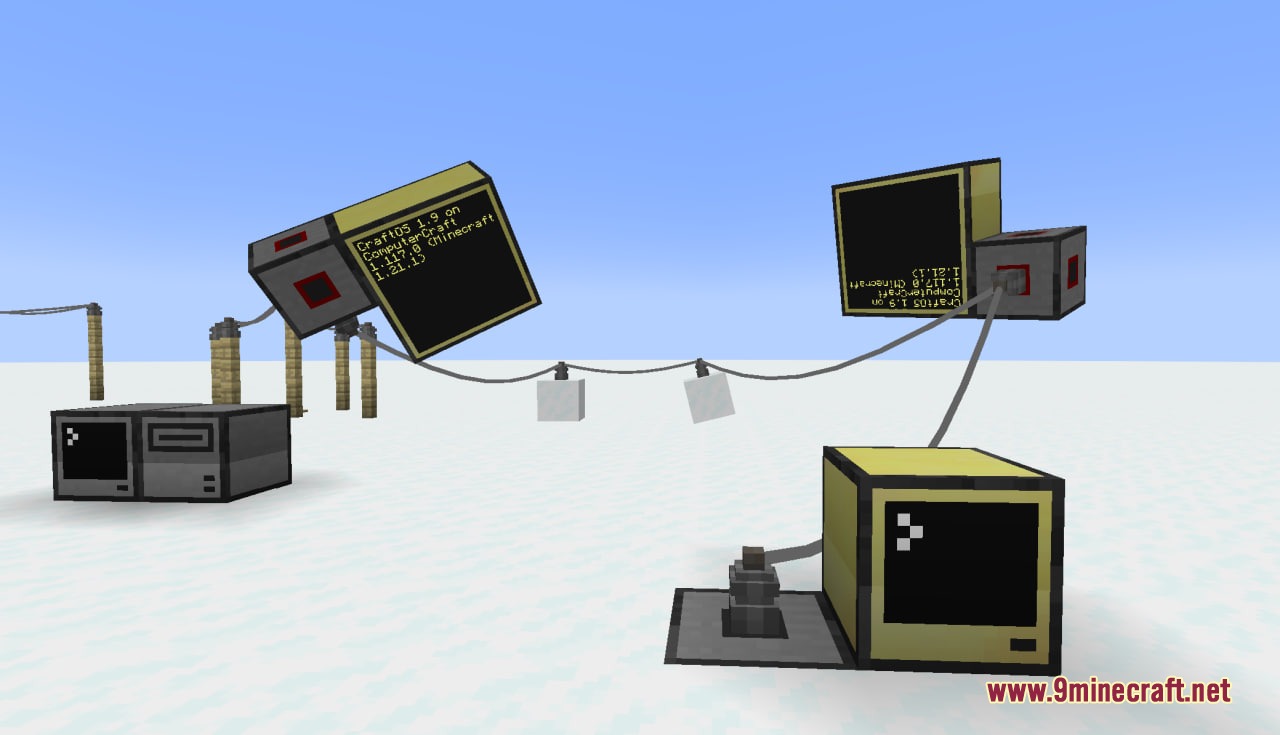
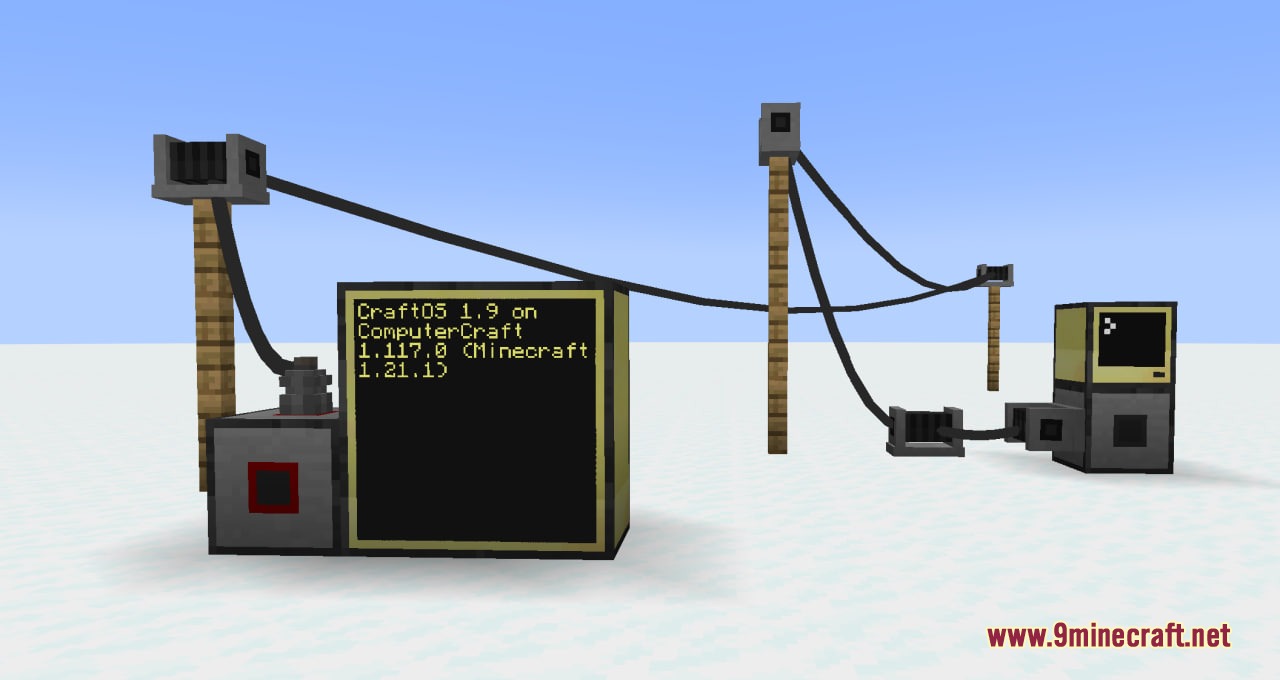
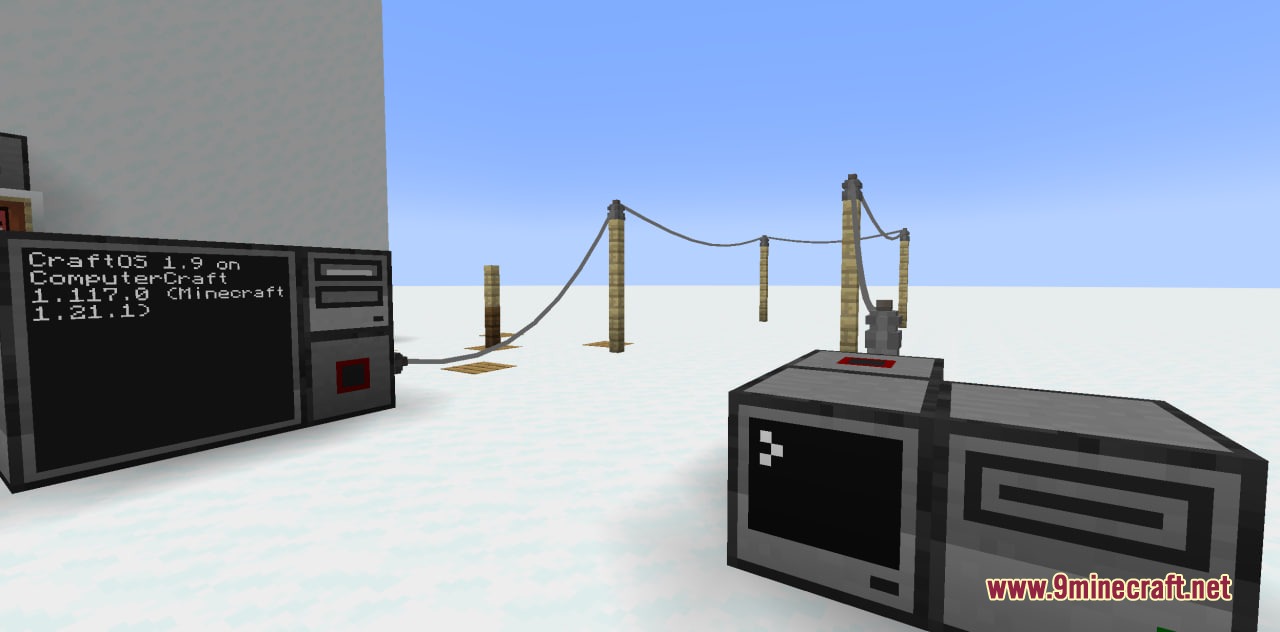
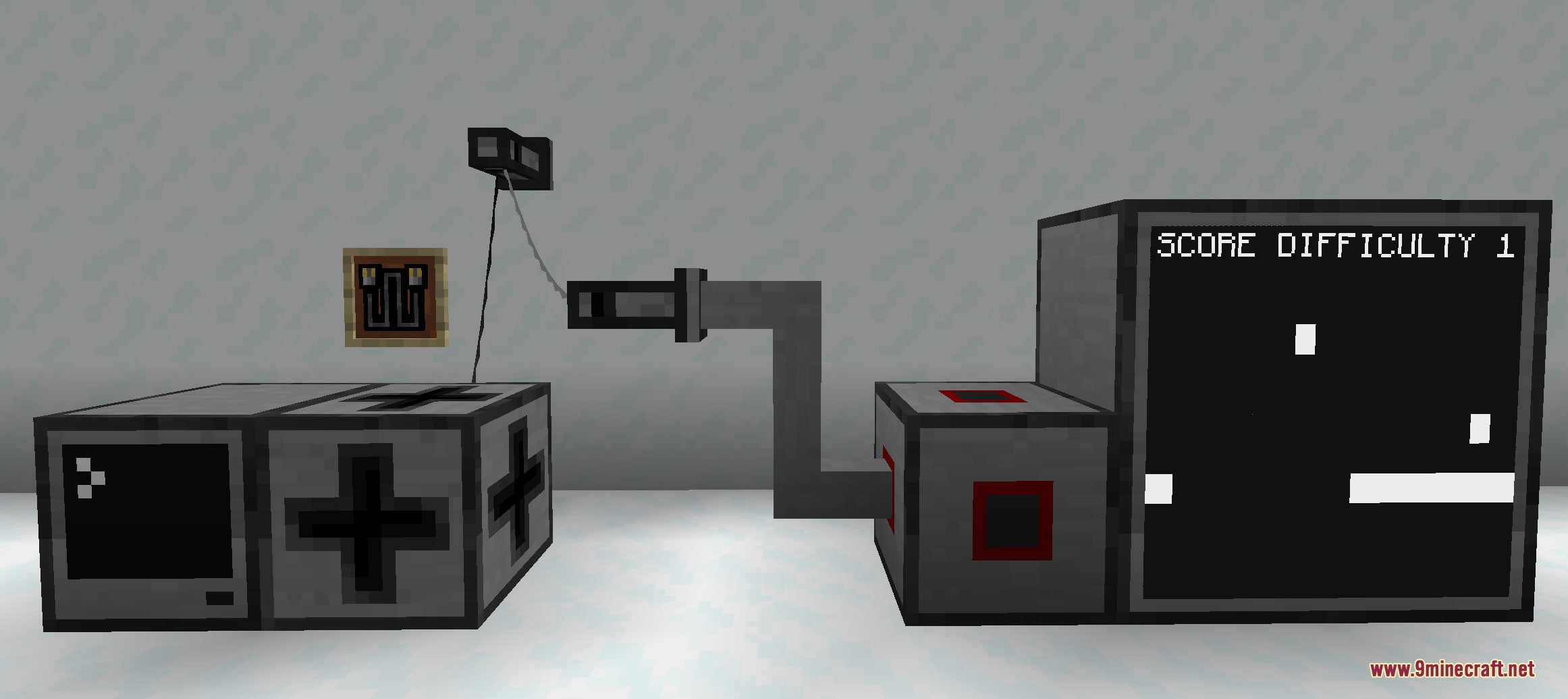
Place a Net Cable Connector or Net Cable Hub against any solid block next to your computer setup, then hold a Net Connector Cable and right-click the first connector followed by the target connector to link them together.
What's the difference between a Net Cable Connector and a Net Cable Hub?
A Net Cable Connector holds up to two cable links, while a Net Cable Hub holds up to four links, making hubs better for building star network layouts where multiple computers connect to one central point.
How far can cables stretch between connectors?
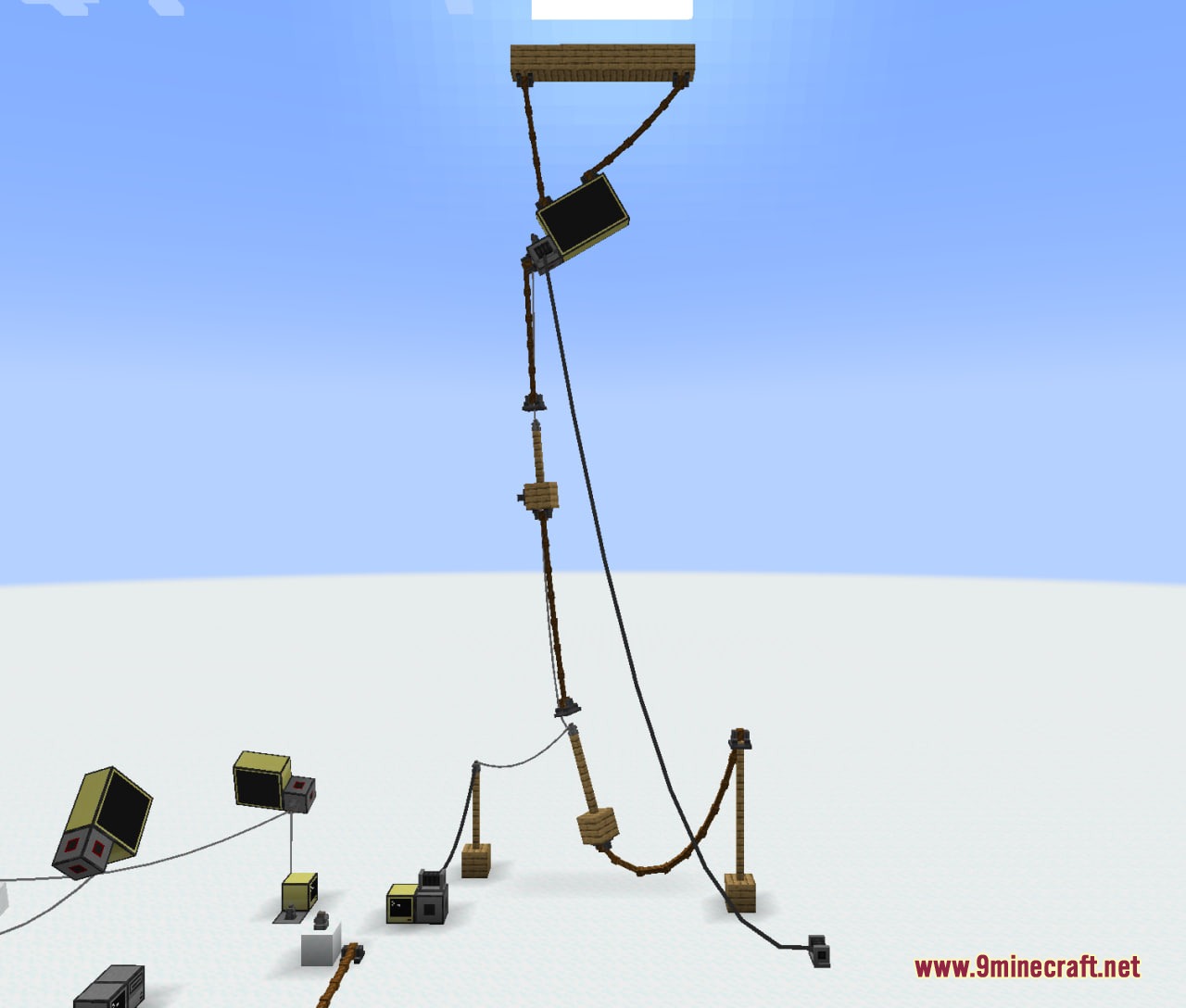
Standard Net Cable Connectors can stretch up to fifteen blocks away by default, while Huge Net Cable Connectors can reach up to thirty-eight blocks away by default.
Can I use portable drives to share files between computers on different networks?
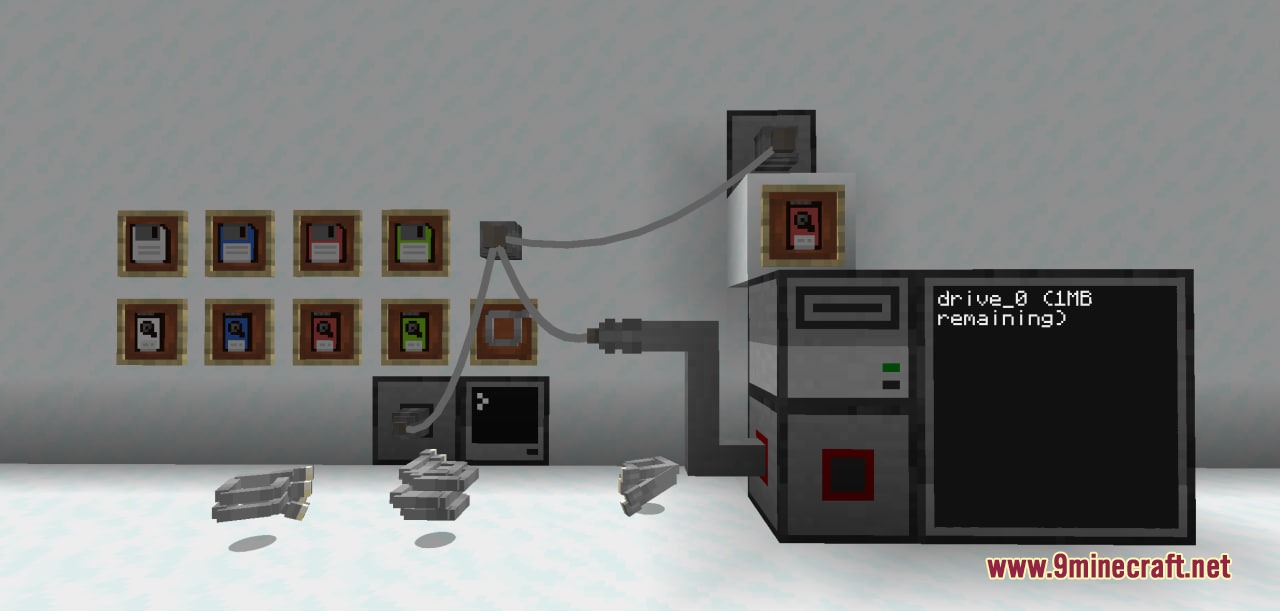
Yes—insert a dyed Portable Drive into any disk drive connected to your network, and you can access the files stored on that drive from any computer in that network.
How do I disconnect cables without breaking the connectors?
Hold nothing in your hand, press and hold Shift, then right-click both connected blocks to safely disconnect them; the cables will be removed and the connectors will remain intact.
What happens if I break a connector block?
Breaking any connector automatically removes all attached cables safely, so you won't lose items or cause network errors.
How do I make portable storage drives?
Craft portable storage drives using simple materials like terracotta and amethyst shards; they come in sixteen dyeable colors so you can customize them before inserting into a disk drive.
Can I place connectors on walls and ceilings?
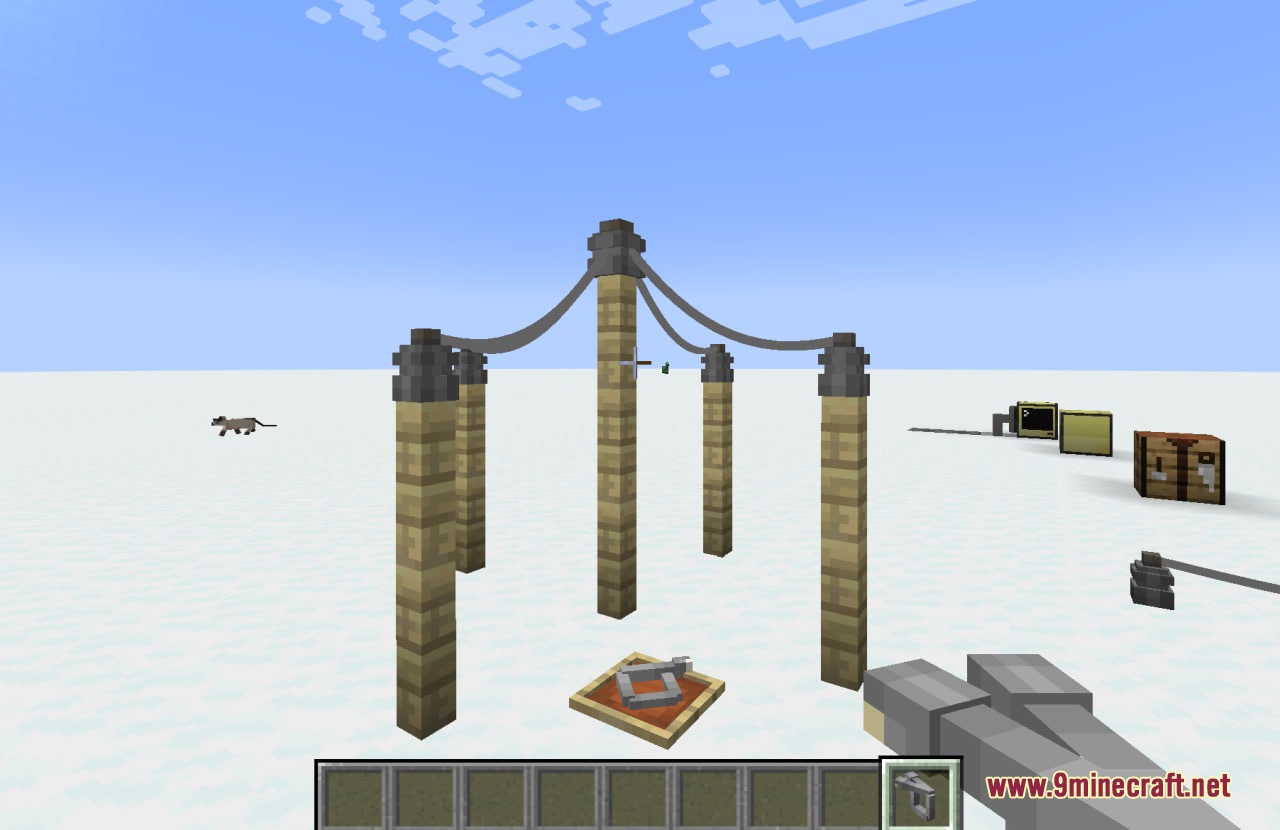
Yes, you can attach Net Cable Connectors to any solid wall or floor; Huge Net Cable Connectors will automatically turn toward you when placed on floors or ceilings for easier visibility.
Do I need to place solid blocks between connectors to form a network?
No—the mod lets you run visible cables between connectors without placing solid lines of blocks, so you can route cables along walls or ceilings and build cleaner network layouts.
Can I use this mod with other CC:Tweaked mods?
CC RJ45 Mod is designed to work with CC:Tweaked and integrates with standard computer networks, so it should be compatible with other mods that use CC:Tweaked's networking system.
Gallery
9 images from the Cc Rj45 Mod page.
You May Also Like
Wikis that share the most with this one
More mod wikis on the site
The most downloaded mods that have a wiki here
A few wikis from each of the other kinds