

 DownloadCaxton Mod
Get the files on 9Minecraft
Guides
Step-by-step, in-game.
How to change the in-game font with a Caxton resource packCaxton does not have its own font menu. It reads the font from a resource pack that is set up for it, and swaps out…How to display Arabic and other complex scripts correctly with CaxtonCaxton supports complex text rendering, which covers scripts where letters change shape or position depending on…How to fix outlined or glitchy text when using Caxton with Sodium or ImmediatelyFastTwo companion mods are known to interfere with Caxton's text rendering. Both problems have simple fixes. Outlined…Why the game stalls the first time you load a Caxton font, and how to handle itCaxton draws text from MSDF/MTSDF data (multi-channel signed distance fields), which is what keeps text sharp at any…
Frequently asked questions
How do I change the font in Minecraft with Caxton?
Put a Caxton-format font resource pack in your resourcepacks folder, then enable it in Options > Resource Packs. Caxton detects the pack and replaces the standard font with the one defined in that pack's properties.
I installed Caxton but my font didn't change. Why?
The mod doesn't ship a font of its own. It only swaps fonts when an enabled resource pack is in the format it recognizes. Check that the pack is in the active list and that it is a Caxton-style font pack, not just an ordinary texture pack.
Why does the game freeze or lag the first time I load a Caxton font?
Caxton has to generate MTSDF data from the font, which is expensive. It runs this work in parallel and caches the results. Wait out the first load, and later launches with the same font should be much quicker.
Will the stall happen every time I start the game?
No, it's mainly a first-generation cost. Once the font's data is cached, Caxton reuses it. A font it hasn't seen before will need to be generated once.
Gallery
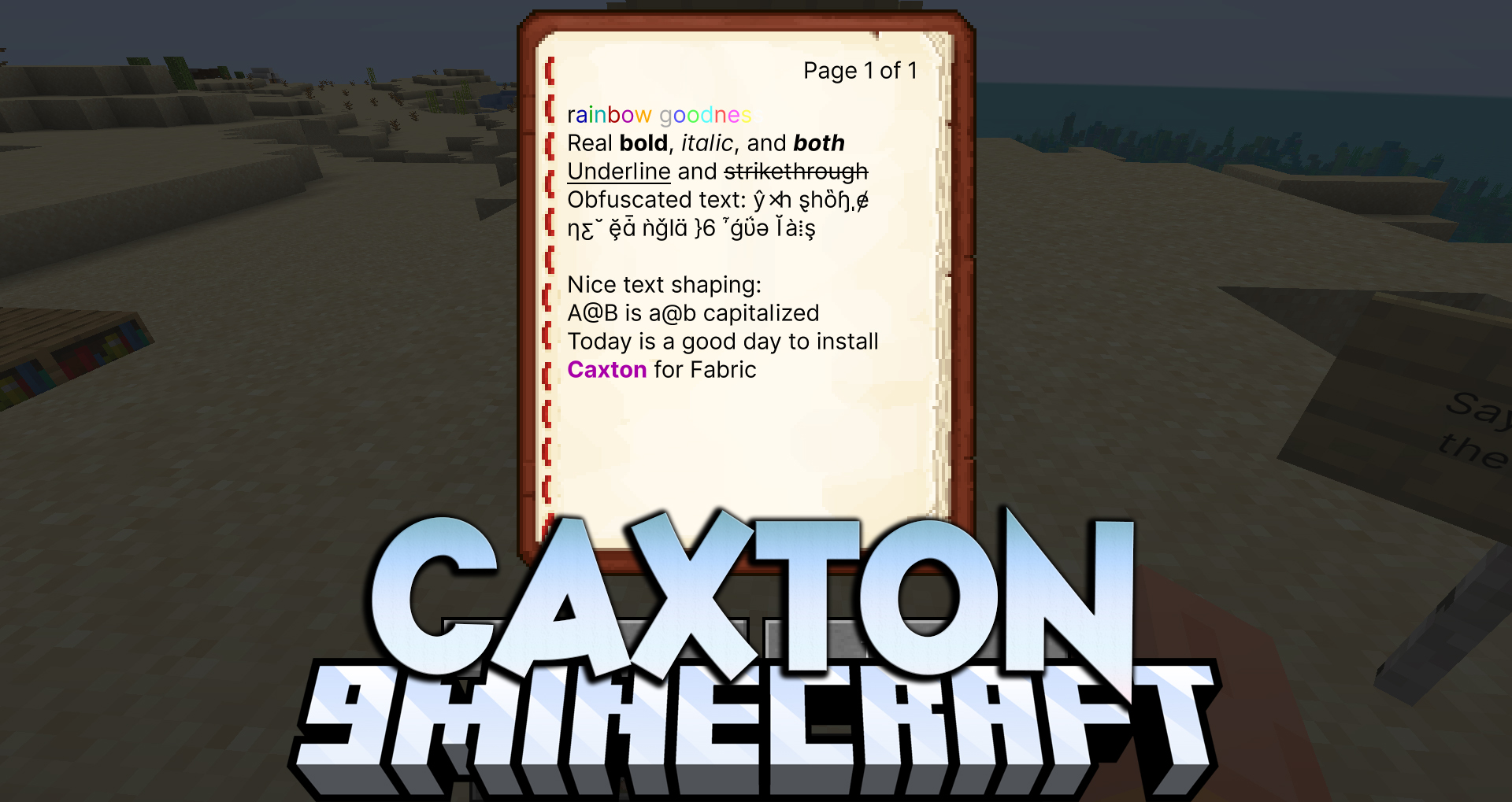
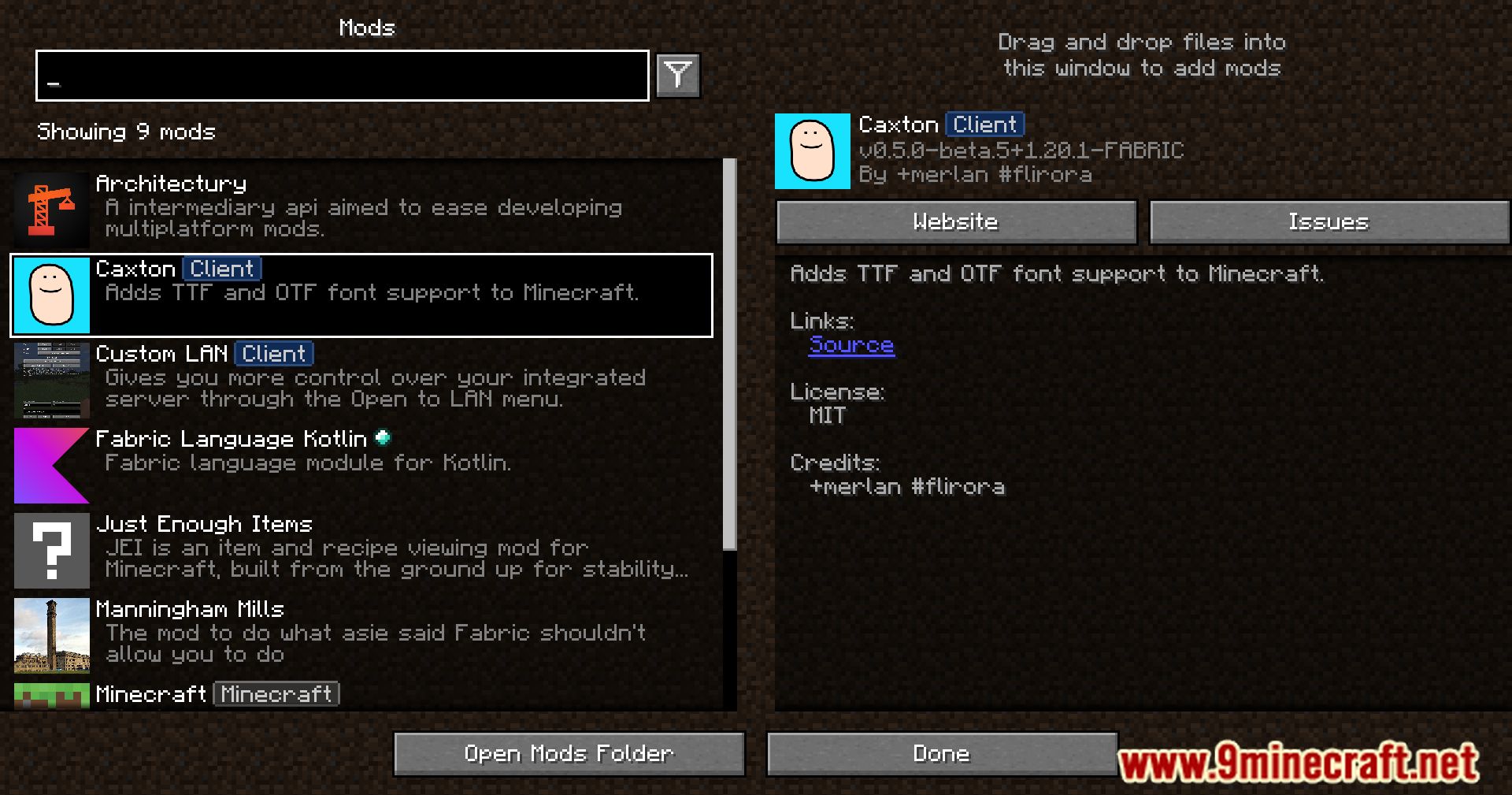
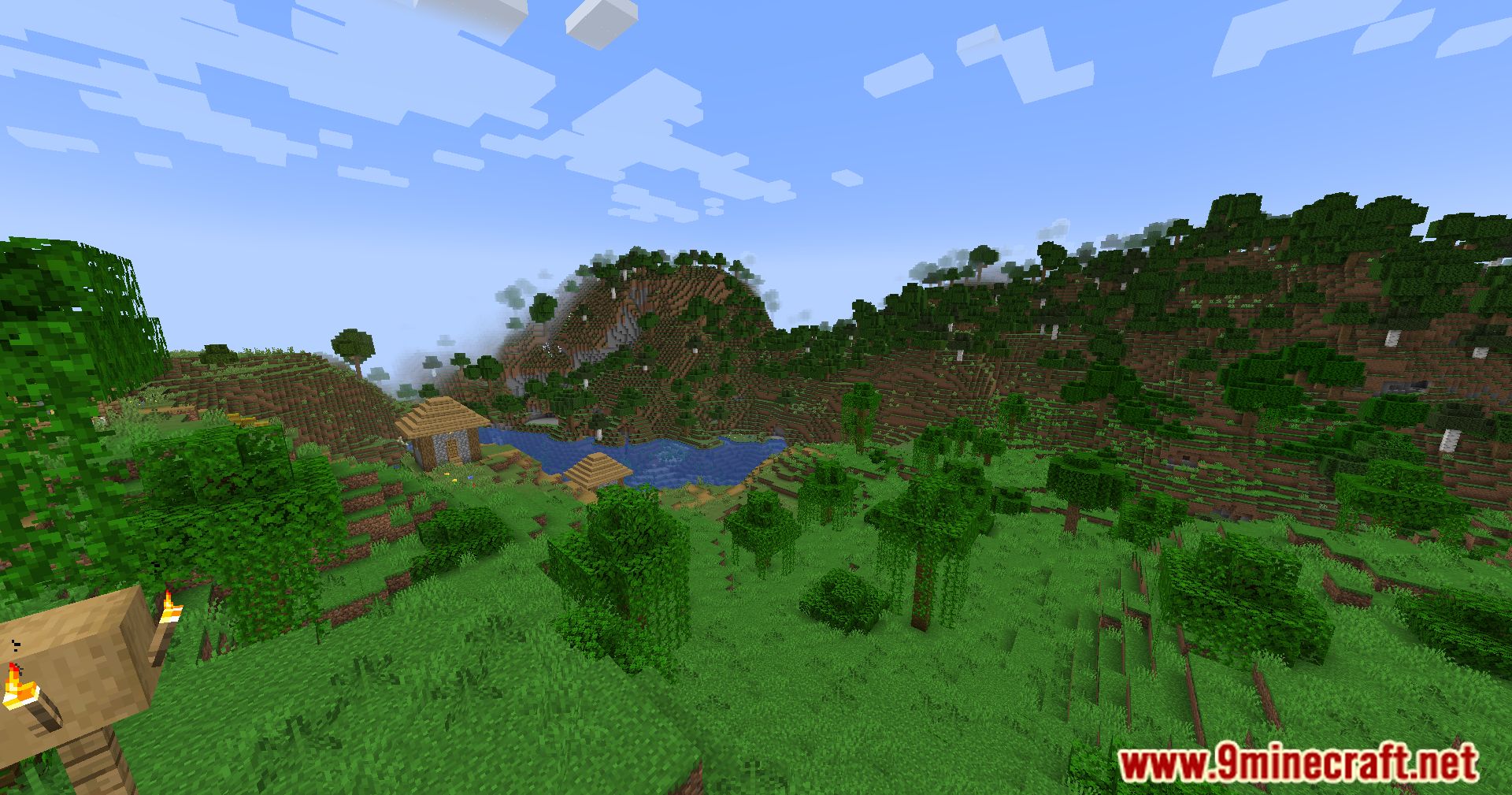
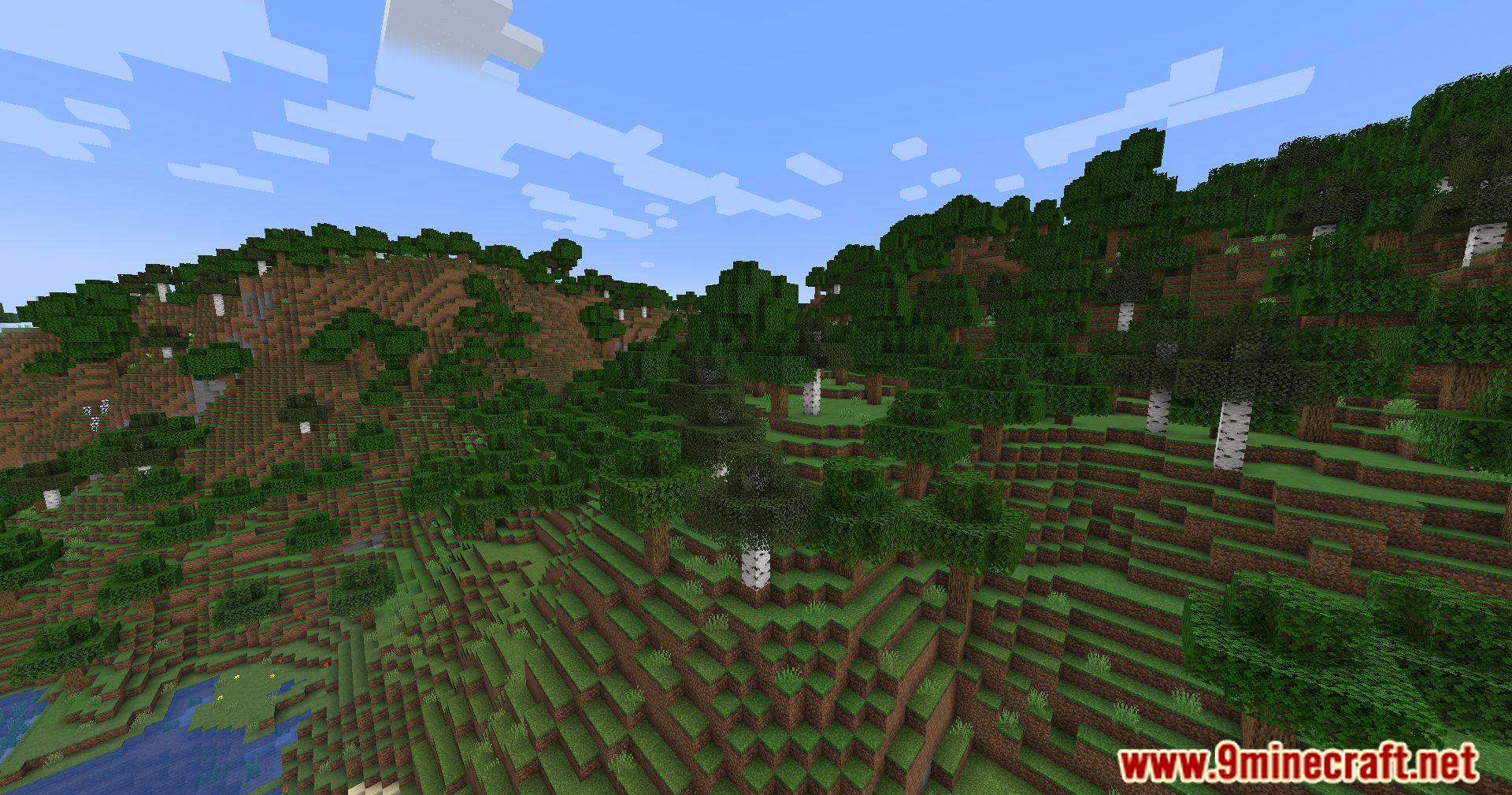
11 images from the Caxton Mod page.
You May Also Like
Wikis that share the most with this one
More mod wikis on the site
The most downloaded mods that have a wiki here
A few wikis from each of the other kinds