

 DownloadBoss Checklist Mod
Get the files on 9Minecraft
Guides
Step-by-step, in-game.
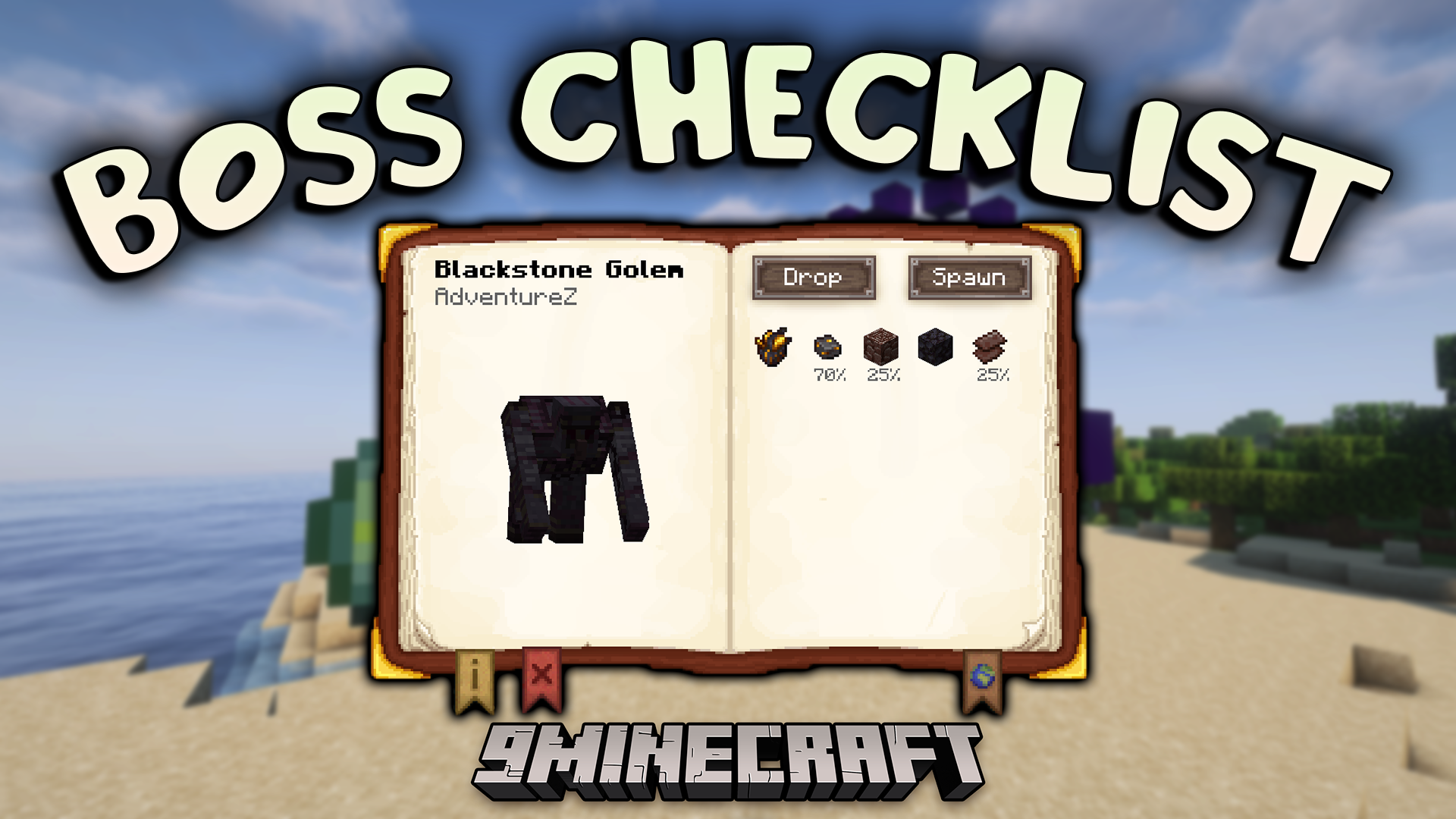
Check Boss Drops and RewardsViewing Drop Information To see what a boss drops: 1. Open the Boss Checklist menu 2. Navigate to the boss you're…Find Spawn Conditions and Item Requirements for a BossViewing Boss Details To learn how to spawn a specific boss: 1. Open the Boss Checklist menu 2. Click on the boss you…Open the Boss Checklist and Navigate Between BossesAccessing the Checklist The Boss Checklist menu can be opened in two ways: Hotkey method : Press the default hotkey…Track Boss Defeats and Update Your ProgressManual Defeat Tracking Boss Checklist supports both automatic and manual progress tracking. To manually mark a boss…
Frequently asked questions
How do I open the Boss Checklist?
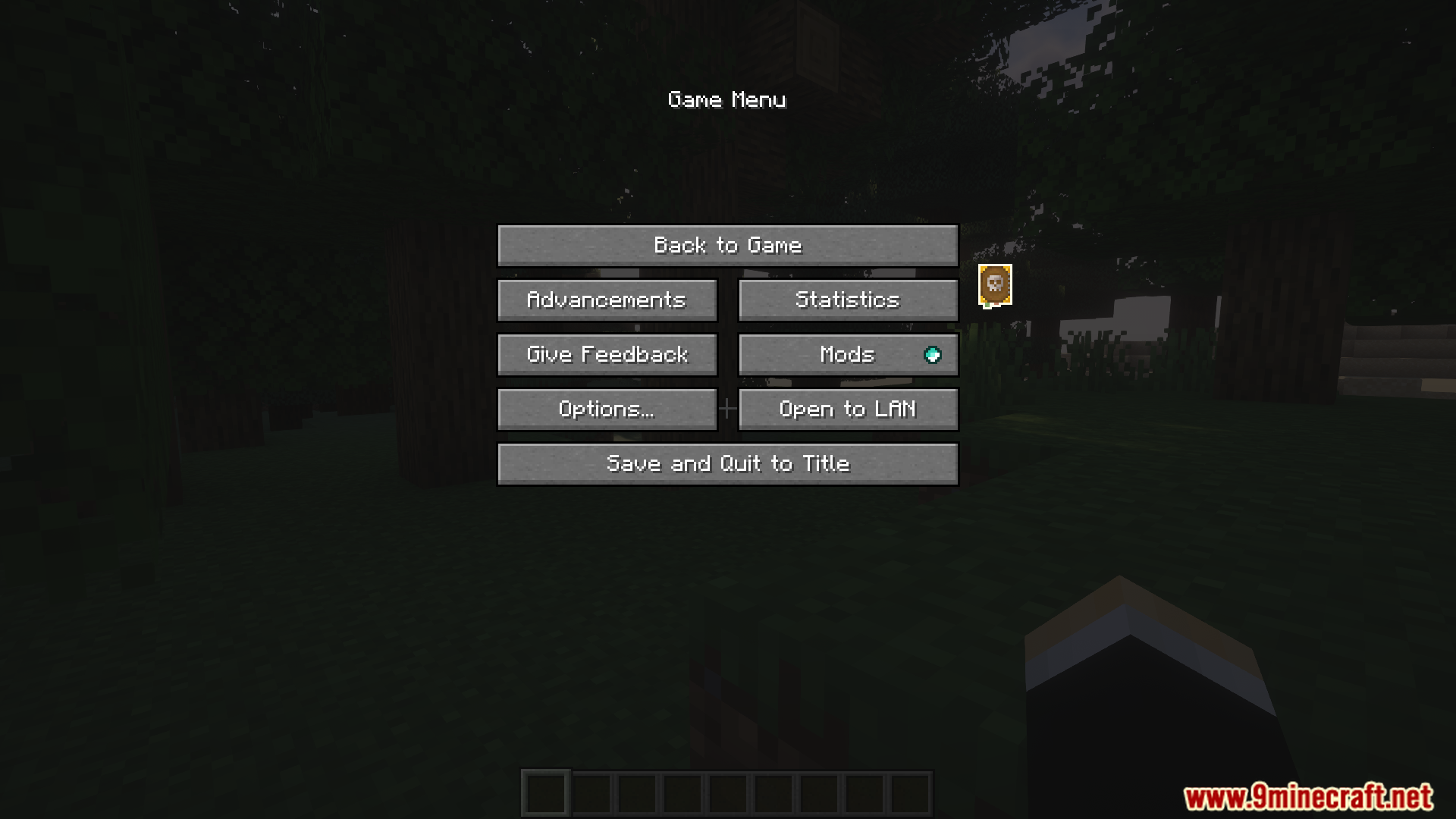
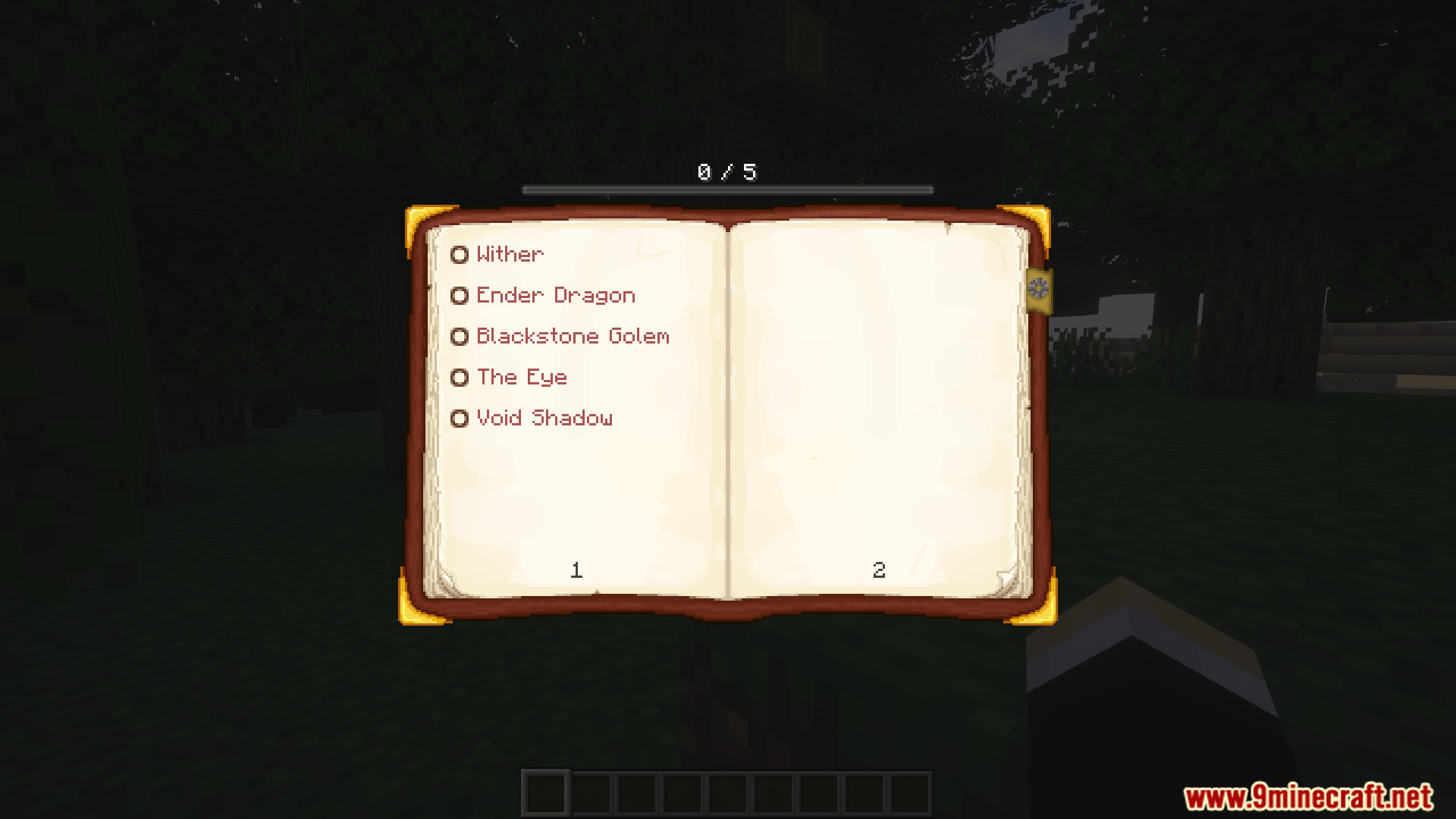
Press the hotkey (default is usually a configurable key) or open your pause menu and select the Boss Checklist option. The menu will display all available bosses sorted by difficulty.
Why are some bosses grayed out or locked?
Bosses are locked until you defeat the bosses that come before them in the progression order. The mod tracks progression to encourage fighting bosses in a recommended sequence from easiest to hardest.
How do I mark a boss as defeated?
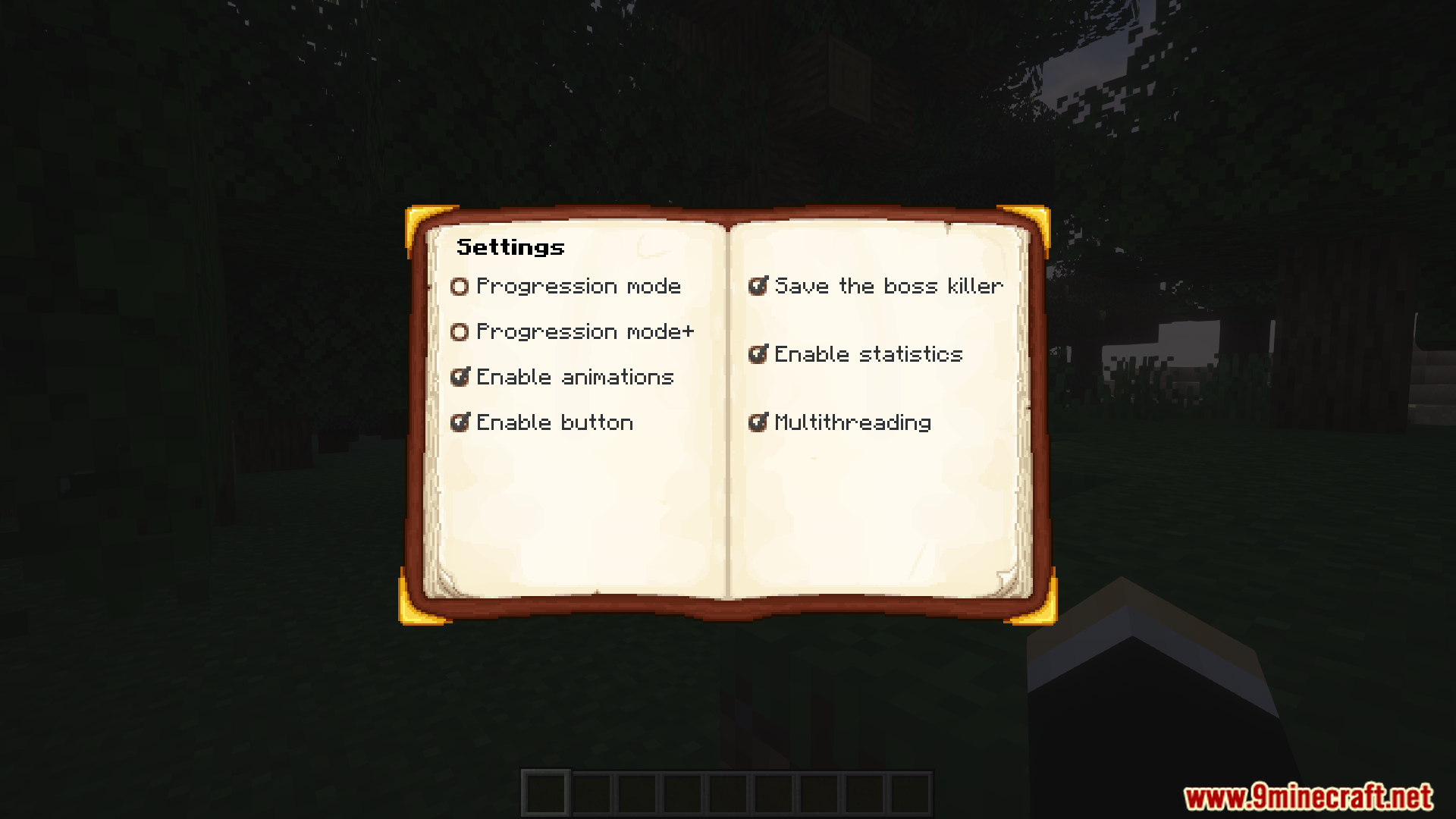
You can either defeat the boss naturally in-game and the mod will auto-track it, or manually mark it as defeated by clicking the boss entry in the checklist if manual tracking is enabled in your config.
Can I see what items I need to spawn a boss?
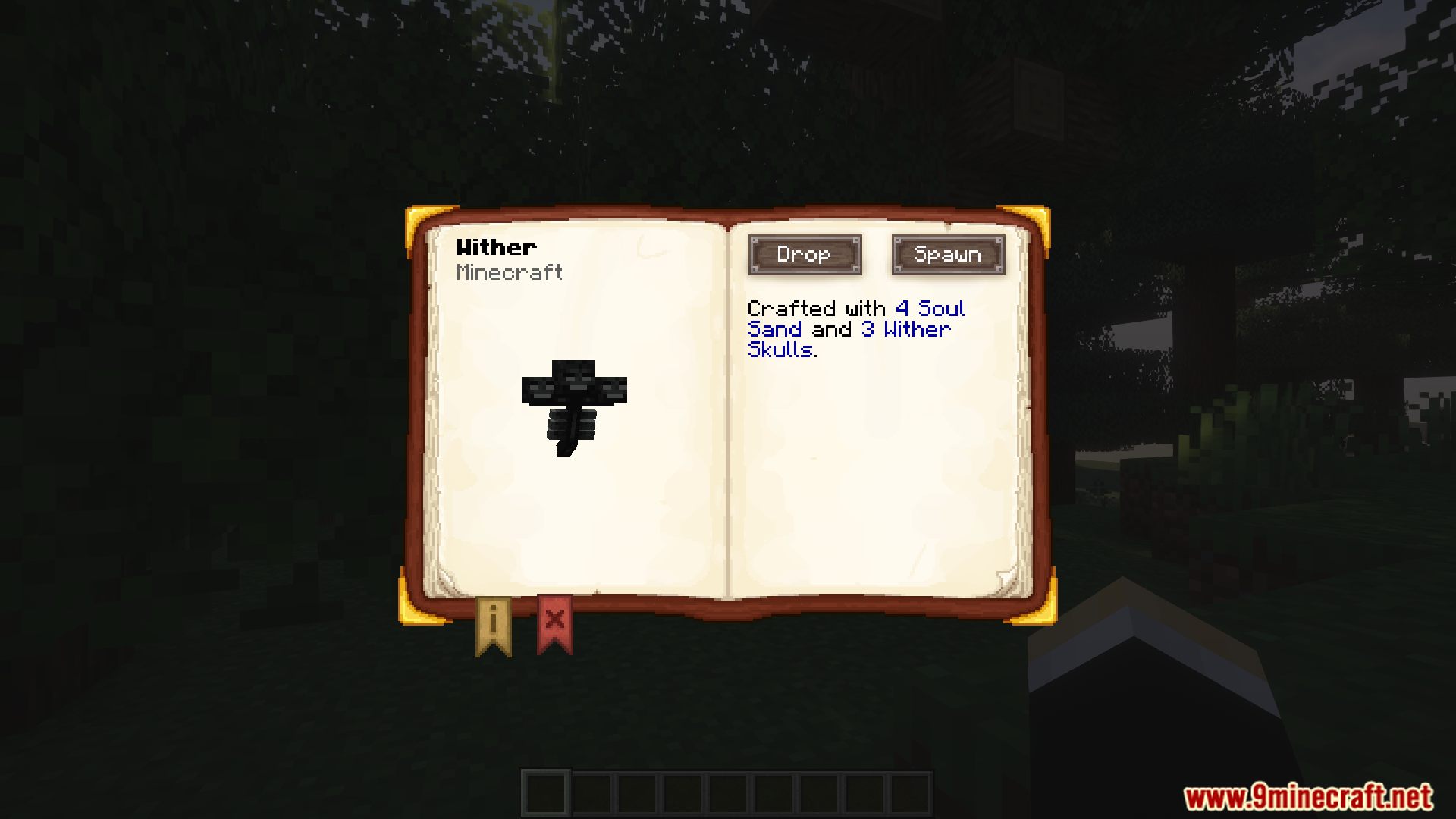
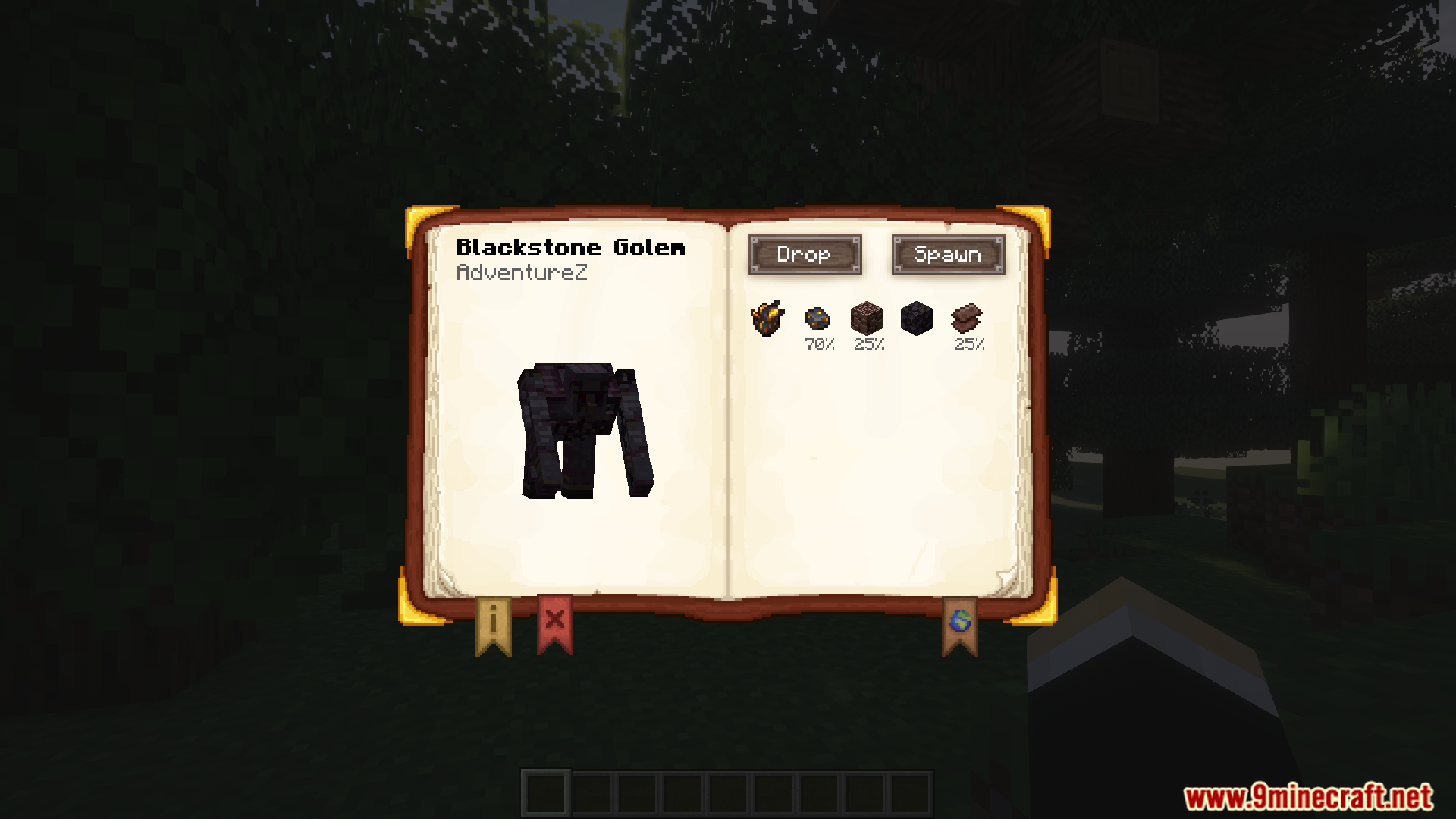
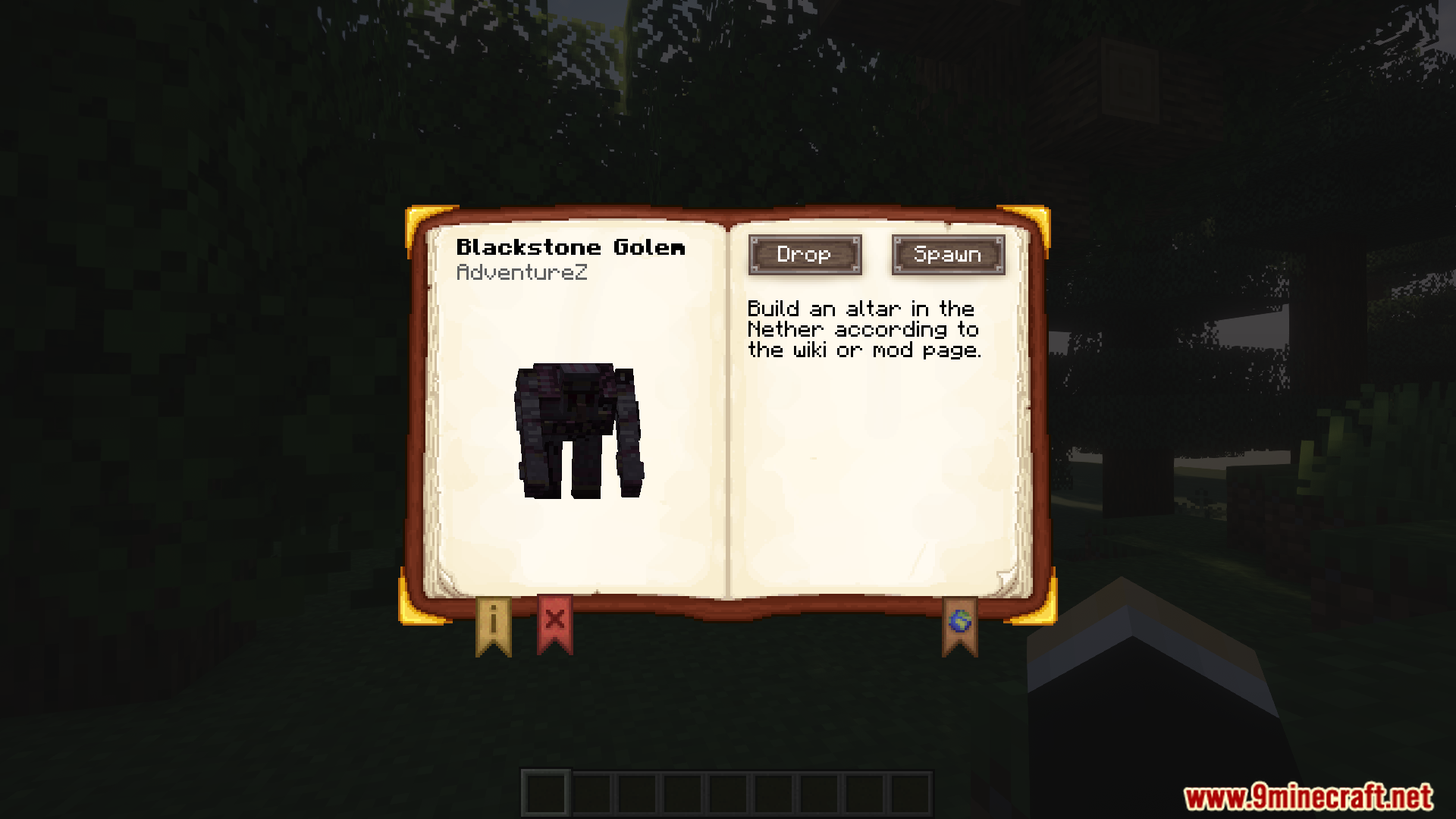
Yes, select any boss from the checklist and view its spawn conditions tab, which lists all required items and blocks needed to summon it.
See all 10 Boss Checklist questions ›
Gallery
12 images from the Boss Checklist Mod page.
You May Also Like
Wikis that share the most with this one
Wikis on the same theme: boss
More mod wikis on the site
The most downloaded mods that have a wiki here
A few wikis from each of the other kinds