
 DownloadBetter Advancements 9minecraft Mod
Get the files on 9Minecraft
Guides
Step-by-step, in-game.
Configuration
Every setting in the mod config file, with what it changes.
| Option | What it does |
|---|---|
pinning_enabled | Enable pinning of advancement tabs |
fade_out_on_advancement_hover | Fade the background slightly gray when hovering over an advancement |
pinned_tabs | List of pinned Tabs (root advancement identifier) |
max_criterion_entries | Max displayed advancement criterion entries |
save_last_selected_tab | Save and restore the last selected tab |
show_advancement_id_in_debug_tooltip | Show advancement ID in debug tooltip |
show_debug_info | Show debug info on advancement hover |
spacing_between_horizontal_tabs | Spacing between horizontal tabs |
spacing_between_pinned_tabs | Spacing between pinned tabs |
last_selected_tab | The identifier of the last selected tab |
Frequently asked questions
What does the Better Advancements mod do to the vanilla advancement menu?
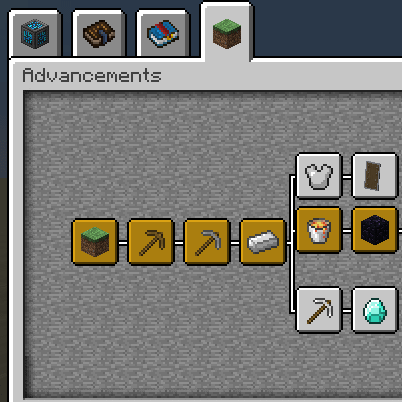
It redesigns the advancement menu so it fills your entire screen instead of the small default window. This makes large quest trees easier to view without feeling cramped.
How does the mod handle having many advancement tabs?
 things
Can I keep a favorite tab easy to reach?
Yes, a pin icon lets you attach your favorite tab to a column on the right side. That gives you one-click access to it.
Does the menu remember which tab I was viewing?
Yes, it remembers the last tab you viewed and reopens it the next time you open the screen.
See all 6 Better Advancements questions ›
Gallery
10 images from the Better Advancements 9Minecraft Mod page.


You May Also Like
Wikis that share the most with this one
More mod wikis on the site
The most downloaded mods that have a wiki here
A few wikis from each of the other kinds