

 DownloadAmbience V2 Mod
Get the files on 9Minecraft
Guides
Step-by-step, in-game.
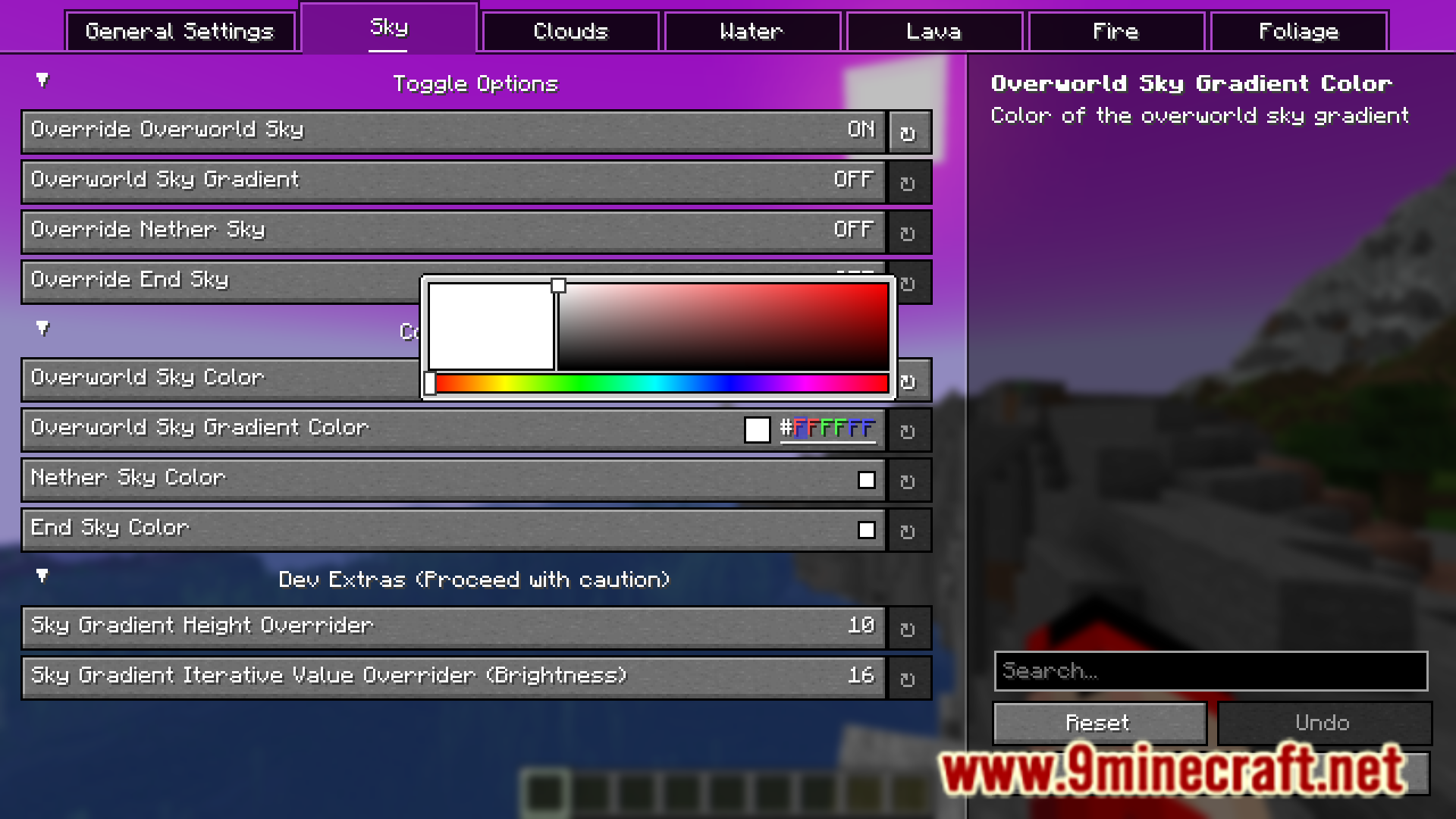
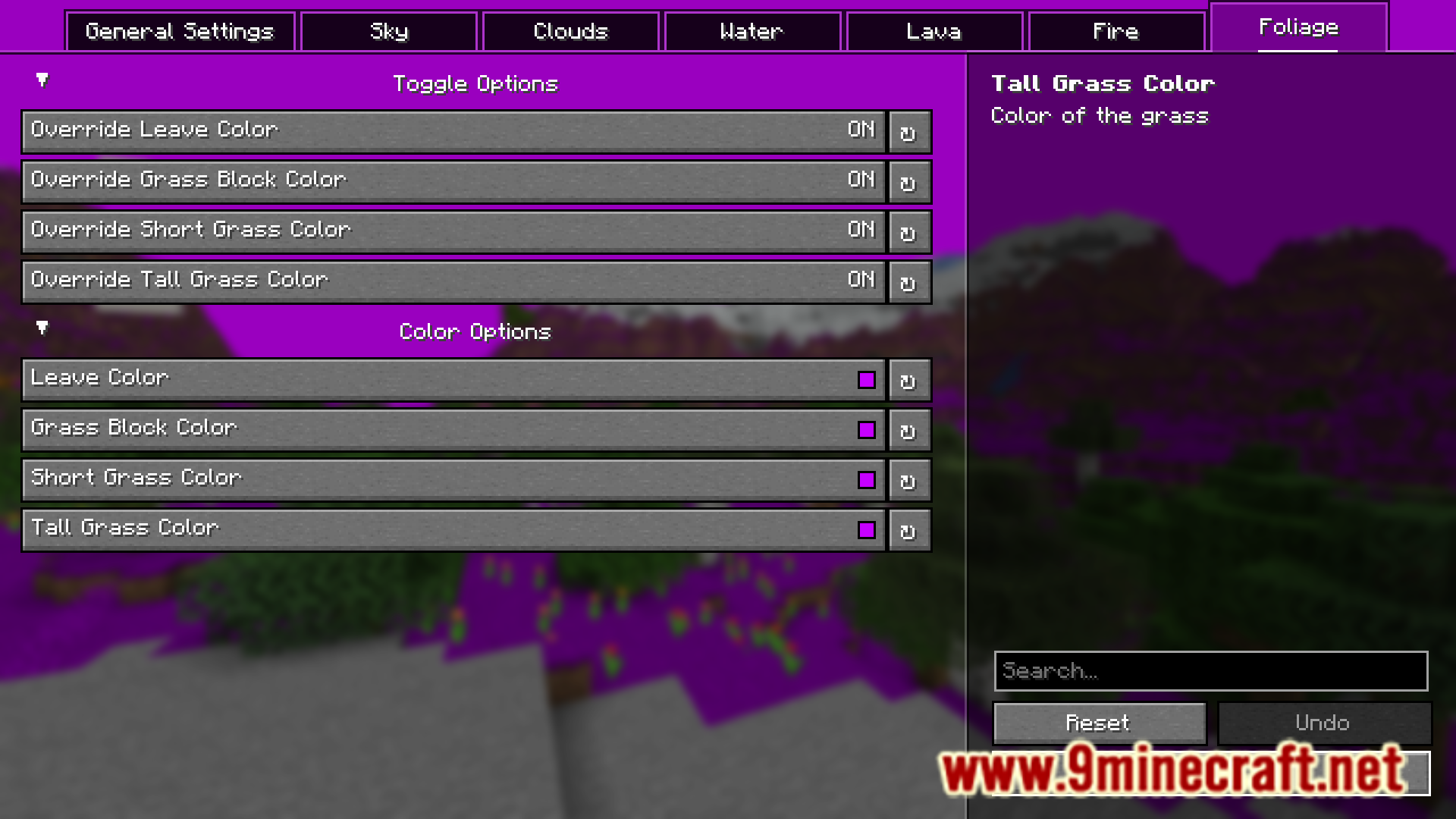
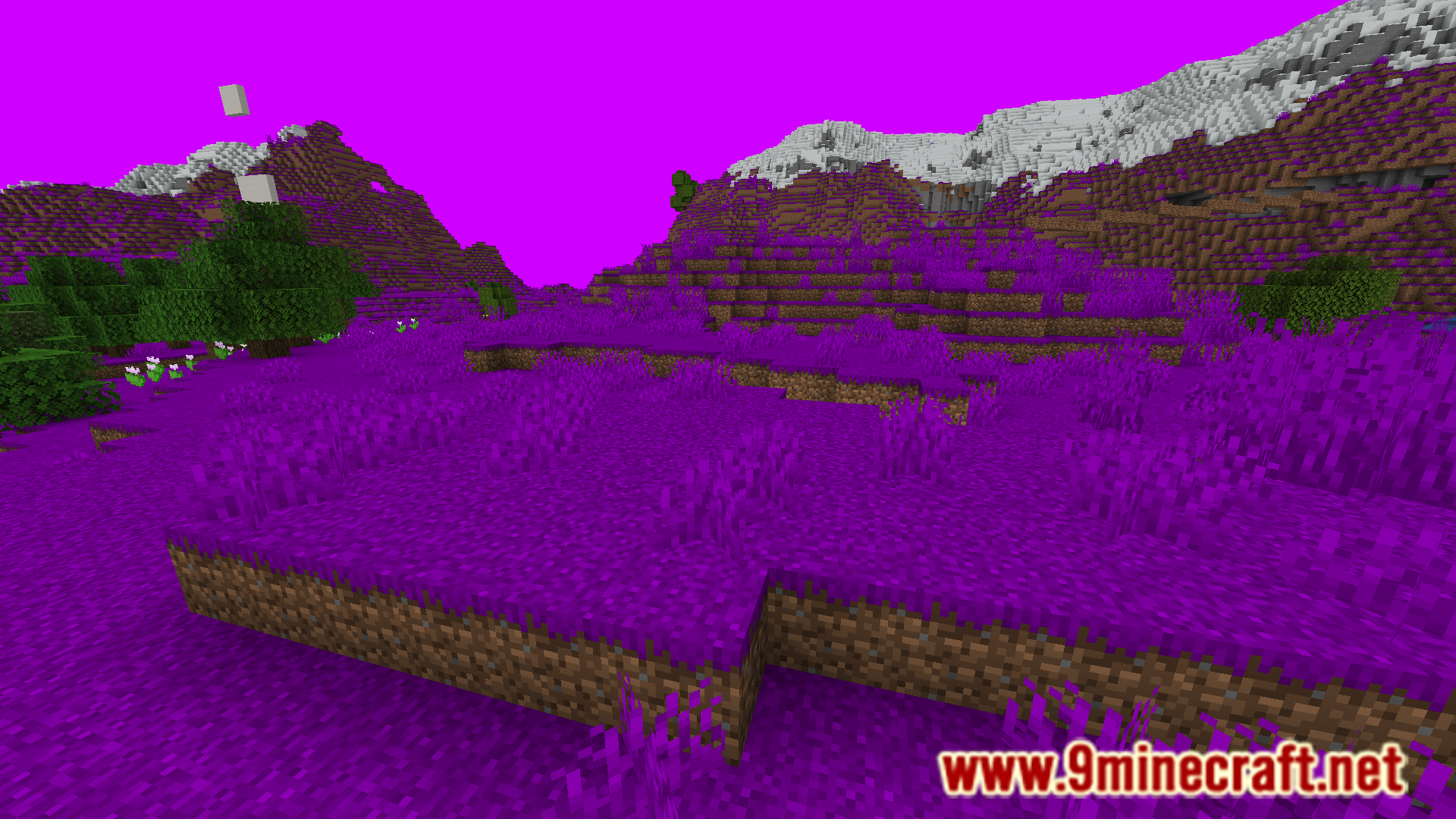
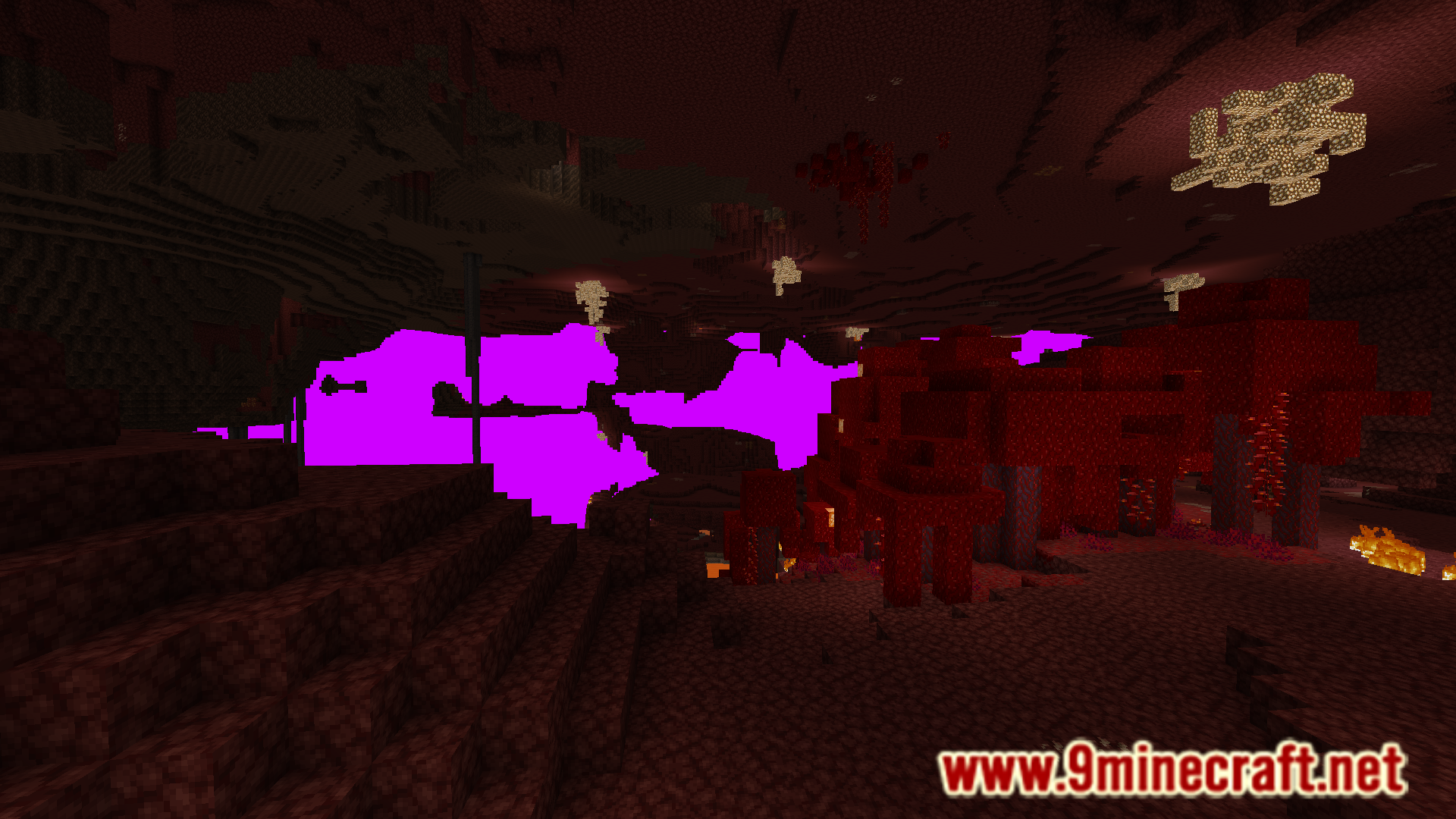
Change the Sky Color to Create a Custom AtmosphereAccess the Mod Settings Open your mod configuration menu (usually accessible from the main menu or in-game settings,…Customize the Nether and End Dimensions with Unique ColorsAccess Dimension-Specific Settings Open the Ambience V2 configuration menu and look for separate sections for the…Make Water and Lava Match Your Custom World ThemeOpen Ambience V2 Configuration Access the mod's color settings menu from your main menu or in-game settings. Adjust…Transform Grass and Leaves to Match a Biome ThemeNavigate to Vegetation Color Settings Open the Ambience V2 configuration menu and find the grass and leaves color…
Frequently asked questions
Where do I find the mod settings to change colors?
Open your mod configuration menu (usually accessible from the main menu or pause screen) and look for Ambience V2 settings. You'll see sliders and color pickers for each environmental element you can customize.
Can I change the sky color without affecting the sky gradient?
Yes, the sky color and sky gradient are separate settings in the mod, so you can adjust them independently to create the exact atmosphere you want.
How do I make water and lava different colors from each other?
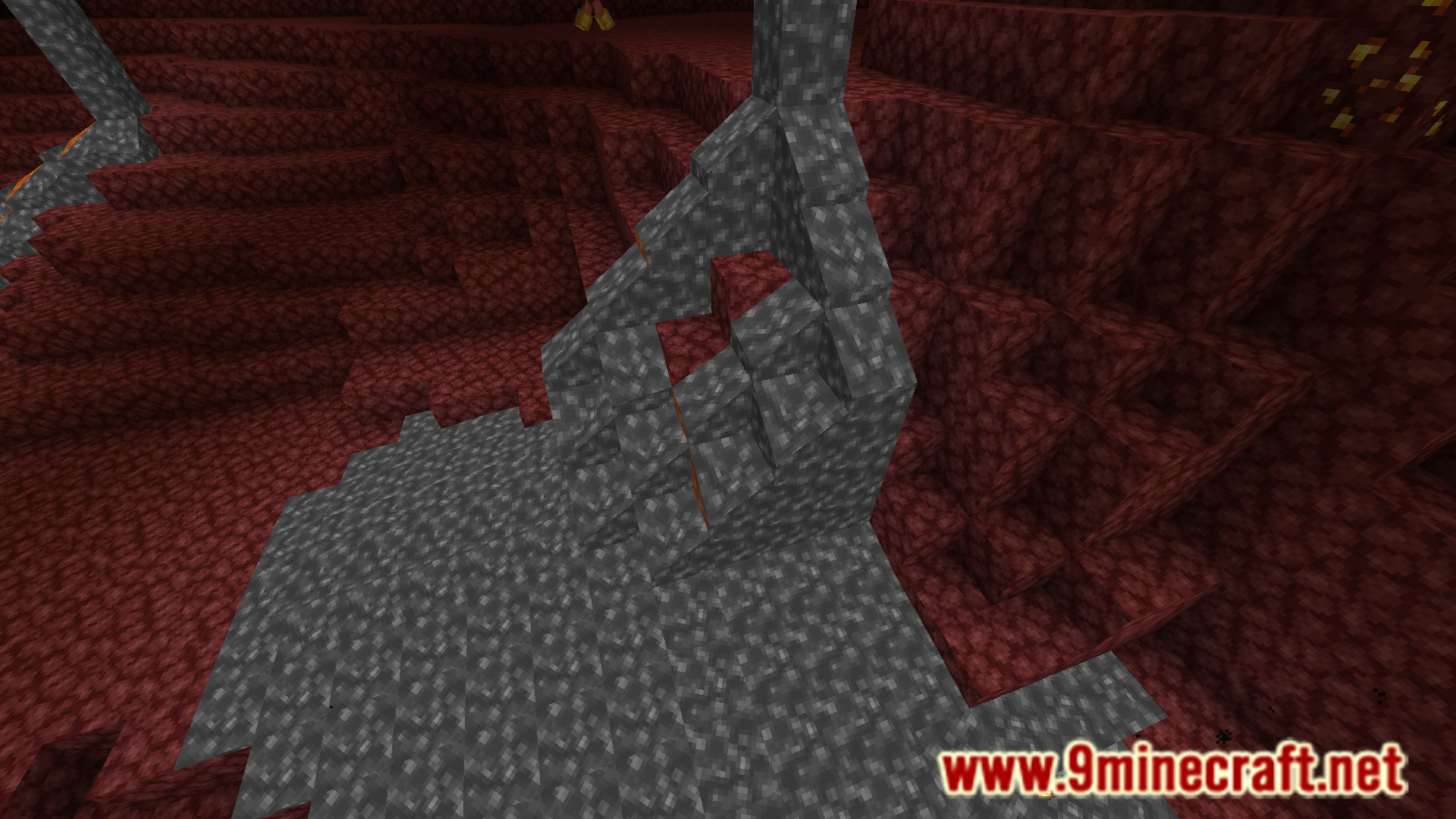
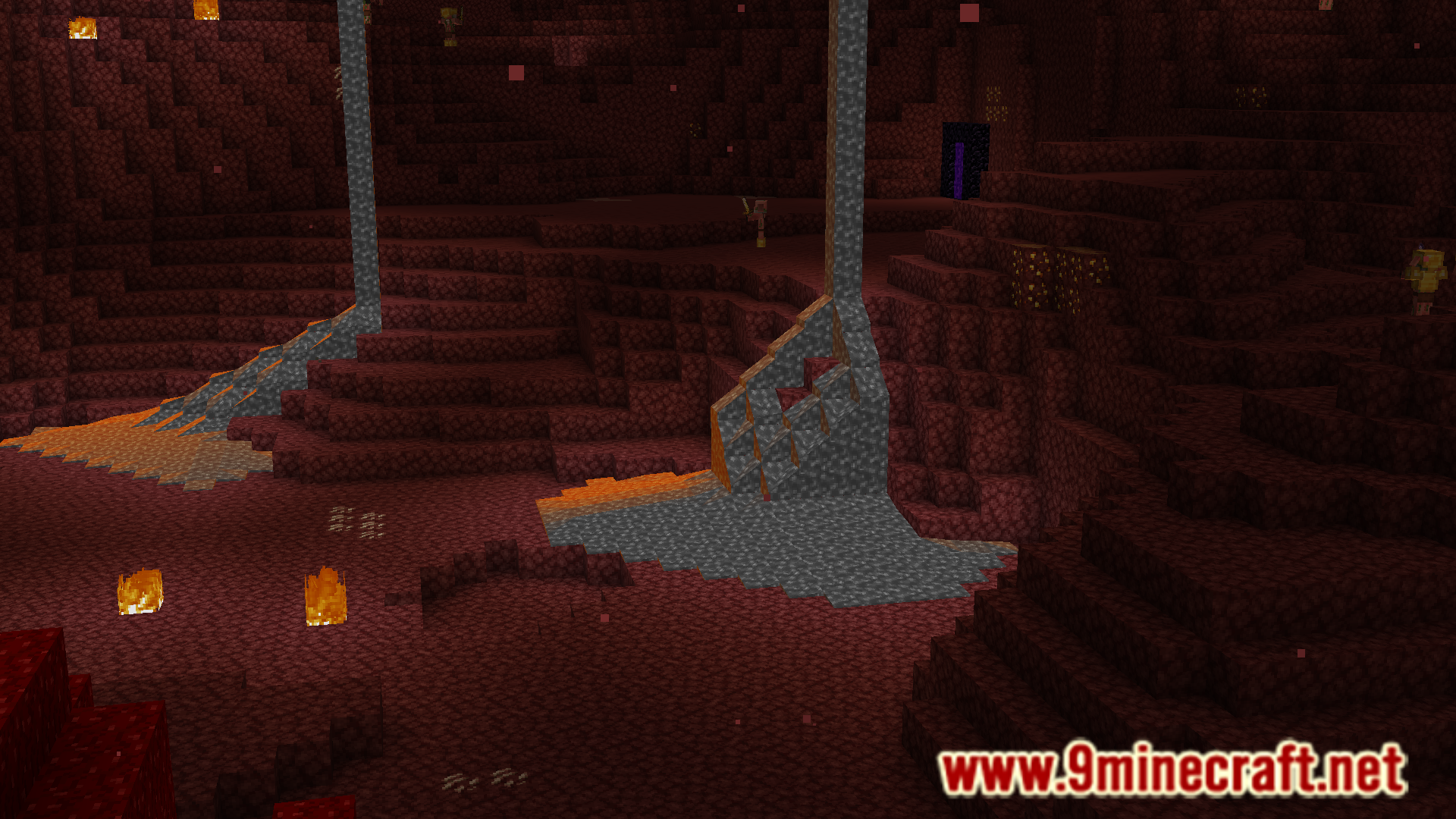
Water and lava have separate color sliders in the Ambience V2 settings, allowing you to customize each one individually without affecting the other.
Do color changes apply to all biomes or can I customize per biome?
Ambience V2 applies your color settings globally across the world, so all biomes will use the same customized colors unless you create separate configuration profiles.
See all 10 Ambience V2 questions ›
Gallery
8 images from the Ambience V2 Mod page.
You May Also Like
Wikis that share the most with this one
Wikis on the same theme: iron
More mod wikis on the site
The most downloaded mods that have a wiki here
A few wikis from each of the other kinds