

 DownloadMinecraft Consoles Launcher
Get the files on 9Minecraft
Guides
Step-by-step, in-game.
Frequently asked questions
What edition of Minecraft does this launcher allow you to play?
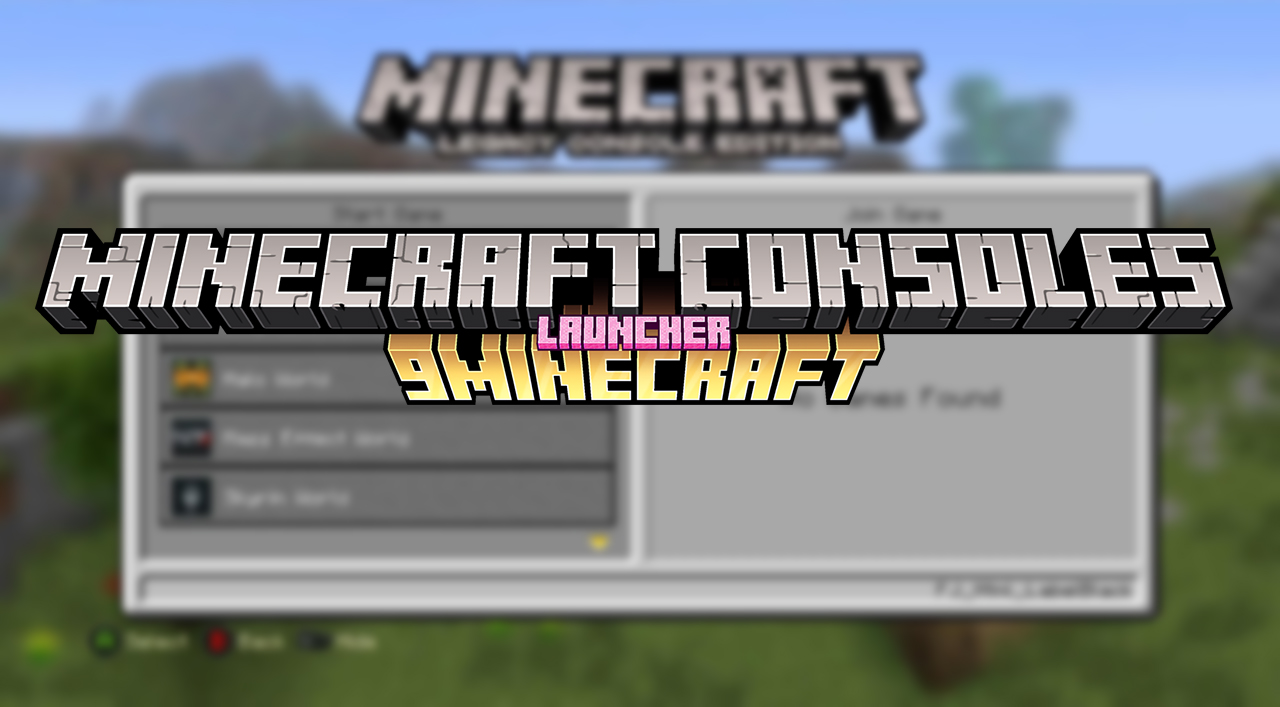
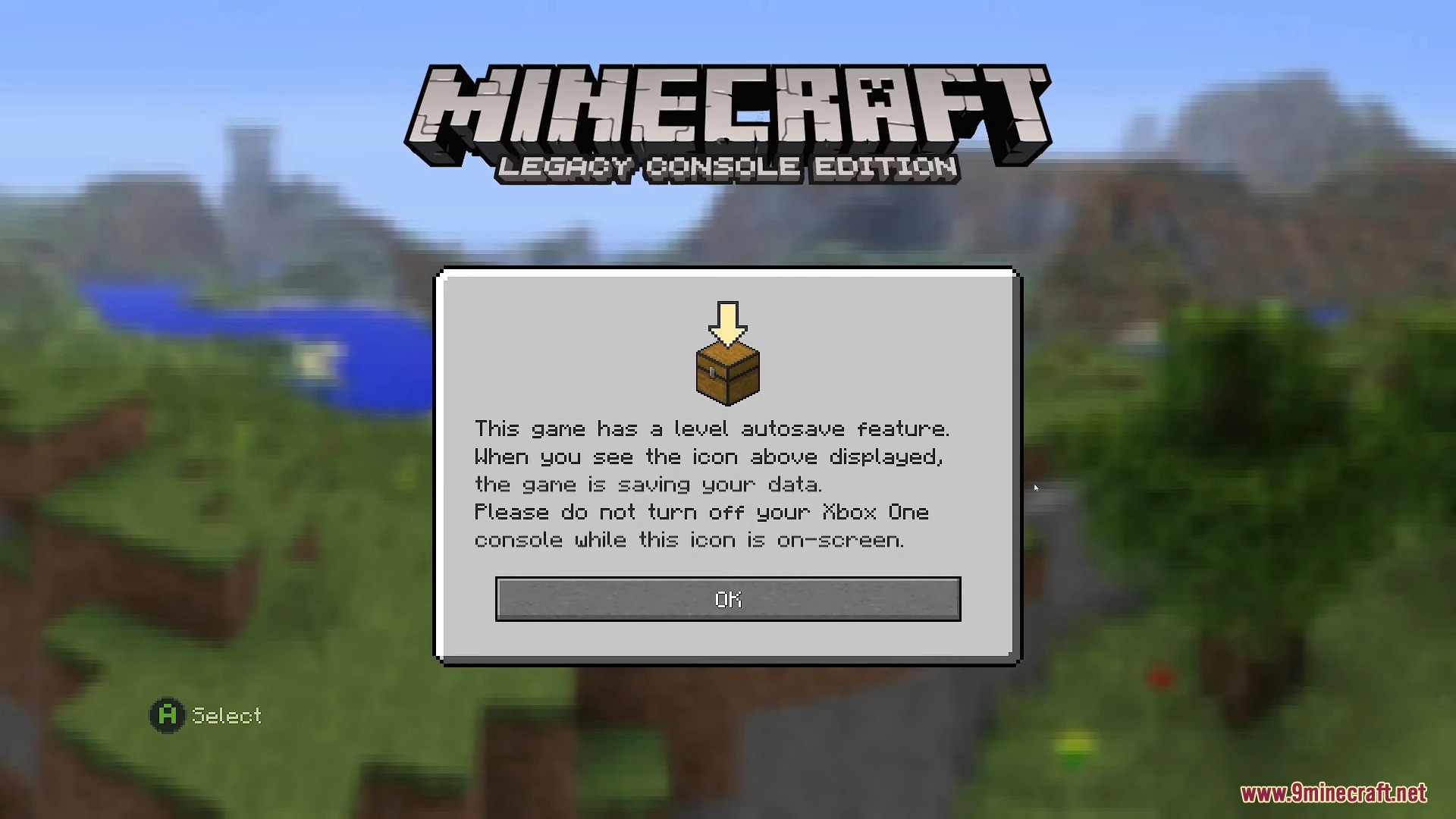
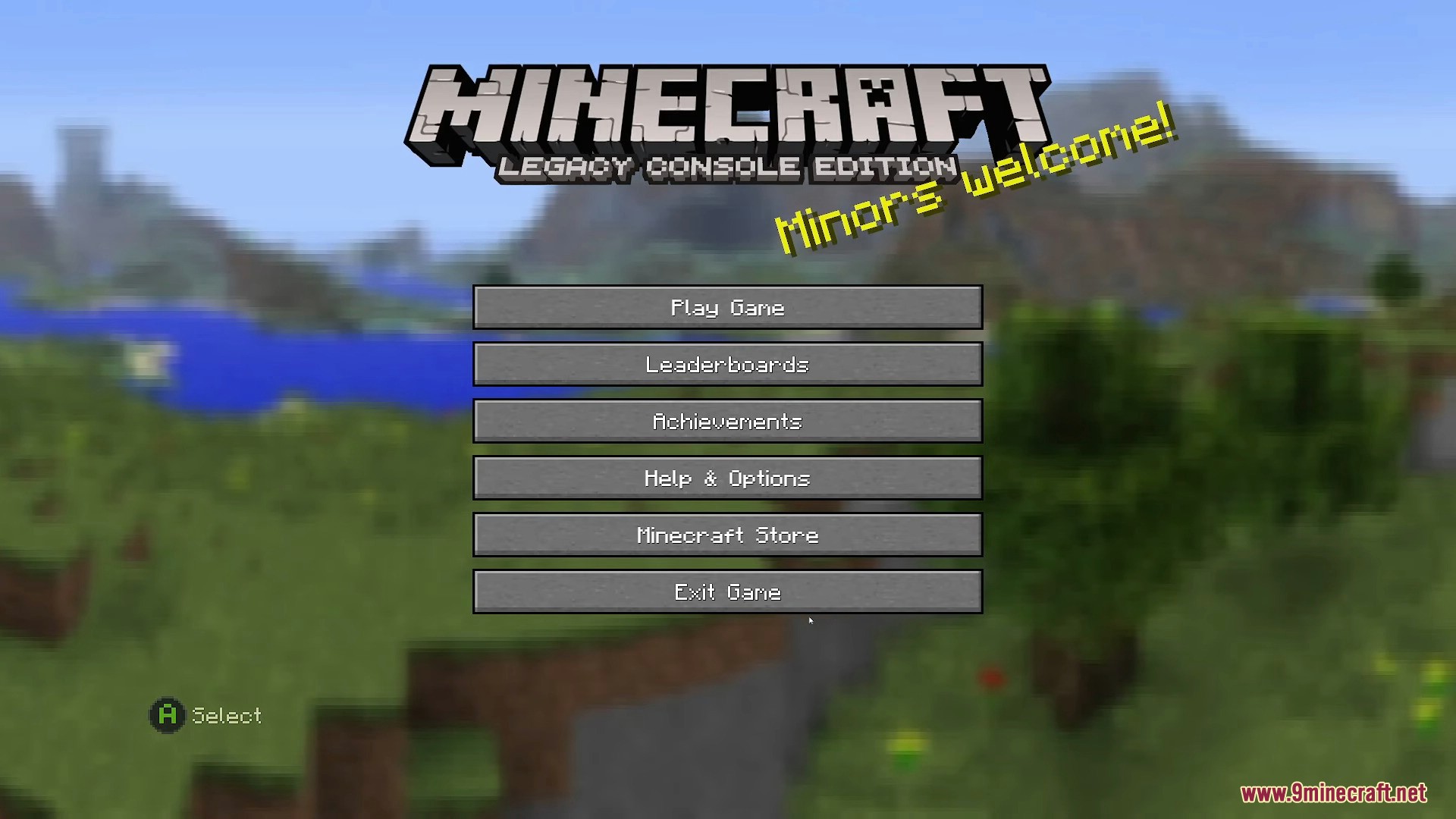
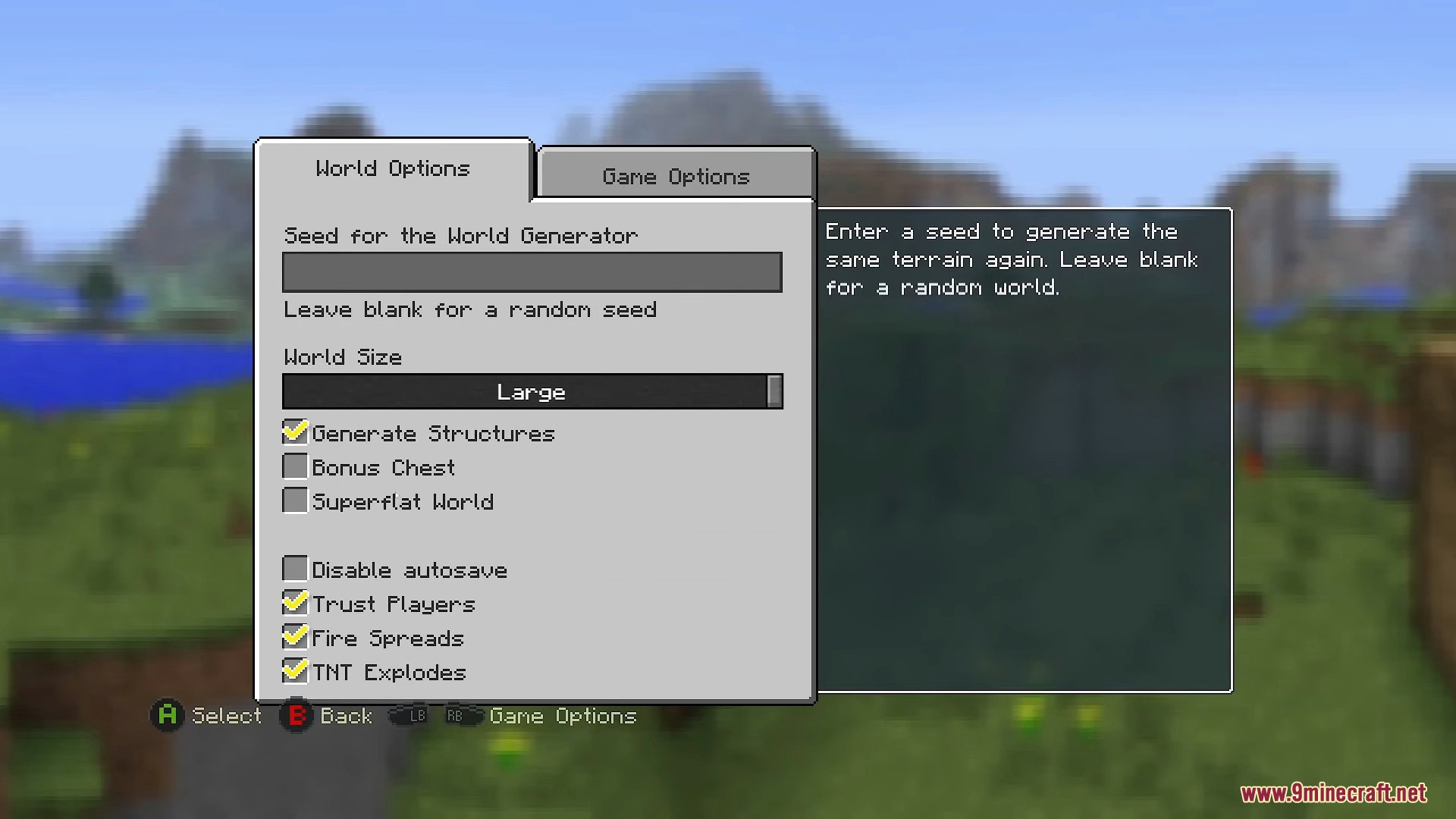
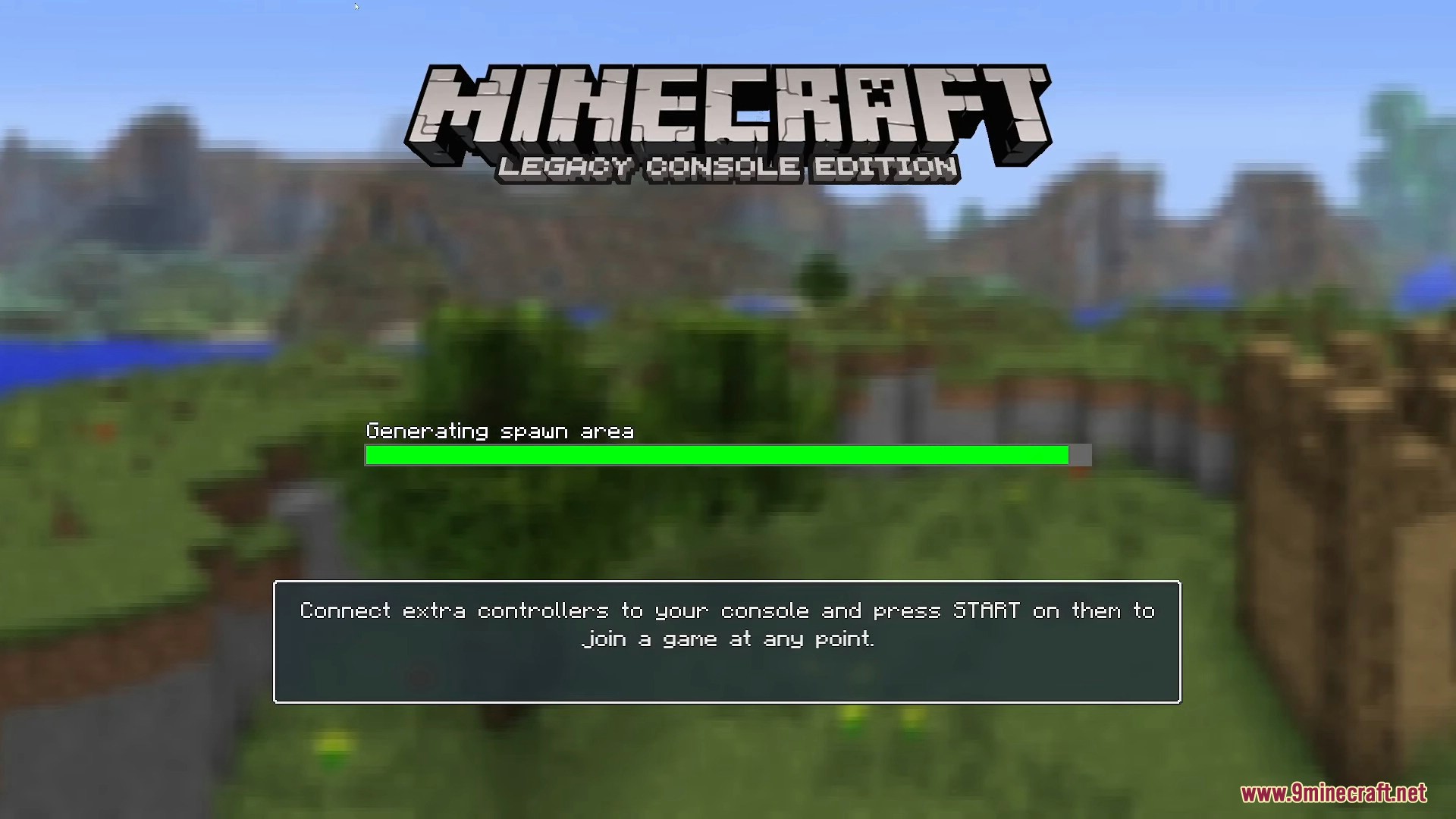
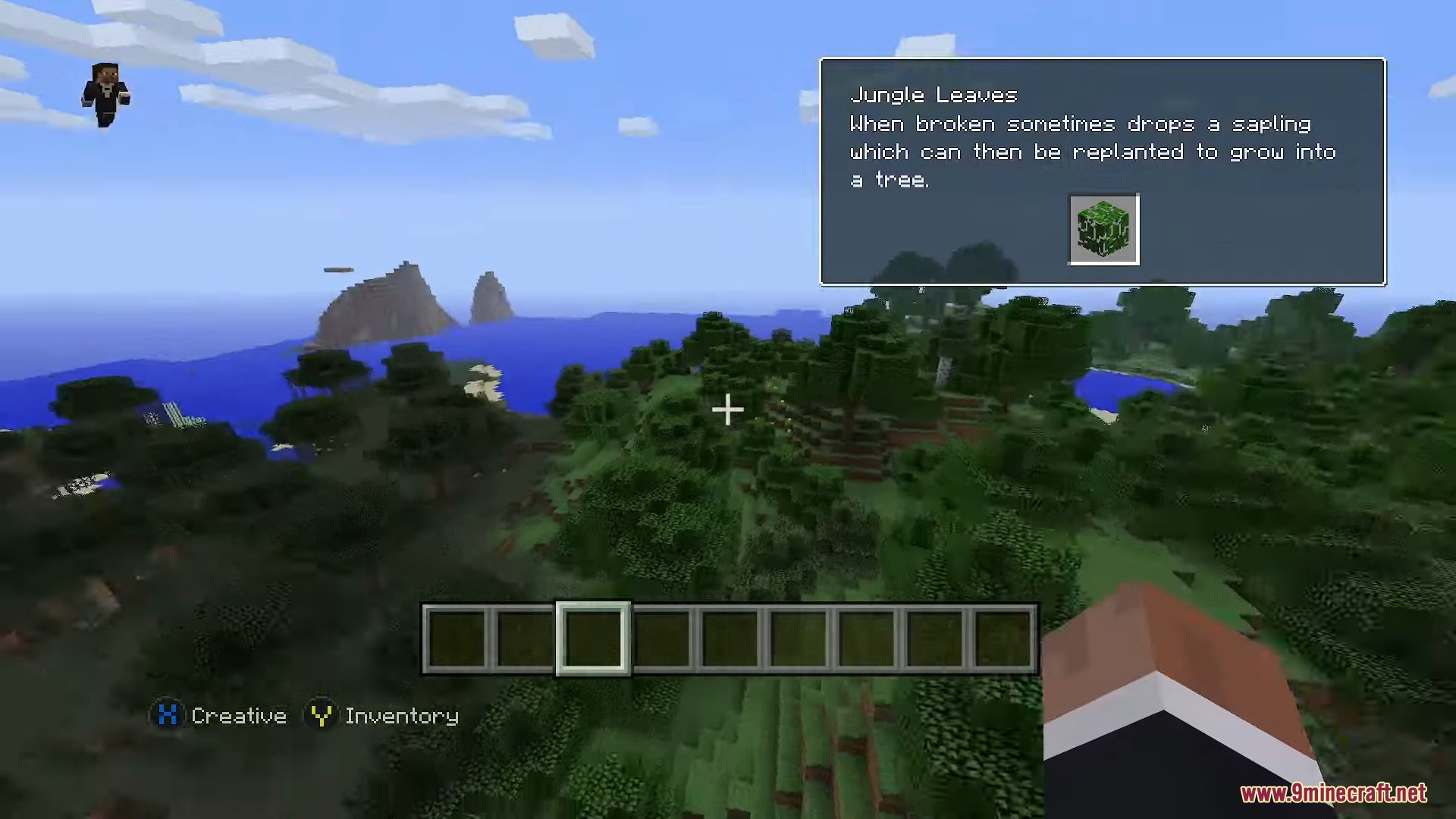
It allows you to play the Legacy Console Edition on your computer.
What control options are available in Minecraft Consoles Launcher?
You can use keyboard and mouse controls with keys like W, A, S, D for movement and E for inventory, or you can use a gamepad.
Can you play multiplayer with friends using this launcher?
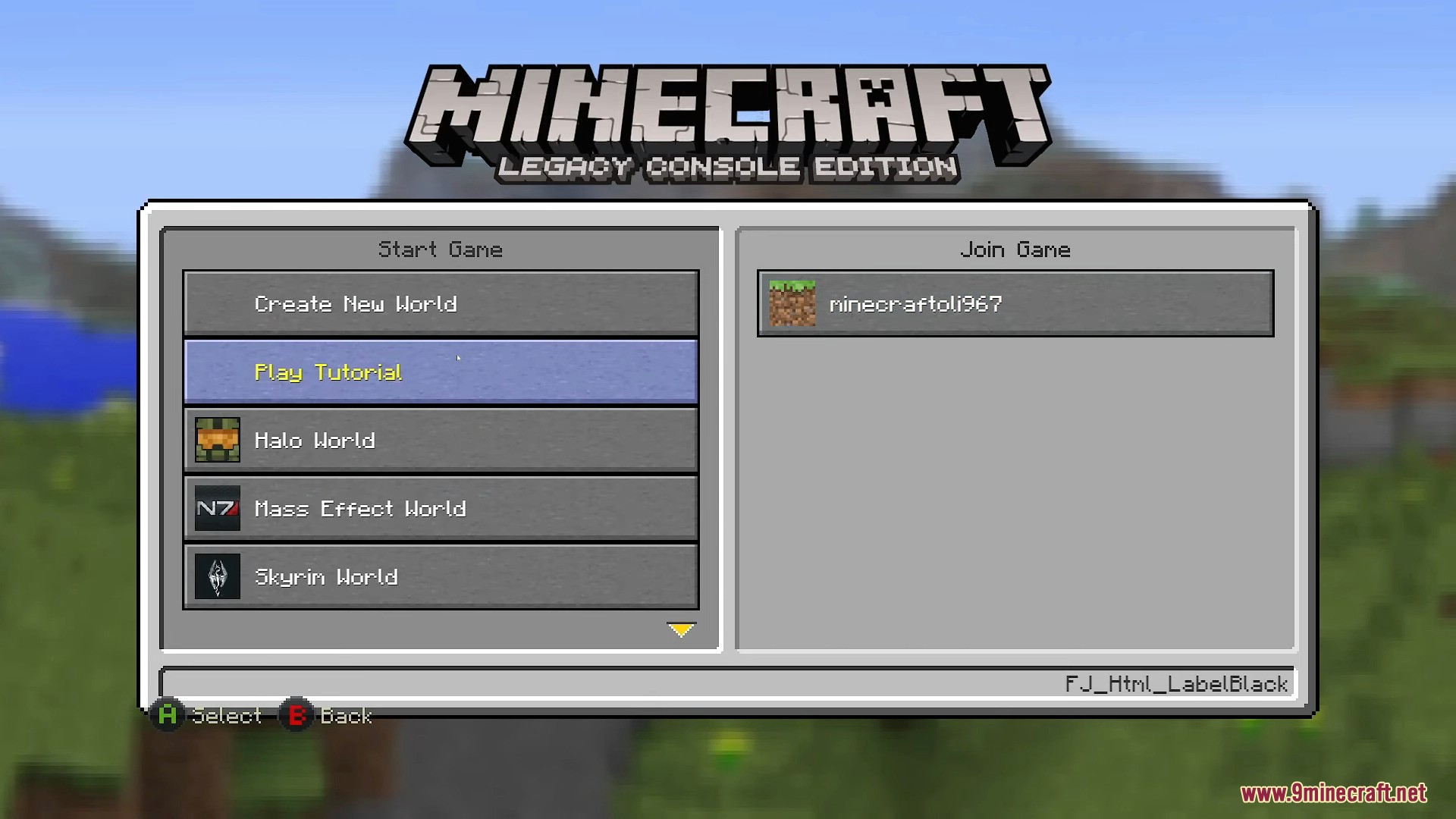
Yes, the launcher includes built-in multiplayer features that let you join friends on your local network and host worlds for them.
How do you set your username in Minecraft Consoles Launcher?
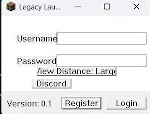
You can create a file named username.txt in the launcher folder and type your name inside it, or add -name [YourName] to the launch arguments.
See all 6 Minecraft Consoles Launcher questions ›
Gallery
12 images from the Minecraft Consoles Launcher page.
You May Also Like
Wikis that share the most with this one
Wikis on the same theme: craft
More mod wikis on the site
The most downloaded mods that have a wiki here
A few wikis from each of the other kinds