

 DownloadVanilla Refresh Data Pack
Get the files on 9Minecraft
Guides
Step-by-step, in-game.
How to Enter Spectator Mode and Use Spectator Actions in Vanilla RefreshVanilla Refresh extends spectator mode with its own actions, which is useful for inspecting builds, filming, or…How to Open the Vanilla Refresh Settings Menu and Toggle FeaturesVanilla Refresh ships with every feature enabled or disabled by default, but you are expected to tune it to your…How to Sit Anywhere with the Player Sitting FeaturePlayer Sitting is one of the headline features and it is on by default, so most players never realize they already…How to Use the Creative Wands for Teleporting, Mob Erasure and Clearing VegetationVanilla Refresh adds a set of creative-only wands that replace a lot of tedious manual work. They are meant for…
Commands
Chat commands this mod registers, and what each one does.
| Command | What it does |
|---|---|
/function vanilla_refresh:admin/_teleport/d/nether | |
/function vanilla_refresh:admin/_teleport/d/overworld | |
/function vanilla_refresh:admin/_teleport/d/the_end | |
/function vanilla_refresh:admin/_teleport/last_death | |
/function vanilla_refresh:admin/_teleport/world_spawn | |
/function vanilla_refresh:admin/copy_position | |
/function vanilla_refresh:admin/copy_position_precise | |
/function vanilla_refresh:admin/modify_extra_config | |
/function vanilla_refresh:admin/player_stats | |
/function vanilla_refresh:admin/player_stats_instructions | |
/function vanilla_refresh:admin/player_stats_transfer | |
/function vanilla_refresh:admin/remove_all_block_anims | |
/function vanilla_refresh:admin/remove_all_crops_xp | |
/function vanilla_refresh:admin/remove_night_mobs_ | |
/function vanilla_refresh:admin/remove_night_mobs_alt | |
/function vanilla_refresh:admin/set_entity_filter | |
/function vanilla_refresh:admin/set_score_colors_to_gray | |
/function vanilla_refresh:admin/set_score_colors_to_none | |
/function vanilla_refresh:admin/set_score_colors_to_red | |
/function vanilla_refresh:admin/set_score_colors_to_yellow |
Frequently asked questions
How do I open the Vanilla Refresh settings menu?
Run the /trigger vrs command (or use the settings item if you've given yourself one) to open the in-game menu where every feature is listed with a toggle. From there you can enable or disable any feature without leaving the world.
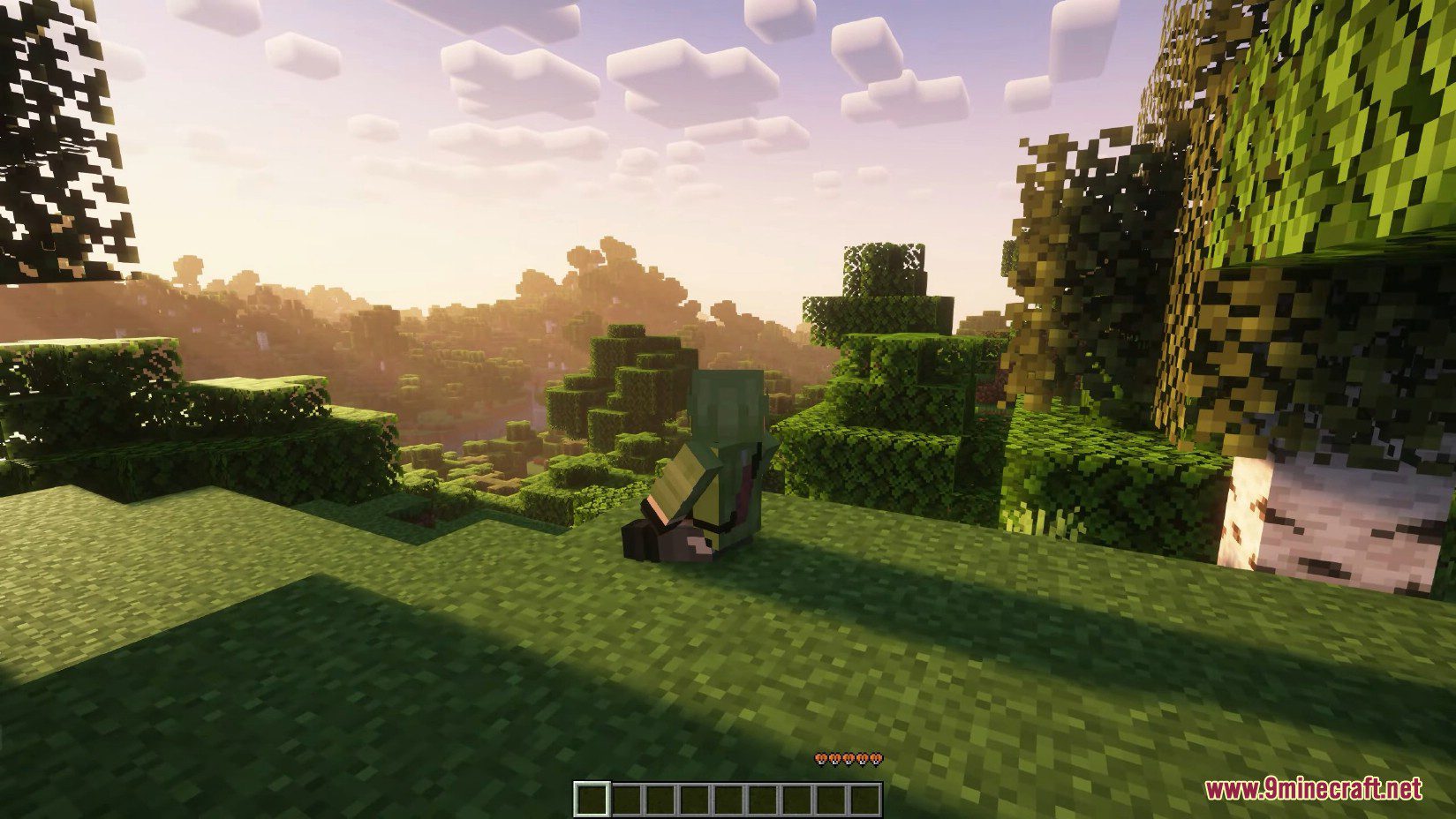
How do I sit down anywhere in Minecraft with this data pack?
Face straight down, crouch, and you'll sit on the spot you're looking at. Stand up by pressing the sneak key again or moving.
How do I get the creative wands?
The wands are creative-mode tools, so you need to be in creative and grab them from the creative inventory or via the settings menu's item giver. Each wand handles a different job: teleporting, erasing mobs, and clearing vegetation.
How do I teleport with the wand?
Hold the teleport wand and right-click the block or location you want to travel to. It moves you there instantly, which is handy for building or exploring without walking.
See all 10 Vanilla Refresh questions ›
Gallery
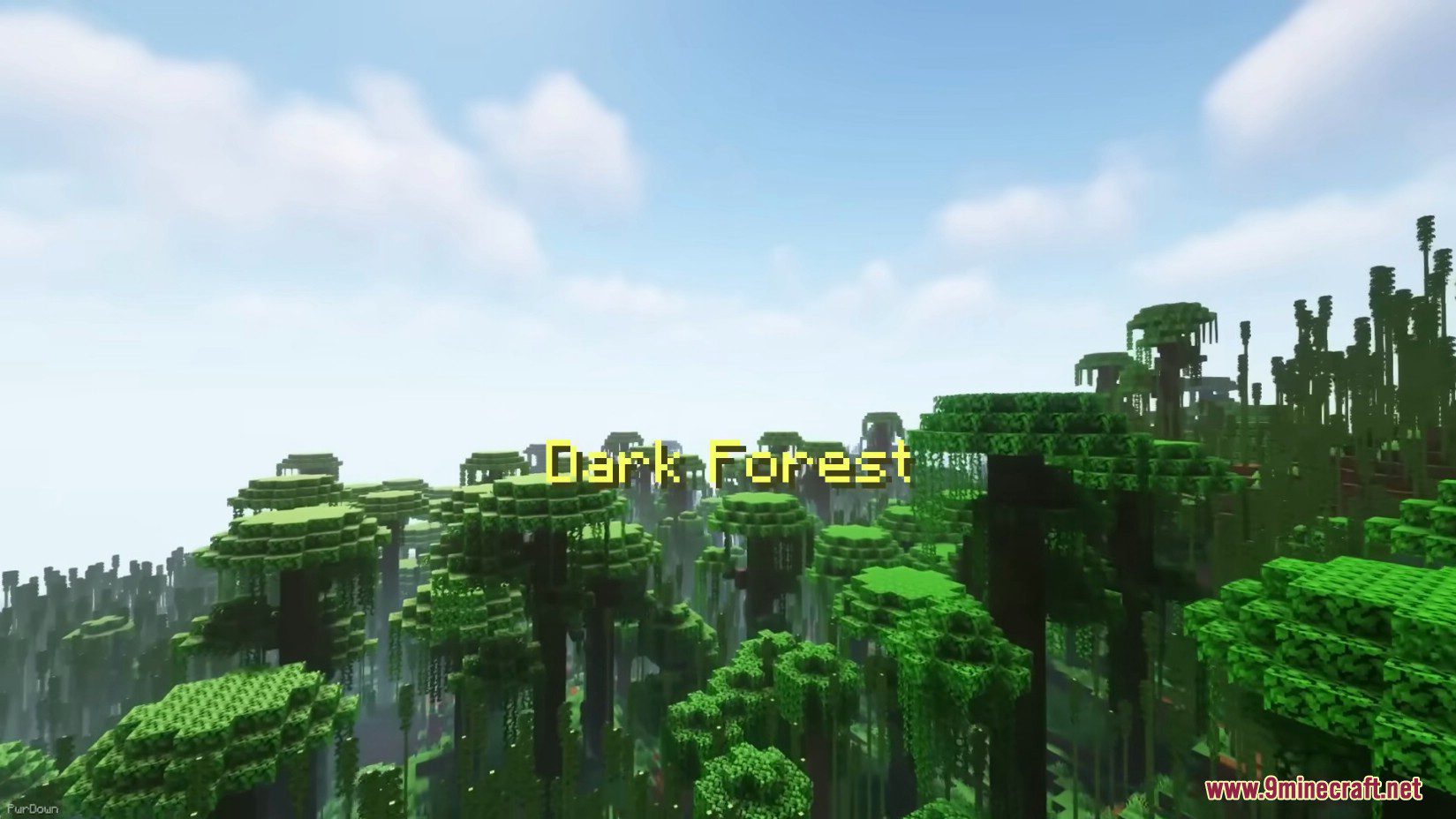
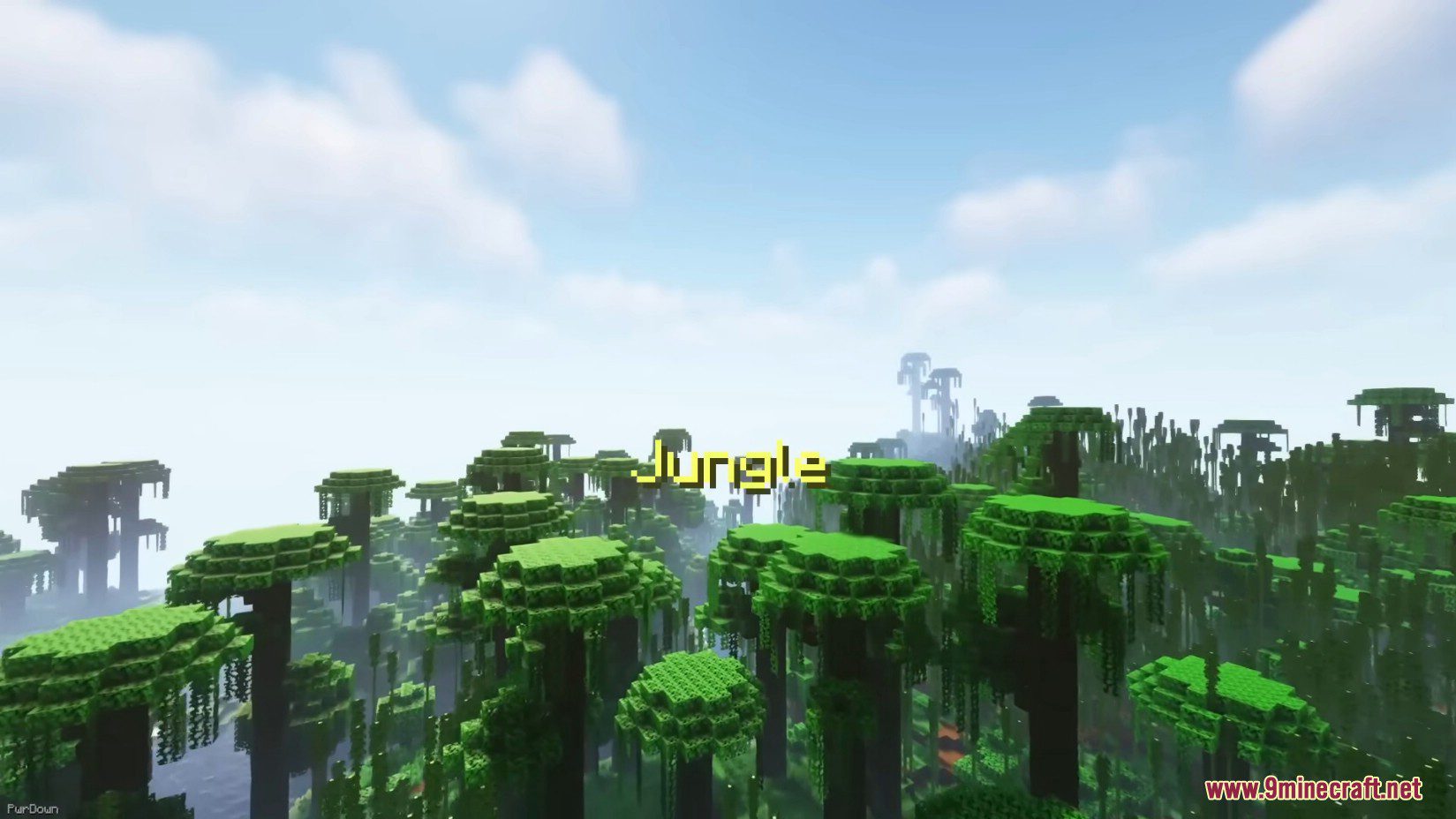
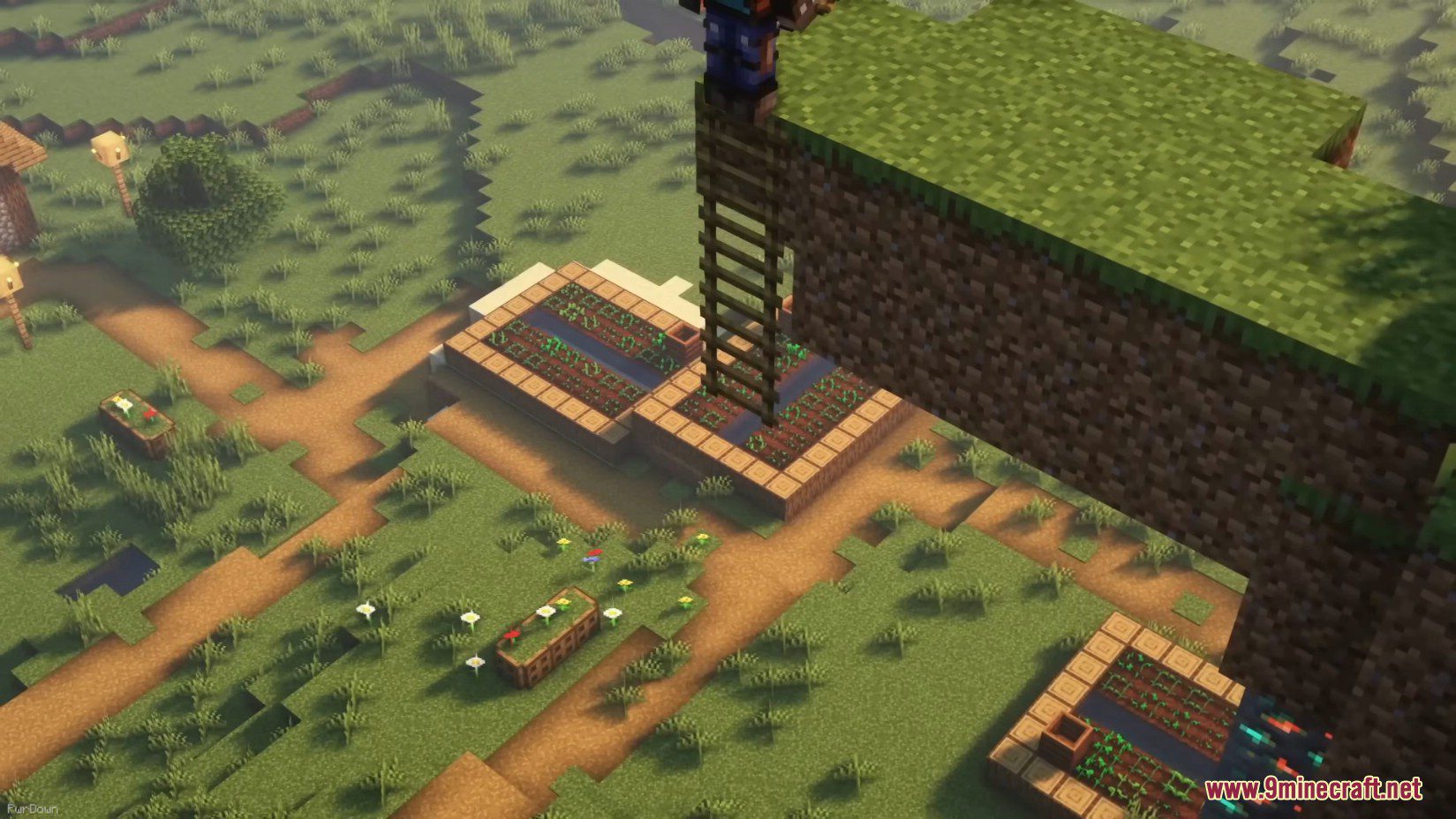
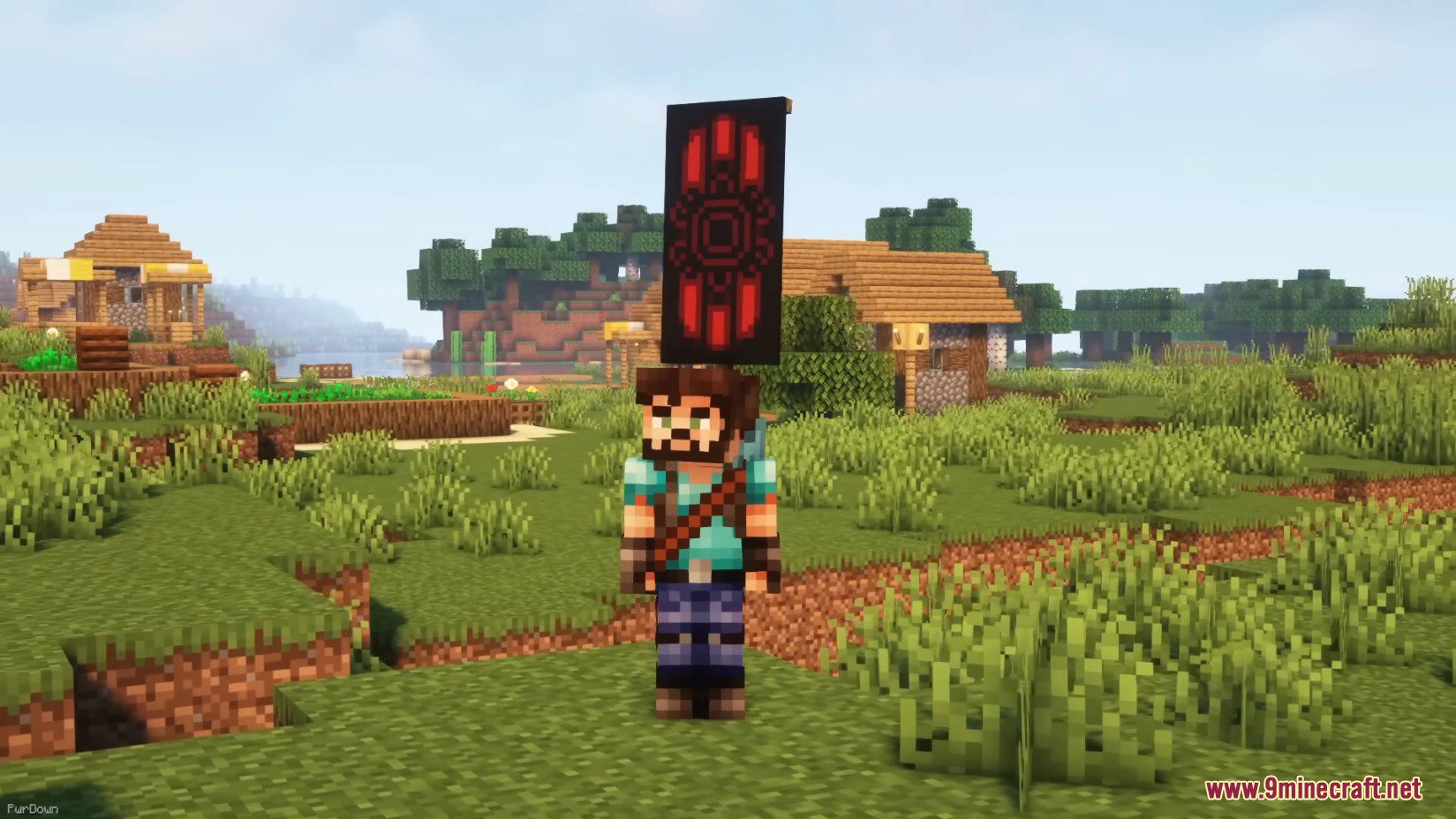
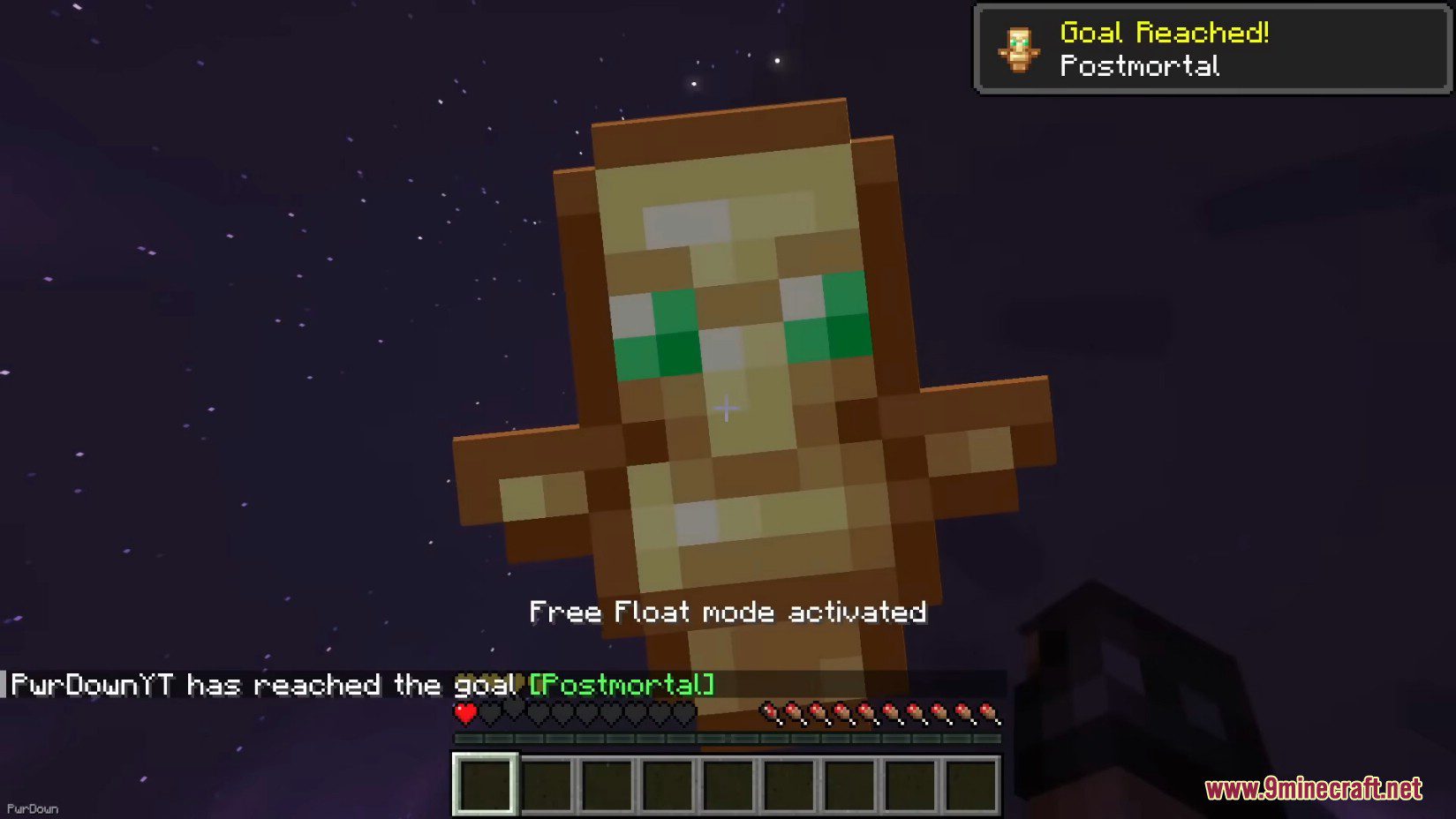
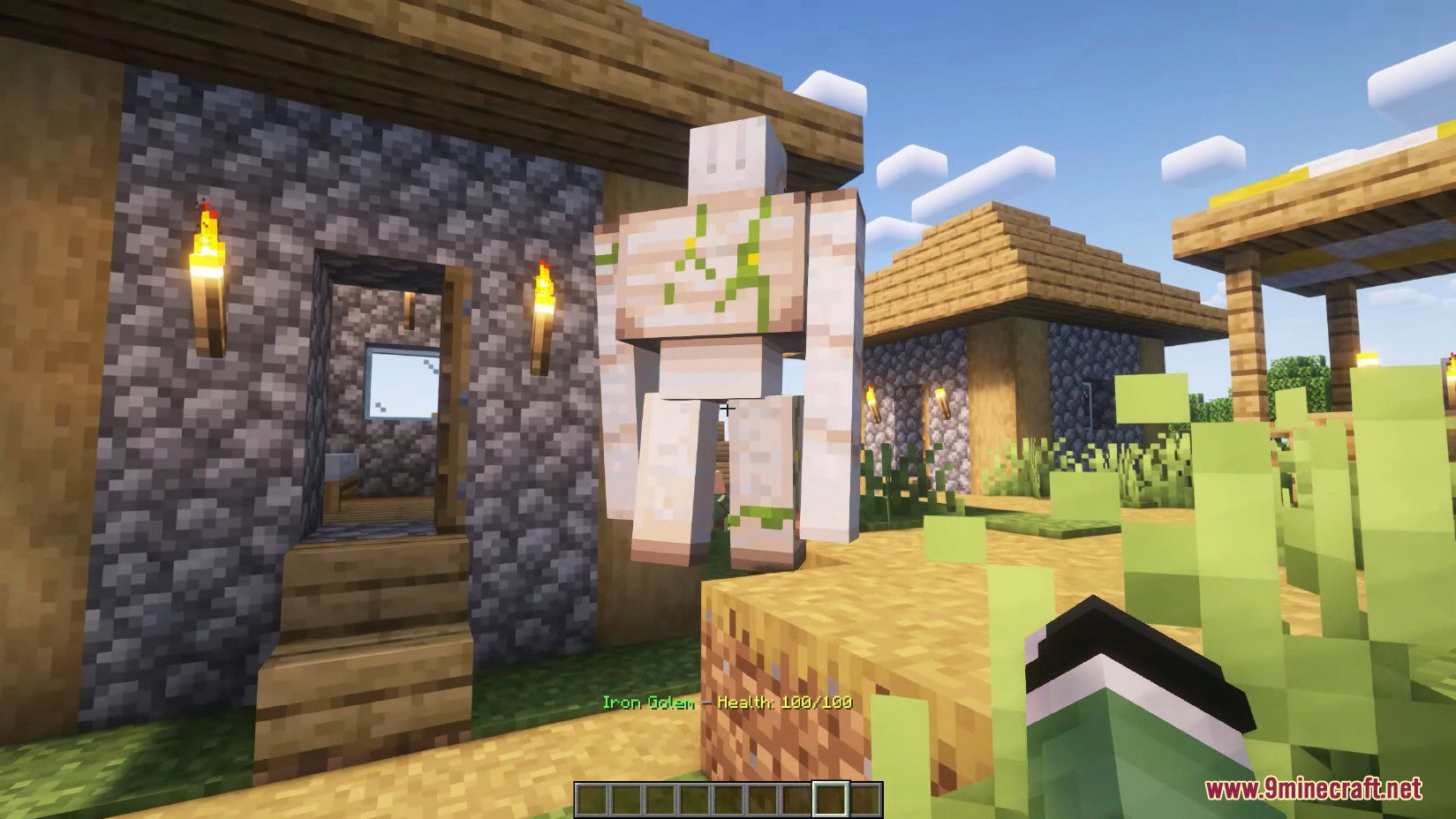
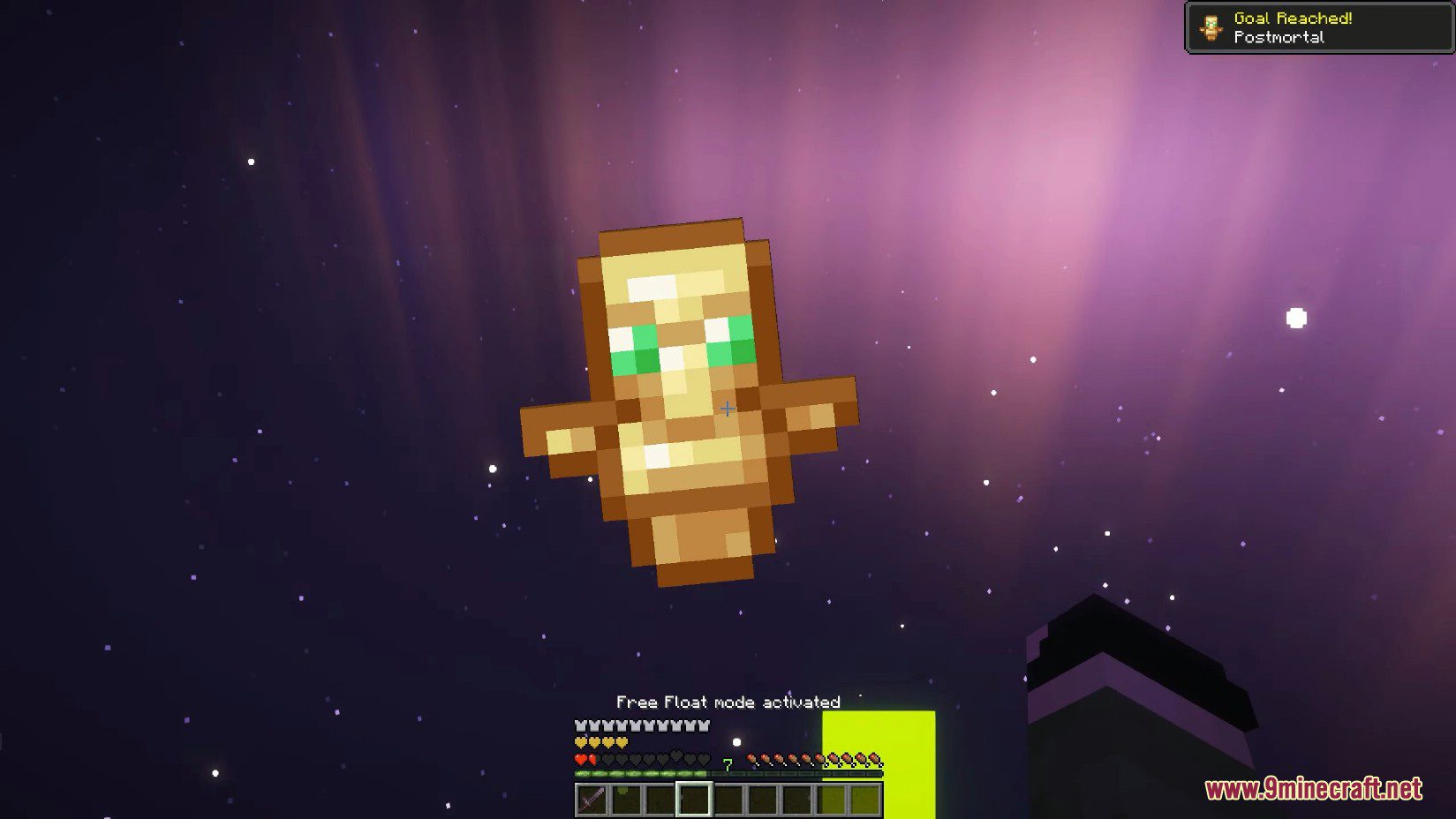
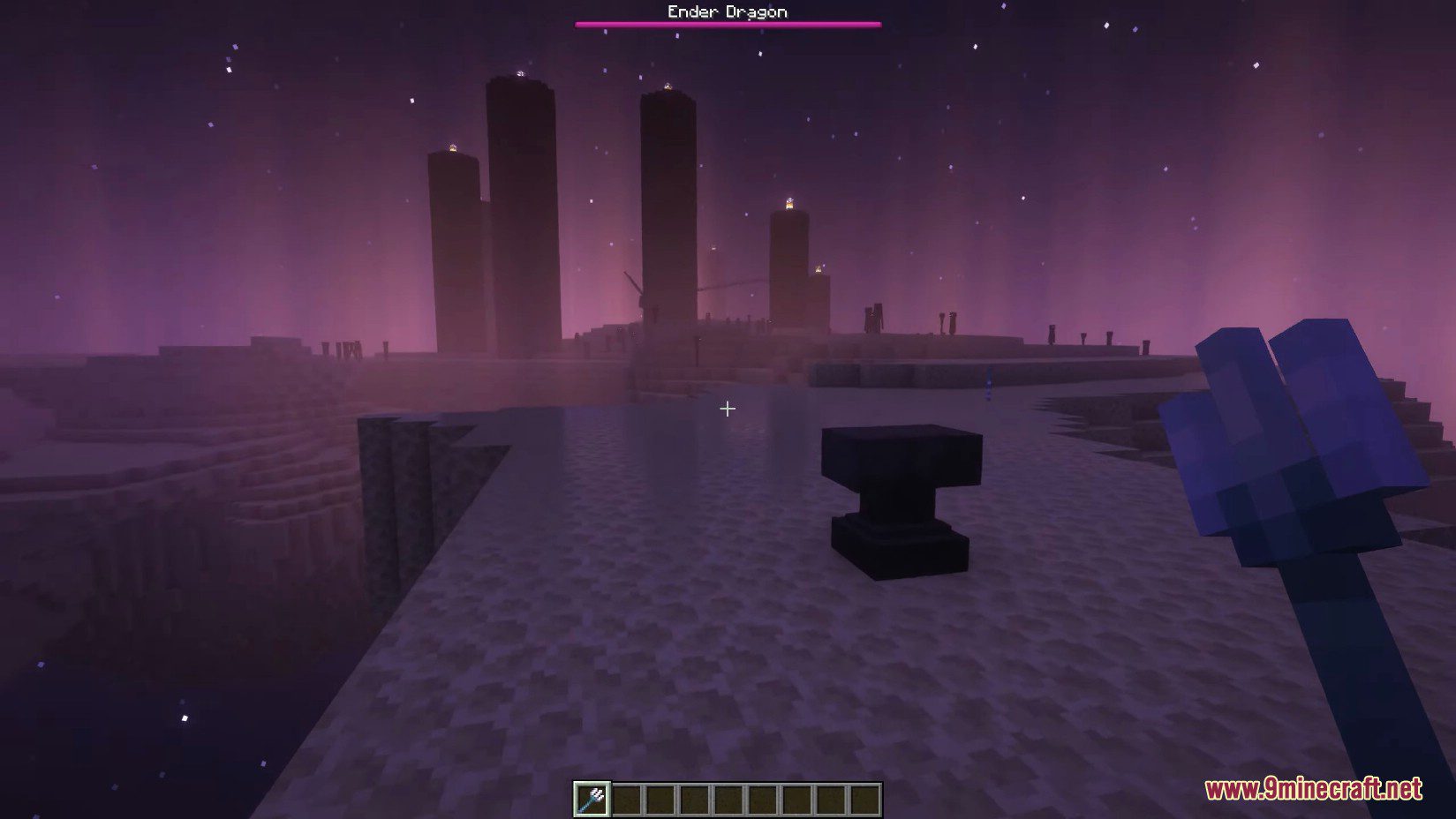
12 images from the Vanilla Refresh Data Pack page.


You May Also Like
Wikis that share the most with this one
More data pack wikis on the site
Vanilla Plus Data PackVanilla Paxels Data PackVanilla Fireflies Data PackCatenary Data PackVanilla Backport Mob Variants Compat Data PackUntamed Frontier Chronicles Data PackUnstable Depths Data PackUnlimited Enchantments Data Pack Universal Font Tester Data PackUniversal Bedrock Deposits Data PackTwilight Forest Aurora Palace Regeared Data PackTrue Ending Data Pack
The most downloaded mods that have a wiki here
A few wikis from each of the other kinds