Contents (19)
Portal Types
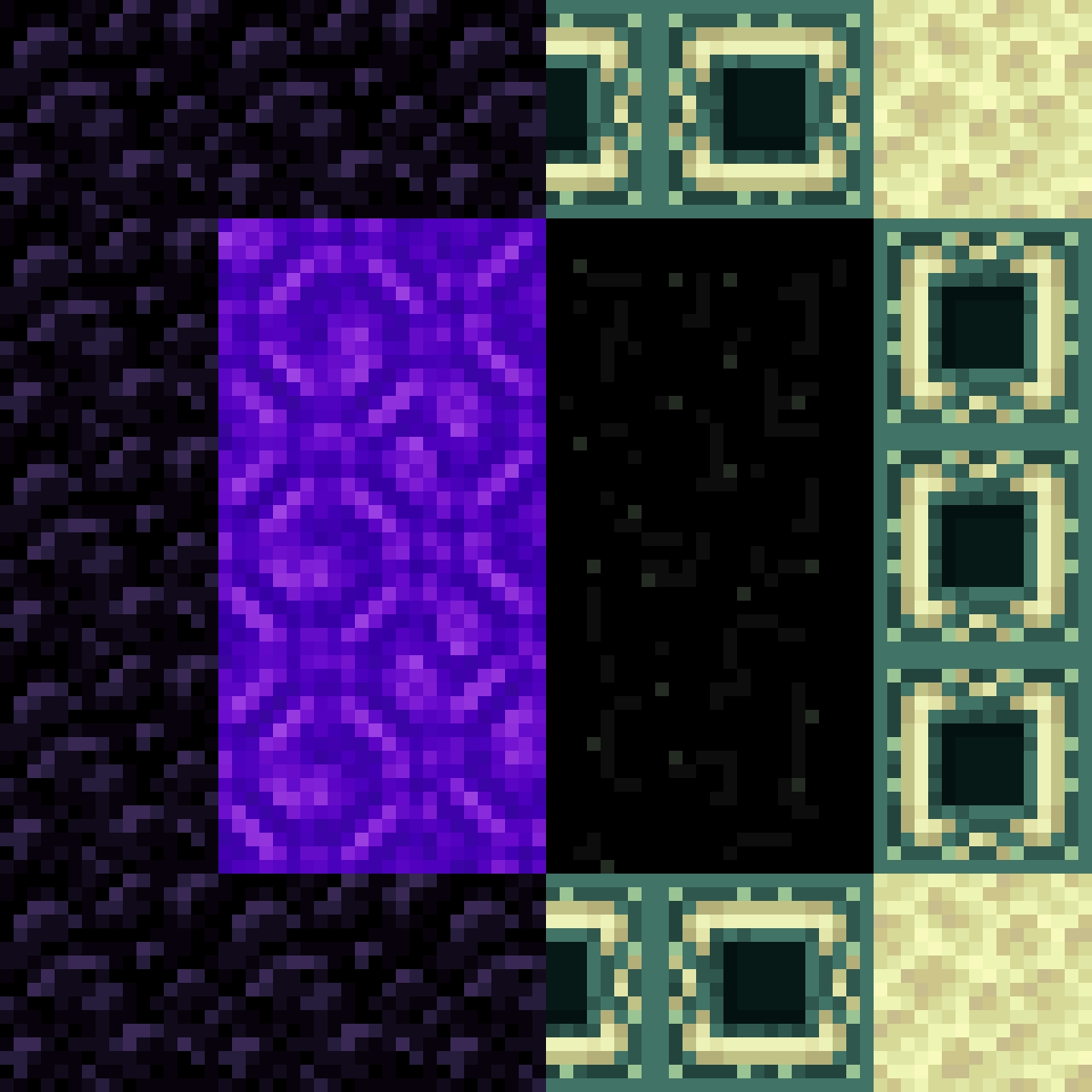
Nether Portals
Existing vanilla Nether portals are not automatically converted. To experience see-through effects, you must light a new portal. Nether portals in this mod support non-standard shapes and orientations.
| Mode | Description |
|---|---|
| Vanilla | Maintains standard vanilla functionality (loading screens). |
| Normal | Portals only link to frames with the exact same shape and orientation. |
| Adaptive | Portals can link to frames of different sizes, applying scale and rotation transformations automatically. |
End Portals
End portals are rendered as a view into the End dimension. Because of game engine restrictions, they must remain horizontal.
| Mode | Description |
|---|---|
| Vanilla | Standard vanilla behavior. |
| Normal | Spawns the player at [0, 120, 0] in the End with slow-falling. |
| ToObsidianPlatform | Points directly to the obsidian platform on the main End island. |
| ScaledView | Shows a miniature or overview version of the End island within the portal frame. |
Custom Portals
Using the Portal Helper block, players can create custom two-way portals between any two points in the world. These portals are not limited by dimension and can be placed at any angle.
Dimension Stacking
Dimension Stacking allows dimensions to be connected vertically, effectively removing the bedrock ceiling or floor and replacing it with a portal to another dimension. For example, digging down past the bottom of the Overworld can lead directly into the ceiling of the Nether.
- Default Stack: Typically stacks the Void, Skylands, Overworld, and Nether.
- Bedrock Replacement: Bedrock is usually replaced with Obsidian or removed entirely to allow passage.
- Scale Management: If the Nether is stacked below the Overworld, the mod can handle the 1:8 coordinate scale difference seamlessly.
World Wrapping
World wrapping creates a "looping" effect in a specific area or the entire world. * Inward Wrapping: Wraps a finite space so that walking out of one side brings you back in from the opposite side (like a Pac-Man map). * Outward Wrapping: Isolates an area. Entering from the left side of the boundary makes you appear on the right side, effectively making the interior unreachable or "folded" away from normal space.
Mirrors
Mirrors are a specialized type of one-way portal that reflects the current dimension.
- Creation: To create a mirror, right-click a flat wall of Glass Blocks or Stained Glass with Flint and Steel.
- Behavior: Mirrors only work in rectangular shapes. They reflect entities and the environment in real-time. If the underlying glass blocks are broken, the mirror vanishes.
Dimensions
The mod introduces or supports specific dimensions for use with the Dimension Stack feature:
- Skylands: A dimension consisting of floating islands with high-brightness lighting. It is often placed above the Overworld in a stack.
- The Void: A completely empty dimension, often used as the bottom-most layer of a stack or for technical builds.
Core Mechanics
Seamless Teleportation
Unlike vanilla Minecraft, which pauses the game to load a new dimension, Immersive Portals synchronizes chunks from the destination dimension in real-time. When an entity crosses the portal plane, its position is instantly updated without any transition screen.
Real-Time Rendering
Portals act as windows. If a portal is within the player's view, the mod renders the destination area inside the portal frame. This includes rendering entities, block updates, and even other portals visible through the first one (recursive rendering).
Cross-Portal Interaction
Players can interact with the world through a portal as if they were standing on the other side: * Block Interaction: You can break or place blocks through a portal. * Entity Interaction: Projectiles like arrows and snowballs travel through portals without losing momentum. * Sound: Sounds from the other side of the portal can be heard, with volume adjusting based on proximity to the portal frame.
Items and Tools
Portal Helper
The primary tool for creating portals in Creative mode. It can be used to define frames that the mod then fills with portal entities.
Command Sticks
These are special items used to manipulate portals without typing long commands. They are primarily found in the Creative inventory.
| Item | Function |
|---|---|
| Portal Wand | Used to select anchors and create portals manually. Recommended over the Portal Helper block. |
| Rotation Stick | Rotates the targeted portal body or destination. |
| Scale Stick | Increases or decreases the scale transformation of a portal. |
| Portal Drag Stick | Moves the portal entity's position in the world. |
Mirror Item
While mirrors are usually created via glass blocks, some versions include a Mirror item that can be held to see a reflection or placed to create a portable mirror surface.
Blocks
Portal Helper Block
- Properties: A utility block used to build portal frames.
- Usage: Build two identical frames using this block in different locations. Light one frame with Flint and Steel to link them. The mod will automatically generate a bi-way portal between the two frames.
Portal Placeholder
- Properties: An invisible, non-collidable block that fills the inside of breakable portals (like Nether portals).
- Function: It provides illumination and maintains the portal's structure. If these blocks are removed or the frame is broken, the portal entity will dissipate.