

Contents (3)
The Enchantment I Want Is Not Listed
If the enchantment you are looking for does not appear, check these first:
- Wrong block tier. The basic
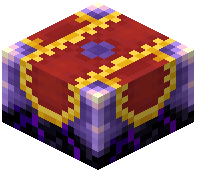 Enchanting Infuser cannot reach every enchantment. Try the
 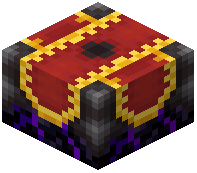 Advanced Enchanting Infuser, which offers a wider selection and level control.
 - Wrong item. Some enchantments only apply to certain item types (for example, weapon enchantments will not show for a pickaxe). Make sure the item in the slot is compatible.
- Conflicting enchantment. If the item already has an enchantment that conflicts with the one you want, the option may be unavailable.
The Option Is Greyed Out
A greyed-out enchantment usually means you do not have enough experience levels or enough lapis lazuli. Check the cost shown next to the enchantment and compare it to your current levels. Gather more of whichever you are missing and reopen the interface.
Nothing Happens When I Click
Make sure lapis lazuli is actually in the lapis slot and the item is in the input slot. If the block still will not apply the enchantment, try removing and re-adding the item, or breaking and replacing the block. Confirm you are using the correct infuser for the enchantment level you want, since the basic block cannot apply every option.