

 DownloadChest Tracker Mod
Get the files on 9Minecraft
Contents (8)
Overview
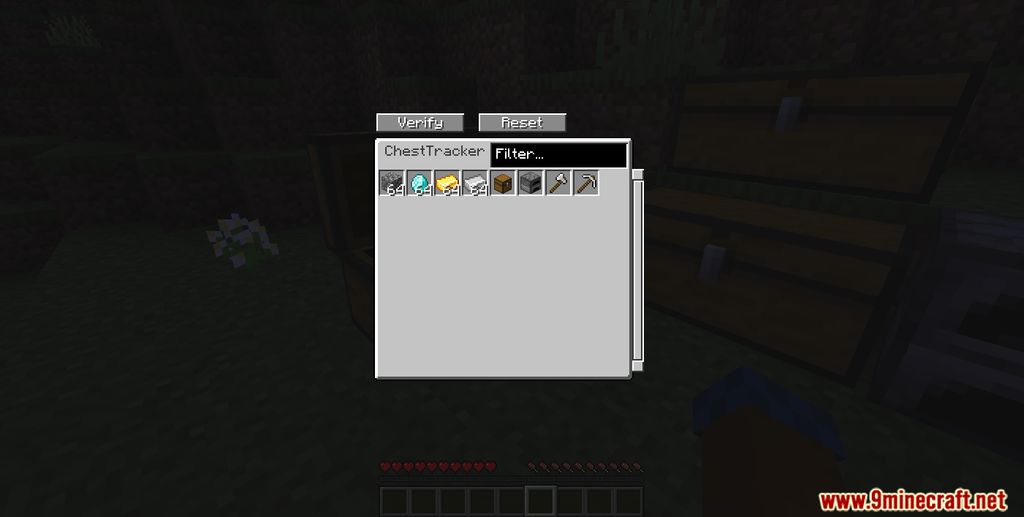
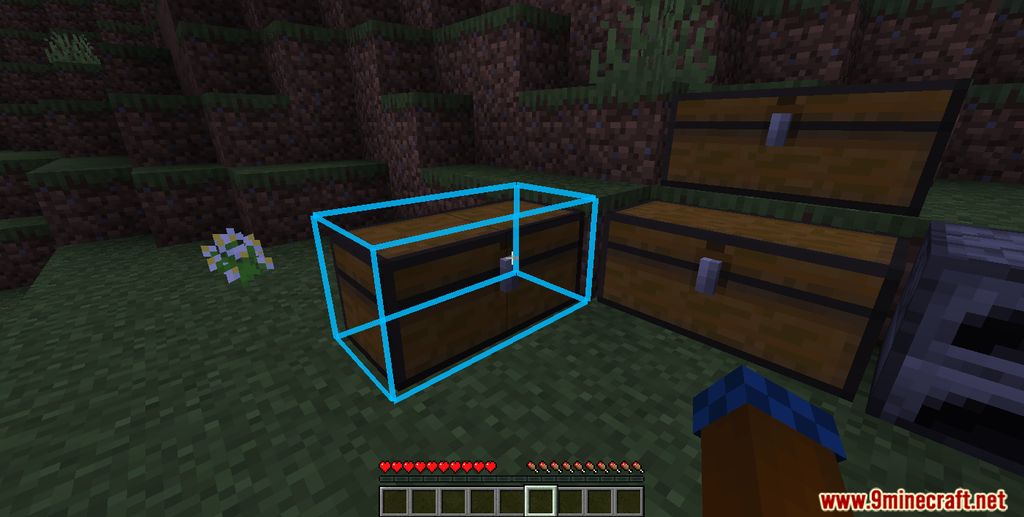
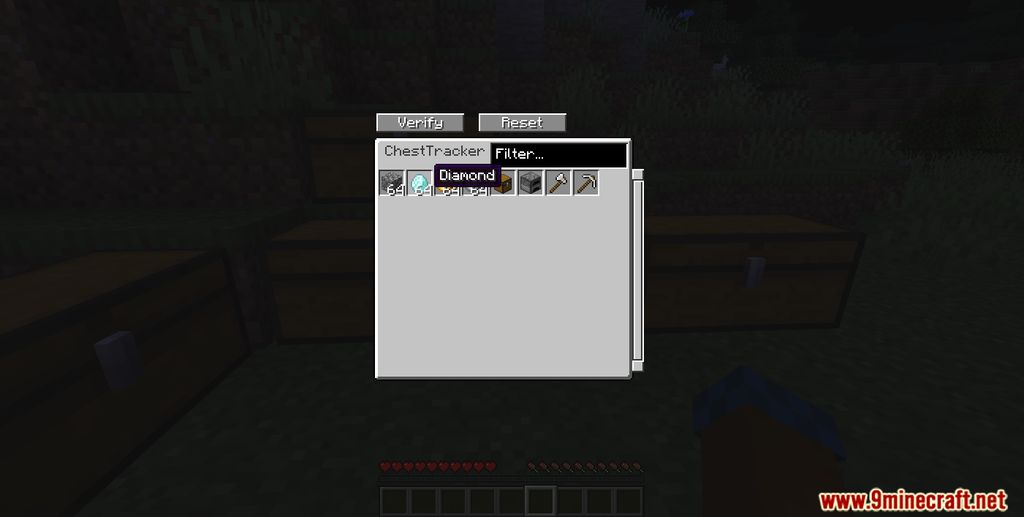
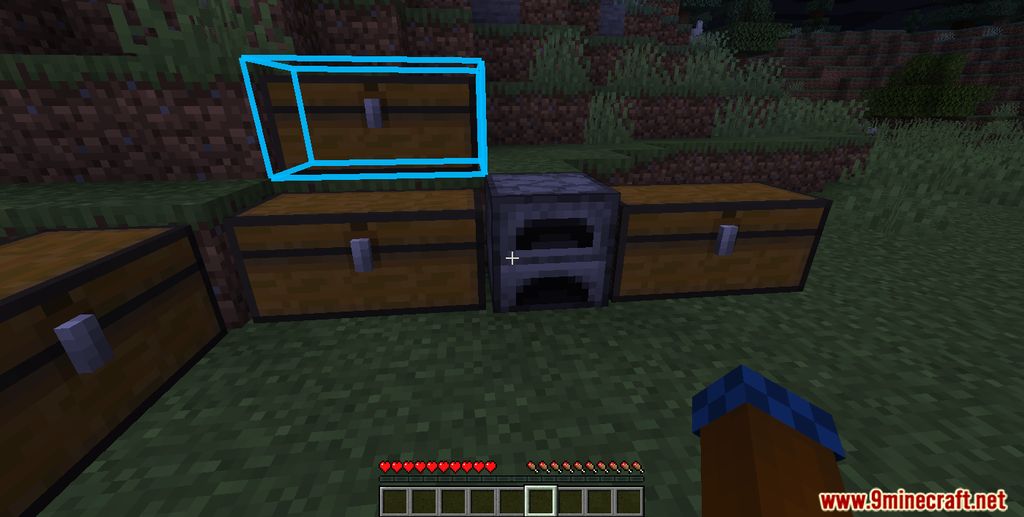
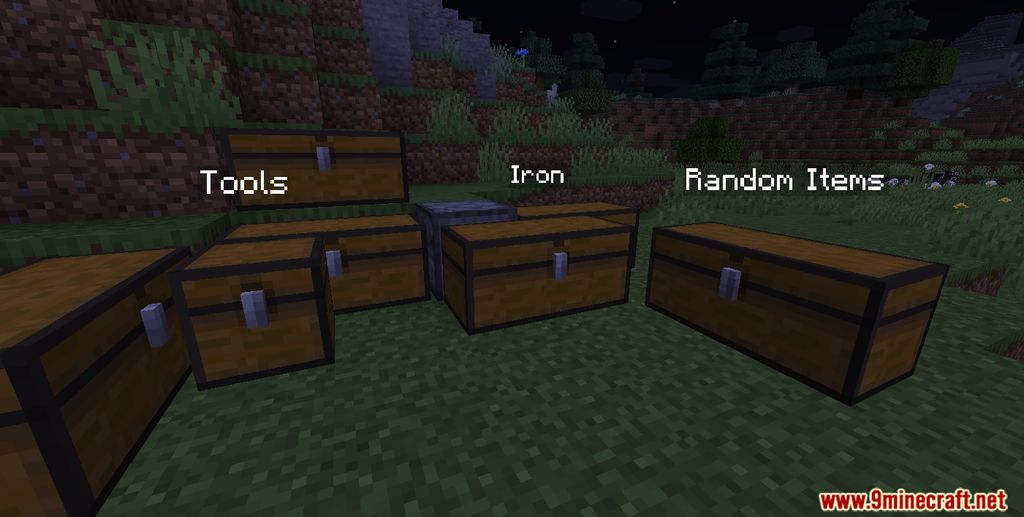
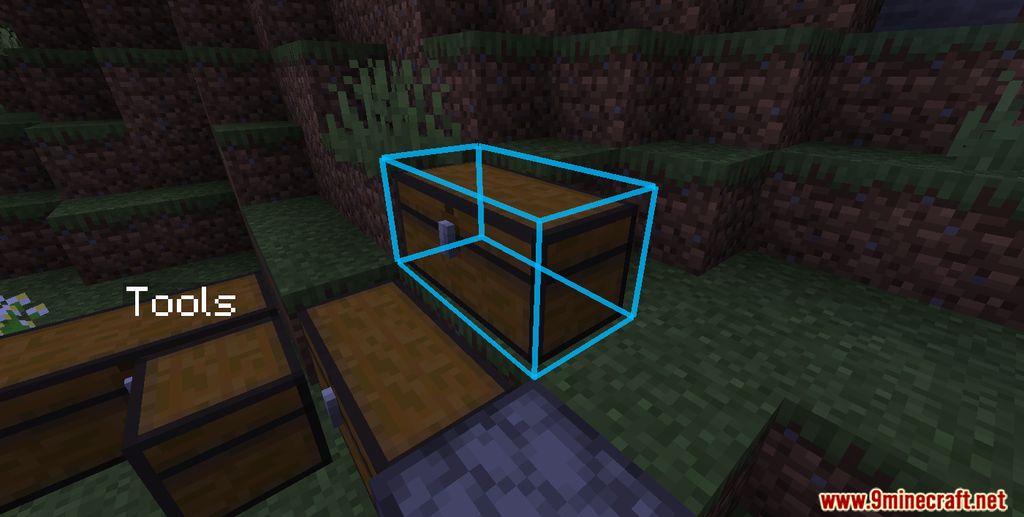
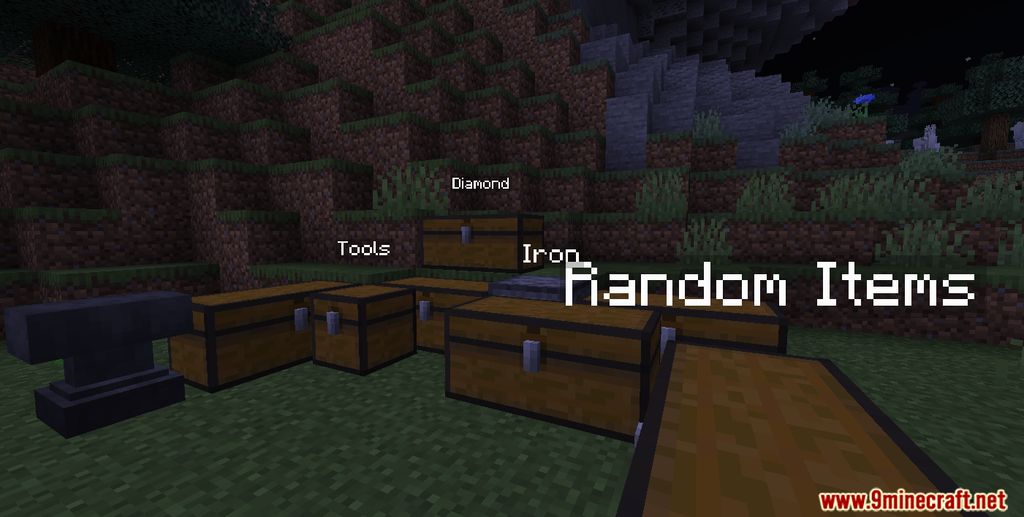
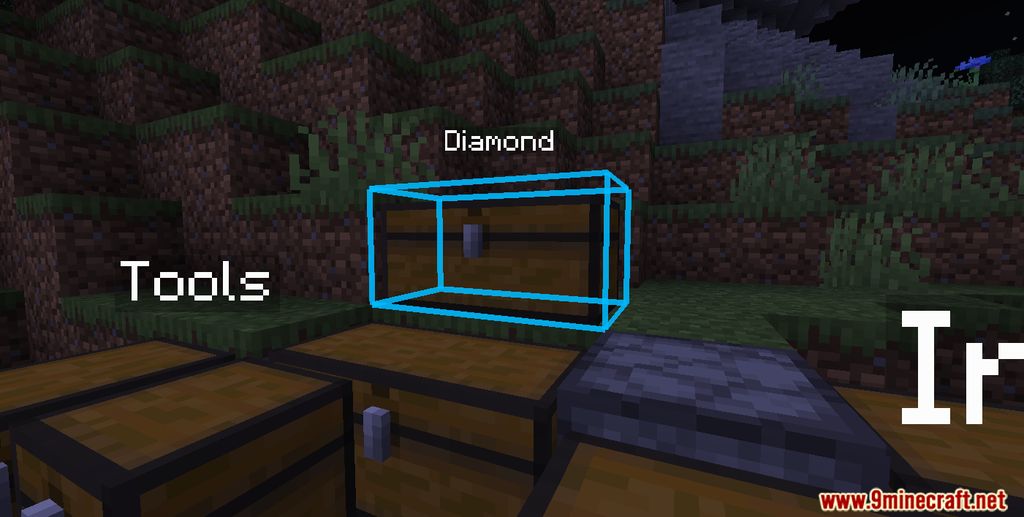
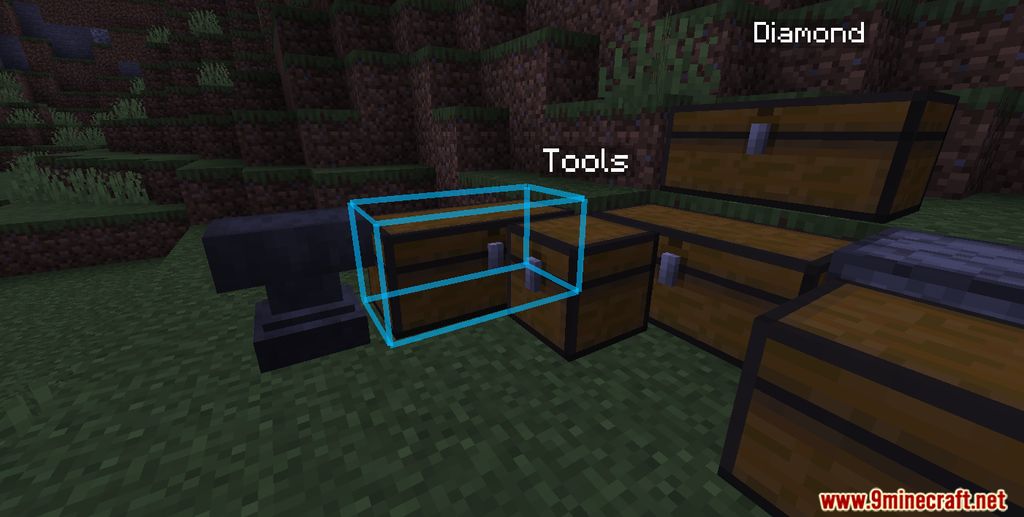
Chest Tracker is an essential quality-of-life mod designed to solve the common problem of losing track of items in complex storage systems. Functioning as a client-side memory bank, the mod automatically logs the contents of chests, barrels, shulker boxes, and even ender chests the moment you open them. It then provides a powerful, search-oriented interface—similar to Applied Energistics 2—allowing you to find exactly which container holds a specific item without having to manually check every block.
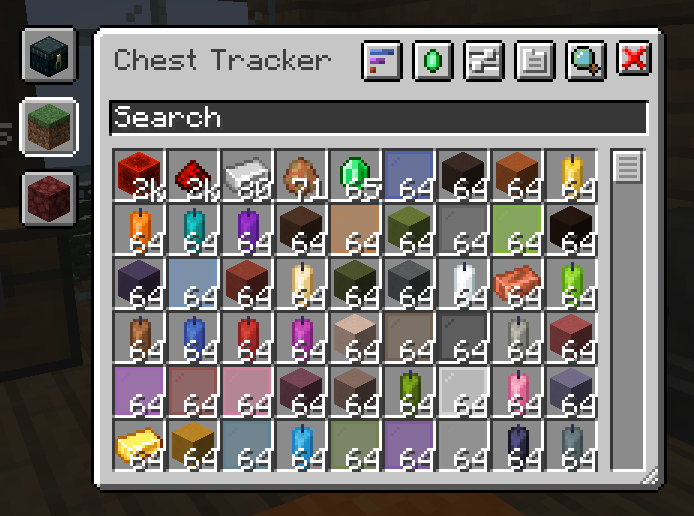
Because the mod is entirely client-sided, it works seamlessly on vanilla servers, Realms, and modded environments. It does not require any server-side installation, as it simply 'remembers' what your character has seen. This makes it a powerful tool for both survival players and those managing massive automated farms on SMPs or specialized servers like Hypixel Skyblock.
Guides
Step-by-step, in-game.
Configuration
Every setting in the mod config file, with what it changes.
| Option | What it does |
|---|---|
devDeveloper Utils | Enables developer debugging utilities for Chest Tracker |
inventoryButton | Toggles a button in the inventory screen that opens Chest Tracker |
memoryMemory Settings | Stores memory banks in game memory instead of on disk |
requiresRestartRequires the game to restart! | Indicates the game must restart for changes to take effect |
materialListSearchButtonsAdd Search Buttons to Material List | Adds search buttons to the material list interface |
Allows you to use the current Memory Bank to show highlights in WTHIT. There are additional settings under the WTHIT's p | Defines the storage format for Memory Banks between worlds/sessions |
countEnderChestMaterials | Includes ender chest contents in Litematica material calculations |
countNearbyMaterials | Includes nearby container contents in Litematica material calculations |
shulkerboxtooltipShulker Box Tooltip Integration | Enables integration with Shulker Box Tooltip to preview container contents |
description2The range is 48 blocks from the player. | Sets the search range for nearby containers to 48 blocks from the player |
description1Whether to add materials in nearby containers to Litematica's material calculations. | Includes materials in nearby containers in Litematica's material calculations |
wthitWTHIT Integration | Enables integration with WTHIT to display container information |
disableContainerNames | Turns off showing container names in the world |
showDevHudShow Developer Hud | Toggles the developer HUD overlay on or off |
Other settings in this file
8 more options the mod ships without its own description. Names are taken straight from the config file.
- plugin_chesttrackerChest Tracker
- gui
- memoryAndStorageMemory & Storage
- open
- rendering
- storageStorage Settings
- whereisitWhere Is It config
- litematica
Frequently asked questions
What does the Chest Tracker Mod do?
What Minecraft versions does Chest Tracker support?
What mod loaders does Chest Tracker work on?
What mods does Chest Tracker require?
 Fabric API and YACL. For 1.x on versions below 1.20.1, it requires Fabric API and Cloth Config.
See all 10 Chest Tracker questions ›
Dependencies
Other mods needed to run this one.
Gallery
10 images from the Chest Tracker Mod page.
You May Also Like
Wikis that share the most with this one
Wikis on the same theme: chest
More mod wikis on the site
The most downloaded mods that have a wiki here
A few wikis from each of the other kinds