Technical Setup and Requirements
To achieve the intended look, Realism Mats requires specific technical configurations.
System Requirements
| Component | Minimum (~30 FPS) | Recommended (60+ FPS) |
|---|---|---|
| RAM | 16GB | 32GB |
| VRAM | 6GB | 8GB+ |
| CPU | Latest Gen i5 | i7 / i9 / Ryzen 9 |
| GPU | GTX 1060 | RTX 2080 / 3070+ |
Installation Steps
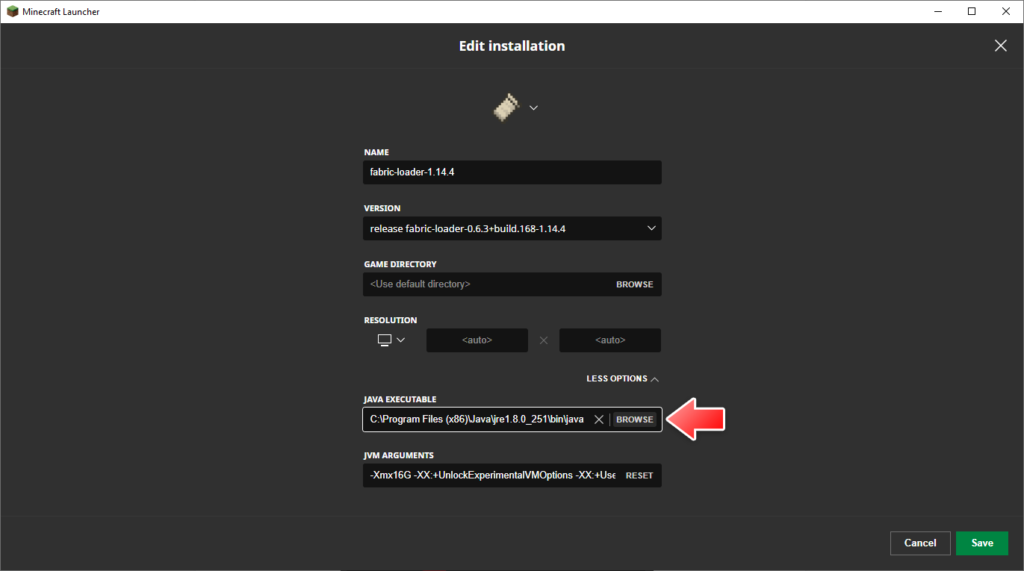
- Update Java: Ensure the latest 64-bit Java Runtime Environment is installed.
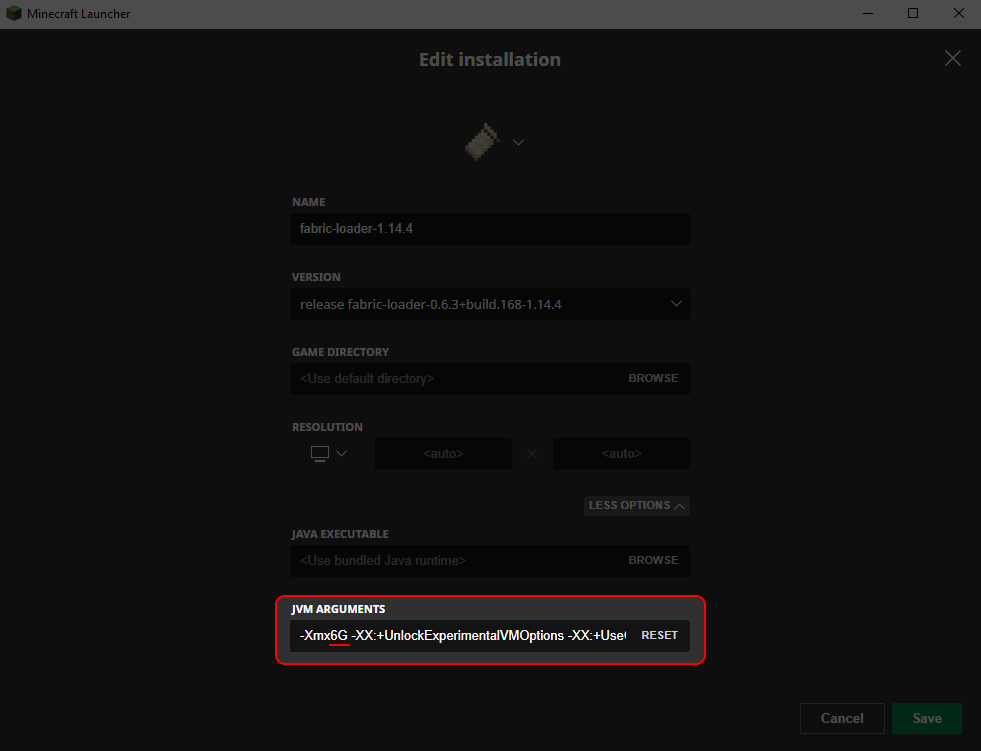
- Allocate RAM: In the Minecraft Launcher, edit your installation and change JVM Arguments to
-Xmx6Gor higher (up to half of your system RAM). - Install Optifine: Required for shader support and PBR textures.
- Add Resource Pack: Place the downloaded
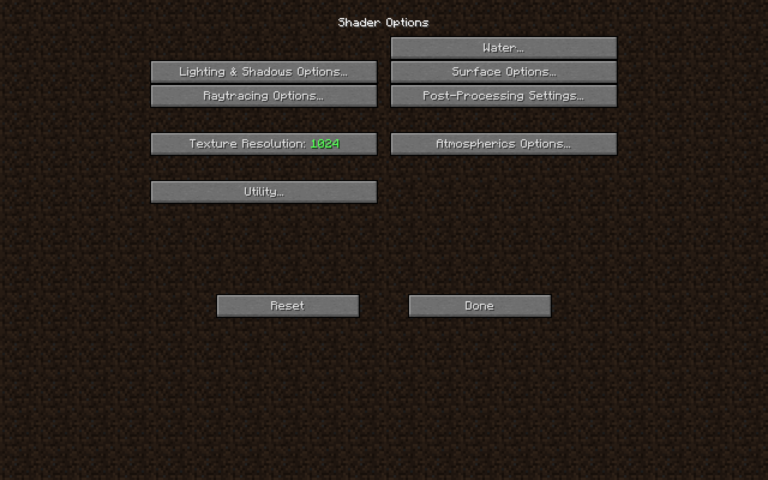
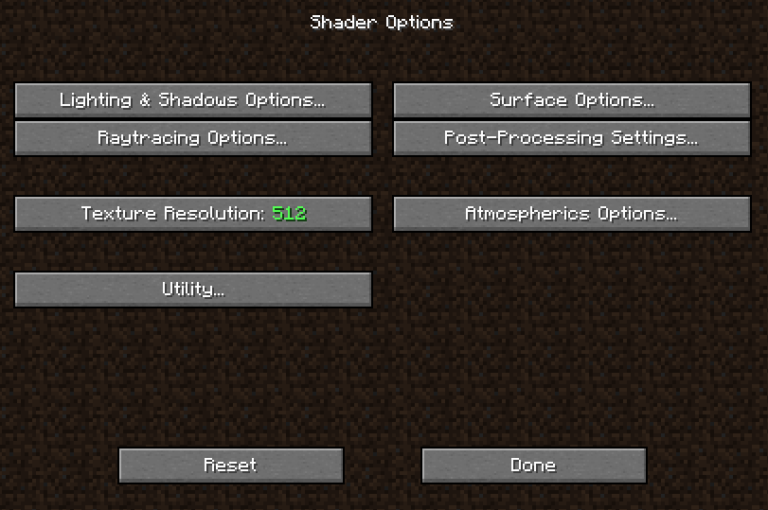
.zipfile into theresourcepacksfolder. Do not unzip the file. - Configure Shaders: Use a compatible shader pack (SEUS PTGI, BSL, or Sildurs). Ensure PBR and POM settings are enabled in the shader options.