

 DownloadNetEase Cloud Music 9minecraft
Get the files on 9Minecraft
The 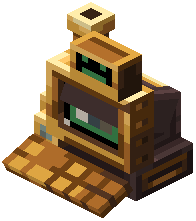 Computer is the general-purpose writer and the one that works everywhere.
- Put a blank
 Music CD in the input slot.
 - Song url - a direct link to an audio file. Only
mp3andflacare supported, and the link has to point at the file itself, not at a page that plays it. - Song name - what shows on screen while it plays and on the disc's tooltip.
- Time (s) - the length of the track in seconds. This is what the player counts down, so a wrong number makes the music cut off early or hang at the end.
- Optionally tick Read Only.
- Press Craft CD and take the written disc from the output slot.
The url field also accepts a local file path. That is convenient for your own music, but the file lives on your machine only - other people around the player will see the disc spinning and hear nothing.


