

 clarity
 transparent
 DownloadWater Improved Resource Pack
Get the files on 9Minecraft
Guides
Step-by-step, in-game.
How to Fix Water Improved Not Working or Water Still Looking CloudyRule Out Pack Conflicts If water still looks murky, another resource pack is likely overriding it. In Options →…How to Keep the Vanilla Look While Using Water ImprovedUnderstand What the Pack Changes The Water Improved Resource Pack only edits water textures to make them more…How to Make Water More Transparent in Minecraft with the Water Improved Resource PackConfirm the Pack Is Active Before troubleshooting clarity , make sure the resource pack is actually loaded. Open…How to See Mobs and Items Underwater Clearly Using Water ImprovedUse the Transparency for Exploration Once Water Improved is active, water becomes see-through, which turns oceans,…
Frequently asked questions
How do I turn on the Water Improved Resource Pack after installing it?
Open Options, then Resource Packs, and move Water Improved from the Available list to the Selected list. Make sure it sits above any other pack that also edits water textures, or its transparency will be overridden.
Does Water Improved change anything besides water?
No, it only replaces the vanilla water textures to make them clearer. Blocks, mobs, sky, and everything else stay exactly as they are in vanilla.
Why is my water still cloudy after enabling the pack?
Another resource pack loaded above Water Improved is probably overwriting the water texture. Drag Water Improved to the top of the Selected list, or remove the conflicting pack.
Can I use Water Improved with shaders?
Yes, but shaders handle water rendering themselves, so the pack's transparency may be ignored or look different. If you want the pack's effect, disable the shader or use one that leaves water textures alone.
See all 10 Water Improved questions ›
Gallery
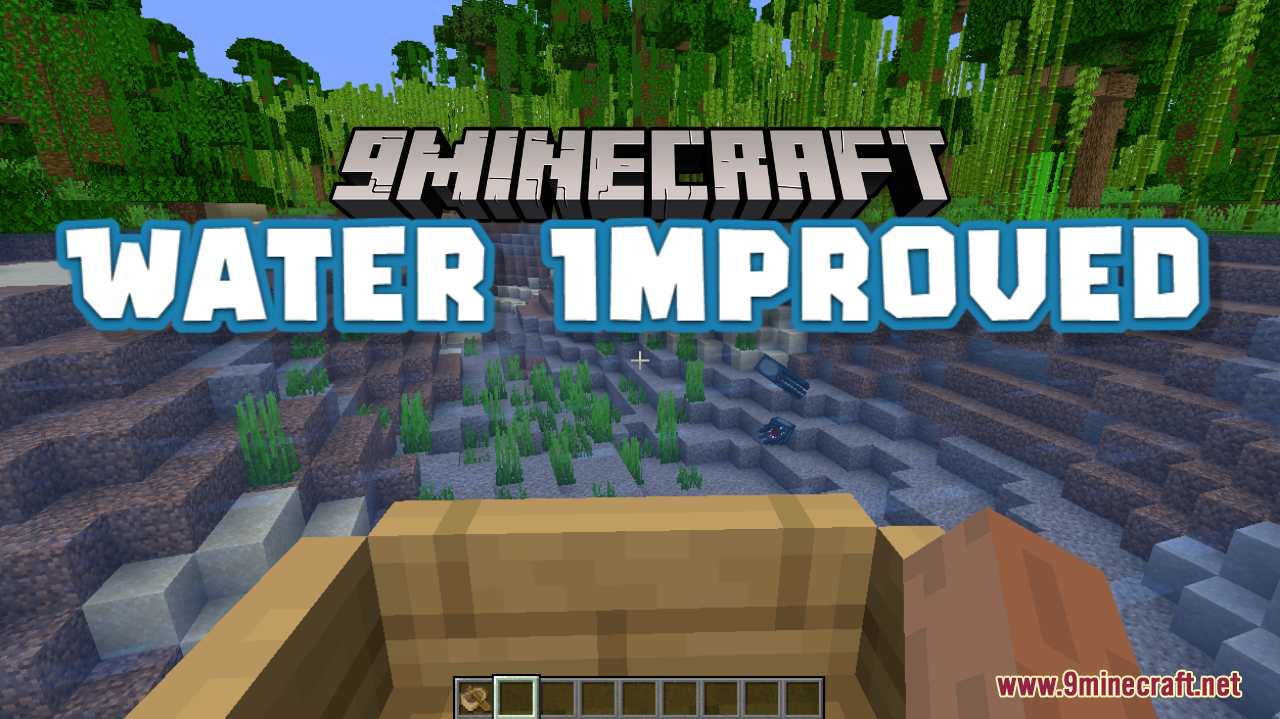
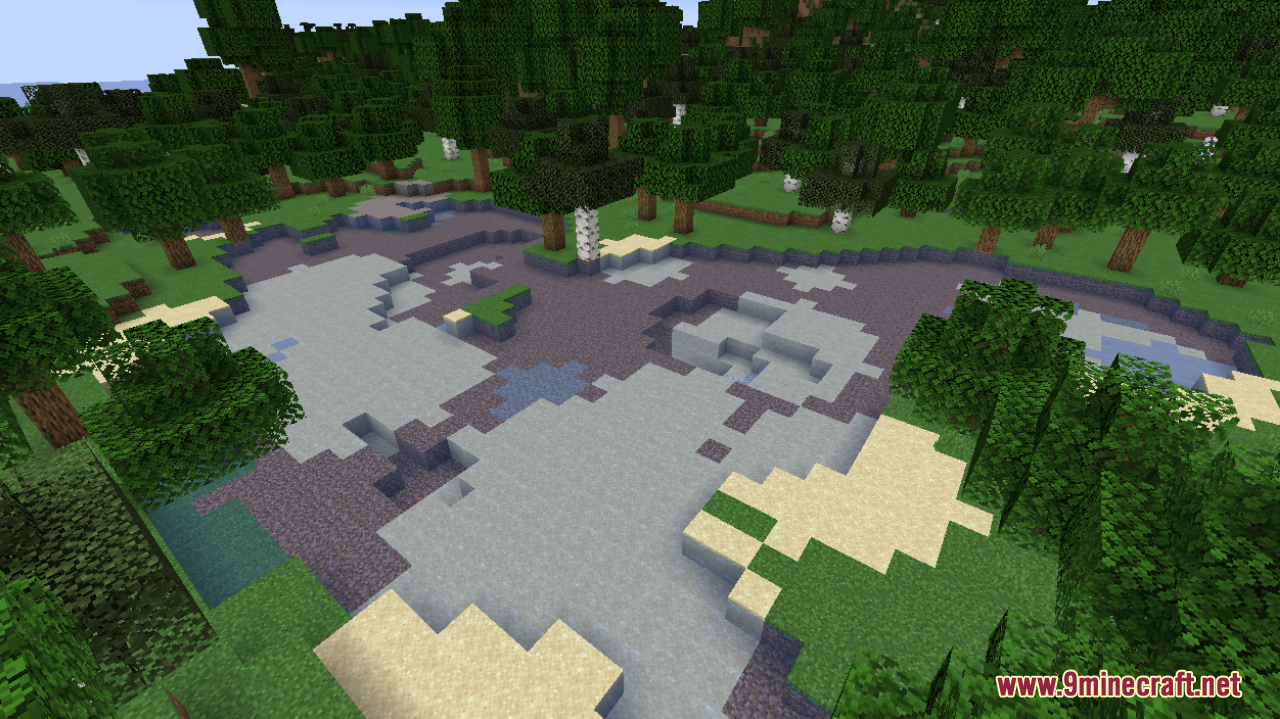
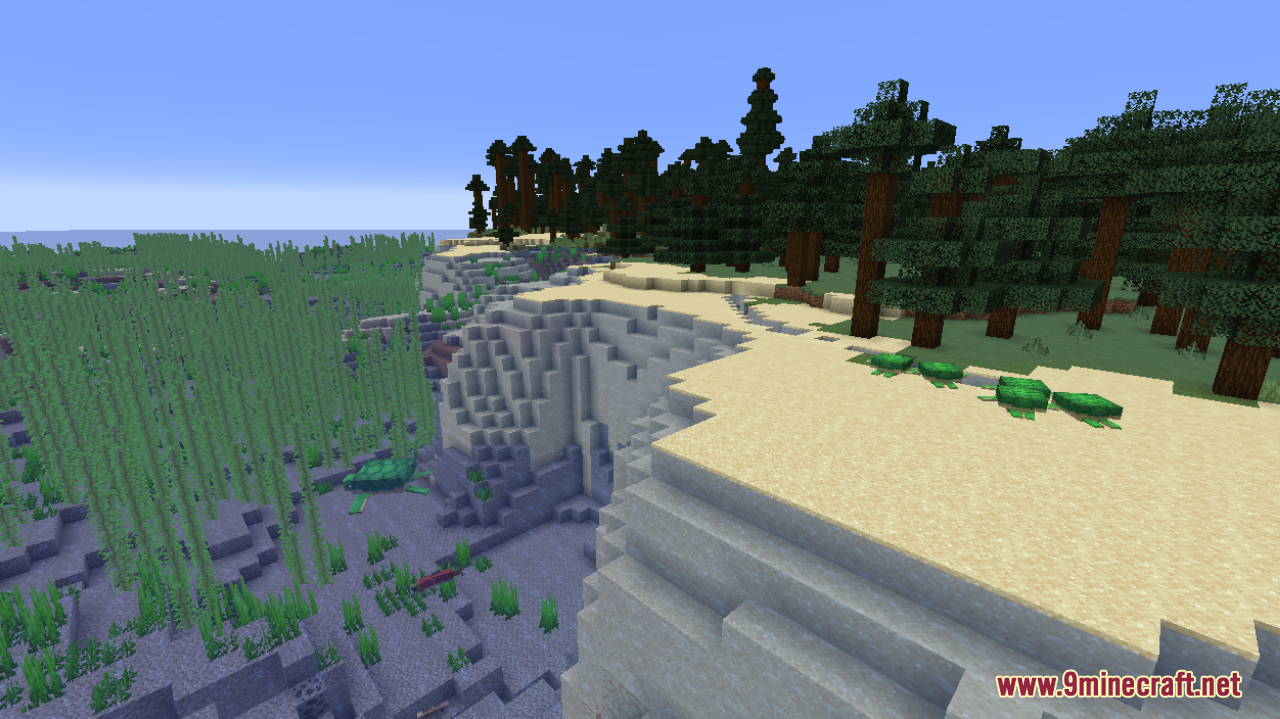
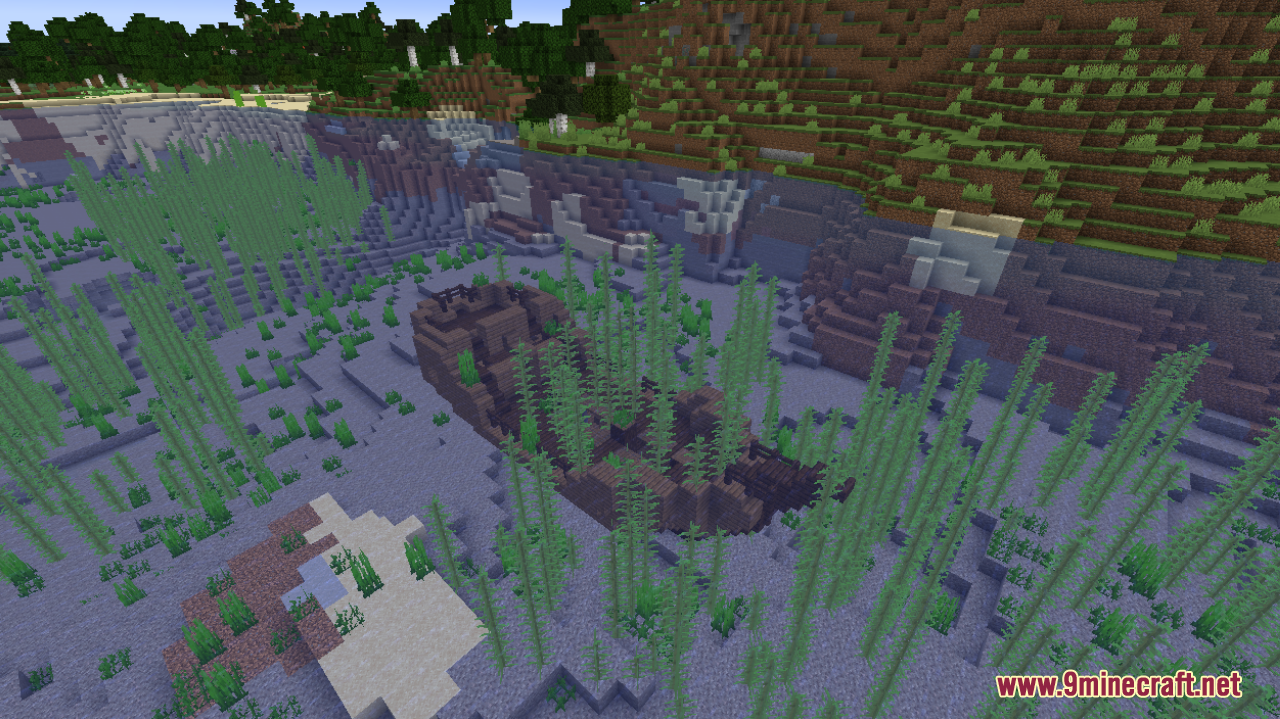
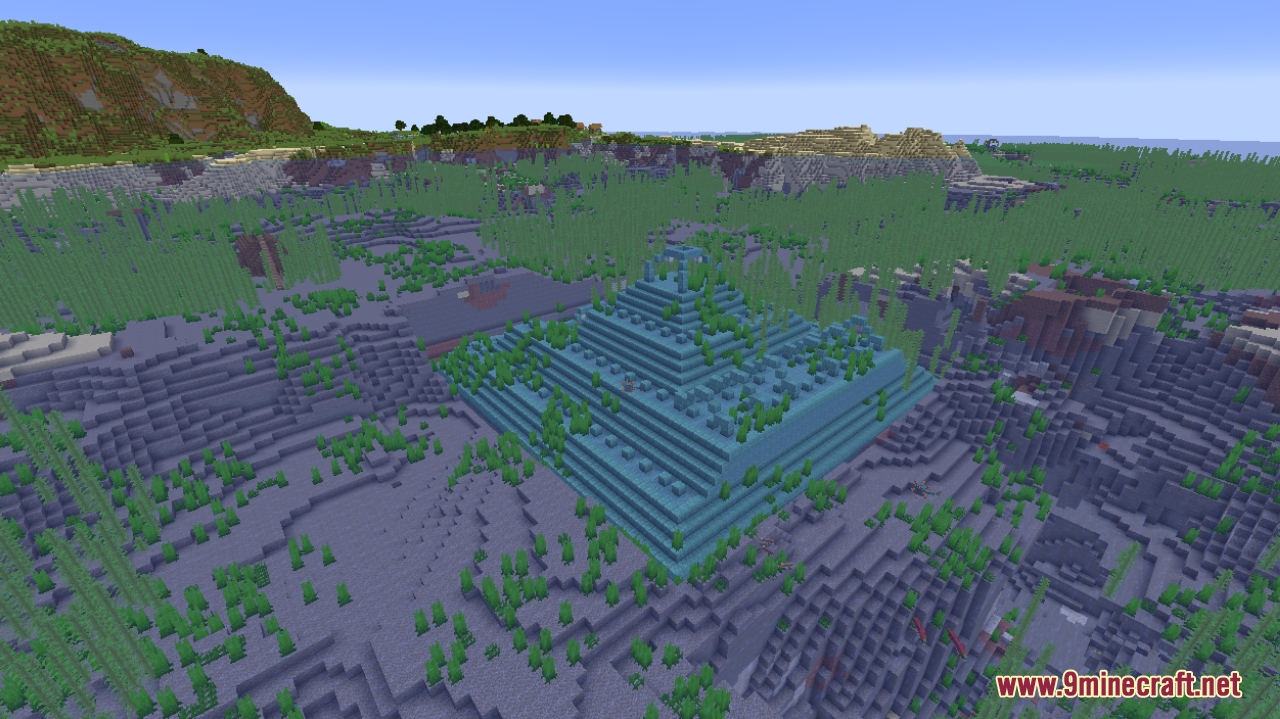
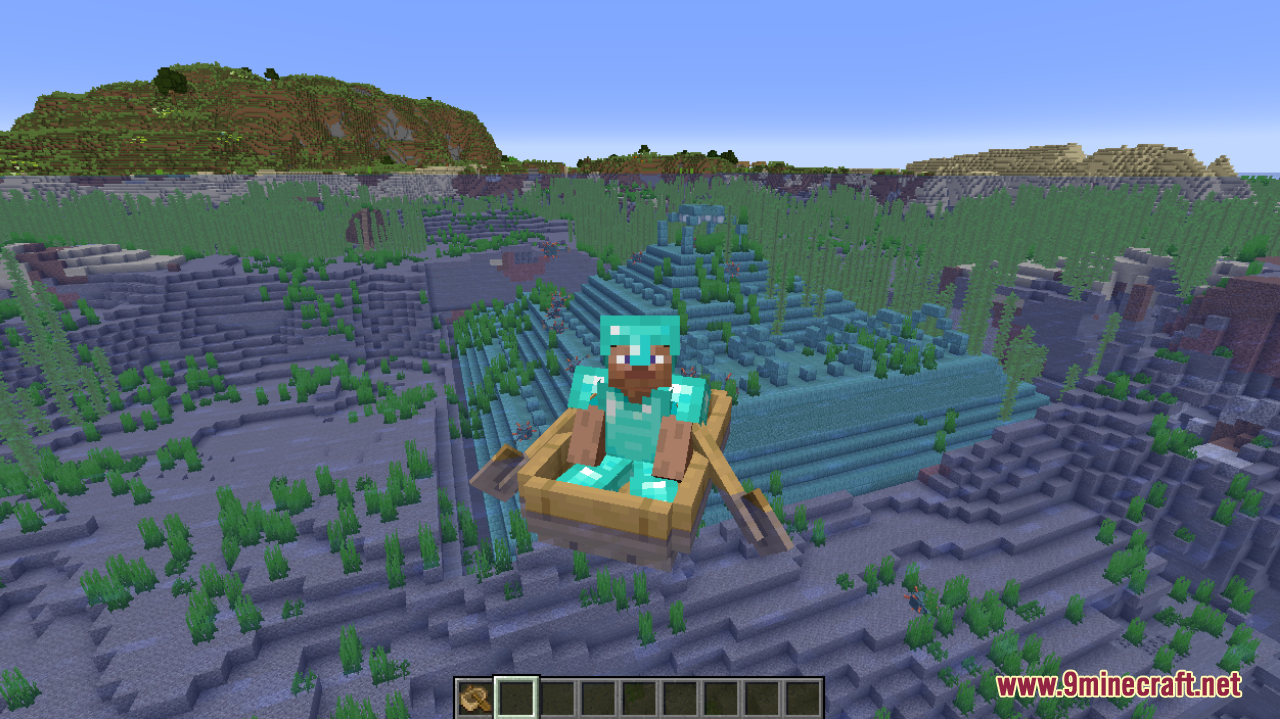
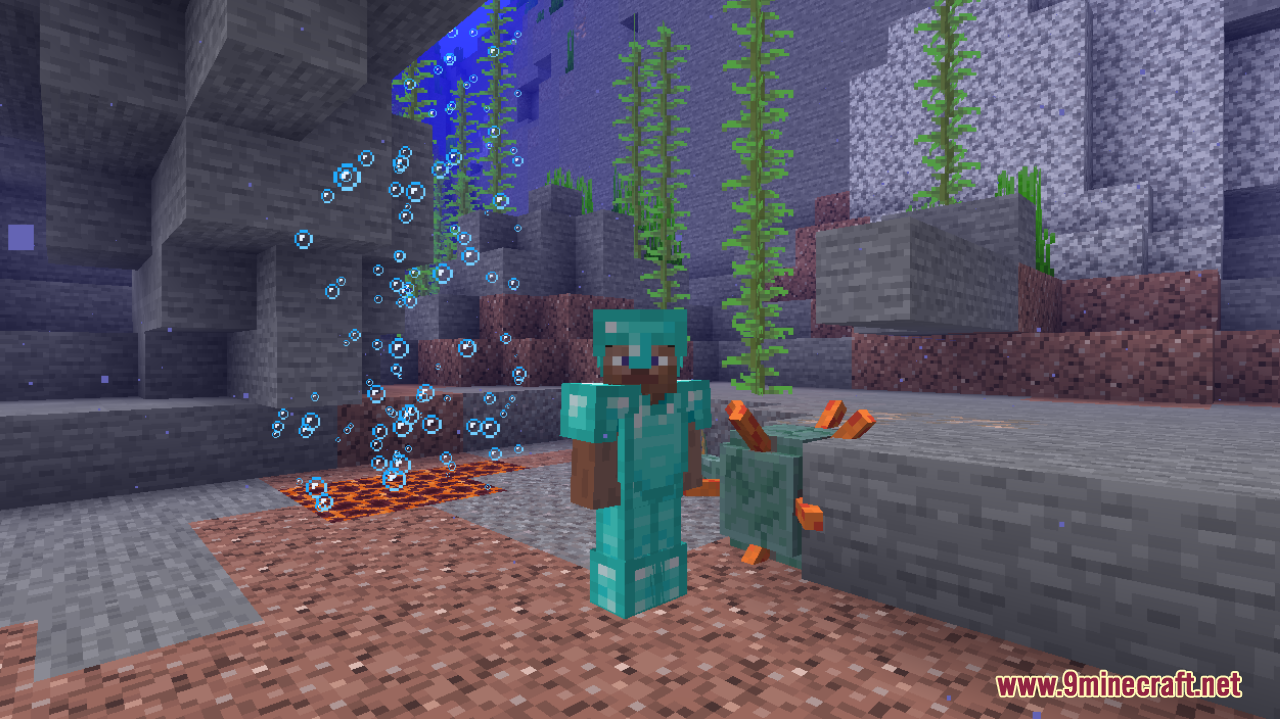
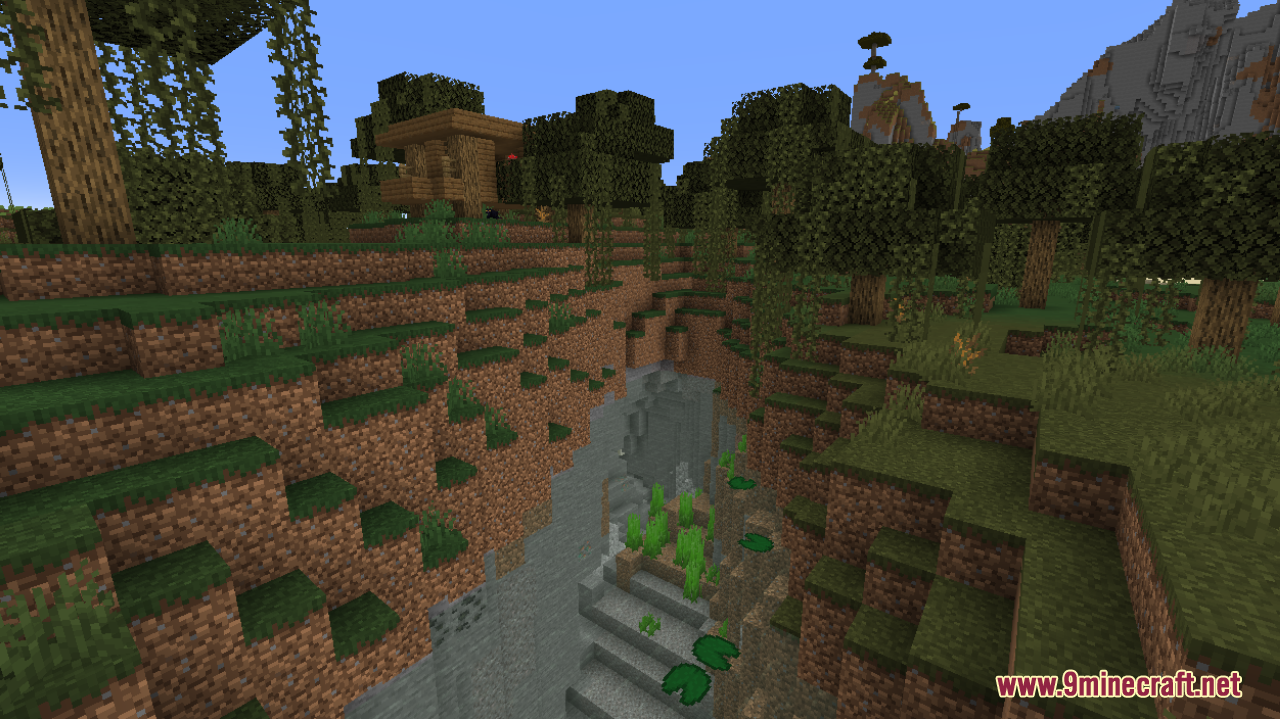
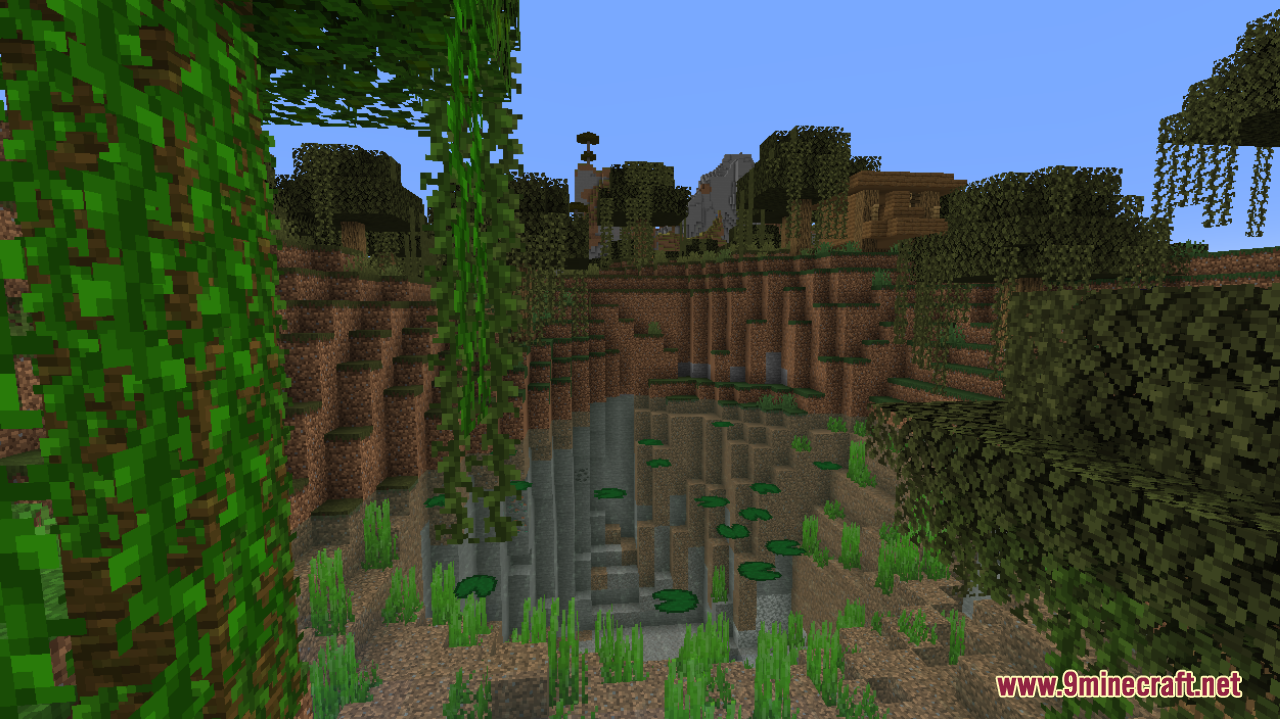
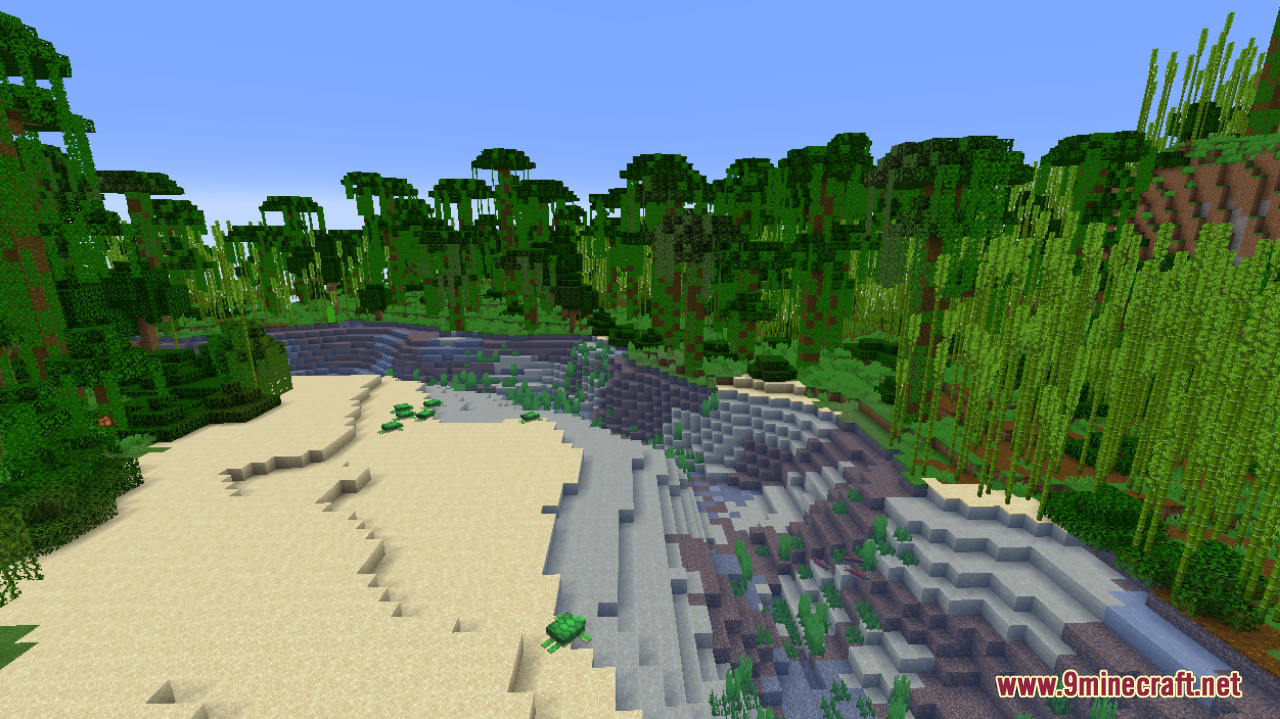
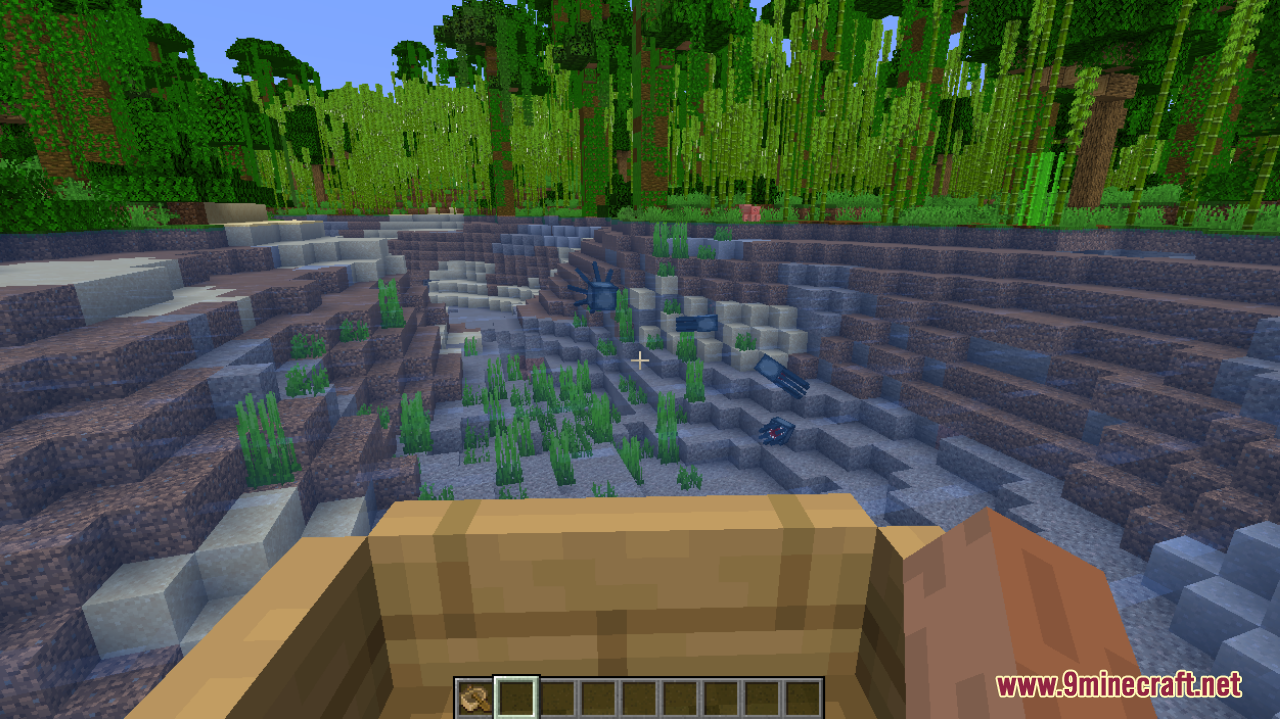
12 images from the Water Improved Resource Pack page.
You May Also Like
Wikis that share the most with this one
More resource pack wikis on the site
Watch Of Undying Resource PackWarrior Cats Herbs Resource PackWAIFUs Beds RENEWED Resource PackWaifu Husbando Villagers & Illagers Resource PackVolcanic Dark Resource PackVocal Villagers Resource PackVjs Style Resource PackVivid Flux Resprite Resource PackVivid Arcane Glyphs Resource PackVisual Traveler’s Titles Resource PackVisual Potion Effects Resource PackVisual Enchants Resource Pack
The most downloaded mods that have a wiki here
A few wikis from each of the other kinds