
Vivid Block Canvas Resource Pack Wiki

Vivid Block Canvas Resource Pack Wiki & Guide
Java EditionResource Pack
wiki.9minecraft.net/vivid-block-canvas-resource-pack/
The community wiki and guide for Vivid Block Canvas Resource Pack — guides, recipes, items and mechanics.
What this pack changes
Every texture group the pack replaces, counted from the pack itself.
| Area | Textures replaced |
|---|---|
| Blocks | 1,144 |
| Items | 863 |
| Mobs & entities | 644 |
| GUI & menus | 551 |
| Particles | 228 |
| Armor trims | 93 |
| Paintings | 48 |
| Maps | 14 |
| Sky & weather | 12 |
| Models | 11 |
| Misc | 3 |
| Biome colours | 2 |
Pack format 999 (Minecraft 1.21.9)3,613 texture files in total
Extra features
Custom entity models (OptiFine/CEM)
Random entity textures
Custom shaders
Custom sounds
Sound overrides
Custom block/item models
Reworked GUI
Guides
Step-by-step, in-game.
How to Activate and Verify the Vivid Block Canvas Resource PackHow to Build Clean Structures Using the Plastic Console AestheticHow to Combine or Layer Vivid Block Canvas with Other Resource PacksHow to Optimize Video Settings for Smooth Plastic Textures
Items
513 items · showing 24. Browse all →
 Acacia Boat
 Acacia Boat with Chest
 Acacia Door
 Acacia Hanging Sign
 Acacia Sign
 Allay Spawn Egg
 Amethyst Shard
 Angler Pottery Sherd
 Apple
 Archer Pottery Sherd
 Armadillo Scute
 Armadillo Spawn Egg
 Armor Stand
 Arms Up Pottery Sherd
 Arrow
 Axolotl Spawn Egg
 Baked Potato
 Bamboo
 Bamboo Door
 Bamboo Hanging Sign
 Bamboo Raft
 Bamboo Raft with Chest
 Bamboo Sign
 Banner Pattern
Blocks
437 blocks · showing 24. Browse all →
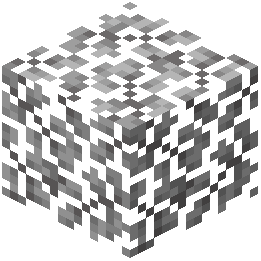 Acacia Leaves
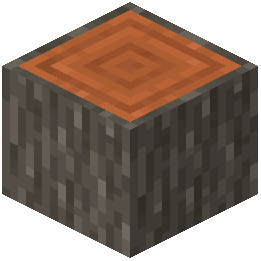 Acacia Log
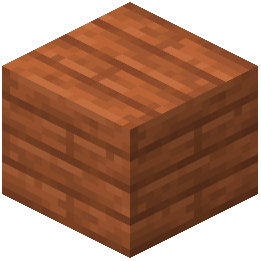 Acacia Planks
 Acacia Sapling
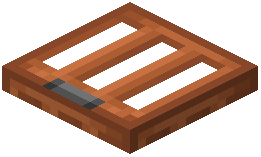 Acacia Trapdoor
 Activator Rail
 Allium
 Amethyst Cluster
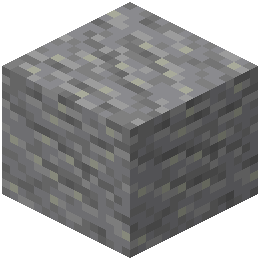 Andesite
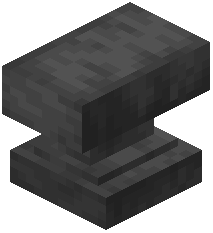 Anvil
 Attached Melon Stem
 Attached Pumpkin Stem
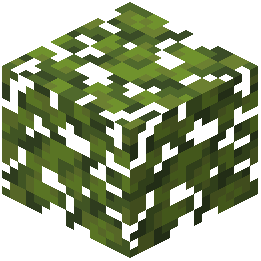 Azalea Leaves
 Azure Bluet
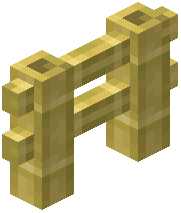 Bamboo Fence
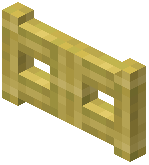 Bamboo Fence Gate
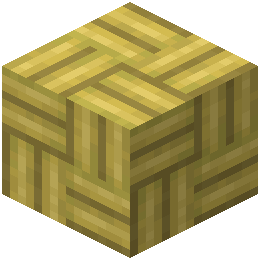 Bamboo Mosaic
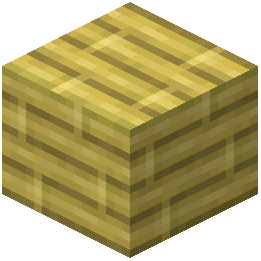 Bamboo Planks
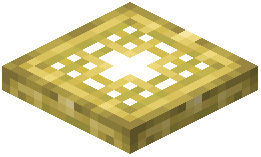 Bamboo Trapdoor
 Beacon
 Bedrock
 Big Dripleaf Stem
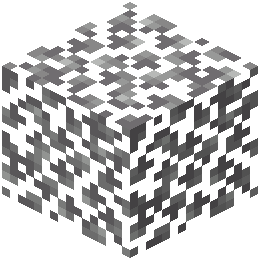 Birch Leaves
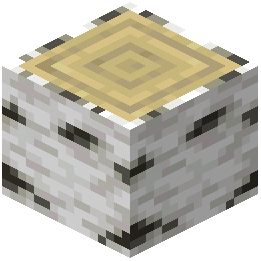 Birch Log
Frequently asked questions
How do I turn on the Vivid Block Canvas resource pack in my game?
Open the Options menu, click on Resource Packs, and find Vivid Block Canvas in the Available column on the left. Click the arrow on its icon to move it to the Selected column on the right, then click Done to reload the game's visuals.
How can I quickly tell if the pack loaded properly?
Open your inventory or a crafting table right after loading into a world. If the pack is active, the menus will feature a vibrant blue user interface, and blocks, items, and mobs will have smooth, toy-like plastic textures.
Why are my blocks still showing default textures when the pack is selected?
Another resource pack is likely overriding it in your load order. Open your Resource Packs menu and use the up arrow to move Vivid Block Canvas to the very top of the Selected list so its textures take priority.
How do I keep the plastic block textures but go back to the normal inventory menu?
You can layer a separate GUI-only resource pack directly above Vivid Block Canvas in the Selected Resource Packs list. Minecraft loads assets from top to bottom, so the top pack will replace the vibrant blue menus while leaving the smooth blocks and mobs intact below it.
Does Vivid Block Canvas change mob and item appearances too?
Yes, it is a full visual overhaul rather than just a block pack. It updates item icons with clean shapes and bright colors, and gives mobs and animals a simplified, toy-like appearance.
Will using this resource pack lower my framerate?
Because the pack replaces noisy default surfaces with simple, smooth plastic textures, it does not place heavy demands on your system. It will run at the same performance level as the default textures.
Why do distant plastic blocks look blurry or have weird lines between them?
Your mipmap or anti-aliasing settings are likely clashing with the clean edges of the plastic textures. Go to Options, then Video Settings, and try adjusting your Mipmap Levels to smooth out distant block borders.
How can I make the bright colors pop more to match the classic console look?
Go to your Video Settings and raise the Brightness slider toward Bright, then set Smooth Lighting to Maximum. This removes harsh dark shadows and highlights the clean, colorful surfaces across every biome.
Why do my stone builds look so flat with this pack enabled?
Because the pack uses very clean and smooth surfaces, large flat walls lack the visual noise that normally hides monotony in default textures. When building something like a stone fortress, use stairs, slabs, and pillars to add physical depth instead of relying on texture grit.
Related mods
Other wikis you may find useful.