

What this pack changes
Every texture group the pack replaces, counted from the pack itself.
| Area | Textures replaced |
|---|---|
| Blocks | 458 |
| Items | 348 |
| Mobs & entities | 40 |
| Particles | 13 |
Pack format 69 (Minecraft 1.21.6)859 texture files in total
Guides
Step-by-step, in-game.
How to Activate and Order Toycatw’s PvP Pack for Arena and Survival PlayHow to Build Clean Arenas and Survival Bases with Smoothed 16x BlocksHow to Mine Faster Using Highlighted Ores and Clean Stone TexturesHow to Set Up an Armory Display Using Armor Stands and Mineral BlocksHow to Sort Your Inventory and Hotbar Faster During CombatHow to Spot Enemies and Read Gear Quickly in PvP Fights
Items
262 items · showing 24. Browse all →
 Acacia Boat
 Acacia Door
 Acacia Sign
 Amethyst Shard
 Apple
 Armor Stand
 Arrow
 Baked Potato
 Bamboo
 Bamboo Sign
 Beetroot Seeds
 Beetroot Soup
 Birch Boat
 Birch Door
 Birch Sign
 Black Candle
 Blaze Rod
 Blue Candle
 Blue Egg
 Book
 Book and Quill
 Bottle o' Enchanting
 Bow
 Bowl
Blocks
244 blocks · showing 24. Browse all →
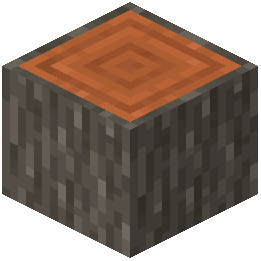 Acacia Log
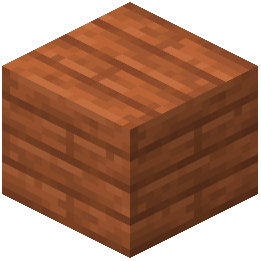 Acacia Planks
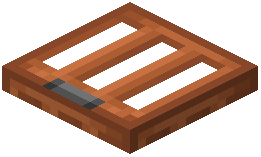 Acacia Trapdoor
 Activator Rail
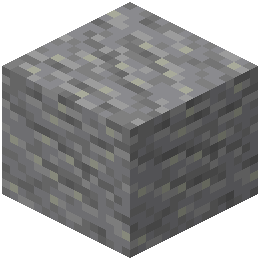 Andesite
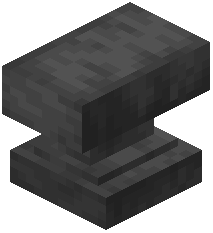 Anvil
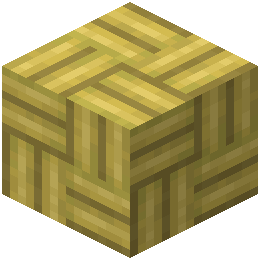 Bamboo Mosaic
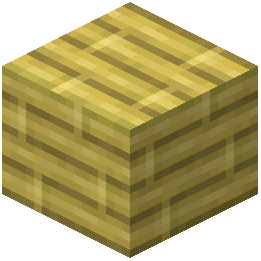 Bamboo Planks
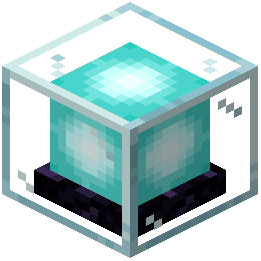 Beacon
 Bedrock
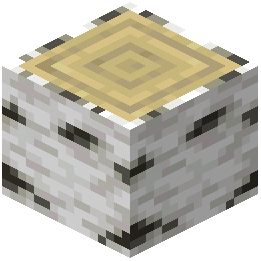 Birch Log
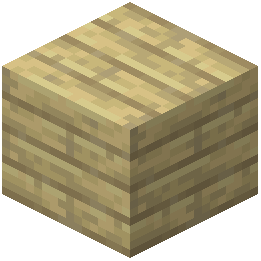 Birch Planks
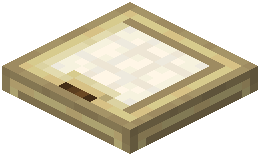 Birch Trapdoor
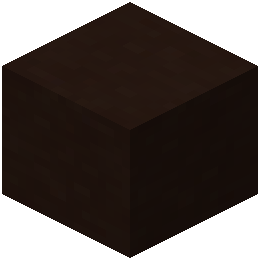 Black Terracotta
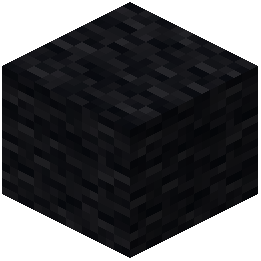 Black Wool
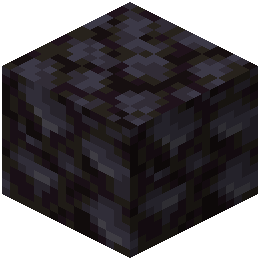 Blackstone
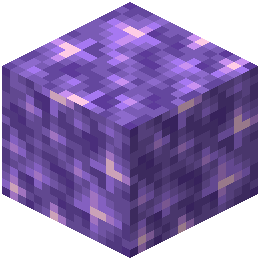 Block of Amethyst
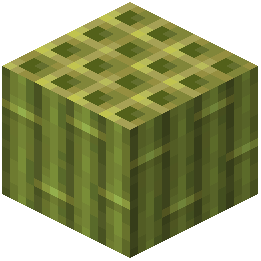 Block of Bamboo
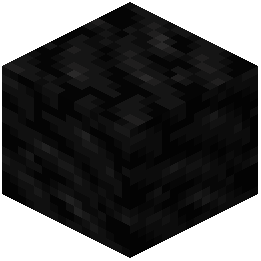 Block of Coal
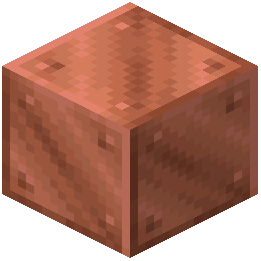 Block of Copper
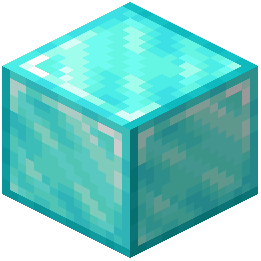 Block of Diamond
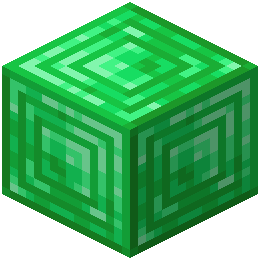 Block of Emerald
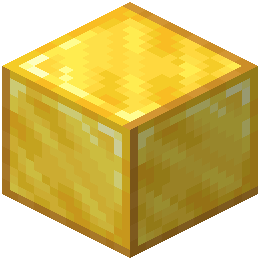 Block of Gold
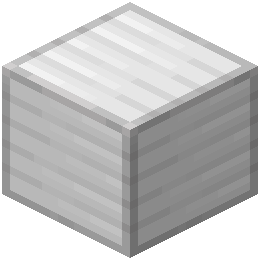 Block of Iron
Frequently asked questions
Why are my blocks 16x when my items are 32x?
This pack uses a dual-resolution design on purpose. It keeps world blocks at a standard 16x resolution for a clean, low-clutter background while upgrading tools, weapons, and battle gear to sharp 32x textures so they stand out in your hand and inventory.
How do I turn on the textures if they aren't showing up in my world?
Open the pause menu, go to Options, and select Resource Packs. Move Toycatw’s PvP Pack from the left column to the right column and make sure it is placed at the top of the active list so other packs do not overwrite its textures.
Does this pack work on multiplayer PvP servers?
Yes, because it only changes visual textures, user interface menus, and armor models on your own screen. You can use it on any multiplayer arena or survival server even if the server itself does not have it installed.
Will the 32x textures cause lag during big arena fights?
No, because all terrain, building blocks, and foliage stay at the standard 16x resolution. Only handheld items, consumables, and equipment use 32x artwork, keeping performance smooth during fast fights.
See all 16 Toycatws Pvp questions ›
Related mods
Other wikis you may find useful.