
Why are my blocks 16x when my items are 32x?
This pack uses a dual-resolution design on purpose. It keeps world blocks at a standard 16x resolution for a clean, low-clutter background while upgrading tools, weapons, and battle gear to sharp 32x textures so they stand out in your hand and inventory.
How do I turn on the textures if they aren't showing up in my world?
Open the pause menu, go to Options, and select Resource Packs. Move Toycatw’s PvP Pack from the left column to the right column and make sure it is placed at the top of the active list so other packs do not overwrite its textures.
Does this pack work on multiplayer PvP servers?
Yes, because it only changes visual textures, user interface menus, and armor models on your own screen. You can use it on any multiplayer arena or survival server even if the server itself does not have it installed.
Will the 32x textures cause lag during big arena fights?
No, because all terrain, building blocks, and foliage stay at the standard 16x resolution. Only handheld items, consumables, and equipment use 32x artwork, keeping performance smooth during fast fights.
How does this pack make mining ores faster?
Valuable mineral blocks like Coal Ore and 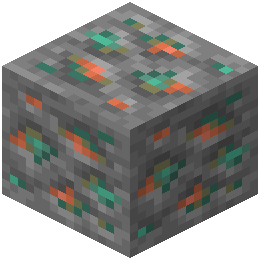 Copper Ore have highlighted, crisp outlines and distinct shapes embedded in the stone. Combined with smoothed-out
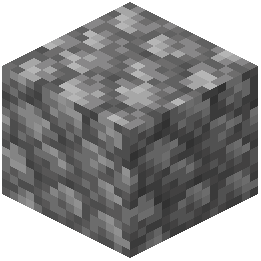 Cobblestone, Andesite, and
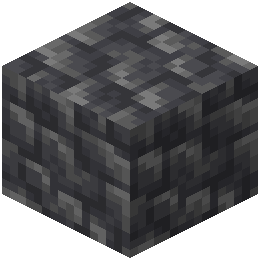 Cobbled
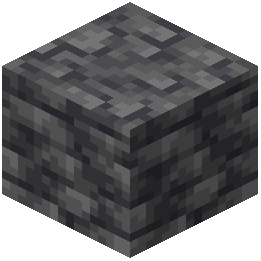 Deepslate textures, you can spot veins in dark caves much faster.
Copper Ore have highlighted, crisp outlines and distinct shapes embedded in the stone. Combined with smoothed-out Cobblestone, Andesite, and Cobbled Deepslate textures, you can spot veins in dark caves much faster.Is this pack only good for arena PvP or can I use it for normal survival?
It is built for both competitive fights and long survival sessions. It retains the familiar look of standard survival biomes, wood types, and stone blocks while smoothing out messy pixel borders so your bases still look natural.
How does the pack help me read what gear an enemy is using?
It reworks armor models—including  Chainmail Helmet, Chestplate, Leggings, and Boots—along with swords, bows, and spears to have distinct, readable silhouettes. You can tell an opponent's weapon type and armor tier at a glance before engaging.
Why do the inventory and crafting menus look different?
The pack cleans up the user interface menus and inventory slots by removing visual noise and smoothing the borders. This makes it easier to see the 32x icons for your Apple,  Cooked Porkchop, Arrows, and tools when sorting your hotbar mid-fight.
What happens if I use this with another resource pack?
Whichever pack is higher in your active Resource Packs list will take priority. If you want Toycatw’s 32x weapons, custom armor models, and highlighted ores to show up, keep it above any other texture packs.
Are newer blocks like  Bamboo, Cherry wood, and Resin textured?
Yes, the pack covers modern building materials including 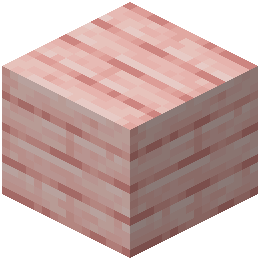 Cherry Planks,
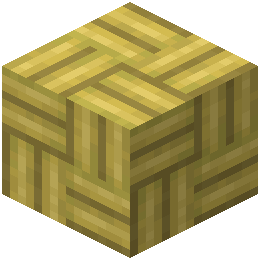 Bamboo Mosaic,
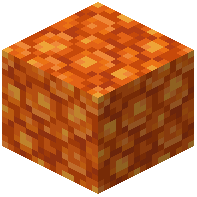 Block of Resin,
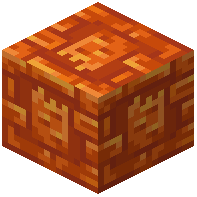 Chiseled Resin Bricks, and Chiseled Tuff alongside classic blocks.
Cherry Planks, Bamboo Mosaic, Block of Resin, Chiseled Resin Bricks, and Chiseled Tuff alongside classic blocks.Does this pack change how armor looks on Armor Stands?
Yes, placing armor sets and weapons onto an  Armor Stand displays the same custom armor models and sharp 32x weapon textures that players wear. This makes it easy to set up clean, readable armory displays in your base.
Does the pack change consumable items and potions too?
Yes, essential survival consumables like Bread,  Baked
 Potato,
 Cooked Salmon, Golden and standard Apples, and
 Bottle o' Enchanting are upgraded to 32x resolution so you will not misclick them in your hotbar.
Baked Potato, Cooked Salmon, Golden and standard Apples, and Bottle o' Enchanting are upgraded to 32x resolution so you will not misclick them in your hotbar.Why do wool, terracotta, and 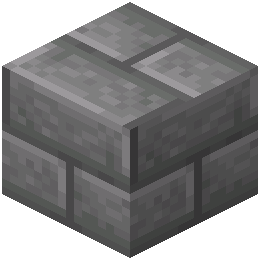 stone bricks look smoother than normal?
The pack uses smooth colors and cleans up harsh pixel borders on building blocks like 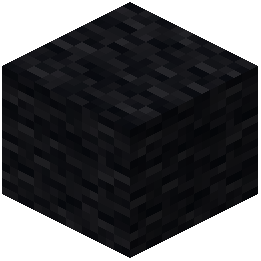 Black Wool,
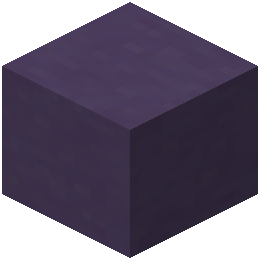 Blue Terracotta, and
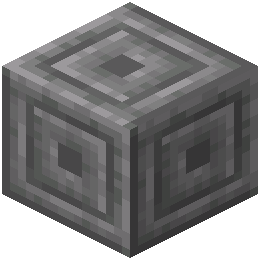 Chiseled Stone Bricks. This reduces eye strain during long play sessions and makes players stand out clearly against arena walls.
Black Wool, Blue Terracotta, and Chiseled Stone Bricks. This reduces eye strain during long play sessions and makes players stand out clearly against arena walls.Are compact mineral storage blocks also updated?
Yes, full storage blocks such as 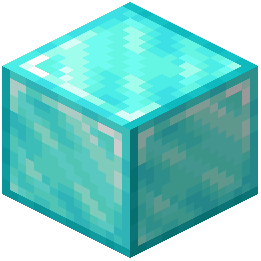 Block of Diamond,
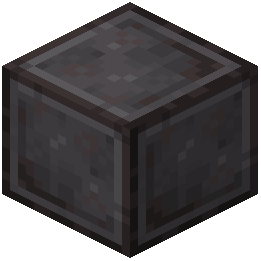 Block of Netherite, Block of Iron,
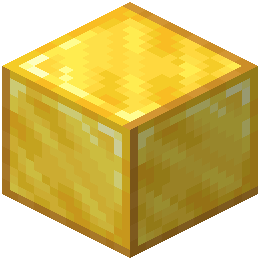 Block of Gold, and
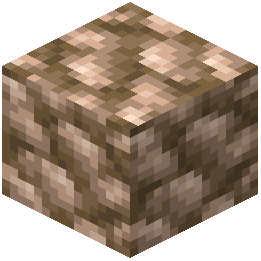 Block of Raw Iron feature cleaned-up 16x textures that match the pack's smooth art style.
Block of Diamond, Block of Netherite, Block of Iron, Block of Gold, and Block of Raw Iron feature cleaned-up 16x textures that match the pack's smooth art style.Does this pack change mob drops and crafting materials?
Yes, key materials and rods like  Blaze Rod,
 Breeze Rod,
 Amethyst Shard,
 Copper Ingot, and Coal use crisp 32x item icons so you can organize chests and crafting tables quickly.
Blaze Rod, Breeze Rod, Amethyst Shard, Copper Ingot, and Coal use crisp 32x item icons so you can organize chests and crafting tables quickly.Why can't I see the highlighted ore outlines when using another mining pack?
Another pack is likely overriding the stone and ore block files. Move Toycatw’s PvP Pack above your other packs in the Resource Packs menu, or remove the conflicting ore overlay pack.


