

 DownloadMahi’s X-Ray Resource Pack
Get the files on 9Minecraft
Guides
Step-by-step, in-game.
Finding Diamonds Efficiently with X-RayPrepare Your Search Area Before activating X-Ray vision, position yourself in a safe location underground, ideally…Finding Hidden Chests and Loot in DungeonsExplore Underground Structures Seek out dungeons, mineshafts, strongholds, or other underground structures. The X-Ray…Locating Ancient Debris in the NetherNavigate to the Nether Travel to the Nether and position yourself in areas where ancient debris spawns—typically…Stacking X-Ray with Other Resource PacksUnderstand Pack Layering Mahi's X-Ray is designed to work as an overlay on top of your existing resource packs. It…
Frequently asked questions
How do I turn on the X-Ray effect after loading the pack?
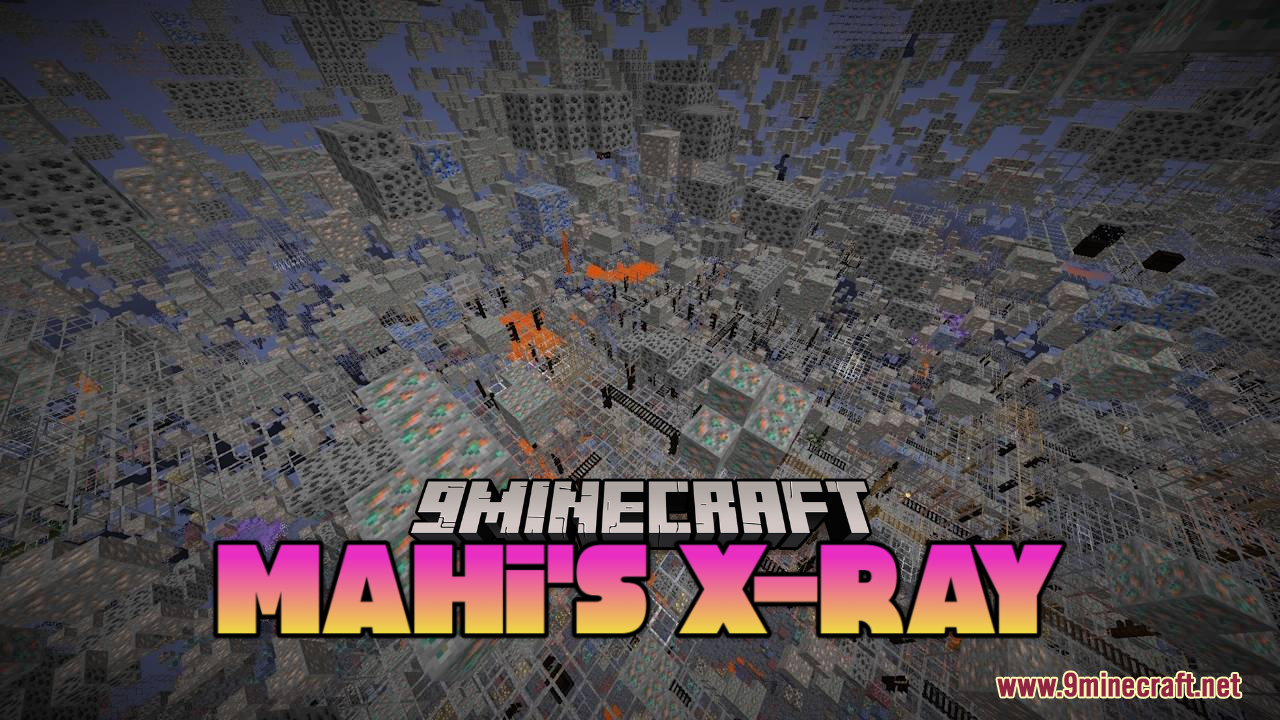
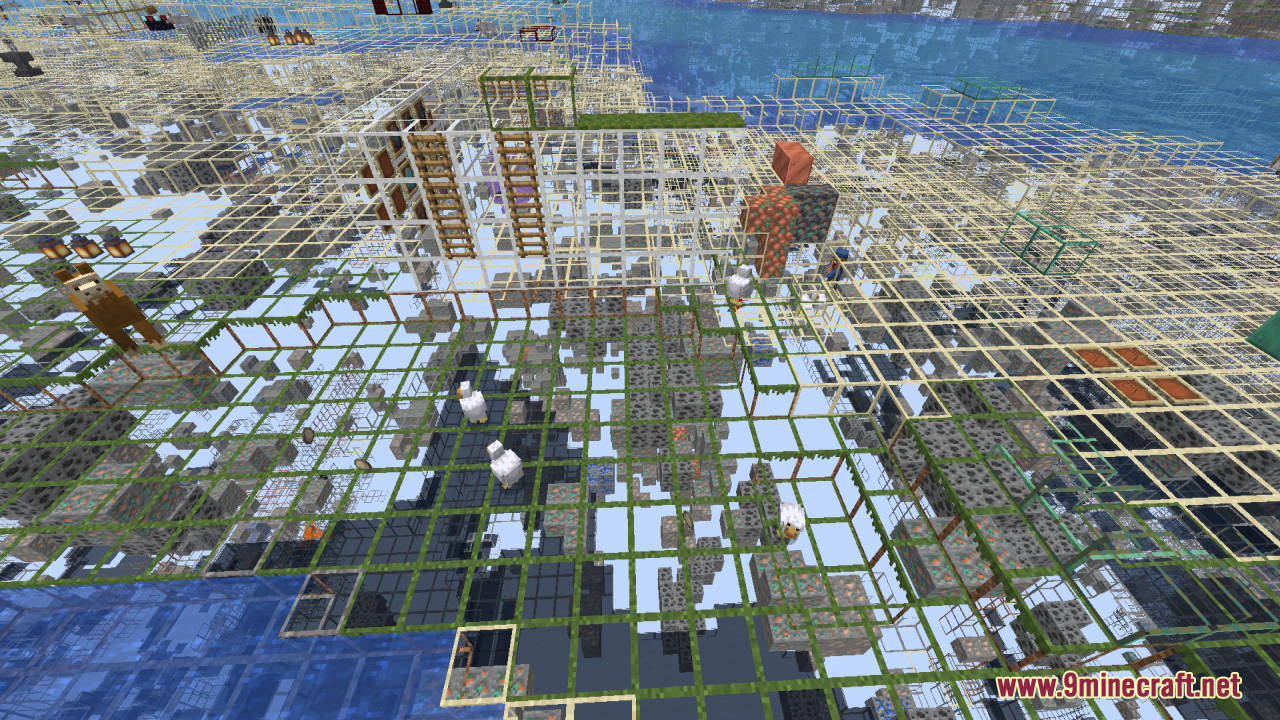
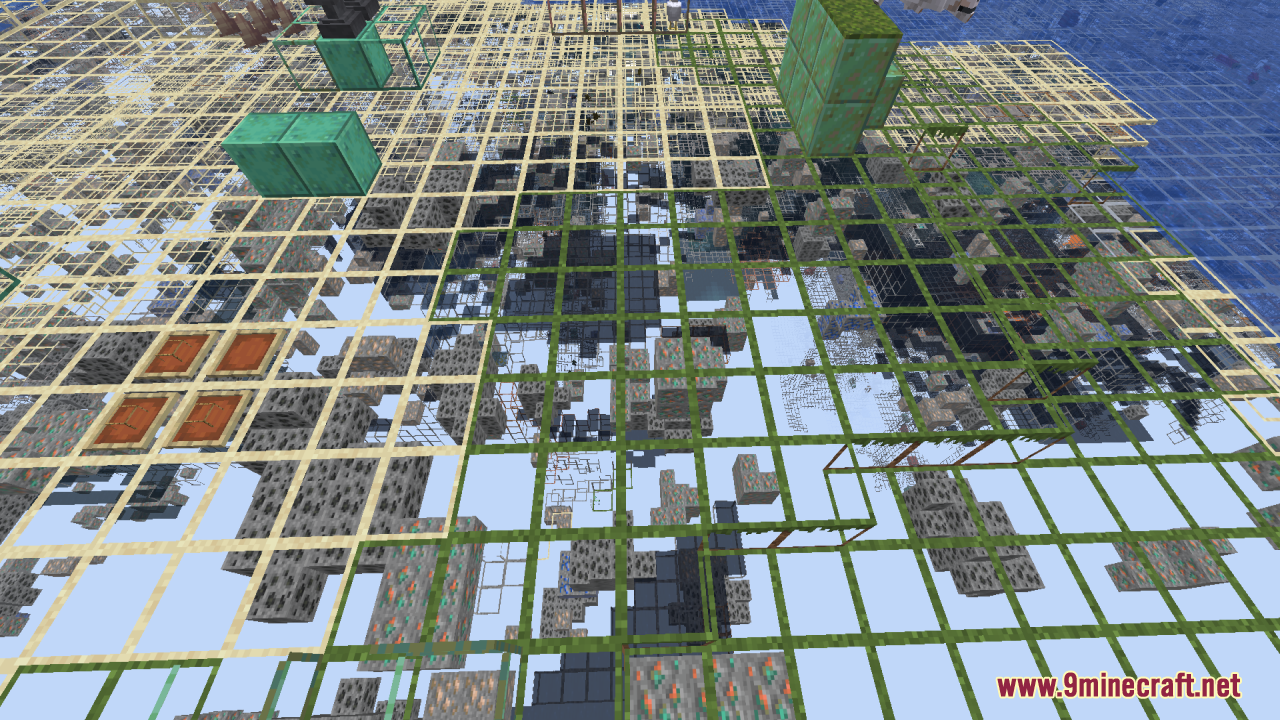
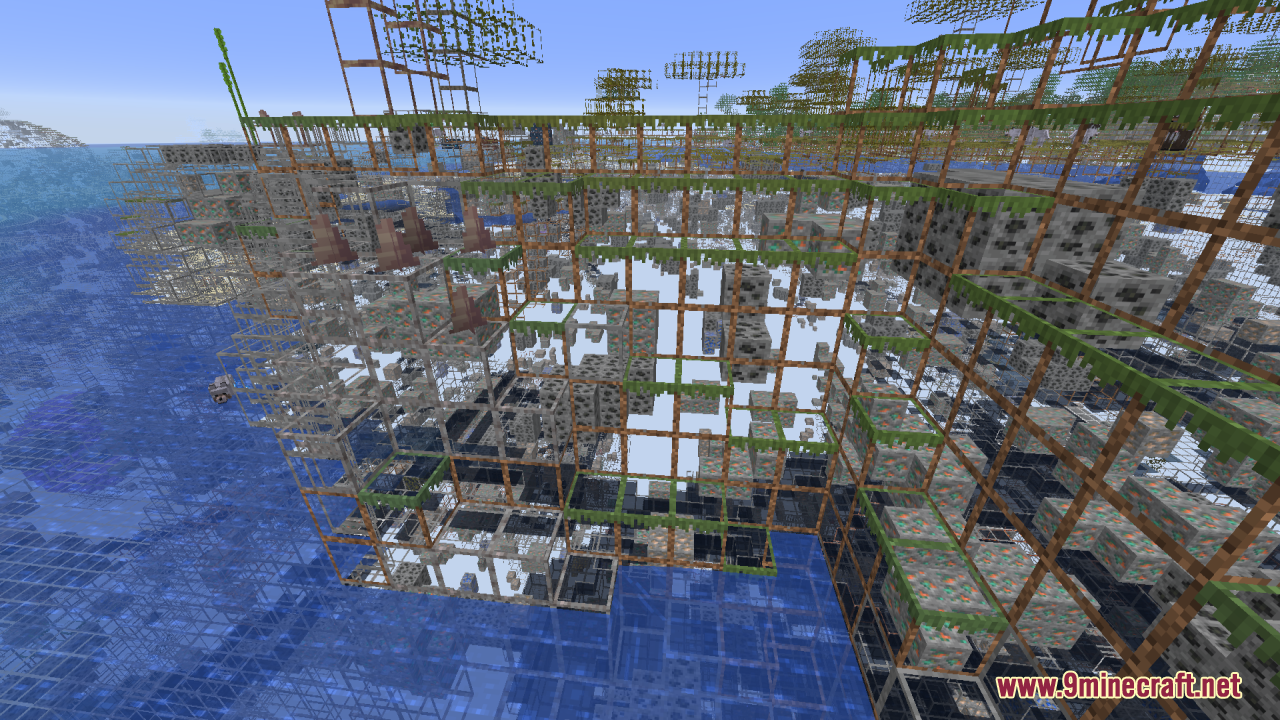
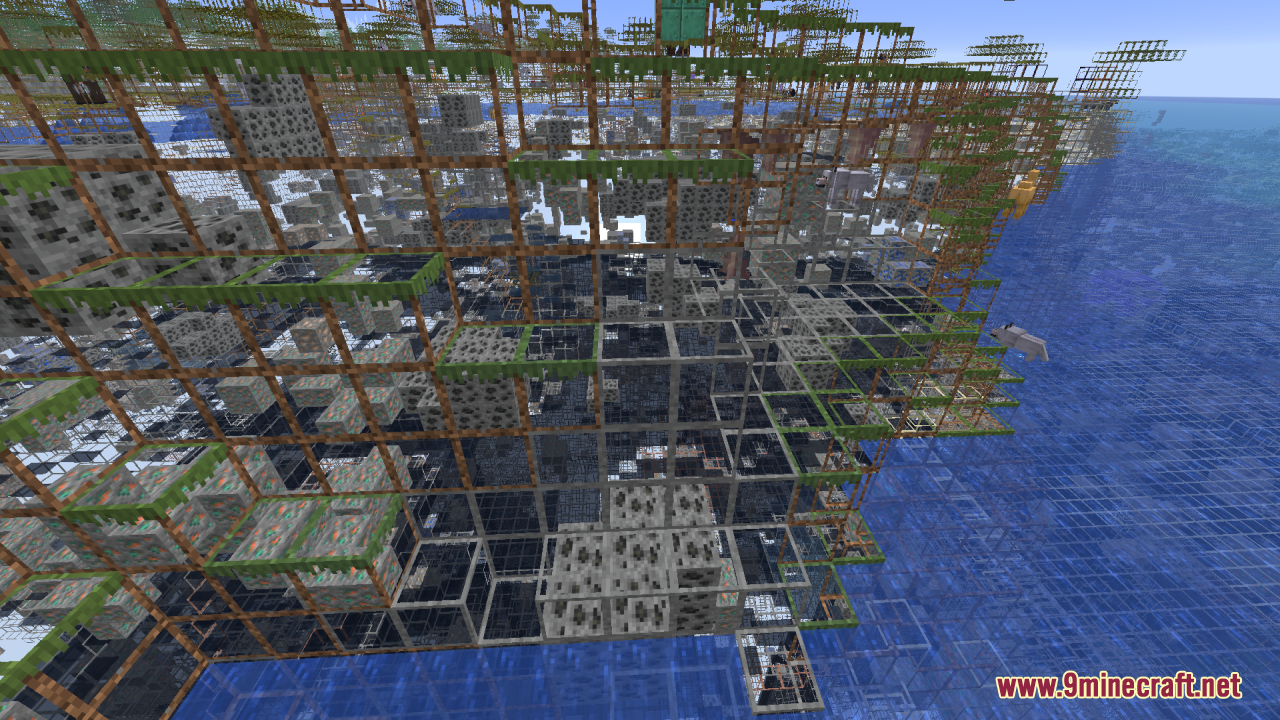
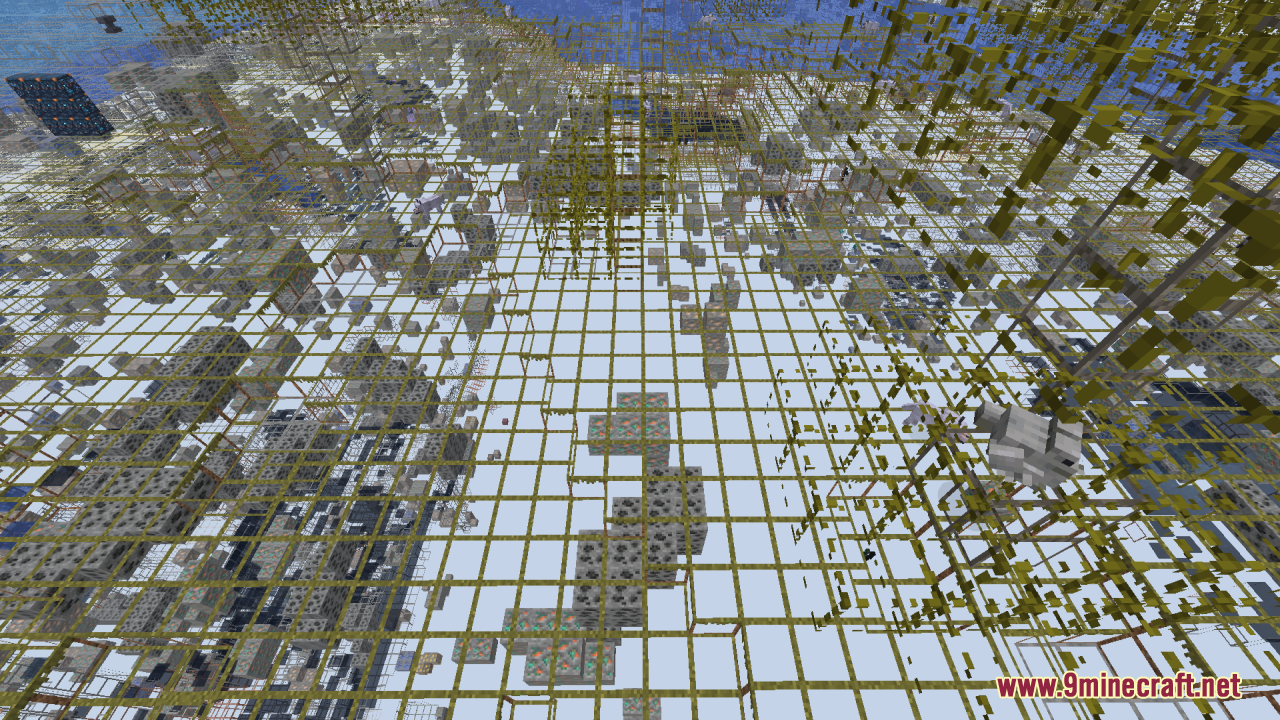
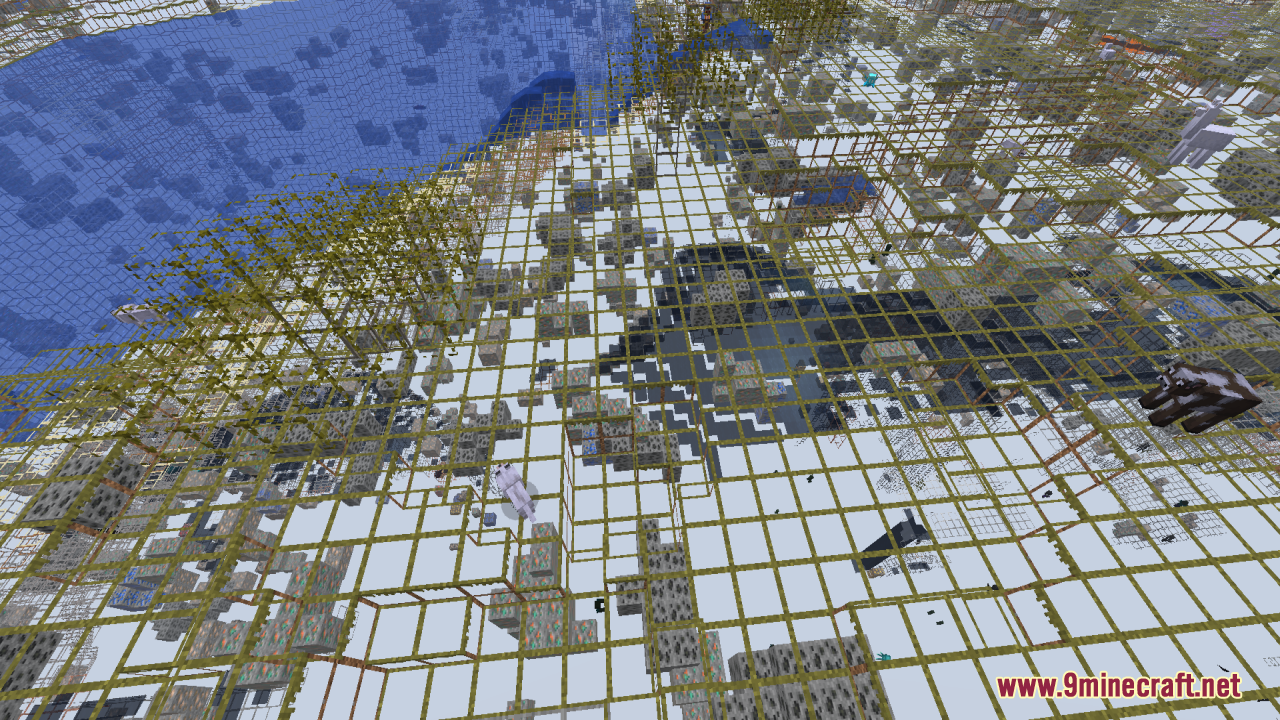
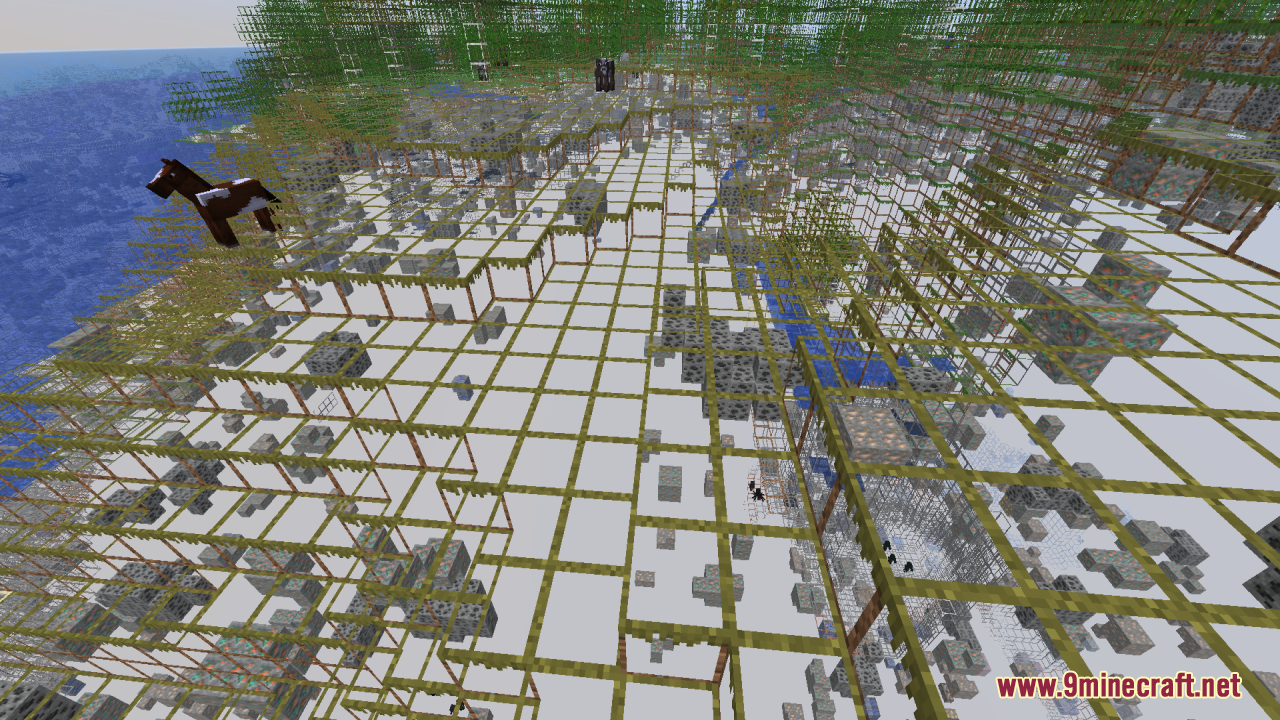
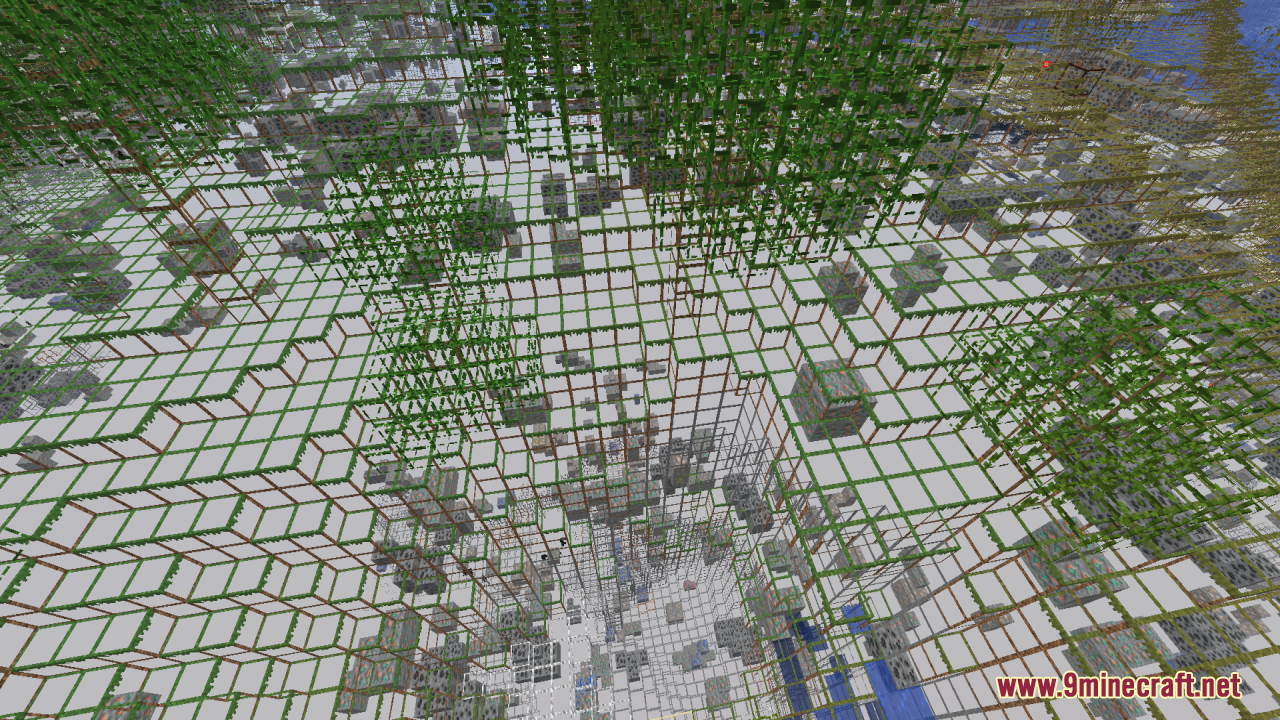
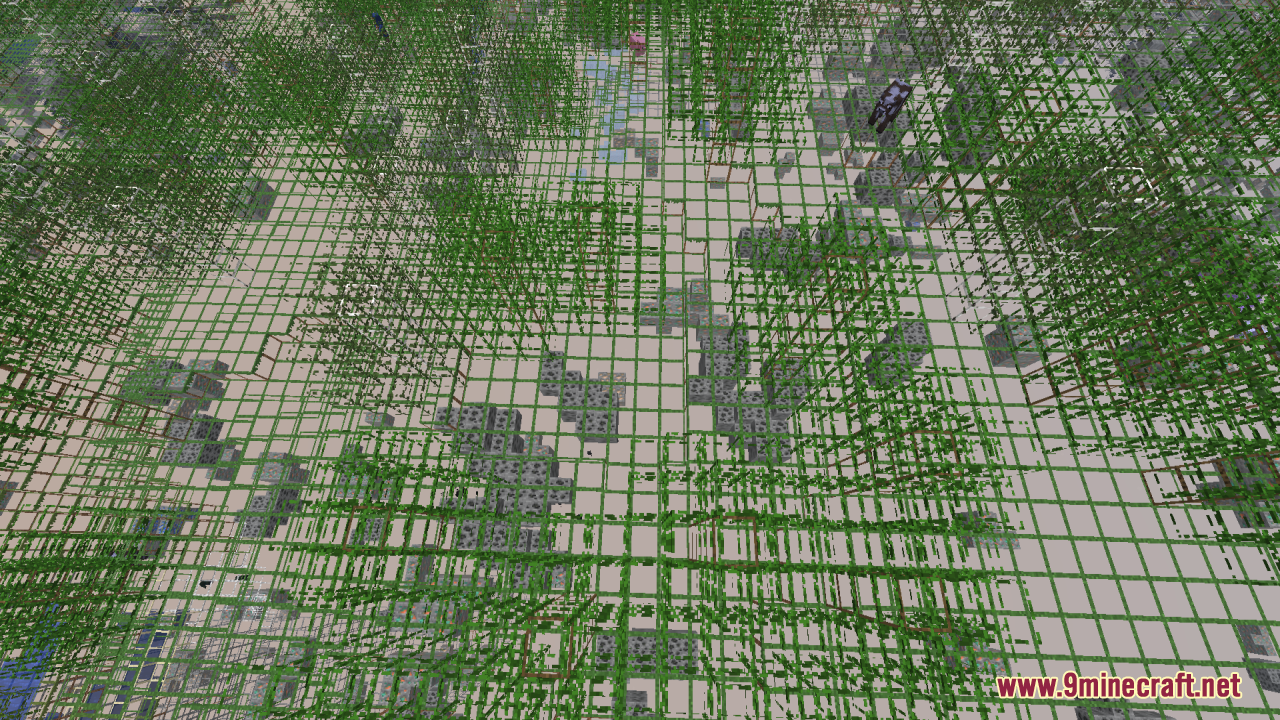
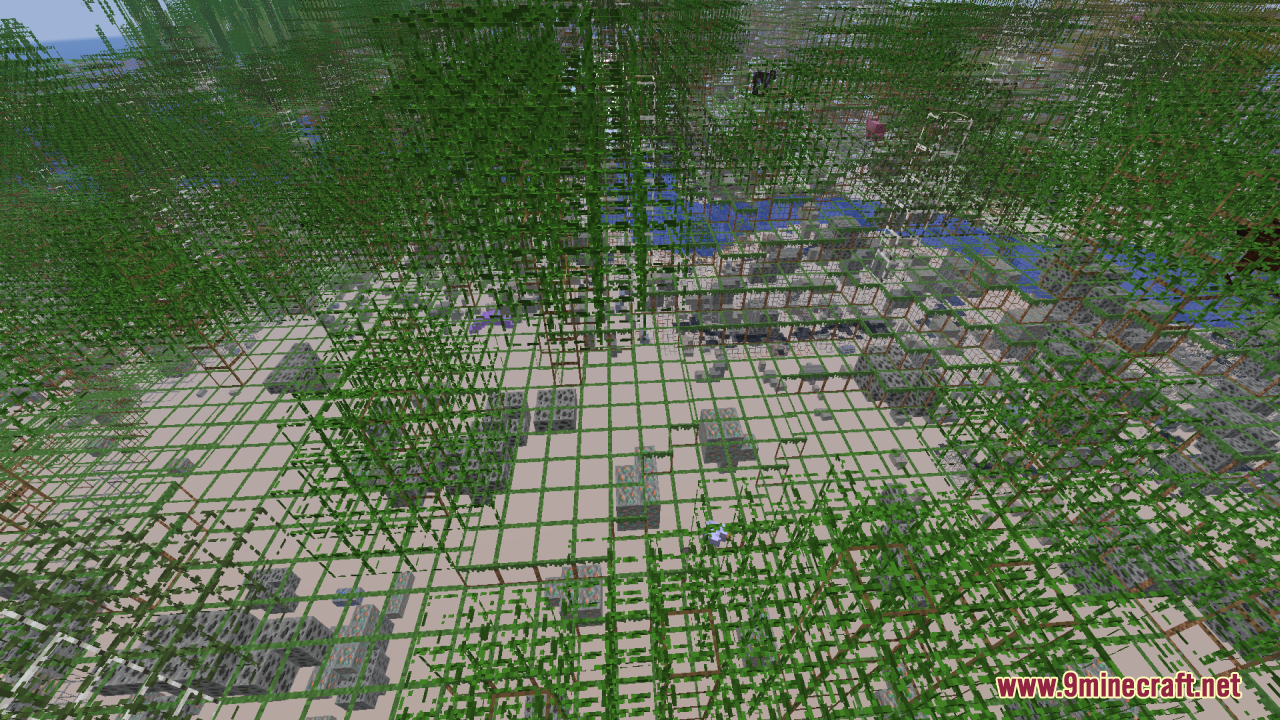
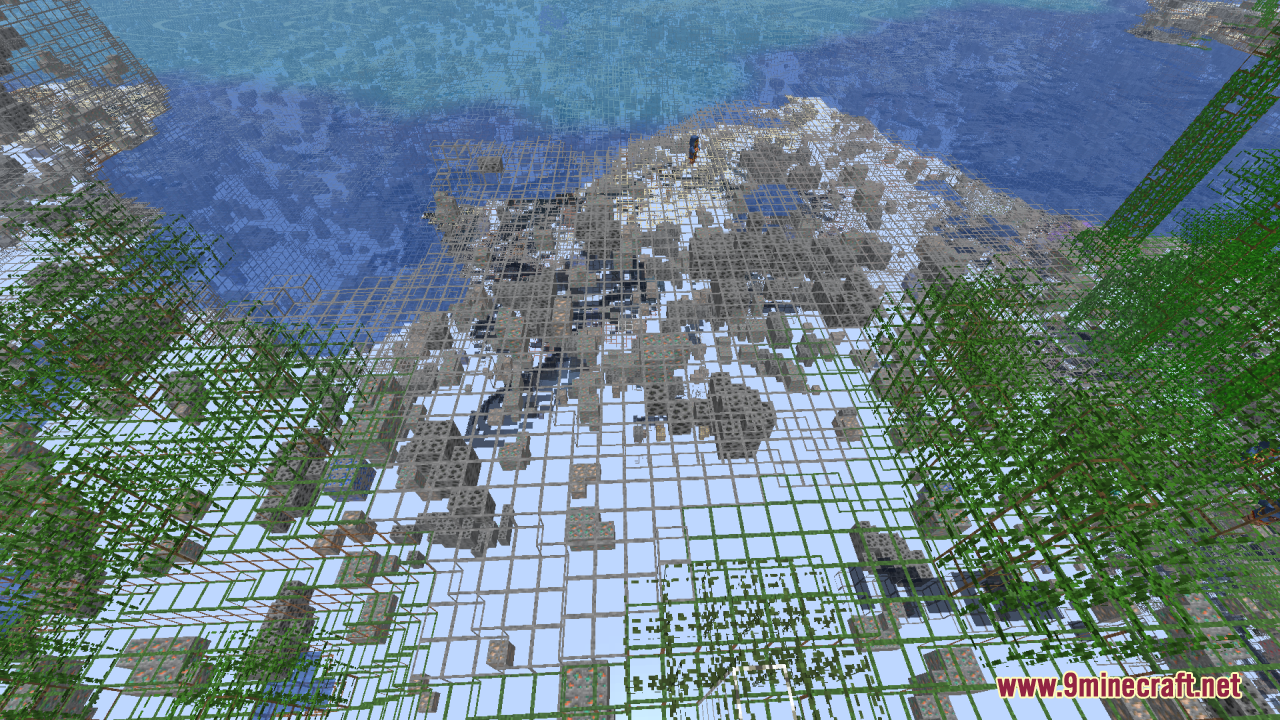
The X-Ray effect is active as soon as you load the resource pack in your world or server. Go to Options > Resource Packs, find Mahi's X-Ray in the Available list, and move it to Active. You'll see terrain become transparent outlines immediately.
Why can't I see ores glowing in the dark?
Ore glow is built-in for version 1.21.2 and newer. If you're on an older version, you'll need to load a separate Fullbright add-on alongside this pack to make ores glow. Check that your game version matches the pack's requirements.
Does this mod work with Optifine or other shader packs?
Yes, this resource pack stacks on top of other packs and mods without conflict. Load it after your shader or cosmetic pack in your resource pack list, and both will work together.
Can I use this on a multiplayer server?
Yes, resource packs are client-side only, so servers won't block it. Load it like any other resource pack and you'll see the X-Ray effect on any server you join.
See all 10 Mahi’s X-Ray questions ›
Gallery
12 images from the Mahi S X Ray Resource Pack page.
You May Also Like
Wikis that share the most with this one
Lush Grass Leaves Resource PackLuvstar’s Nyan Cat Hotbar Resource PackLz Rustic Torch Resource PackMace 3D Item Resource PackMace Enchant Indicator Breach and Density Resource PackMace Fusion Resource PackMace to Stormbreaker Resource PackMagical Debug Stick Resource PackMajesticaMalfu Combat Animation 9minecraft Resource PackMalkazar’s Fantasy Villager Pack Resource PackMandalas Dragon Mount Refreshed Resource Pack
More resource pack wikis on the site
Lush 16X Resource PackLuna Hd 64X Resource PackLuminance Pvp Resource PackLumina Velvet Script Resource PackLower Fire Resource PackLow Shield Resource PackLow On Fire Resource PackLow Fire TXF Resource PackLow Fire Texture Resource PackLog Stubs Resource PackLoading Bar Breaking Animation Resource PackLoading Backgrounds – Structures Resource Pack
The most downloaded mods that have a wiki here
A few wikis from each of the other kinds