

 DownloadInvictus Resource Pack
Get the files on 9Minecraft
Contents (8)
Guides
Step-by-step, in-game.
How to Combine Invictus With Other Resource Packs Without ConflictsInvictus is a full visual overhaul, so stacking it with other packs can cause clashing textures. The fix is…How to Fix Invictus Textures Not Showing Up or Looking WrongSometimes Invictus is selected but the game still looks vanilla, or only some textures change. Here is how to…How to Get the Cleanest Look From Invictus While PlayingInvictus is built around minimal detail and clear shapes, so a few settings and habits make it shine. Match Your…How to Install and Enable the Invictus Resource Pack in MinecraftGetting Invictus running is quick once you know where resource packs live. This guide assumes you already have the…Invictus Resource PackA Cleaner Look for Minecraft Invictus Resource Pack is a visual overhaul that focuses on clean artwork and minimal…
Items
200 items · showing 24. Browse all →
 Acacia Sign
 Apple
 Armor Stand
 Arrow
 Baked Potato
 Barrier
 Beetroot
 Beetroot Seeds
 Beetroot Soup
 Birch Sign
 Blaze Powder
 Blaze Rod
 Bone
 Bone Meal
 Book
 Book and Quill
 Bottle o' Enchanting
 Bow
 Bowl
 Bread
 Brick
 Bucket
 Carrot
 Carrot on a Stick
Blocks
196 blocks · showing 24. Browse all →
 Acacia Log
 Acacia Planks
 Acacia Trapdoor
 Andesite
 Attached Melon Stem
 Attached Pumpkin Stem
 Bedrock
 Birch Log
 Birch Planks
 Birch Trapdoor
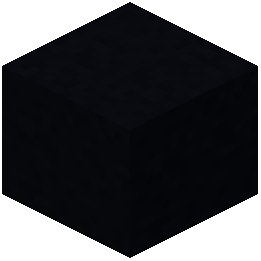 Black Concrete
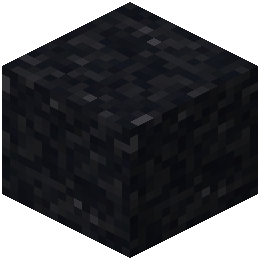 Black Concrete Powder
 Black Shulker Box
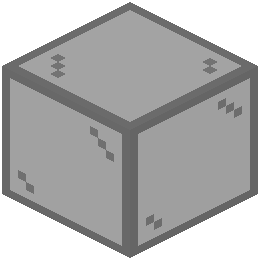 Black Stained Glass
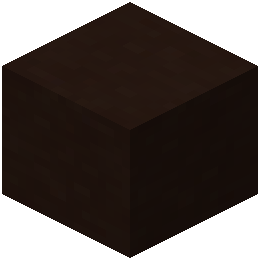 Black Terracotta
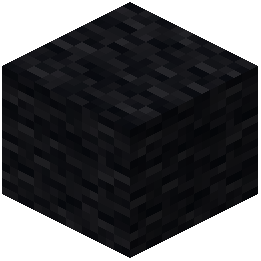 Black Wool
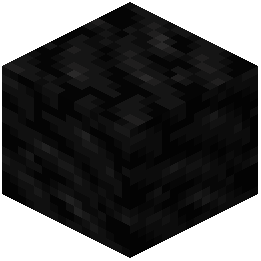 Block of Coal
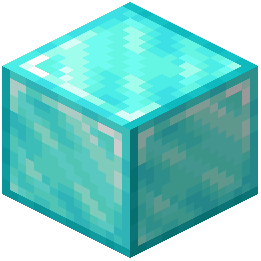 Block of Diamond
 Block of Emerald
 Block of Gold
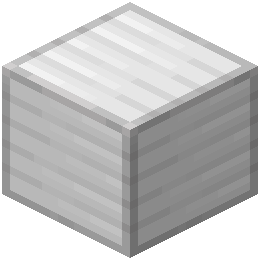 Block of Iron
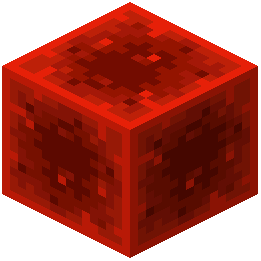 Block of Redstone
 Blue Concrete
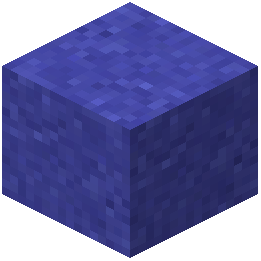 Blue Concrete Powder
What this pack changes
Every texture group the pack replaces, counted from the pack itself.
| Area | Textures replaced |
|---|---|
| Blocks | 930 |
| Items | 298 |
| Mobs & entities | 293 |
| Particles | 111 |
| GUI & menus | 62 |
| Paintings | 30 |
| Models | 12 |
| Misc | 8 |
| Sky & weather | 6 |
| Maps | 2 |
| Biome colours | 2 |
| Font | 2 |
Pack format 6 (Minecraft 1.16.2)1,756 texture files in total
Extra features
Custom shaders
Custom font
Custom block/item models
Reworked GUI
Frequently asked questions
What does the Invictus Resource Pack actually change?
It retextures blocks and items with clean, minimal artwork that keeps Minecraft's core shapes and style while stripping away noisy detail. Nothing about gameplay, mobs, or mechanics is altered — it's purely a visual pack.
How do I turn on Invictus after installing it?
Open Options, then Resource Packs, and move Invictus from the left column to the right column. Make sure it sits above any pack you want it to override, then confirm and let the game reload.
Why do some of my textures still look vanilla?
Another resource pack is likely sitting above Invictus in the load order and overriding those files. Drag Invictus to the top of the selected list, or remove the conflicting pack, then reload.
Can I use Invictus together with other resource packs?
Yes, but only the topmost pack wins for any file both packs edit. Put Invictus on top for its clean look, or below a pack if you only want Invictus to fill in the gaps that pack doesn't cover.
Does Invictus work with shaders?
Yes — resource packs and shaders are separate systems, so Invictus textures load fine alongside a shader pack. If something looks off, test with shaders disabled to confirm which one is causing it.
Will Invictus hurt my FPS?
Texture packs generally have little impact on framerate compared to shaders or render distance. Invictus uses simple, low-detail art, so any performance change should be negligible.
Do I need OptiFine or a mod loader to use Invictus?
No — it's a standard resource pack, so it works in vanilla Minecraft through the Resource Packs menu. OptiFine or Fabric/Forge are only needed if you want extra features like connected textures or custom skies.
Why does Invictus look blurry or pixelated on my screen?
Check that your Mipmap Levels and texture resolution settings aren't fighting the pack, and confirm you're not running a lower-resolution variant by mistake. Also make sure no other pack is partially overriding it.
Can I use Invictus on a server or with friends?
Yes, resource packs are client-side, so you can use Invictus on any server without the owner installing anything. Your friends won't see it unless they install it themselves.
How do I get the cleanest possible look from Invictus?
Run Invictus alone at the top of your pack list, turn off any other texture packs, and pair it with modest shader or lighting settings so the simple art isn't overwhelmed. Keeping your GUI scale and FOV at default also helps the clean aesthetic read consistently.
You May Also Like
Wikis that share the most with this one
Improved Better Weapons Resource PackImproved Boss Bars 9minecraft Resource PackImproved Crosshair Resource PackImproved Logs Resource PackImproved Spawners Resource PackIndustrial Revolution PT BR Translation Resource PackIngot UI Resource PackInternational Metropack Retro Resource PackIR Amtrak Immersive Railroading Pack Resource PackIR DE Ket’s Global Train Pack for Immersive Railroading Resource PackIR RTLC Railroad Addon Resource PackIron Blooded Crafts Urdr Hunt Pomkots Mechs Extension Resource Pack
More resource pack wikis on the site
Immersive Weather Sounds Resource PackImmersive Snowy Leaves Bushy Leaves Resource PackImmersive Interfaces Mod Support Unofficial Resource PackImmersive GUI 9minecraft Resource PackImmersive Bucket Resource PackIgnaf’s QuadralIcy’s Horse Breeds Resource PackIconsIcon Xaero’s Resource PackIcon Xaero'sIcea’s Variants Resource PackIce & Fire Dragonsteel Weaponry Resource Pack
The most downloaded mods that have a wiki here
A few wikis from each of the other kinds
Gallery
12 images from the Invictus Texture Pack page.


