

What this pack changes
Every texture group the pack replaces, counted from the pack itself.
| Area | Textures replaced |
|---|---|
| Blocks | 645 |
| Items | 363 |
| Mobs & entities | 95 |
| Particles | 57 |
| GUI & menus | 41 |
| Status effects | 21 |
| Paintings | 18 |
| Models | 15 |
| Maps | 3 |
| Font | 2 |
| Sky & weather | 1 |
Pack format 6 (Minecraft 1.16.2)1,261 texture files in total
Extra features
Custom font
Custom block/item models
Reworked GUI
Guides
Step-by-step, in-game.
How to Detail Interior Builds Using High-Resolution Faithful 64x BlocksHow to Enable and Prioritize Faithful 64x in Your Load OrderHow to Inspect and Compare Upgraded 64x Blocks in Creative ModeHow to Optimize Video Settings for 64x64 Resolution TexturesHow to Troubleshoot Missing or Default Textures in Faithful 64xHow to Use Faithful 64x Textures for Clearer Underground and Ocean Visibility
Items
258 items · showing 24. Browse all →
 Acacia Boat
 Acacia Door
 Acacia Sign
 Apple
 Armor Stand
 Arrow
 Baked Potato
 Bamboo
 Banner Pattern (Skull)
 Banner Pattern (Flower)
 Banner Pattern (Piglin)
 Banner Pattern (Creeper)
 Banner Pattern (Globe)
 Banner Pattern (Mojang)
 Barrier
 Beetroot
 Beetroot Seeds
 Beetroot Soup
 Bell
 Birch Boat
 Birch Door
 Birch Sign
 Black Dye
 Blaze Powder
Blocks
298 blocks · showing 24. Browse all →
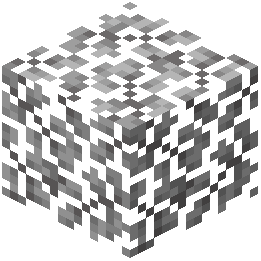 Acacia Leaves
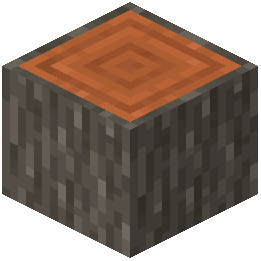 Acacia Log
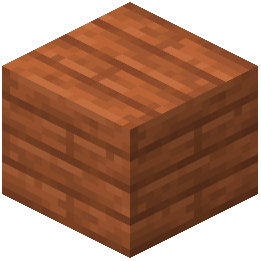 Acacia Planks
 Activator Rail
 Allium
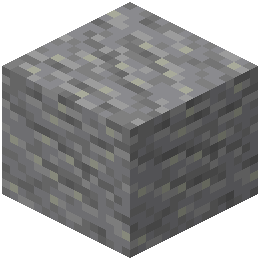 Andesite
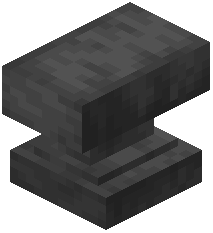 Anvil
 Attached Melon Stem
 Attached Pumpkin Stem
 Azure Bluet
 Beacon
 Bedrock
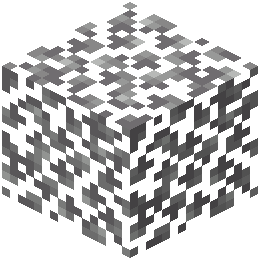 Birch Leaves
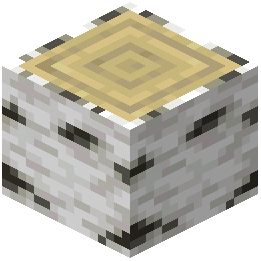 Birch Log
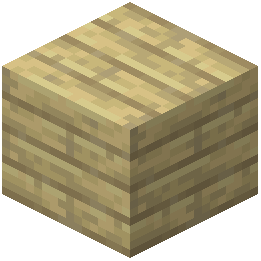 Birch Planks
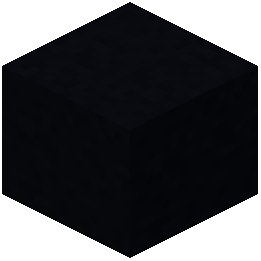 Black Concrete
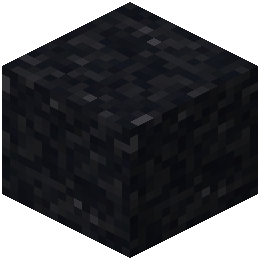 Black Concrete Powder
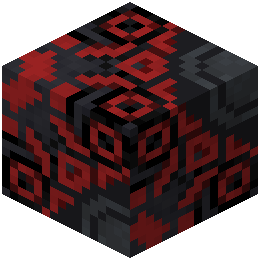 Black Glazed Terracotta
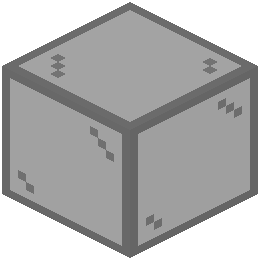 Black Stained Glass
 Black Terracotta
 Black Wool
 Blackstone
 Block of Diamond
 Block of Emerald
Frequently asked questions
How do I turn on Faithful 64x in my game?
Open your game options, select Resource Packs, and click the arrow on the Faithful 64x icon to move it from the Available column to the Selected column. Click Done to reload the game and apply the 64x64 textures.
Why are some blocks still showing normal default textures?
Another resource pack is likely overriding Faithful 64x, or a specific block is not covered among the 556 upgraded textures. Check your Resource Packs menu and use the up arrow to move Faithful 64x to the very top of the Selected list so its textures take priority.
Do I need a mod loader like Forge or Fabric to use Faithful 64x?
No, Faithful 64x uses the standard Java Edition resource pack format and works directly through the built-in game options. However, if you already play with a mod loader like NeoForge, it will still work normally alongside your mods.
Why do distant blocks like  Cobblestone and Bricks look blurry or have shimmering lines?
High-resolution 64x64 textures can cause visual artifacts at a distance if your Mipmap Levels are set too low. Go to Options, then Video Settings, and increase the Mipmap Levels slider to smooth out distant block surfaces.
See all 16 Faithful 64X Java questions ›
Related mods
Other wikis you may find useful.