

How do I turn on Faithful 64x in my game?
Open your game options, select Resource Packs, and click the arrow on the Faithful 64x icon to move it from the Available column to the Selected column. Click Done to reload the game and apply the 64x64 textures.
Why are some blocks still showing normal default textures?
Another resource pack is likely overriding Faithful 64x, or a specific block is not covered among the 556 upgraded textures. Check your Resource Packs menu and use the up arrow to move Faithful 64x to the very top of the Selected list so its textures take priority.
Do I need a mod loader like Forge or Fabric to use Faithful 64x?
No, Faithful 64x uses the standard Java Edition resource pack format and works directly through the built-in game options. However, if you already play with a mod loader like NeoForge, it will still work normally alongside your mods.
Why do distant blocks like 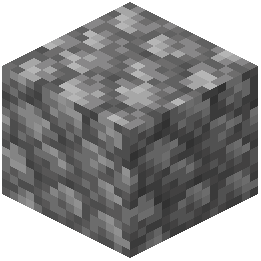 Cobblestone and Bricks look blurry or have shimmering lines?
High-resolution 64x64 textures can cause visual artifacts at a distance if your Mipmap Levels are set too low. Go to Options, then Video Settings, and increase the Mipmap Levels slider to smooth out distant block surfaces.
How can I reduce lag or frame drops after enabling 64x64 textures?
Because 64x64 textures use four times the resolution of default blocks, they require more video memory. Open your Video Settings and slightly lower your Render Distance, or set Graphics from Fabulous to Fancy to free up resources.
Does Faithful 64x change the colors of building blocks like Concrete or 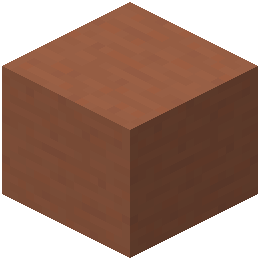 Terracotta?
No, the pack is designed to keep the exact color palette and shapes of classic vanilla blocks. Your builds using 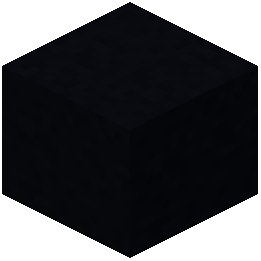 Black Concrete,
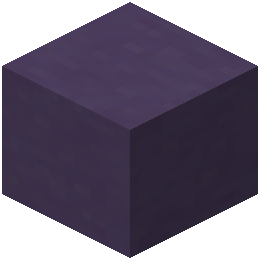 Blue Terracotta, or Glazed Terracotta will look the same color-wise, just with much sharper lines and surface details.
Black Concrete, Blue Terracotta, or Glazed Terracotta will look the same color-wise, just with much sharper lines and surface details.Can I use Faithful 64x on multiplayer servers?
Yes, because it is a client-side resource pack, you can use it on any server without the server needing to have it installed. If a server forces a custom server resource pack, however, the server's pack will sit above Faithful 64x and may overwrite some textures.
Does this pack upgrade items and armor, or just building blocks?
It upgrades both environmental blocks and held items to 64x64 resolution. You will see sharper details on gear like Chainmail Chestplates, Bows, and Arrows, as well as food and brewing items like  Cooked Salmon, Bread, and
 Blaze Powder.
Cooked Salmon, Bread, and Blaze Powder.How do I use Faithful 64x with smaller add-on packs like custom skies or UI tweaks?
Place Faithful 64x in your Selected column first, and then move your smaller add-on packs directly above it. The game loads packs from top to bottom, so the smaller packs will apply their specific changes while Faithful 64x fills in the rest of the blocks and items.
Why does my game freeze for a few seconds when I enable or disable the pack?
Minecraft has to reload the entire texture atlas from your system memory whenever you change resource packs, and 64x64 textures take longer to stitch together than default ones. Wait a few moments without clicking the window, and the menu will unfreeze once loading finishes.
Are underwater blocks and ocean plants upgraded in this pack?
Yes, ocean blocks such as Brain Coral Blocks,  Bubble Coral Fans, and Conduits are upgraded to 64x64 resolution. This makes underwater builds and ocean floors look much crisper when viewing them from up close or through water.
How do I quickly compare Faithful 64x textures against default vanilla blocks?
Place down detailed blocks like 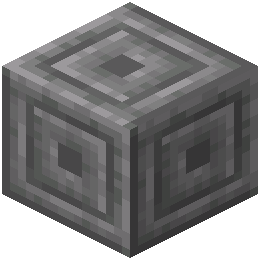 Chiseled
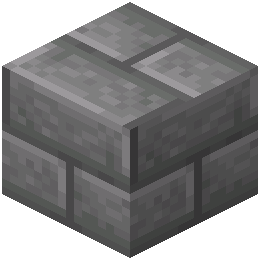 Stone
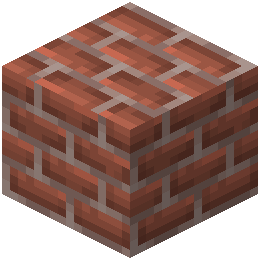 Bricks, Bookshelves, and Anvils in a Creative mode world, then open your Resource Packs menu to toggle Faithful 64x on and off. You can also press F3+T during gameplay to reload your active textures without leaving your current view.
Chiseled Stone Bricks, Bookshelves, and Anvils in a Creative mode world, then open your Resource Packs menu to toggle Faithful 64x on and off. You can also press F3+T during gameplay to reload your active textures without leaving your current view.Are the leaves on trees transparent or solid in Faithful 64x?
The transparency of 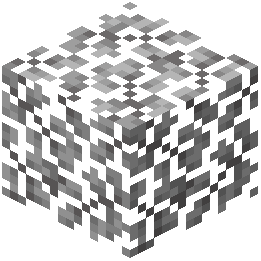 Acacia Leaves and
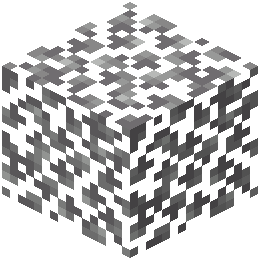 Birch Leaves depends on your in-game Video Settings rather than the pack itself. Set your Graphics option to Fancy or Fabulous if you want see-through leaves with the upgraded 64x64 leaf textures, or Fast if you prefer solid leaf blocks.
Acacia Leaves and Birch Leaves depends on your in-game Video Settings rather than the pack itself. Set your Graphics option to Fancy or Fabulous if you want see-through leaves with the upgraded 64x64 leaf textures, or Fast if you prefer solid leaf blocks.Which blocks show the biggest visual improvement for interior decorating?
Utility and carved blocks show the sharpest upgrades indoors because their small pixels become crisp lines at 64x64 resolution. Try detailing rooms with Brewing Stands, Cauldrons, Bells, Campfires, and Chiseled Quartz Blocks to see the extra surface clarity.
Will Faithful 64x retexture blocks added by other content mods?
Faithful 64x only upgrades the 556 vanilla blocks and items included in its registry, such as  Bedrock,
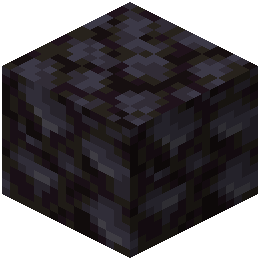 Blackstone, and
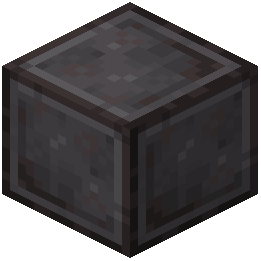 Block of Netherite. Any custom blocks added by separate content mods will remain at their own default resolution right next to the 64x vanilla blocks.
Bedrock, Blackstone, and Block of Netherite. Any custom blocks added by separate content mods will remain at their own default resolution right next to the 64x vanilla blocks.Does Faithful 64x make it easier to spot ores underground?
The pack keeps the familiar shapes and colors of vanilla blocks, so 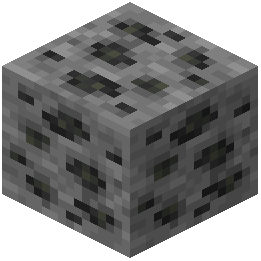 Coal Ore and surrounding
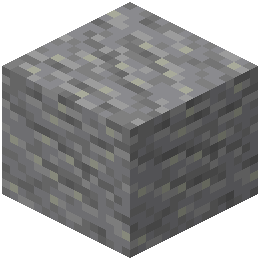 Andesite or Cobblestone retain their standard visual balance. However, the 64x64 resolution removes the blocky pixelation on rock surfaces, giving you a cleaner view of cave walls from a distance.
Coal Ore and surrounding Andesite or Cobblestone retain their standard visual balance. However, the 64x64 resolution removes the blocky pixelation on rock surfaces, giving you a cleaner view of cave walls from a distance.