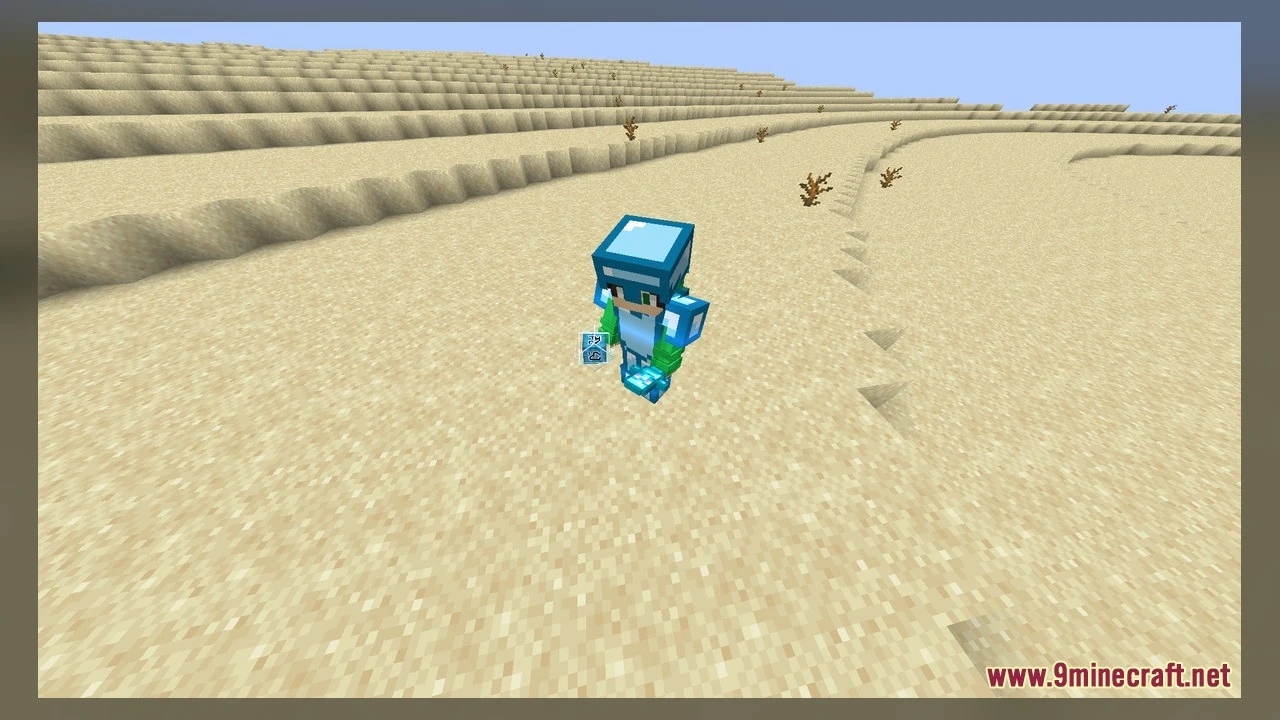
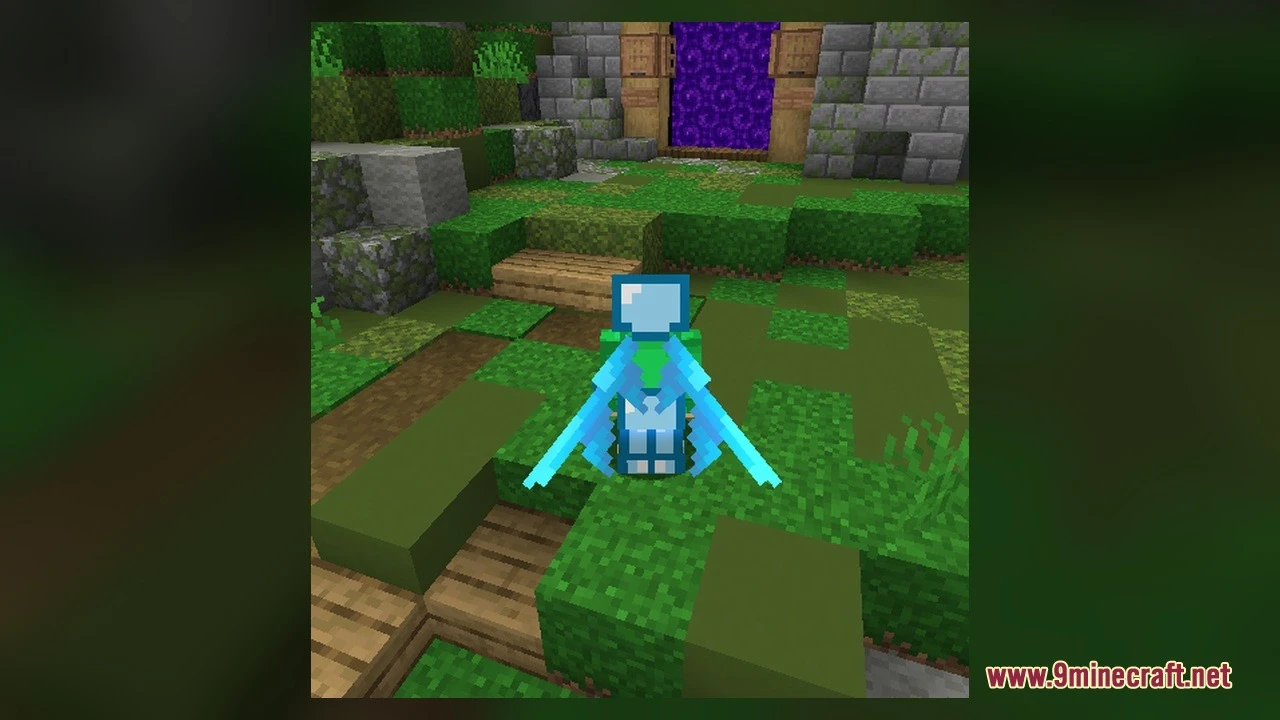
DownloadThe Clickcrystals Pack Model
Get the files on 9Minecraft
Contents (8)
Guides
Step-by-step, in-game.
Items
A
 Arrow
B
 Bottle o' Enchanting
 Bow
 Bucket
 Bucket of Tadpole
C
 Cake
 Campfire
D
 Diamond Axe
 Diamond Boots
 Diamond Chestplate
 Diamond Helmet
 Diamond Hoe
 Diamond Leggings
 Diamond Pickaxe
 Diamond Shovel
 Diamond Sword
E
 Elytra
 End Crystal
 Ender Pearl
F
 Firework Rocket
G
 Golden Apple
 Golden Sword
 Gray Dye
I
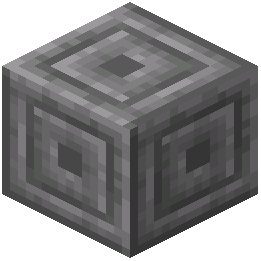 Infested Chiseled Stone Bricks
 Infested Cobblestone
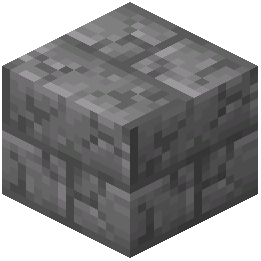 Infested Cracked Stone Bricks
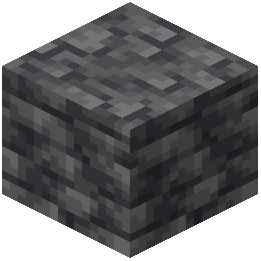 Infested Deepslate
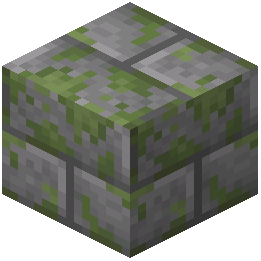 Infested Mossy Stone Bricks
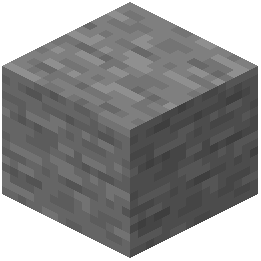 Infested Stone
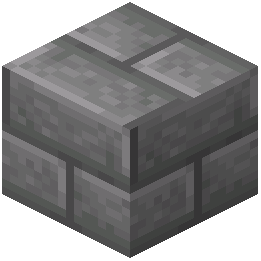 Infested Stone Bricks
 Iron Hoe
 Iron Nugget
 Iron Sword
L
 Lava Bucket
 Lime Dye
M
 Magenta Dye
 Milk Bucket
N
 Netherite Axe
 Netherite Boots
 Netherite Chestplate
 Netherite Helmet
 Netherite Hoe
 Netherite Ingot
 Netherite Leggings
 Netherite Pickaxe
 Netherite Shovel
 Netherite Sword
P
 Pink Dye
 Powder Snow Bucket
 Purple Dye
R
 Rabbit Stew
S
 Soul Campfire
 Spyglass
 Stone Hoe
T
 Totem of Undying
W
 Water Bucket
 Wooden Hoe
Blocks
A
 Acacia Leaves
 Attached Melon Stem
 Attached Pumpkin Stem
 Azalea Leaves
B
 Bedrock
 Birch Leaves
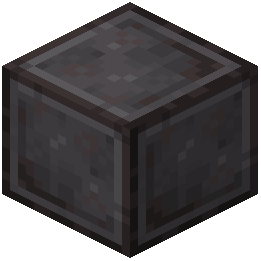 Block of Netherite
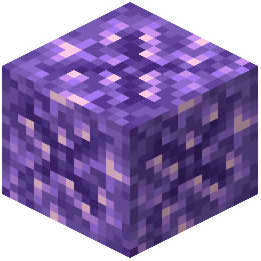 Budding Amethyst
C
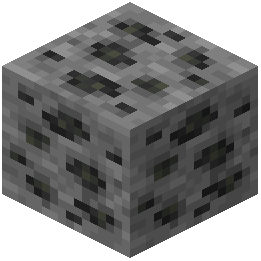 Coal Ore
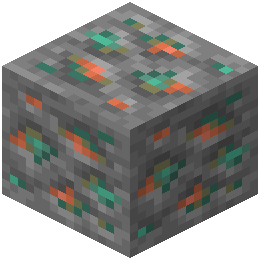 Copper Ore
D
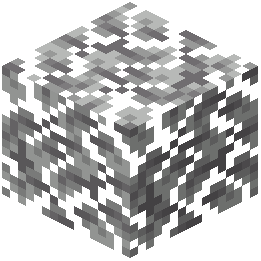 Dark Oak Leaves
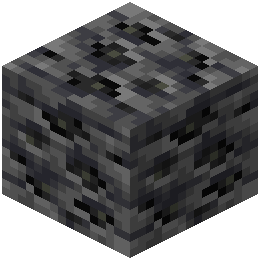 Deepslate Coal Ore
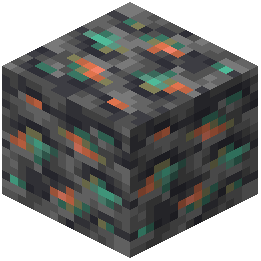 Deepslate Copper Ore
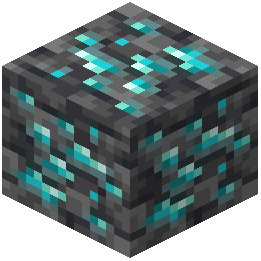 Deepslate Diamond Ore
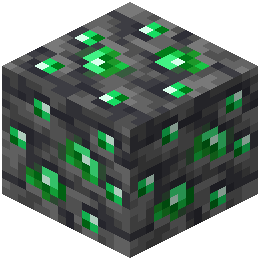 Deepslate Emerald Ore
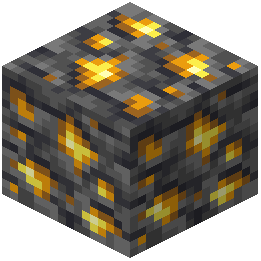 Deepslate Gold Ore
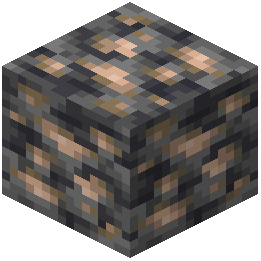 Deepslate Iron Ore
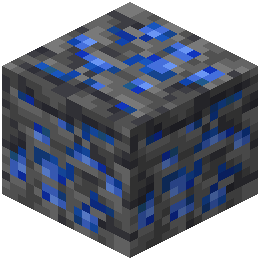 Deepslate Lapis Lazuli Ore
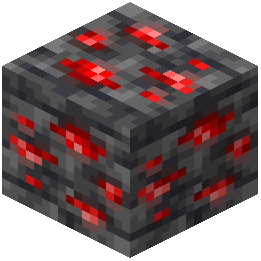 Deepslate Redstone Ore
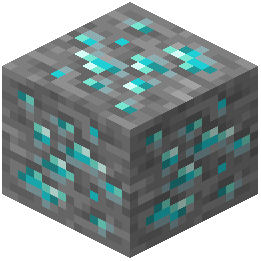 Diamond Ore
E
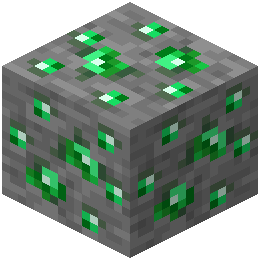 Emerald Ore
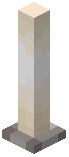 End Rod
F
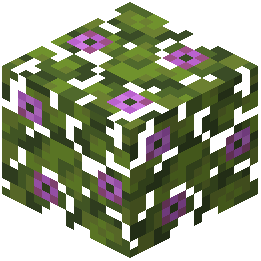 Flowering Azalea Leaves
G
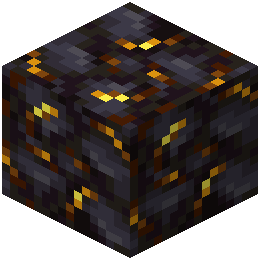 Gilded Blackstone
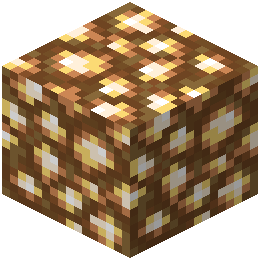 Glowstone
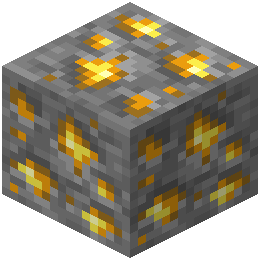 Gold Ore
I
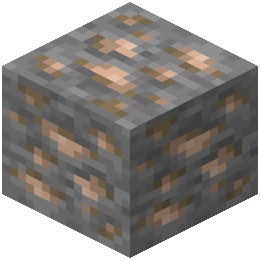 Iron Ore
J
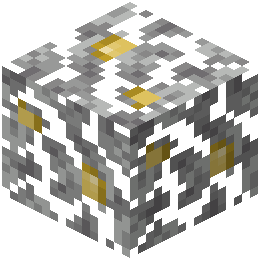 Jungle Leaves
L
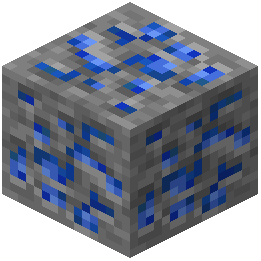 Lapis Lazuli Ore
M
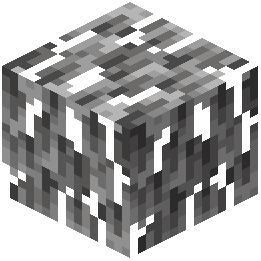 Mangrove Leaves
 Melon Stem
N
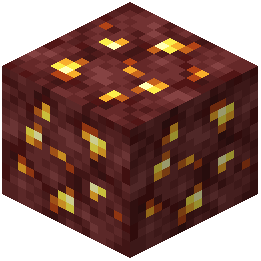 Nether Gold Ore
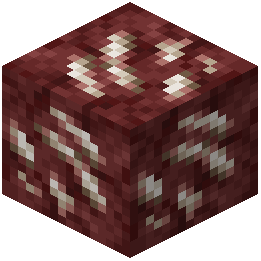 Nether Quartz Ore
O
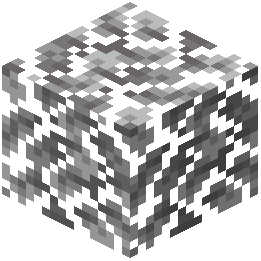 Oak Leaves
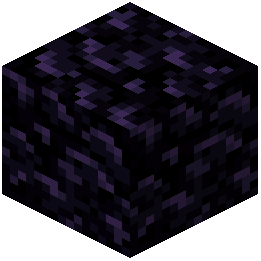 Obsidian
P
 Pumpkin Stem
R
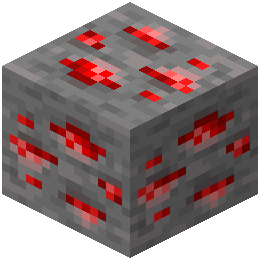 Redstone Ore
S
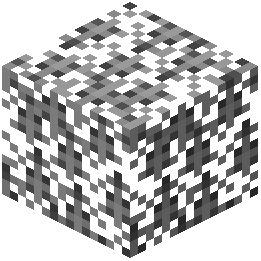 Spruce Leaves
T
 Tripwire
W
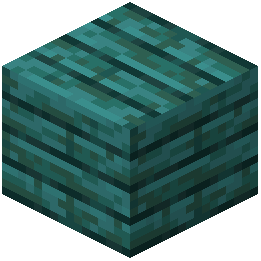 Warped Planks
What this pack changes
Every texture group the pack replaces, counted from the pack itself.
| Area | Textures replaced |
|---|---|
| GUI & menus | 468 |
| Blocks | 202 |
| Particles | 183 |
| Items | 90 |
| Mobs & entities | 63 |
| Display | 26 |
| Misc | 20 |
| Variated | 16 |
| Model Screenshots | 4 |
| Sky & weather | 4 |
| Models | 4 |
| Overlays | 3 |
| Biome colours | 2 |
1,086 texture files in total
Extra features
Custom shaders
Custom font
Custom sounds
Custom block/item models
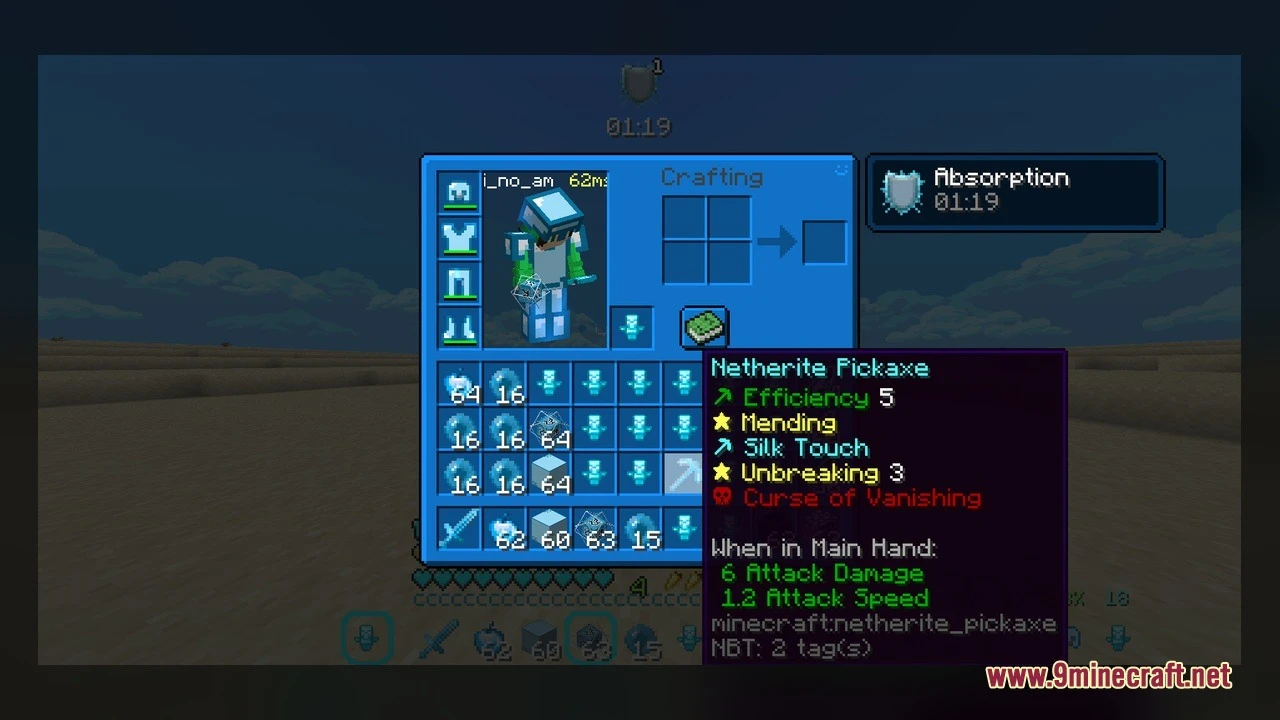
Reworked GUI
Custom particles
Frequently asked questions
What is the main purpose of The Clickcrystals Pack Model?
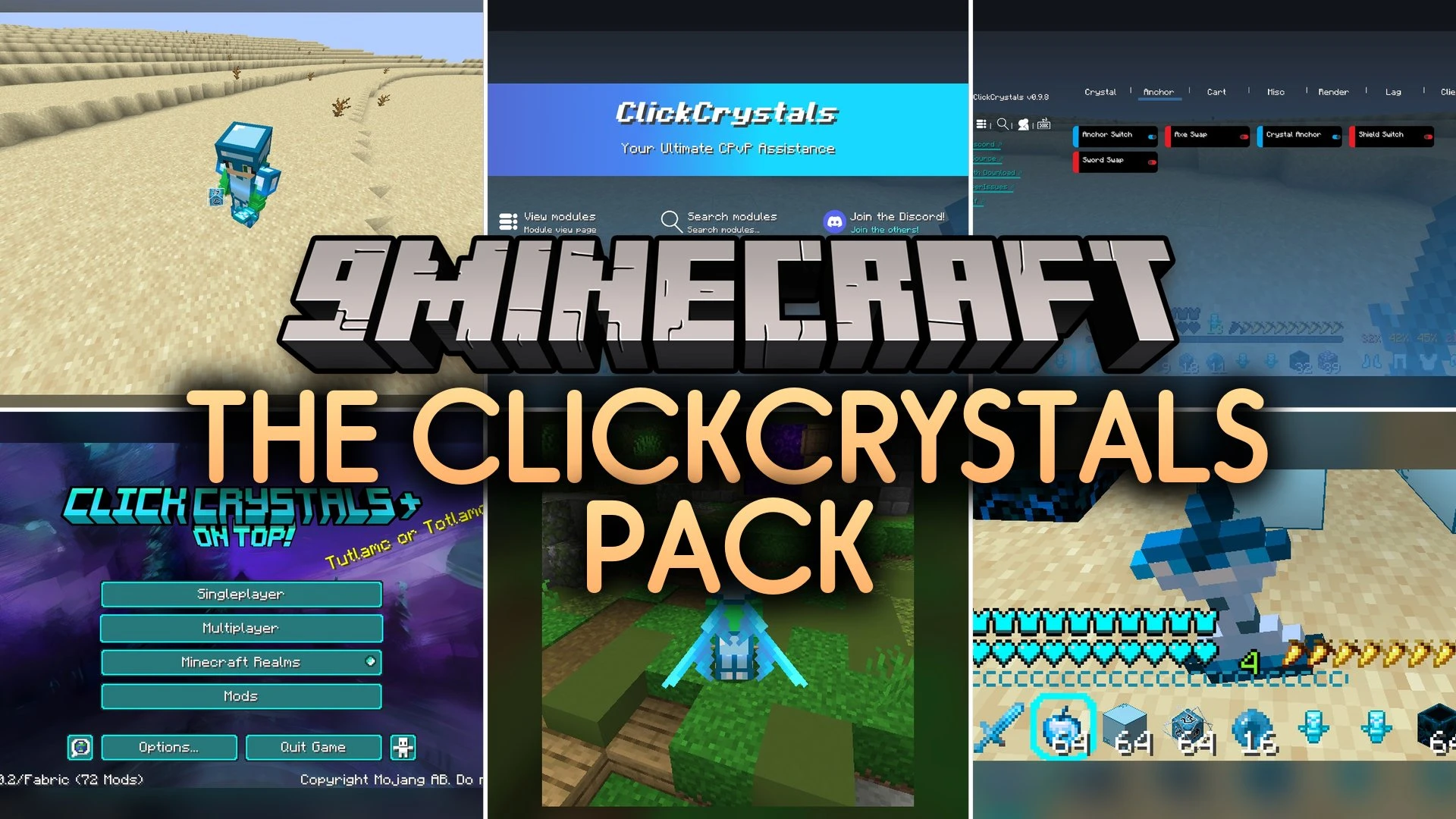
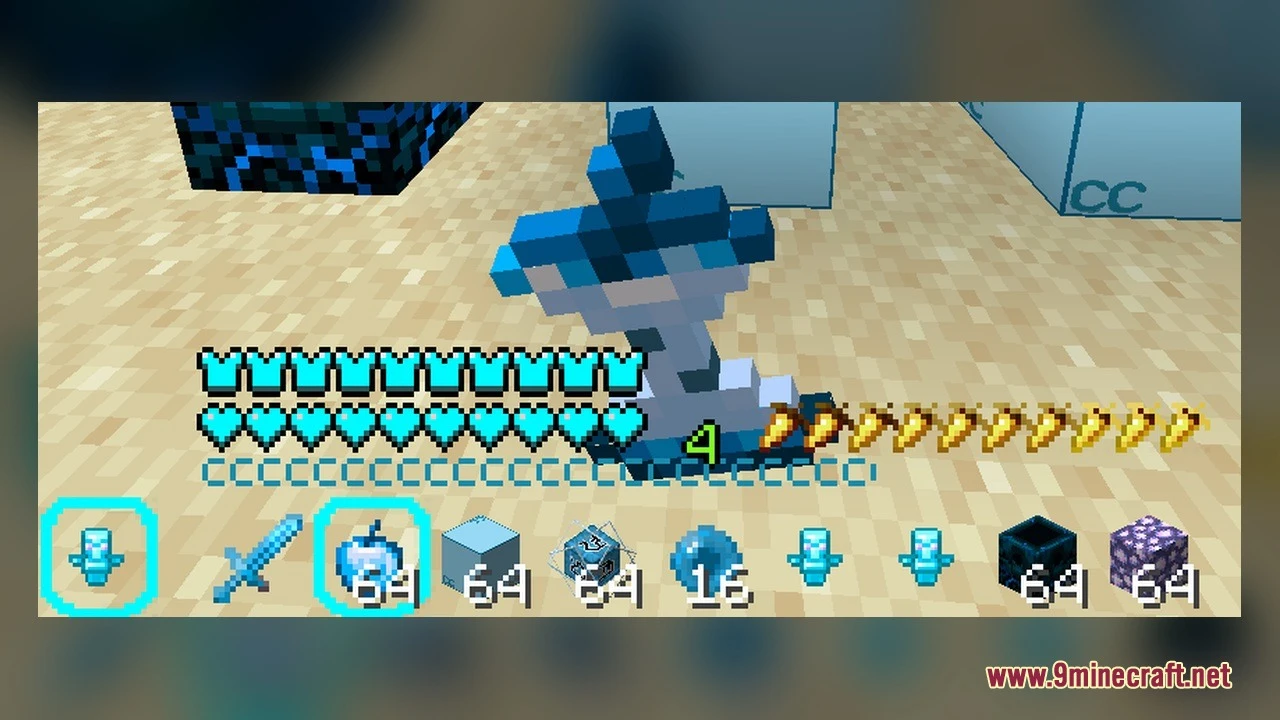
It transforms vanilla visuals with custom three-dimensional designs specifically optimized for crystal PvP encounters, making tactical items easier to spot during fast-paced fights.
How many custom 3D models does this pack include?
The pack includes 338 custom 3D models for blocks, items, and combat equipment.
What happens when you place a brewing stand in this pack?
The brewing stand displays custom bottle models with visible bottle slots that adjust in real time as you insert glass bottles.
How do big dripleaf blocks respond in this pack?
Big dripleaf blocks feature multi-stage tilting mechanics that respond to your weight when you step on them, with the stem and leaf tilting through different stages.
What visual improvements are made to bamboo and cactus blocks?
Where should you place the downloaded resource pack file?
Place the downloaded zip file into your resourcepacks folder and then select it in the resource packs menu.
You May Also Like
Wikis that share the most with this one
More mod wikis on the site
The most downloaded mods that have a wiki here
A few wikis from each of the other kinds
Gallery
6 images from the The Clickcrystals Pack Model page.