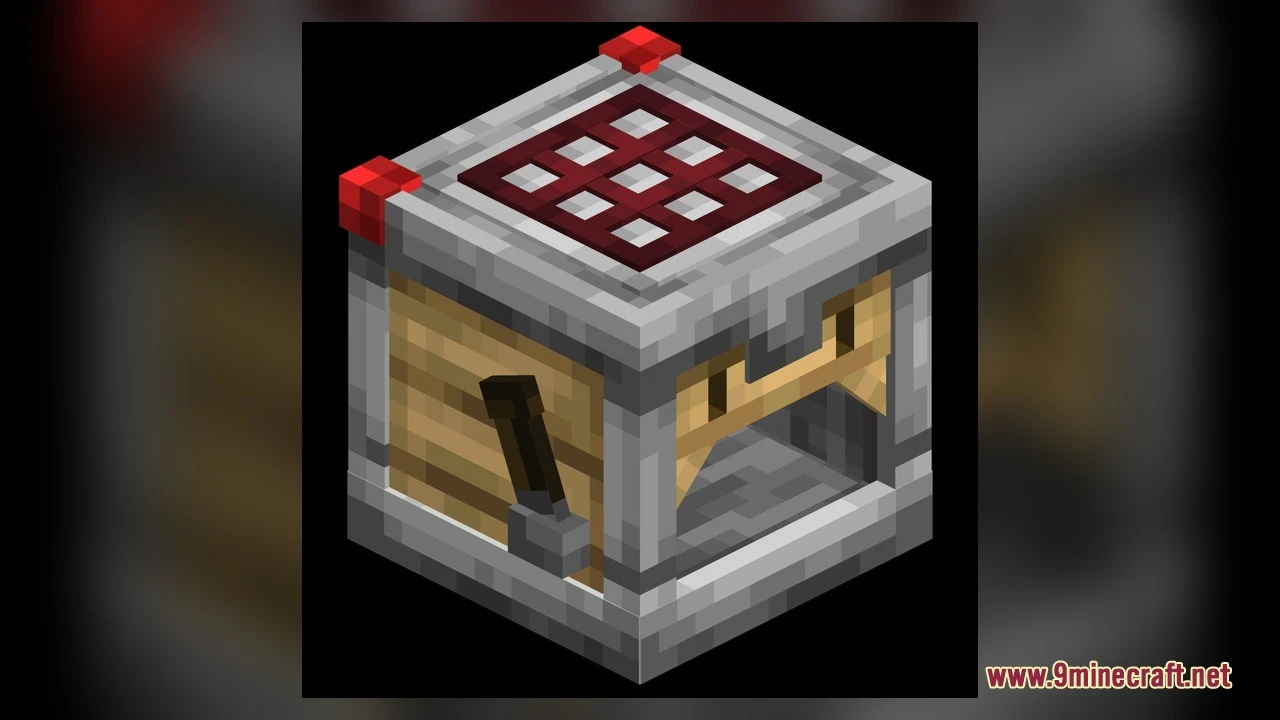
DownloadActually 3D Workbenches Model
Get the files on 9Minecraft
Guides
Step-by-step, in-game.
Inspect the 3D Details on Your WorkbenchesActivate the Resource Pack First, ensure the Actually 3D Workbenches Model pack is selected in your Resource Packs…See Open and Closed Models for Barrels and StonecuttersPlace a Barrel Craft or find a Barrel block and place it in your world. The closed model shows a sealed wooden…Trigger Crafter Animation States with RedstonePlace a Crafter Block Craft or find a Crafter block and place it in your world. By default, it displays a neutral,…Watch Brewing Stand Bottles Appear as You Add PotionsPlace a Brewing Stand Craft or locate a Brewing Stand and place it in your world. The stand starts empty with a…
Blocks
 Arrow
 Birch Planks
 Bow
 Brewing Stand
 Dark Oak Planks
 Netherite Leggings
 Oak Planks
 Stone
 Stripped Birch Log
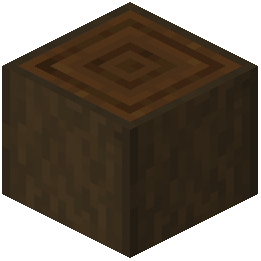 Stripped Dark Oak Log
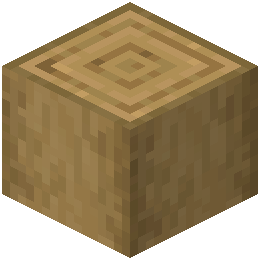 Stripped Oak Log
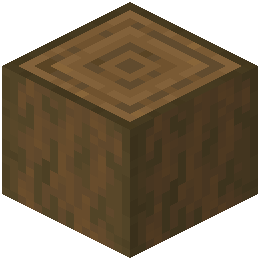 Stripped Spruce Log
What this pack changes
Every texture group the pack replaces, counted from the pack itself.
| Area | Textures replaced |
|---|---|
| Blocks | 74 |
| Items | 2 |
Pack format 55 (Minecraft 1.21.5)76 texture files in total
Extra features
Custom block/item models
Frequently asked questions
How do I enable the mod after installing it?
Open your Resource Packs menu in Settings, find Actually 3D Workbenches Model in the available packs list, and click the arrow to move it to the active section. The 3D models will appear immediately on your workbenches.
Which blocks get the 3D treatment?
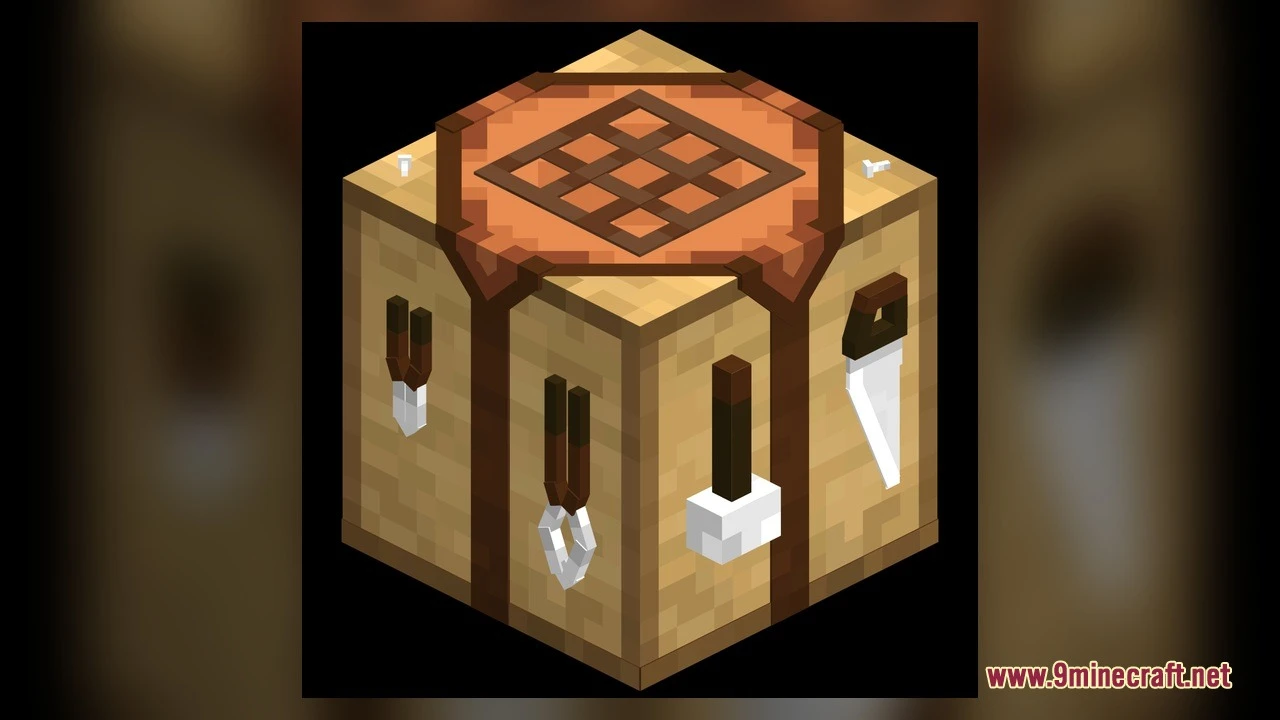
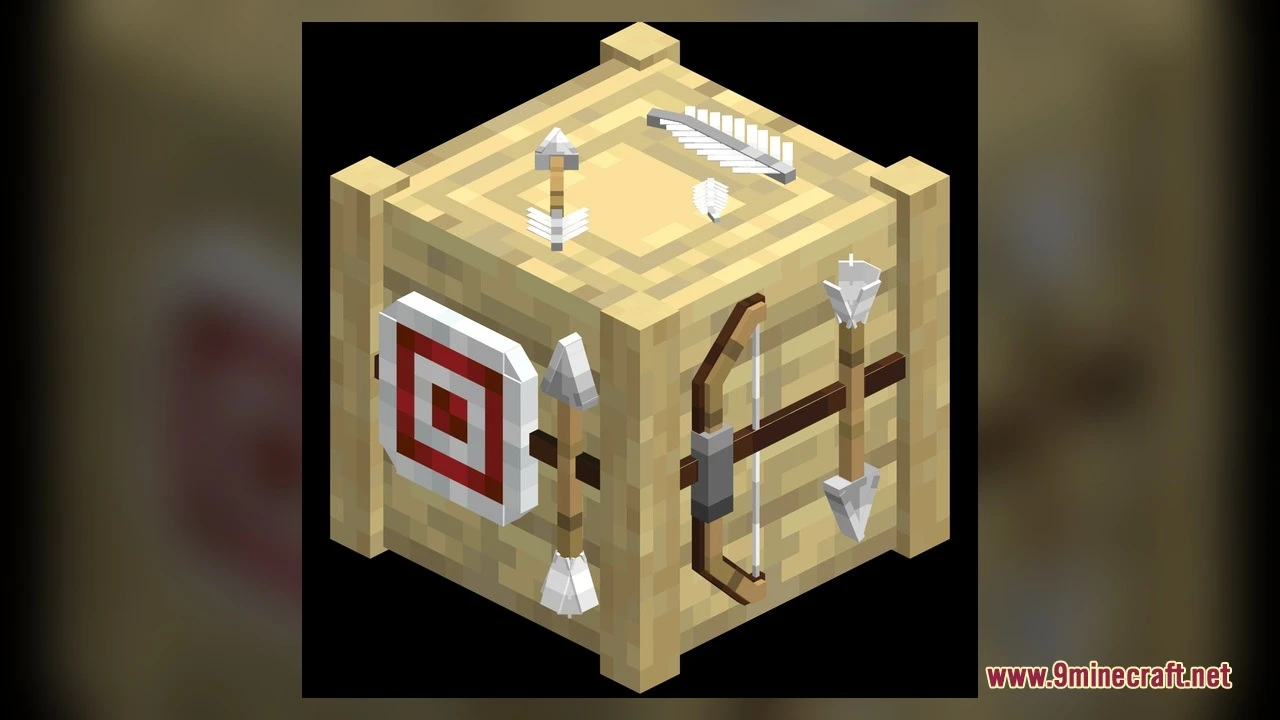
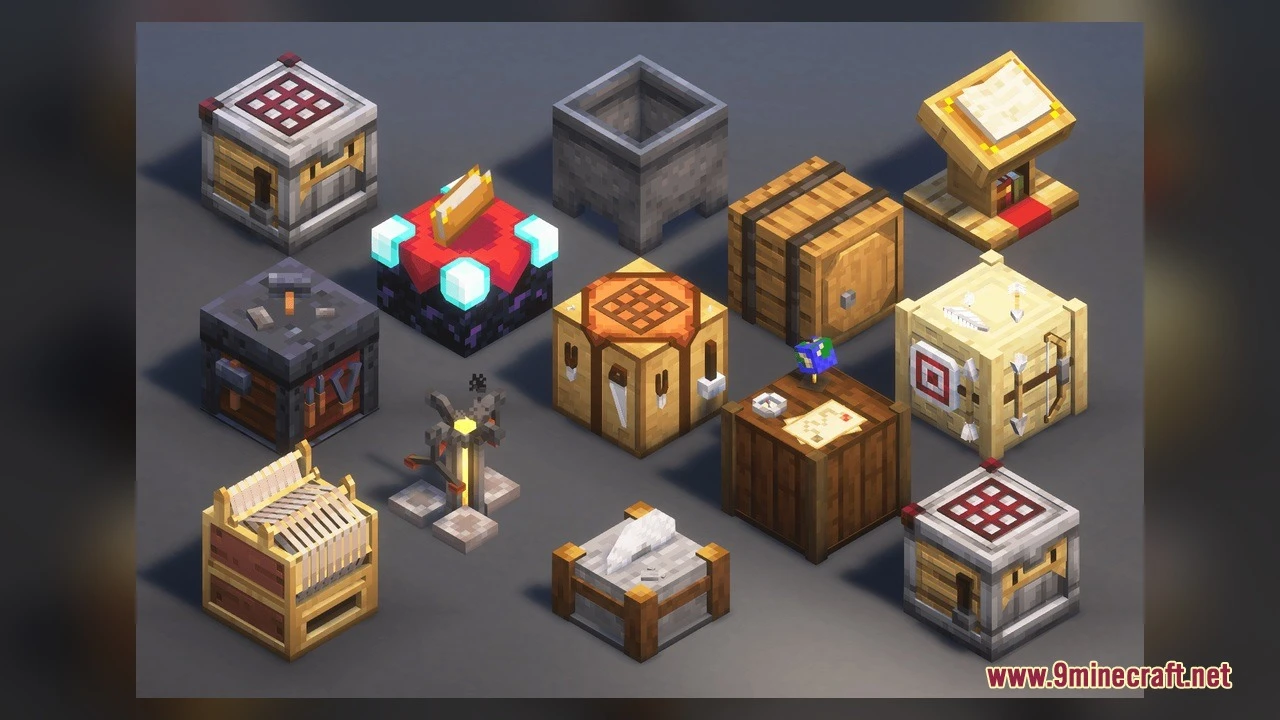
The mod adds 3D models to 17 blocks: Crafting Table, Brewing Stand, Barrel, Stonecutter, Cartography Table, Fletching Table, Loom, Lectern, Smithing Table, Crafter, and several others. Each one displays raised tools, bottles, or mechanical details depending on the block type.
Do the Brewing Stand bottles actually show up when I add potions?
Yes—as you place potions into the Brewing Stand, the 3D bottle models appear on the stand's base to match how many potions are inside, up to three total.
How do I see the Crafter's animation states?
Place a Crafter block and send a redstone signal into it; the model will change to show different crafting animation states when the redstone pulse triggers it.
What happens when I open a Barrel?
The Barrel switches between a closed model and an open lid model when you interact with it, giving it a realistic 3D appearance that reflects its storage state.
Will this mod work with my other resource packs?
If another pack also modifies workbench textures or models, the one higher in your Resource Packs list will take priority. Place Actually 3D Workbenches Model above conflicting packs to ensure the 3D models display.
Does this mod change how the blocks actually work or just how they look?
This is a resource pack—it only changes the visual appearance and animations of the blocks. All crafting recipes, redstone mechanics, and storage functions remain completely vanilla.
What Minecraft versions does this work on?
The mod is compatible with Minecraft 1.20 through 1.21.10.
Will this slow down my game?
The 3D models are optimized to keep performance impact minimal, though animated textures on active workstations may use slightly more resources than flat textures on lower-end systems.
Do the blocks still look like vanilla Minecraft?
Yes—the mod keeps all original vanilla textures and colors, so the 3D workbenches fit seamlessly into standard Minecraft builds without clashing with your world's aesthetic.
You May Also Like
Wikis that share the most with this one
More mod wikis on the site
The most downloaded mods that have a wiki here
A few wikis from each of the other kinds
Gallery
5 images from the Actually 3D Workbenches Model page.