

 DownloadWave Defense Mod
Get the files on 9Minecraft
Guides
Step-by-step, in-game.
Create and Stock a Custom ShopAccessing the Shop Editor Press V to open the main menu and navigate to your arena's settings. Select Shop…Run a Team-Based PvP MatchChoosing PvP Mode Press V and create a new arena, then select PvP Match and choose Standard Mode for team-based…Set Up a Battle Royale with Shrinking BordersSelecting Battle Royale Mode Press V and create a new arena. Choose PvP Match , then select Battle Royale mode. This…Set Up Your First PvE Wave ArenaCreating the Arena Space Press V to open the main menu and select the option to create a new arena. Choose PvE Arena…
Frequently asked questions
How do I start making my first arena?
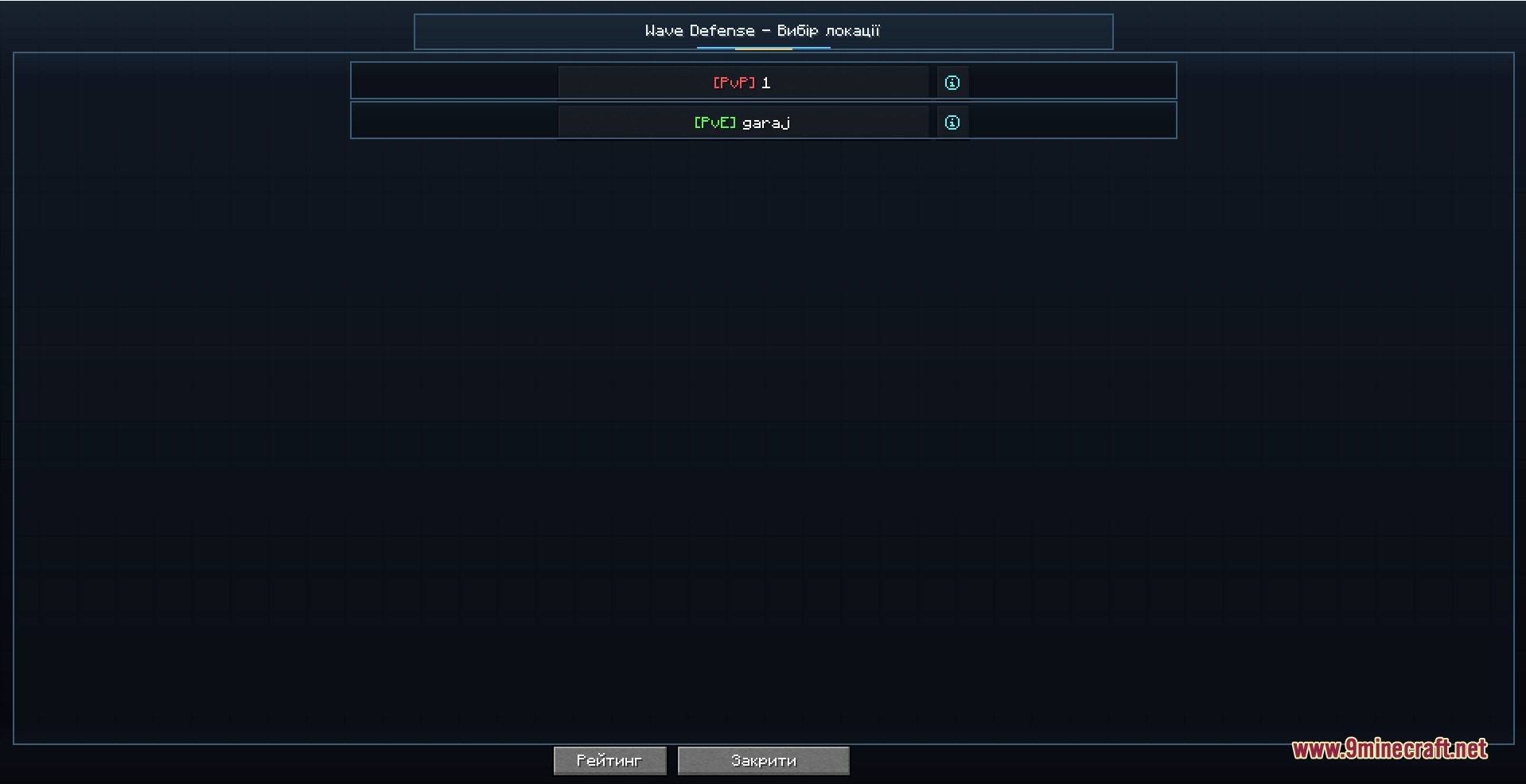
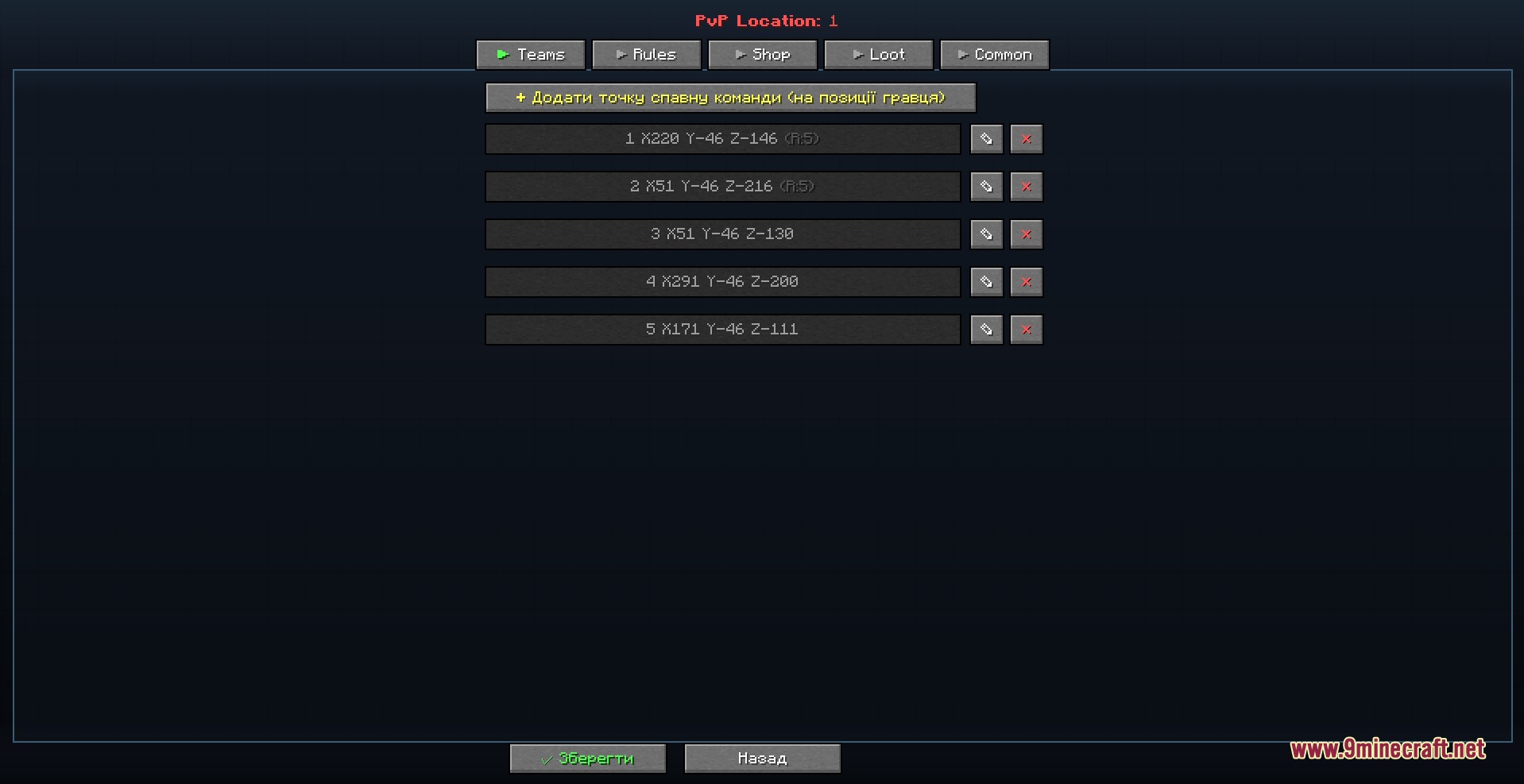
Press V to open the main menu, then use the in-game interface to select a location and set up spawn points for players and monsters. The menu will guide you through naming your arena and choosing between PvE waves, PvP matches, or battle royale mode.
What's the difference between the PvP modes?
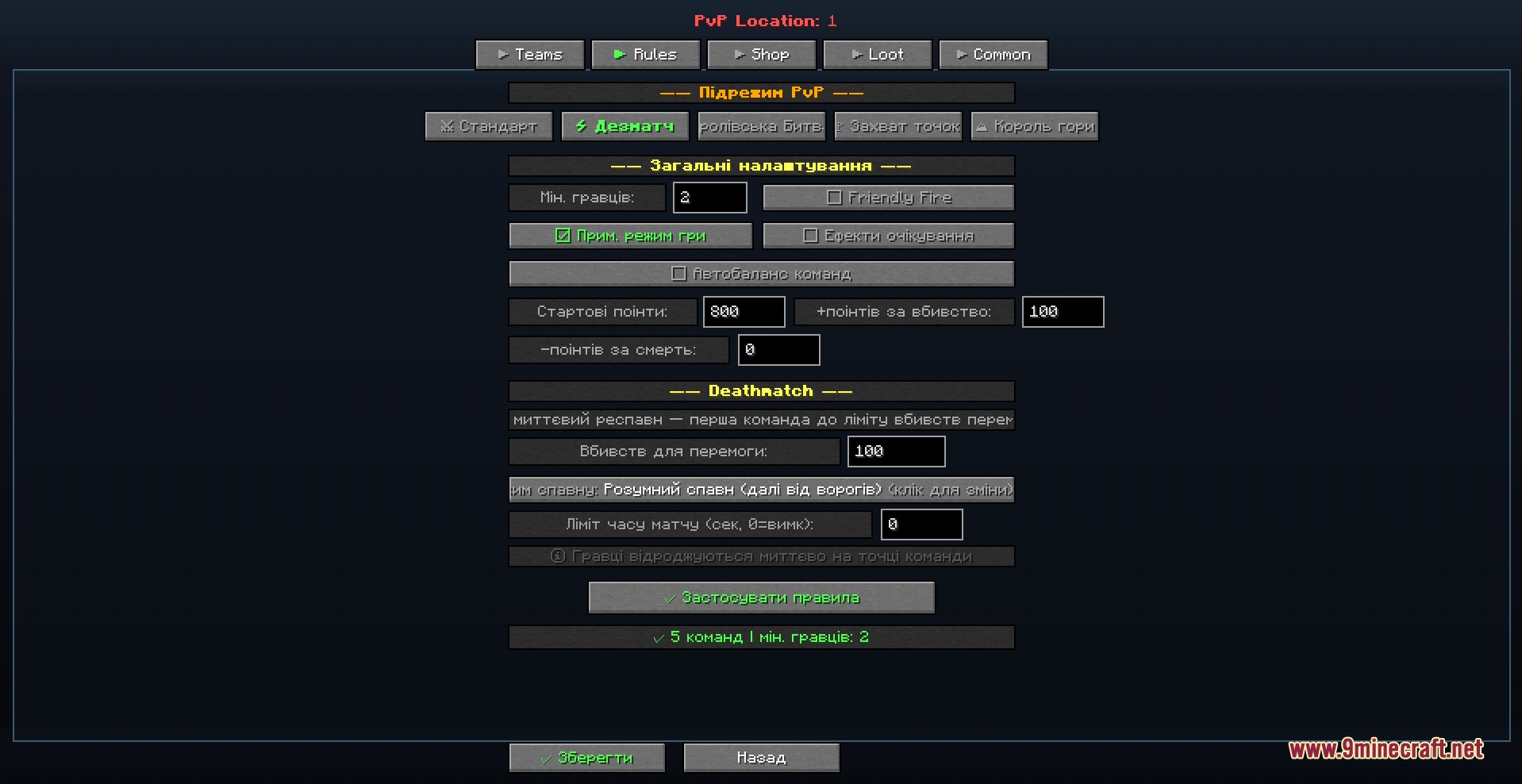
Standard mode has teams fight in rounds with a buying phase between each one; Deathmatch lets players respawn infinitely and race to a kill target; Battle Royale drops everyone randomly and shrinks the playable area over time.
How do I set up the shop and what can players buy?
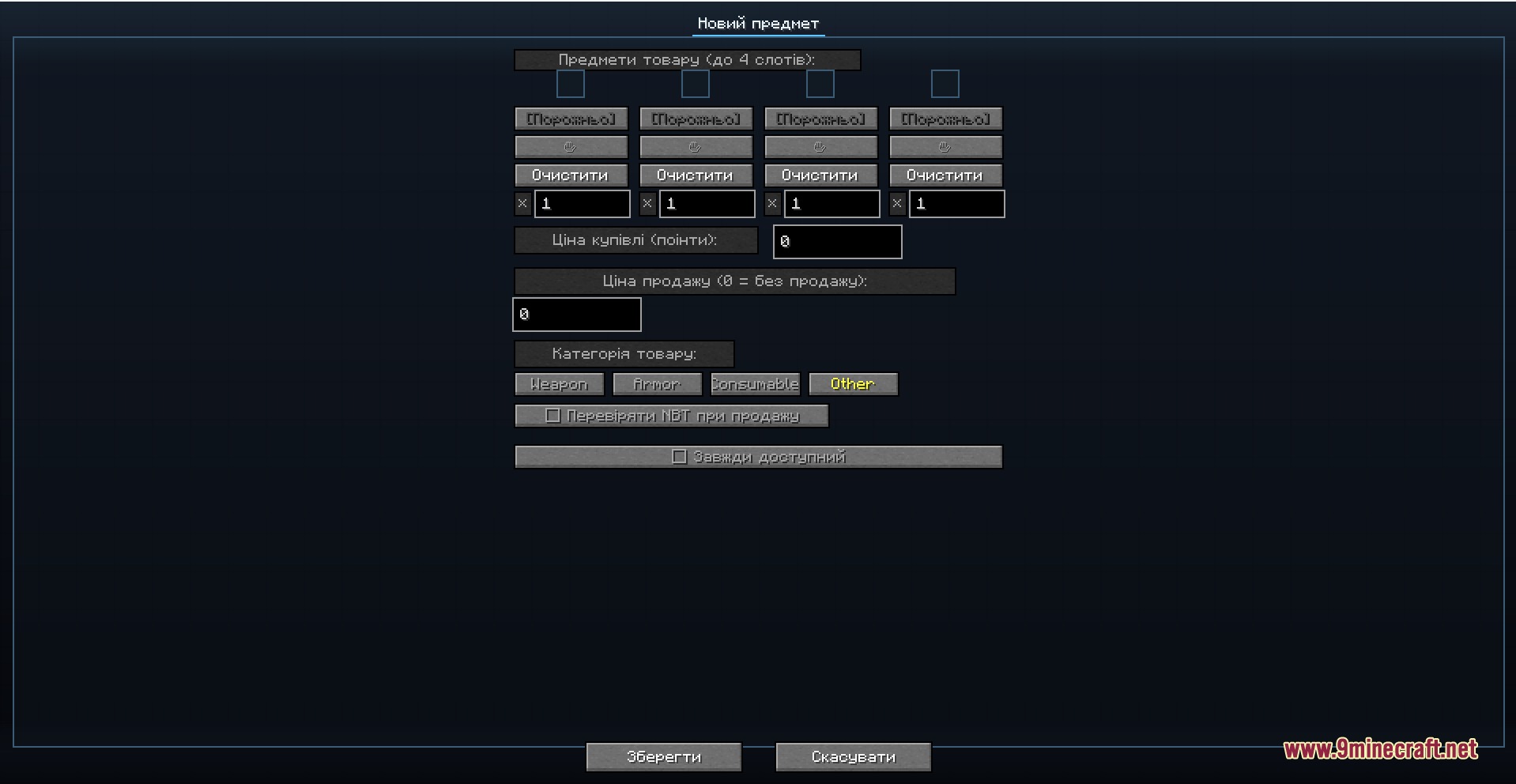
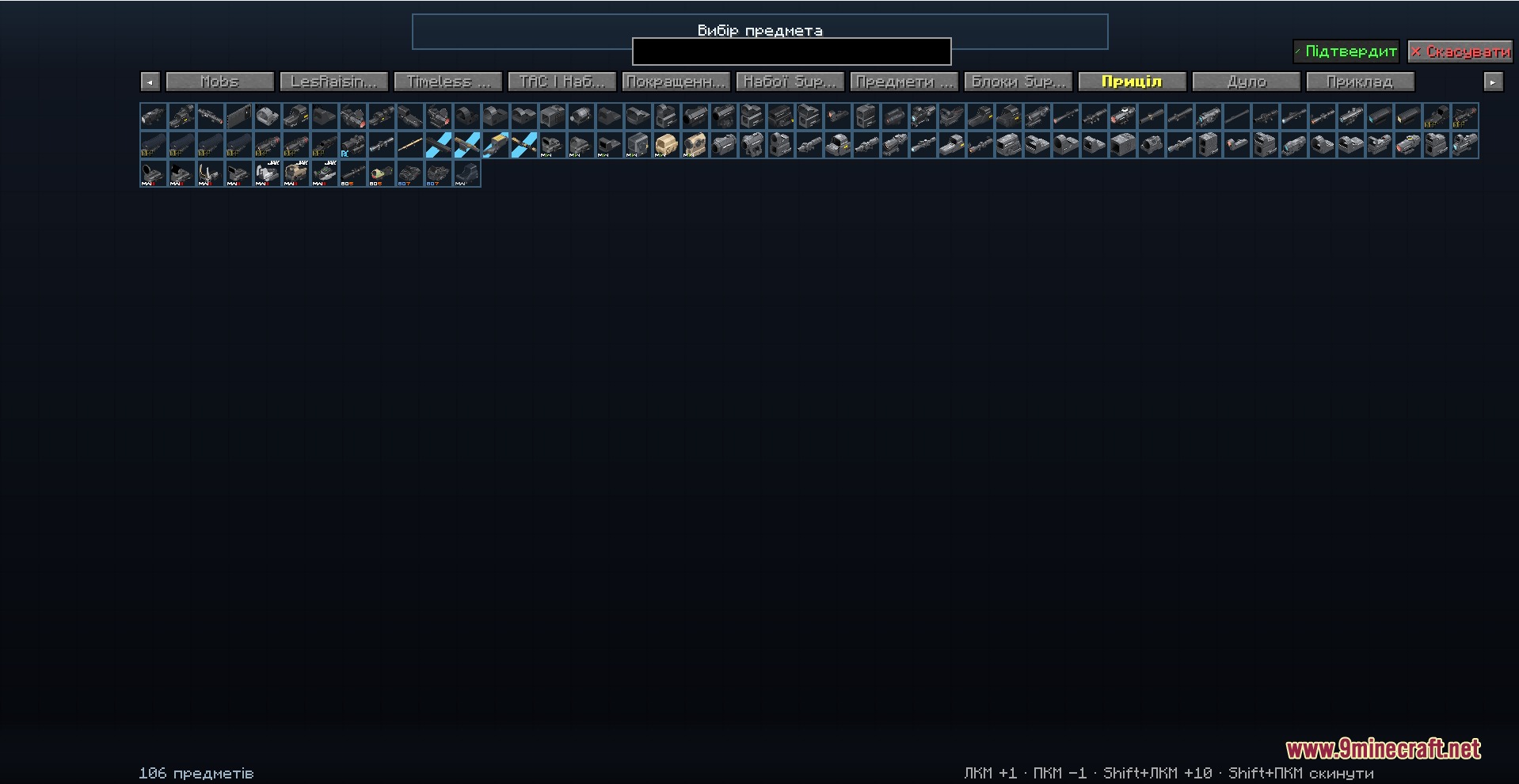
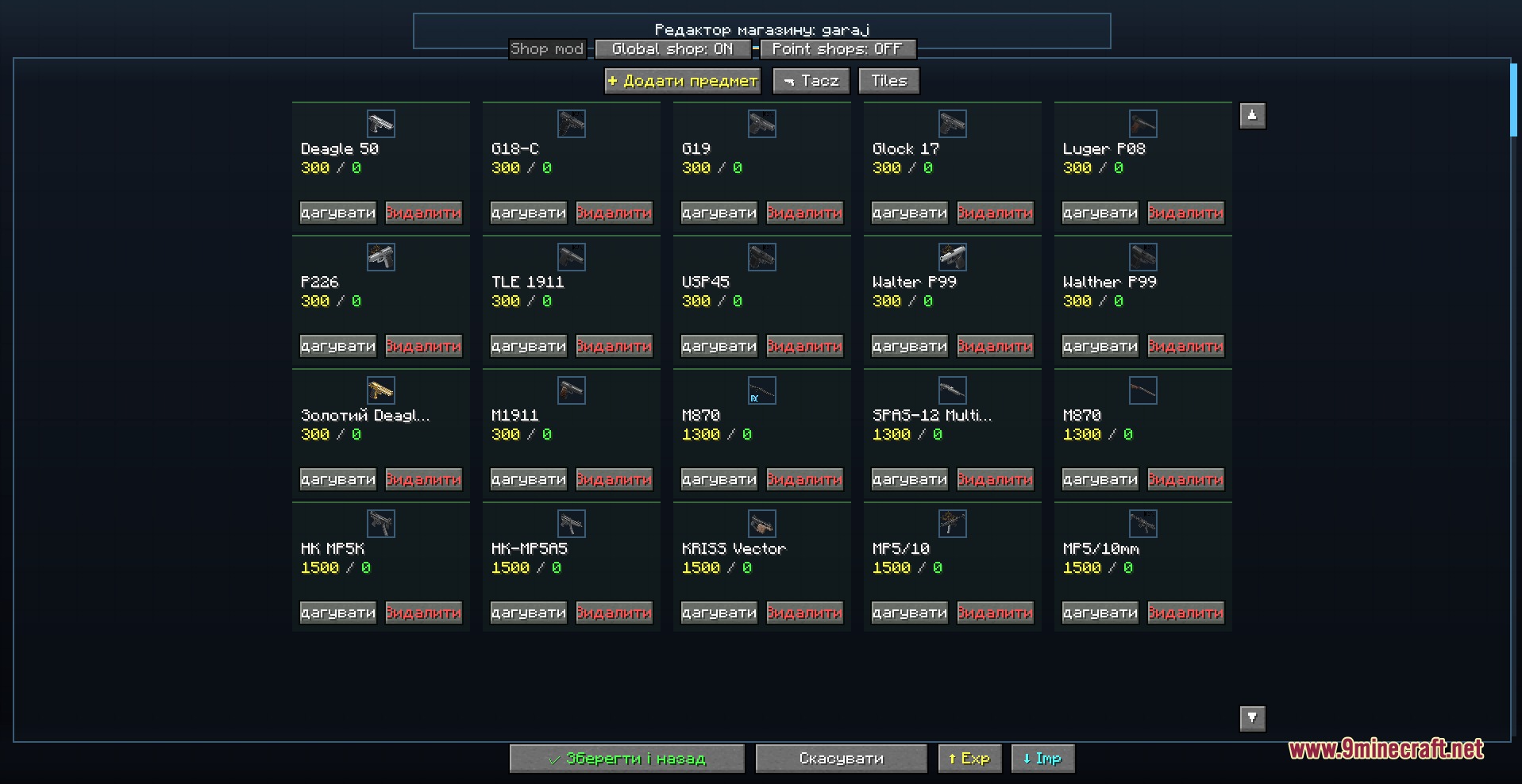
Press B during a match to open the shop, or use the main menu to edit it beforehand—you set custom prices for weapons, armor, and items that players purchase with points earned from kills. You can display items in a grid or list view depending on your preference.
Can I get my normal inventory back after leaving an arena?
Yes, the mod automatically saves your inventory when you enter a battle and restores it when you leave using the G key or by finishing the match.
See all 10 Wave Defense questions ›
Gallery
9 images from the Wave Defense Mod page.

You May Also Like
Wikis that share the most with this one
Wikis on the same theme: end
More mod wikis on the site
The most downloaded mods that have a wiki here
A few wikis from each of the other kinds