

 DownloadUrban Asphalt Grid
Get the files on 9Minecraft
Guides
Step-by-step, in-game.
Recipes
Every recipe the mod adds, grouped by how it is made.
Crafting · 54minecraft:stonecutting · 8minecraft:blasting · 2minecraft:smelting · 2minecraft:smithing_transform · 1trafficcraft:damageable_item_recipe · 1
Items
C
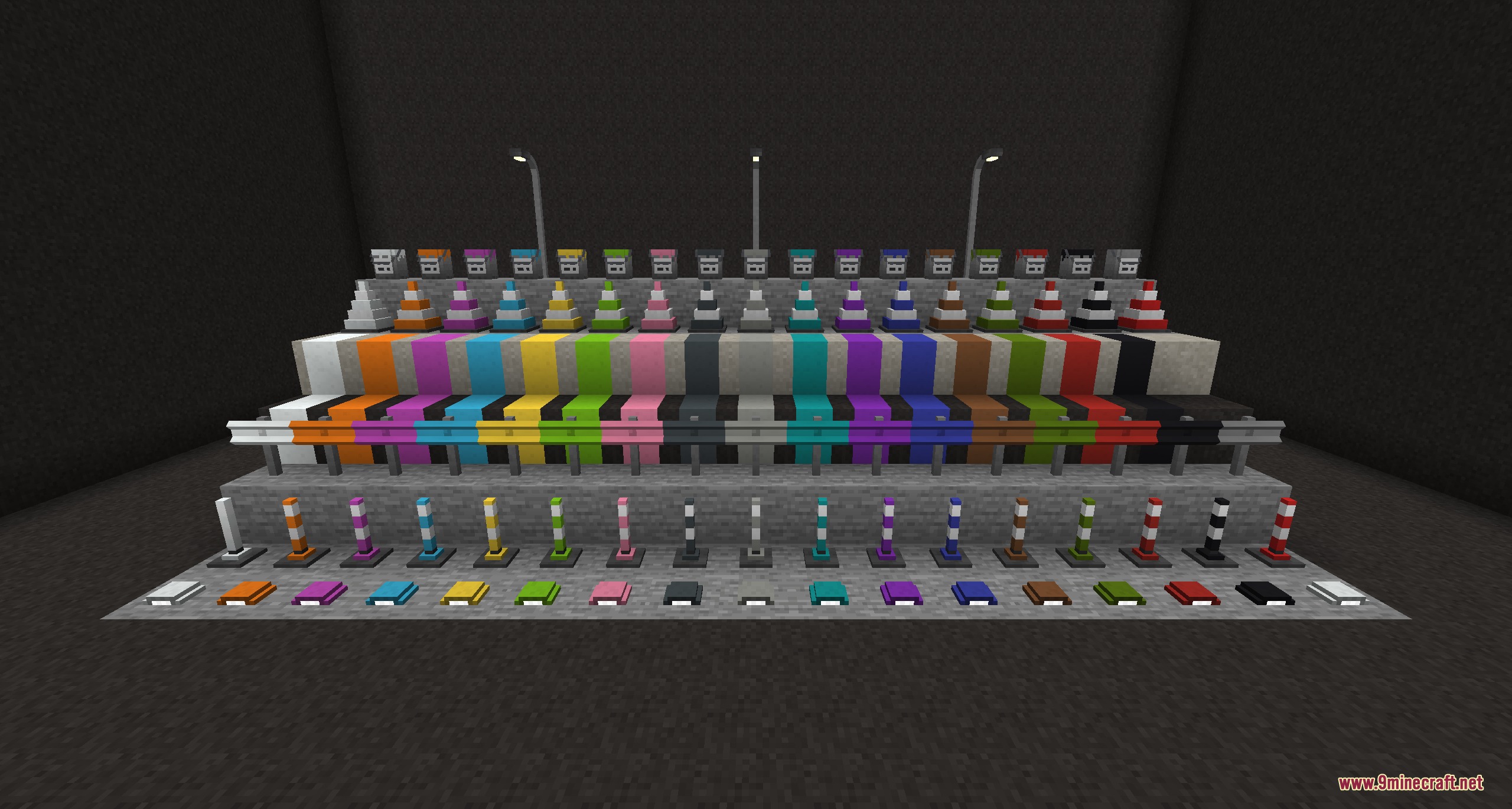
 Color Palette
 Creative Pattern Catalogue
D
 Diamond Road Construction Tool
G
 Golden Road Construction Tool
H
 Hammer
I
 Iron Plate
 Iron Road Construction Tool
 Iron Rod
N
 Netherite Road Construction Tool
P
 Paint Brush
 Pattern Catalogue
R
 Raw Bitumen
S
 Stone Road Construction Tool
 Street Lamp Configuration Card
T
 Traffic Light Linker
W
 Wooden Road Construction Tool
 Wrench
Blocks
A
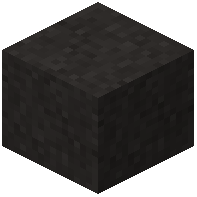 Asphalt
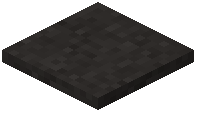 Asphalt Slope
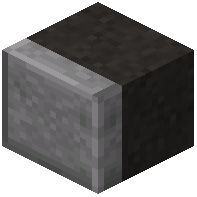 Asphalt with Curb
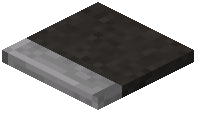 Asphalt with Curb Slope
B
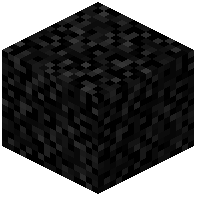 Bitumen Block
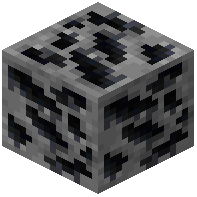 Bitumen Ore
C
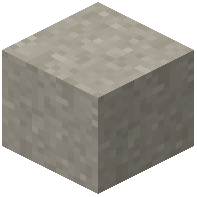 Concrete
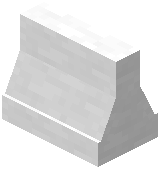 Concrete Barrier
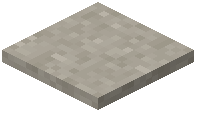 Concrete Slope
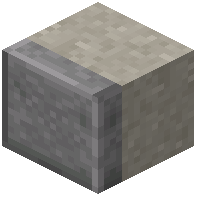 Concrete with Curb
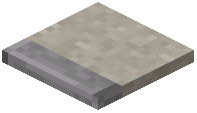 Concrete with Curb Slope
D
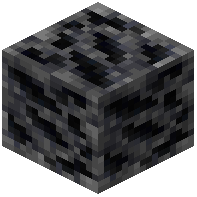 Deepslate Bitumen Ore
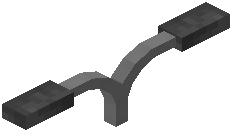 Double Street Lamp
F
 Fluorescent Tube Lamp
G
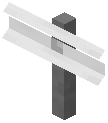 Guardrail
H
 House Number Sign
M
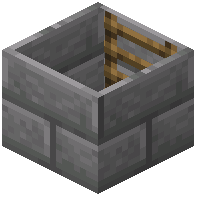 Manhole
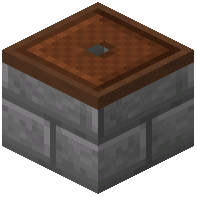 Manhole Cover
P
 Paint Bucket
R
 Red Delineator
 Reflector
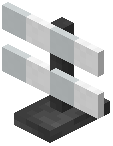 Road Barrier Fence
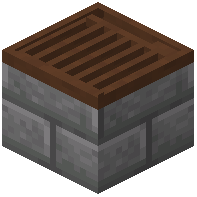 Road Gully
 Road Salt
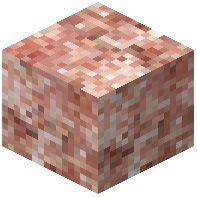 Rock Salt
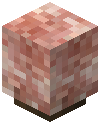 Rock Salt Lamp
S
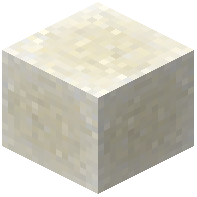 Salt
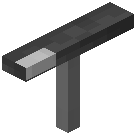 Small Double Street Lamp
 Small Street Lamp
 Small White Delineator
 Small Yellow Delineator
 Street Lamp
 Street Light
 Street Sign
T
 Town Sign
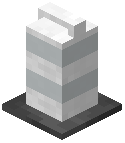 Traffic Barrel
 Traffic Bollard
 Traffic Cone
 Traffic Light
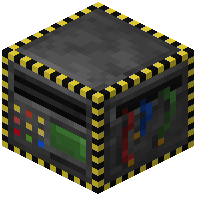 Traffic Light Controller
 Traffic Light Request Button
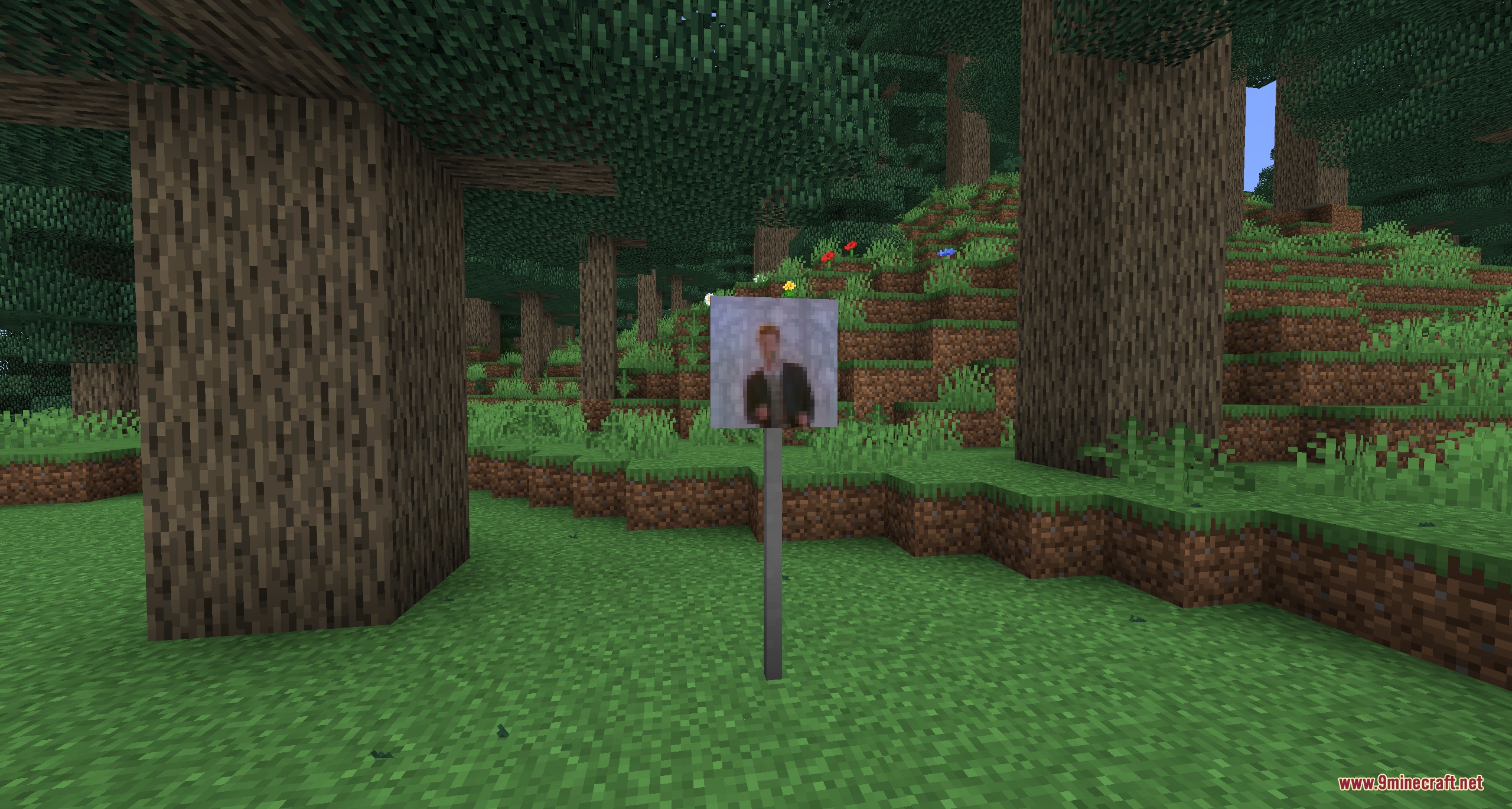
 Traffic Sign
 Traffic Sign Post
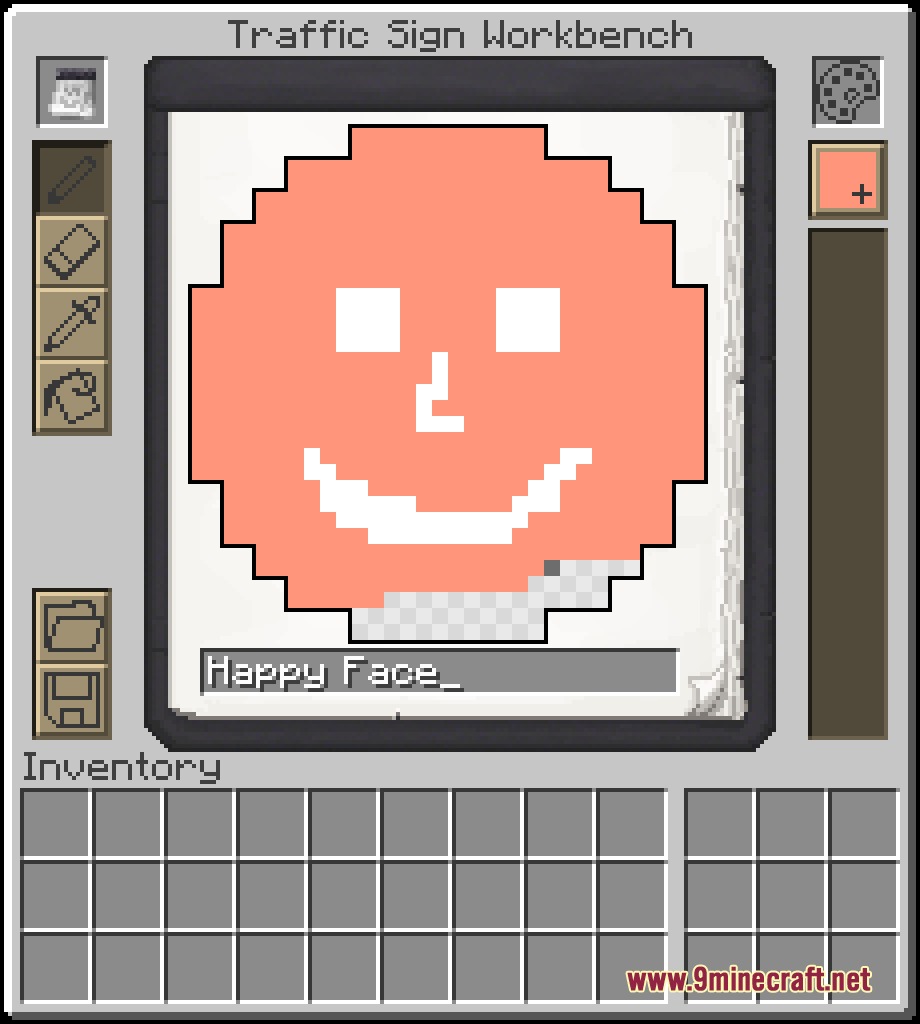
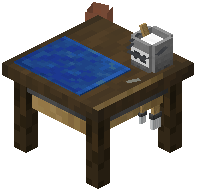 Traffic Sign Workbench
W
 White Delineator
Y
 Yellow Delineator
Advancements
Advancements this pack adds, and how to earn them.
TrafficCraftThank you for playing with TrafficCraft by MrJulsen!
Frequently asked questions
What blocks do I use to create the road surface in Urban Asphalt Grid Mod?
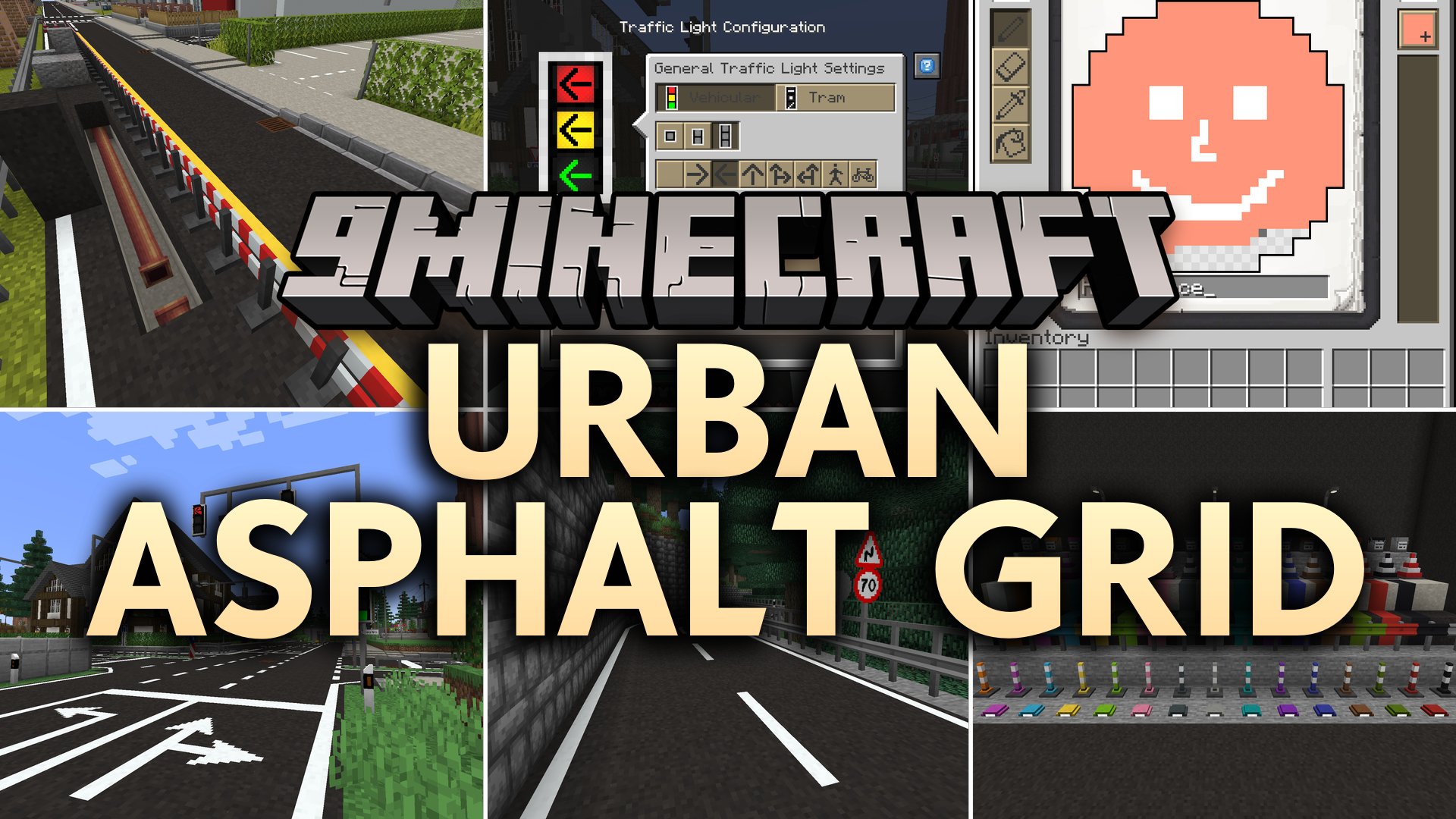
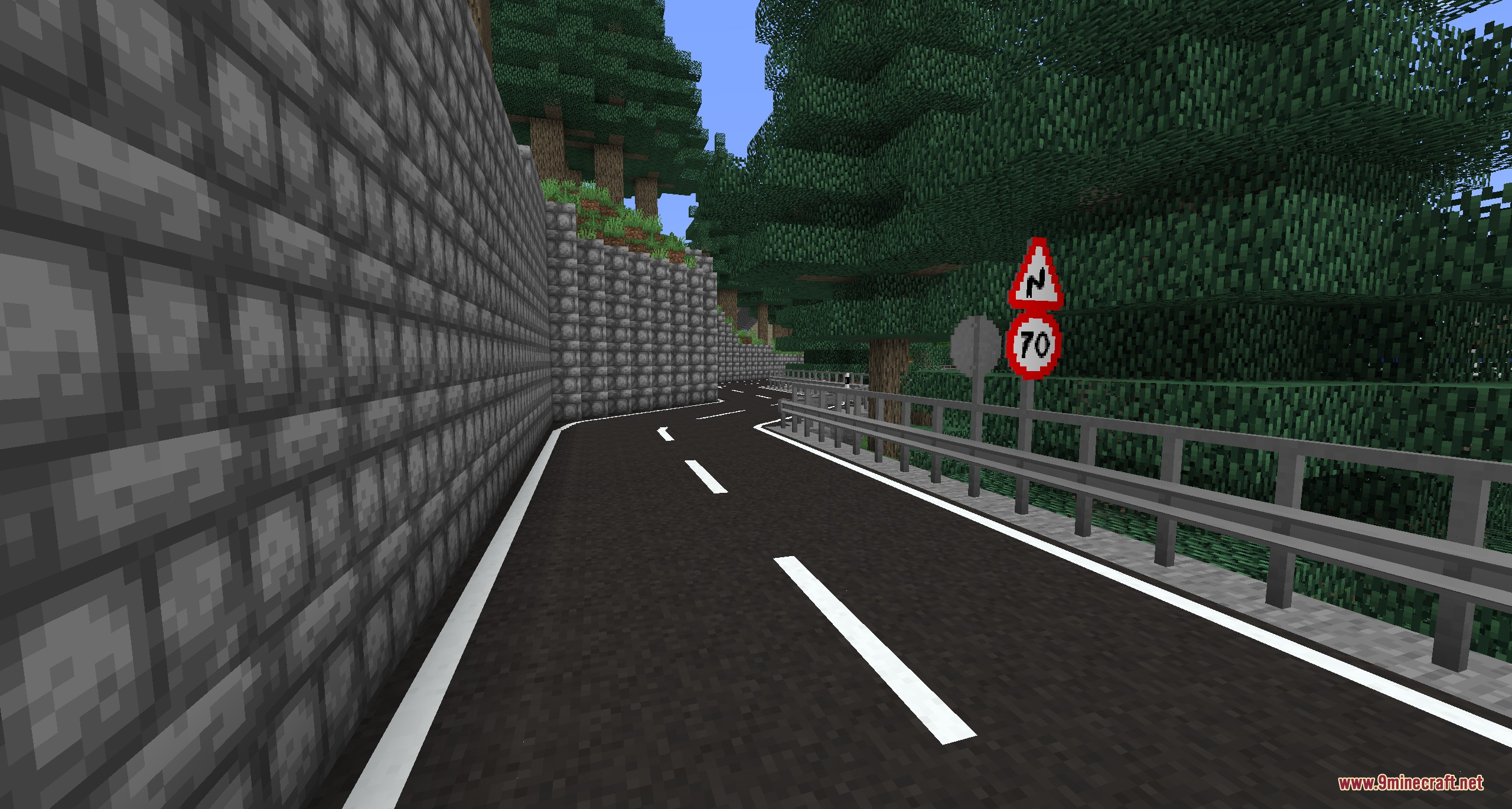
You can use asphalt or concrete blocks to pave your road surfaces along your desired route.
How do I add lane markings and crossing lines to my roads?
What tools does the mod provide to speed up road construction?
The mod includes special road building tools designed to speed up the placement of long highway lines without delay.
How do traffic lights work in this mod?
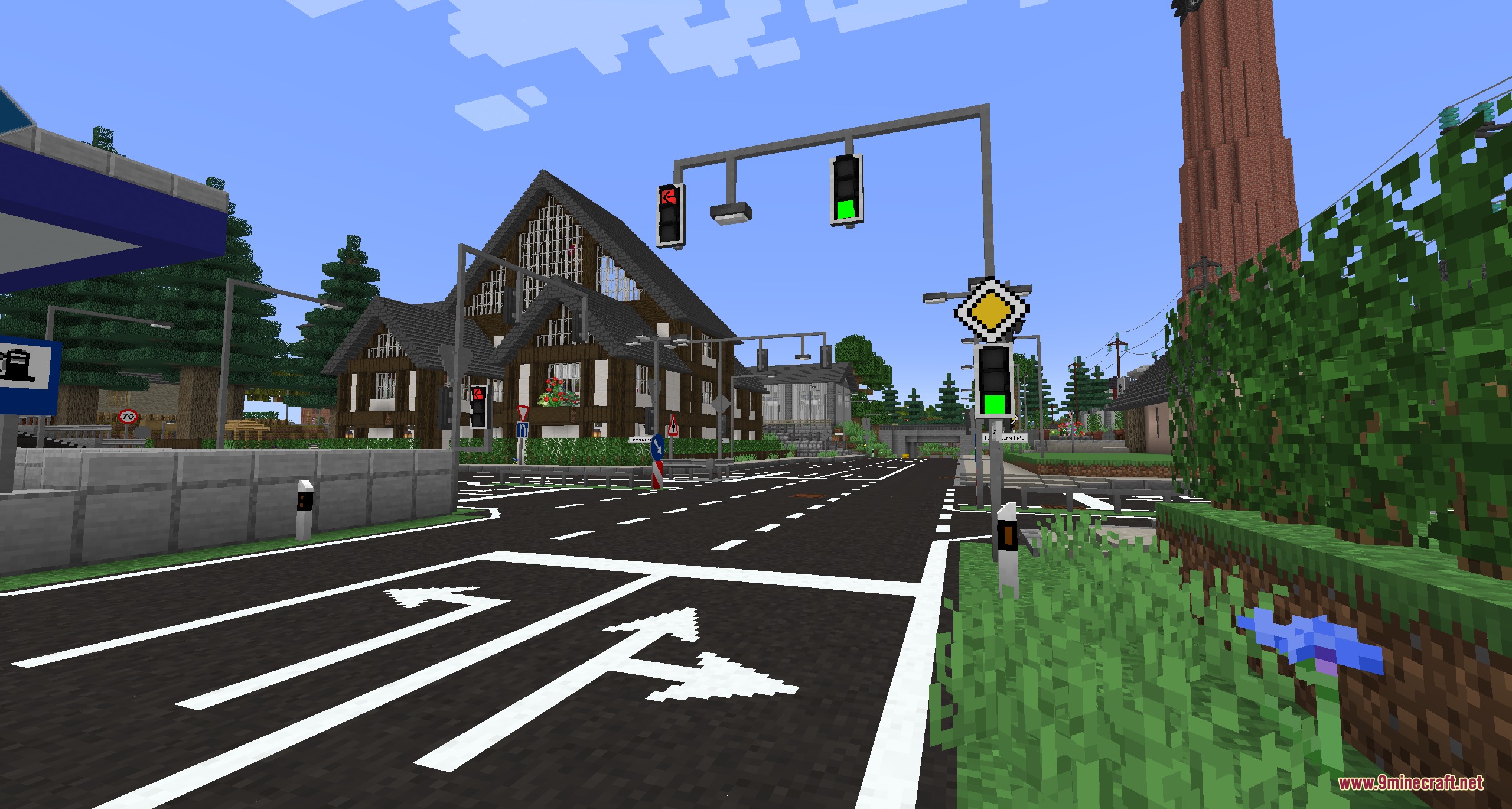
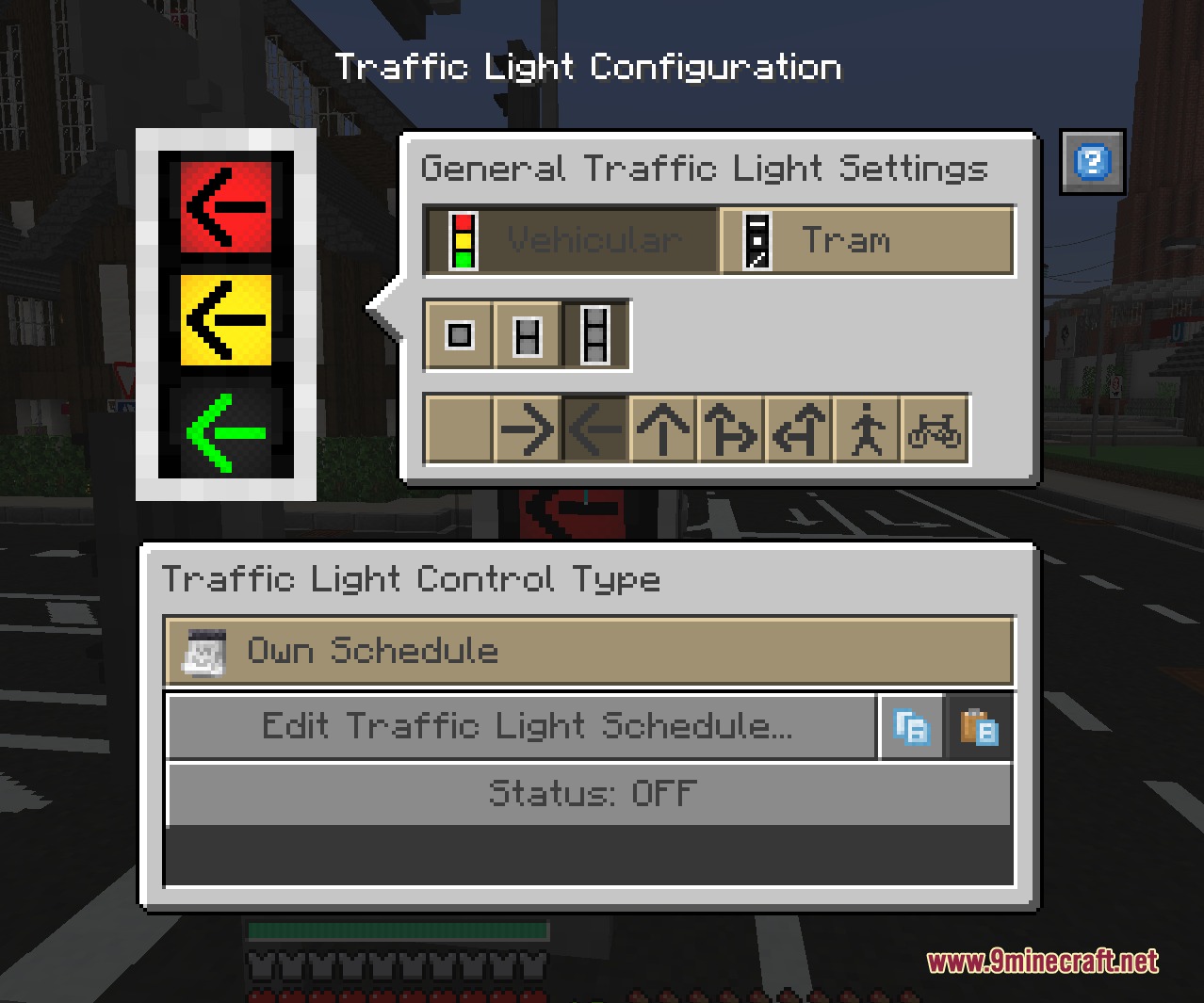
Working traffic lights can be placed near intersections, and you can use an in-game editor to set up custom signal cycles for busy crossings.
Can I customize street name signs in my city?
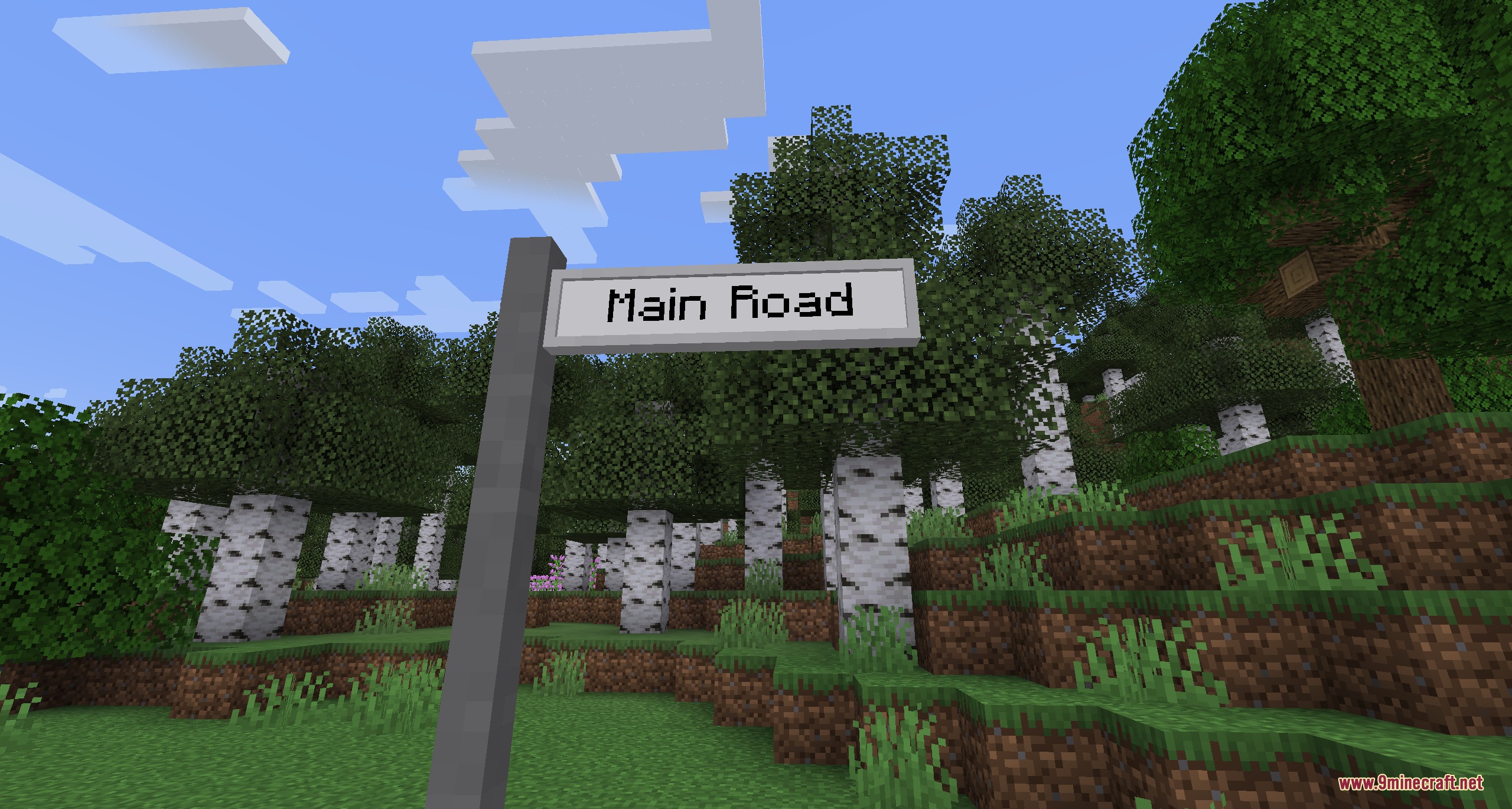
Yes, writable street name signs let you label every road and avenue in your city by right-clicking to type custom text.
How do street lamps work in Urban Asphalt Grid Mod?
Street lamps automatically turn on and off based on a day or night schedule that you can configure when placing them.
Gallery
9 images from the Urban Asphalt Grid Mod page.
You May Also Like
Wikis that share the most with this one
Wikis on the same theme: tree
More mod wikis on the site
The most downloaded mods that have a wiki here
A few wikis from each of the other kinds