

 DownloadStrike Stream Gauge Mod
Get the files on 9Minecraft
Guides
Step-by-step, in-game.
Read the Combat Report After a Boss FightWhat Appears in Chat When a tracked boss dies, the mod automatically prints a detailed combat report into the chat.…Reposition Your Damage Meter On ScreenOpen the HUD Editor Press O on your keyboard to open the HUD edit screen. This screen lets you move the damage…Set Up Boss Tracking for Custom MobsAccess the Boss Manager To track damage on mobs beyond the mod's defaults, you need Creative mode and operator…Understand Your Combat Rank and RewardsHow Ranks Are Assigned The mod grades your combat performance on a letter scale from S (best) down to F (lowest).…
Frequently asked questions
How do I turn on the damage meter?
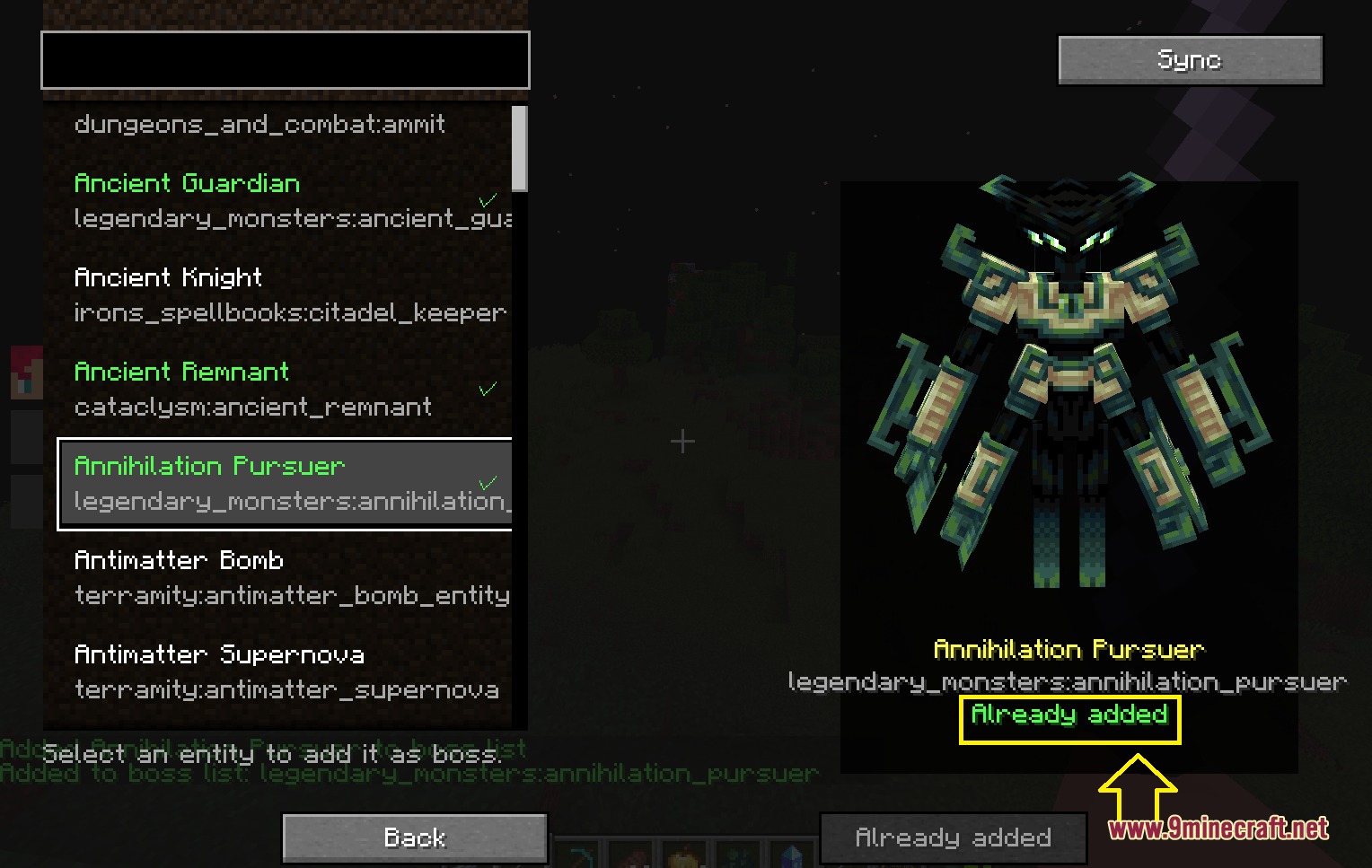
The damage meter activates automatically when you approach any boss mob that the mod is tracking. If you don't see it appear, make sure the boss you're fighting is on the tracked mobs list in the boss manager screen.
Where do I find my combat report after killing a boss?
The combat report prints automatically into chat once the boss is defeated, showing total damage dealt, your rank, and how you compare to other players in the fight. You can scroll back through chat to review it anytime.
Can I move the damage meter to a different spot on my screen?
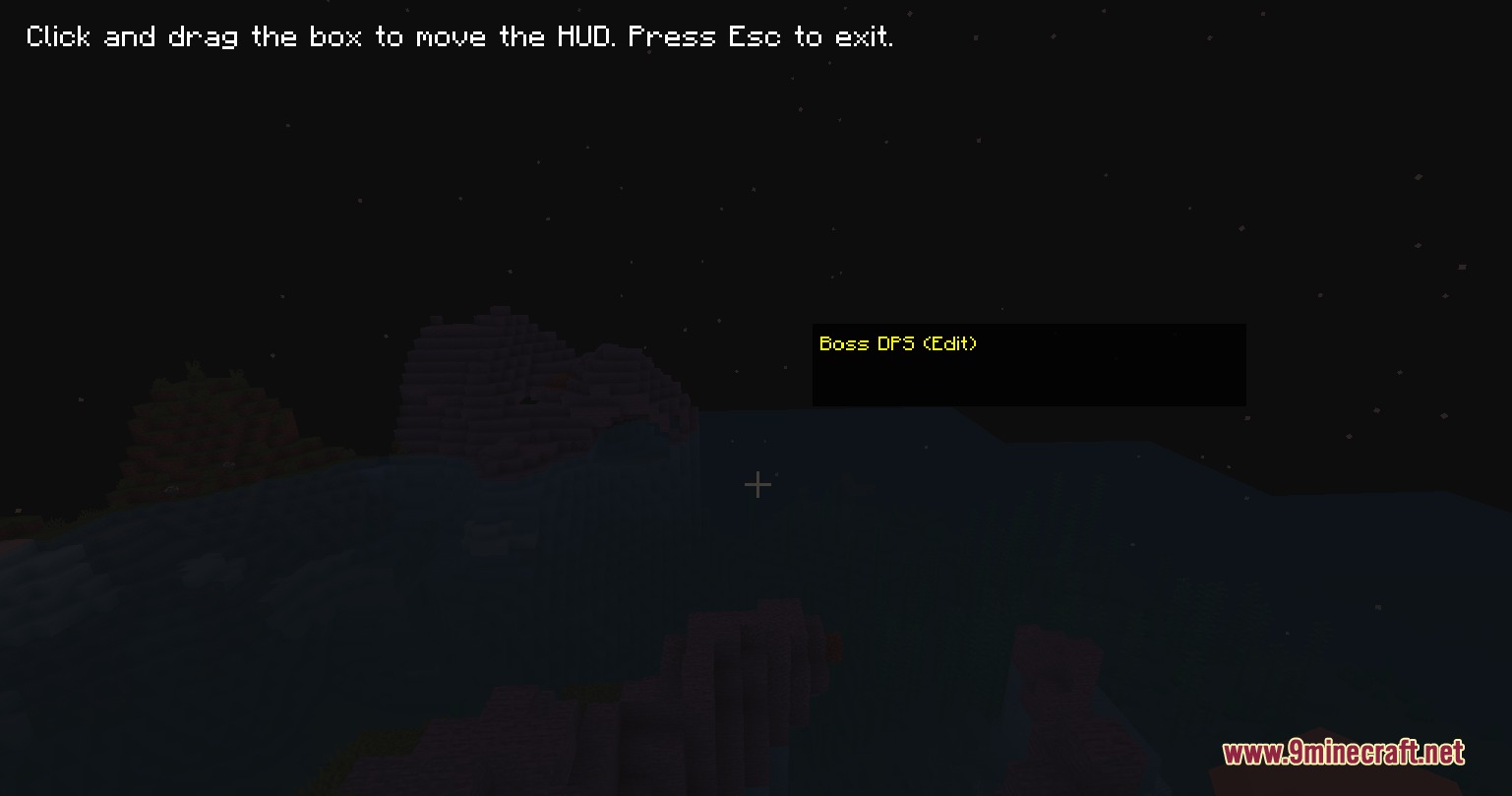
Yes, press O to open the HUD edit screen, then click and drag the damage overlay to wherever you want it positioned. Your new position saves automatically.
How do I add a custom mob to the boss tracking list?
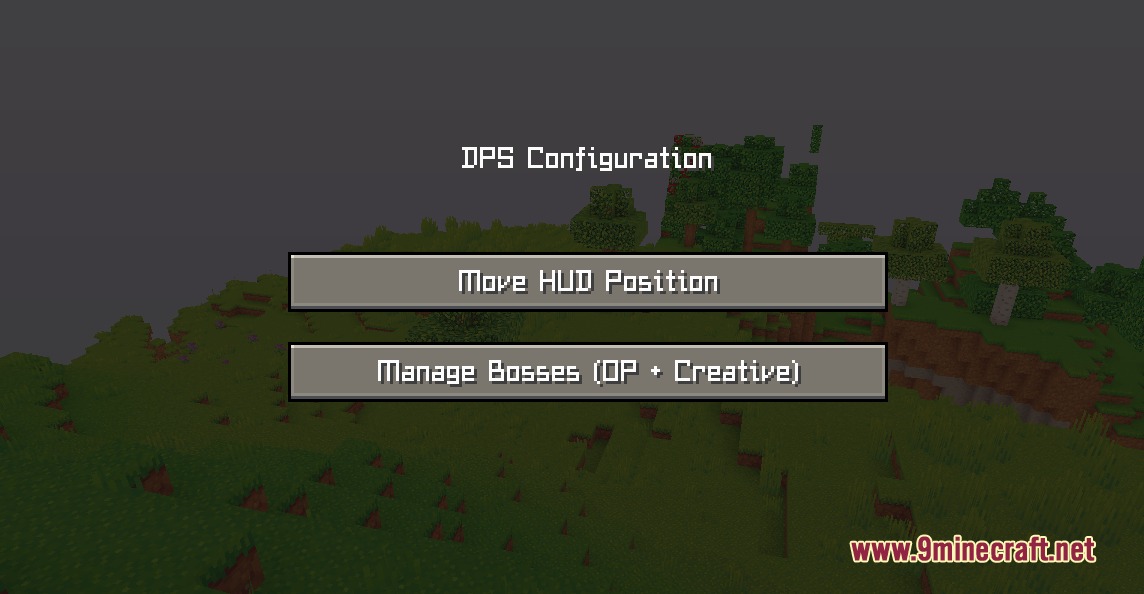
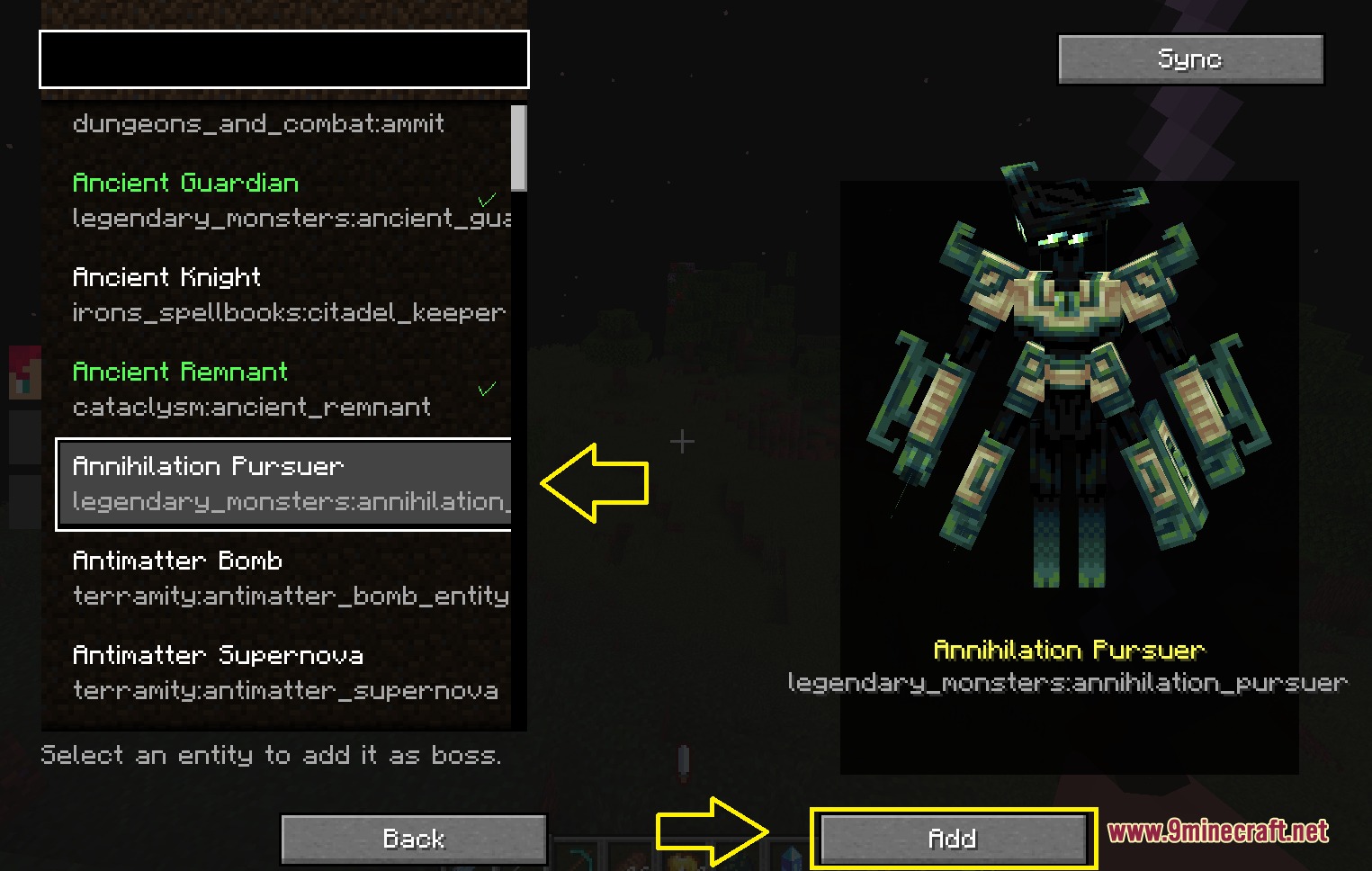
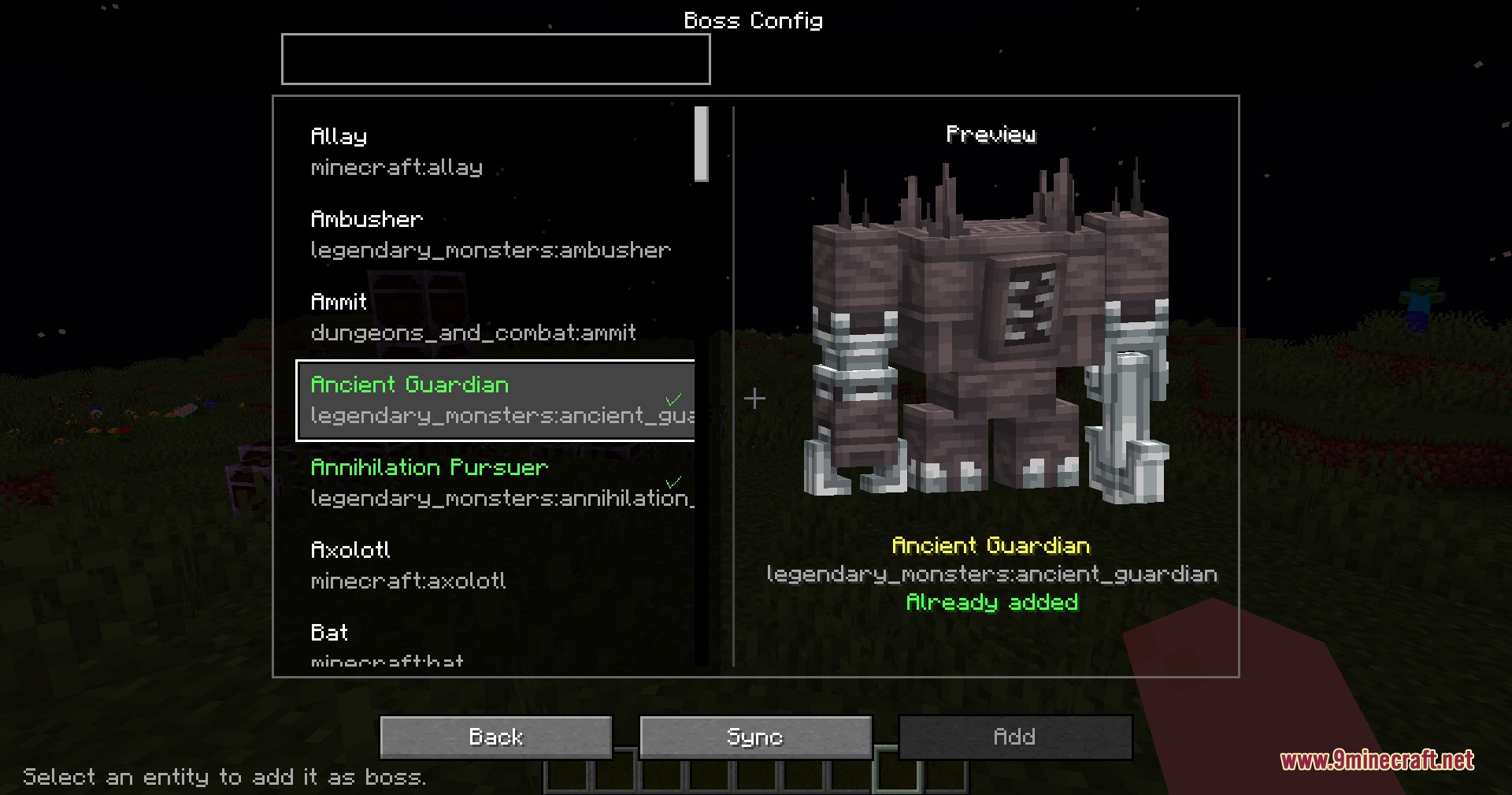
Open the boss manager screen while in Creative mode with operator permissions, then select the mob entity you want to track. The mod will add it to the list and start recording damage when players fight it.
See all 10 Strike Stream Gauge questions ›
Gallery
6 images from the Strike Stream Gauge Mod page.
You May Also Like
Wikis that share the most with this one
More mod wikis on the site
The most downloaded mods that have a wiki here
A few wikis from each of the other kinds