DownloadRefined Storage
Get the files on 9Minecraft
Importing from Chests
Place an 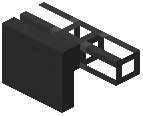 Importer against a chest or machine and connect it to your network with a
 Cable. By default it pulls everything into the network. To limit what it takes, open the Importer and place items in its filter slots — only those items will be imported. Use a
 Regulator Upgrade to keep a set amount in the source container instead of emptying it.
Exporting to Machines
An 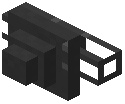 Exporter pushes items from the network into an adjacent inventory. Configure its filter the same way: only listed items are exported. This is how you feed furnaces, chests, or other mods' machines automatically. Combine with a
 Crafting
 Upgrade on the Exporter to have it craft missing items on demand.
External Storage
An 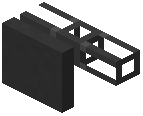 External Storage block treats an adjacent chest or barrel as part of your network without moving items. Connect it with a Cable and the chest's contents appear in your
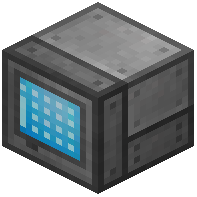 Grid. This is useful for bulk storage you do not want on disks. Filters on External Storage let you expose only certain items. Use a
 Wrench to rotate or pick up these blocks without losing their settings.