DownloadRefined Storage
Get the files on 9Minecraft
Opening the Grid
Place a 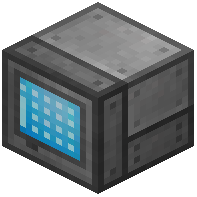 Grid (or
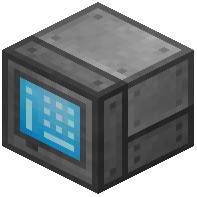 Crafting Grid) touching your network's
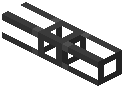 Cables. Right-click it to open the storage terminal. The left side shows your stored items; the search bar at the top filters by name. The right side shows your inventory.
Inserting and Extracting
Shift-click items from your inventory into the Grid to store them. Click an item in the Grid to pull a stack into your hand, or shift-click to send it to your inventory. Use the search bar to find items fast — typing part of a name filters the list. The Crafting Grid adds a 3x3  crafting area so you can craft directly from stored items without pulling them out.
Sorting and Views
The Grid has view buttons to sort by name, quantity, or mod. You can also toggle between showing items and showing fluids if you have fluid storage. If an item does not appear, confirm it is actually stored (check the  Disk Drive) and that your search filter is not hiding it. Wireless Grids work the same way but let you access storage from a distance once linked to a Security Card and the network.