DownloadRefined Storage
Get the files on 9Minecraft
Encode a Pattern
Craft a  Pattern and place it in a
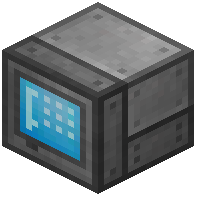 Pattern Grid (part of the
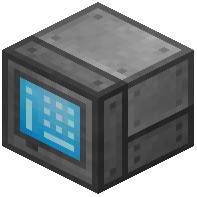 Crafting Grid
 interface). Put the recipe's ingredients in the
 crafting slots and the desired output in the result slot, then save. The Pattern now remembers that recipe.
Set Up the Autocrafter
Place an 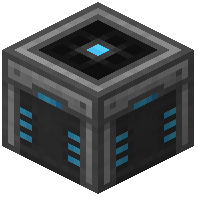 Autocrafter and connect it to your network with
 Cables. Open it and insert your encoded Pattern. The Autocrafter needs to be adjacent to the machine that actually performs the crafting — for a furnace recipe, place the Autocrafter next to a furnace and configure it to insert into and extract from that furnace. For crafting-table recipes, the Autocrafter handles them internally.
Request the Craft
Open your Crafting Grid, find the item you want, and click it — if a Pattern exists, a craft request window appears. Confirm the quantity and the network pulls ingredients from storage, runs the Autocrafter, and deposits the result back into the network. If nothing happens, check that the Autocrafter has power, the Pattern is inserted, and the target machine is connected. Use an 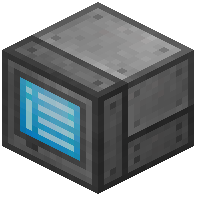 Autocrafting Monitor to watch jobs in progress.