DownloadRefined Storage
Get the files on 9Minecraft
Gather the Core Blocks
You need a  Controller, at least one
 Disk Drive, a Storage Disk, a
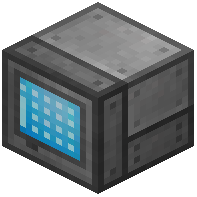 Grid (or
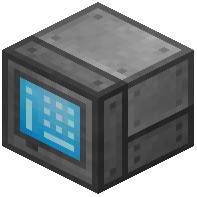 Crafting Grid), and
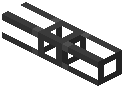 Cables to connect everything. Craft the Controller from Quartz Enriched Iron and a Machine Casing-style block, then place it down. Place your Disk Drive next to it and insert a Storage Disk into a slot.
Connect and Power
Run Cables between the Controller, Disk Drive, and Grid so they form one connected network. The Grid is your access point — right-click it to open the storage 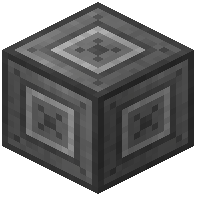 interface. The Controller needs power from an external source (a generator or energy mod). Without power, the network stays offline and the Grid will not open.
Verify the Network
Once powered, the Controller face lights up and the Grid shows your storage slots. Insert items by shift-clicking them into the Grid, or use an 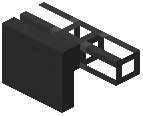 Importer later for automation. If the Grid does not open, check that every block touches a Cable and that the Controller is receiving energy. A single Controller can run a small starter network; expand with more Disk Drives as you fill disks.