

 DownloadPaxi Mod
Get the files on 9Minecraft
Guides
Step-by-step, in-game.
How to Add Global Datapacks with PaxiWhere the Datapacks Go Paxi loads datapacks from a folder inside your Minecraft config directory, not from the…How to Force Global Resource Packs on All WorldsPlacing Resource Packs Paxi activates resource packs from .minecraft/config/paxi/resourcepacks . Copy your pack…How to Set Datapack Load Order in PaxiThe Load Order File Paxi reads datapack_load_order.json from the paxi config folder. This file controls the sequence…How to Share a Paxi Setup in a ModpackWhy Paxi Helps Modpacks Paxi lets you bundle global datapacks and resource packs so every player gets them…
Frequently asked questions
How do I add a datapack with Paxi?
Drop the datapack folder or zip into .minecraft/config/paxi/datapacks. It will be applied automatically to every new world you create.
How do I add a resource pack with Paxi?
Place the resource pack zip into .minecraft/config/paxi/resourcepacks. Paxi activates everything in that folder on game start, so you don't need to enable it per-world.
Why can't I disable a Paxi resource pack in the in-game menu?
Paxi resource packs are forced on by design, so they don't appear as toggleable options in the normal resource pack list. To remove one, delete it from the config/paxi/resourcepacks folder.
Do Paxi datapacks apply to worlds I already created?
No, Paxi applies its packs to new worlds. Existing worlds keep whatever packs they already had, so you'd need to add the datapack manually to those saves.
Gallery
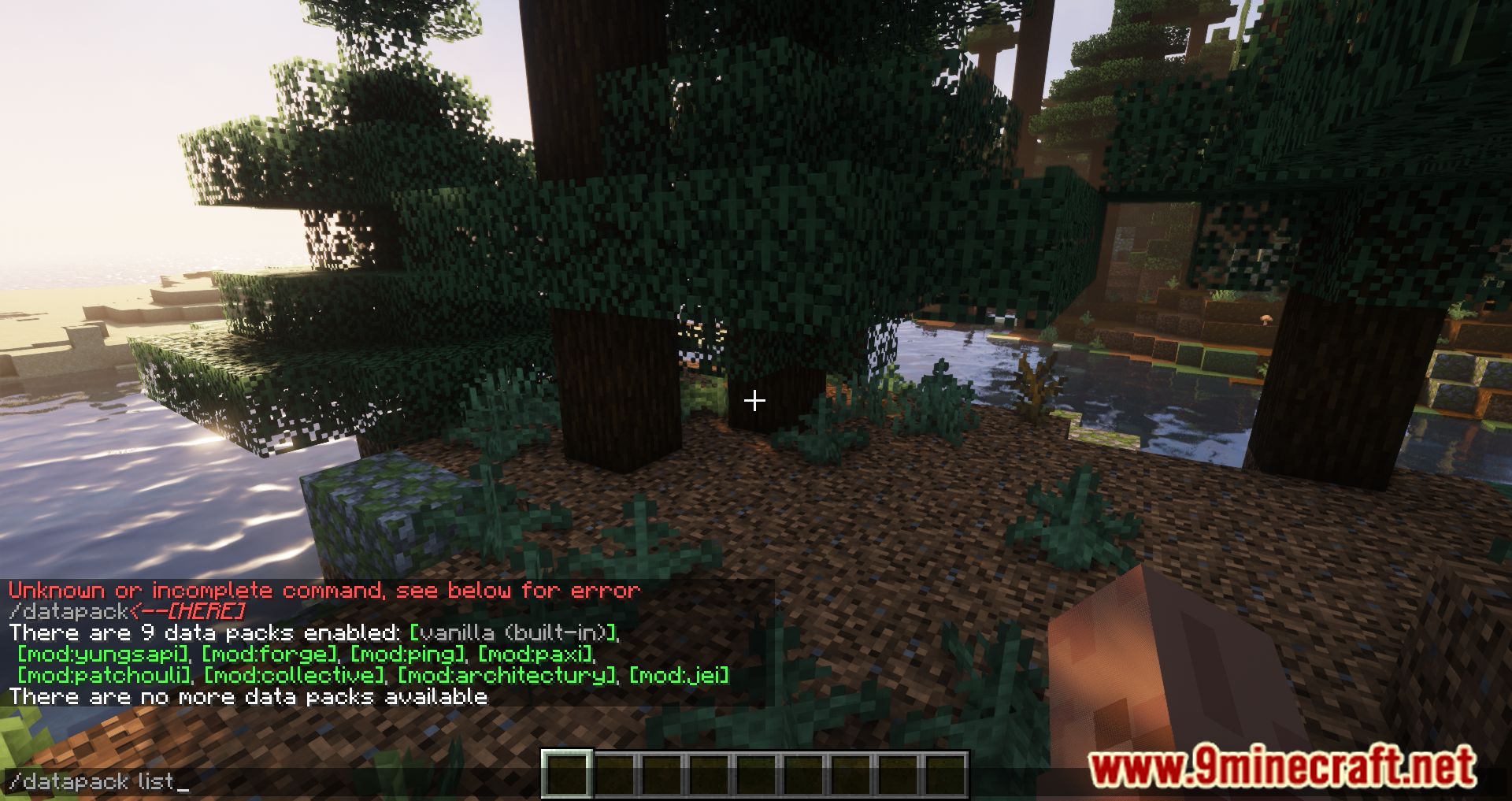
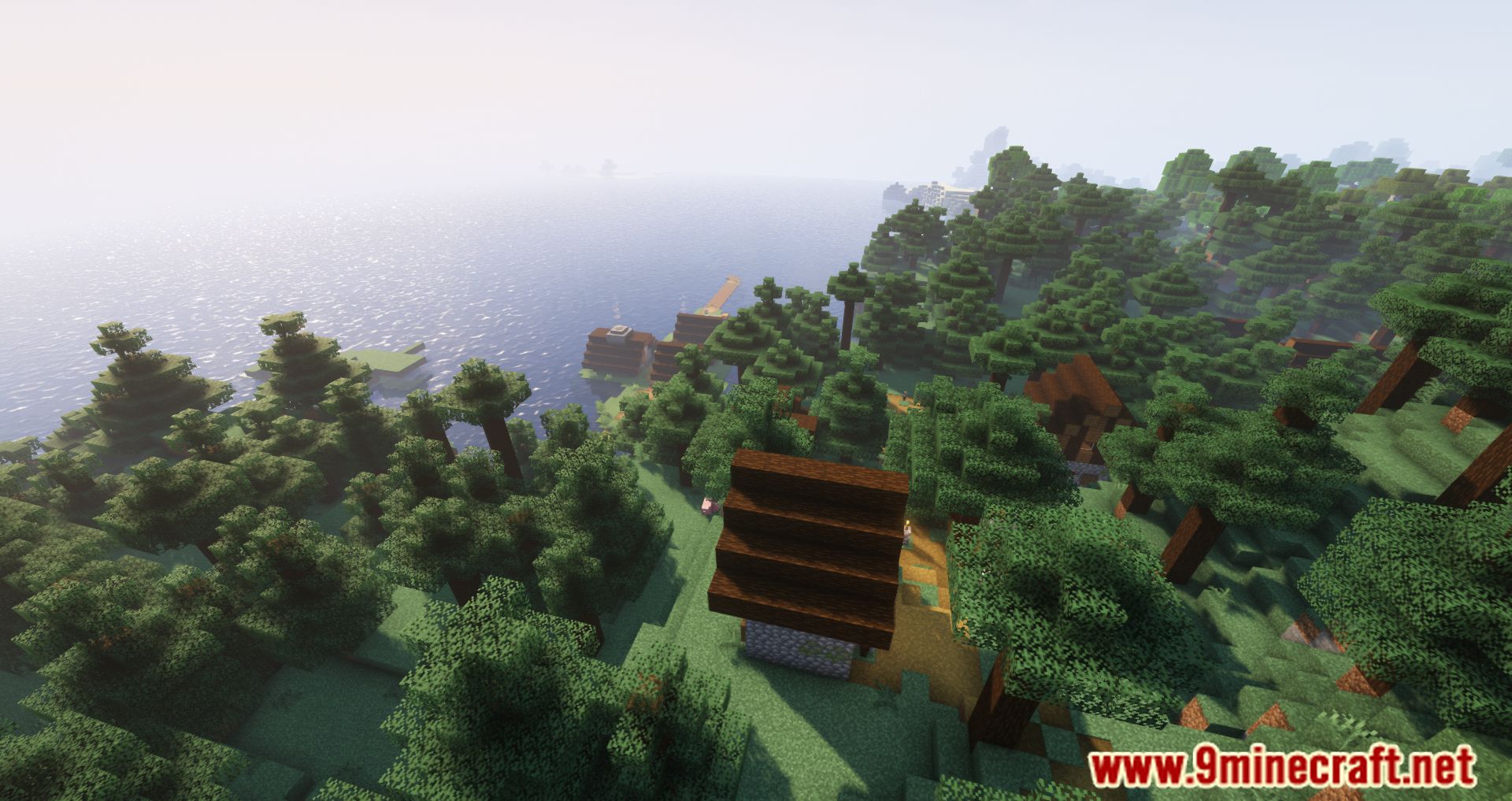
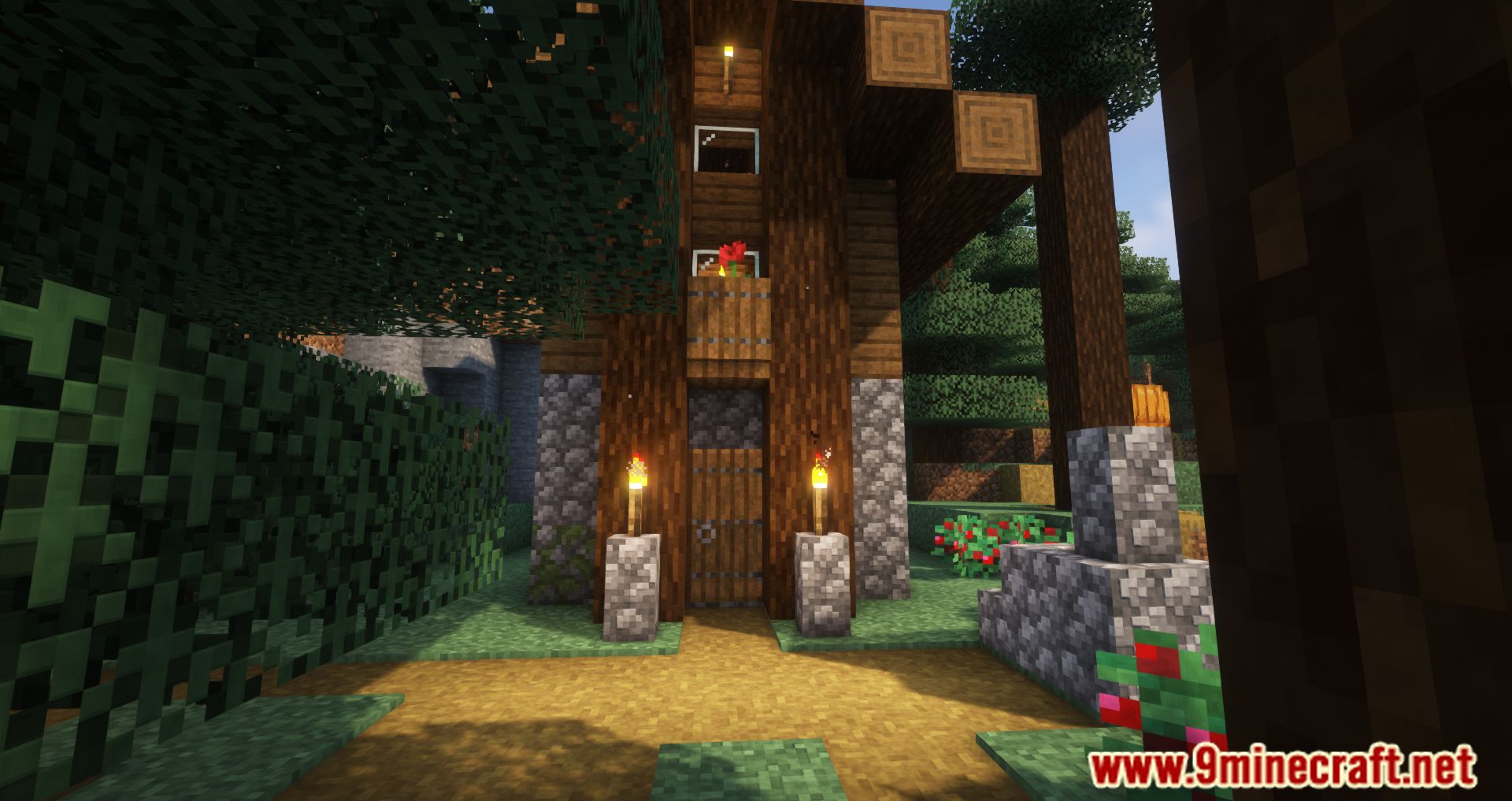
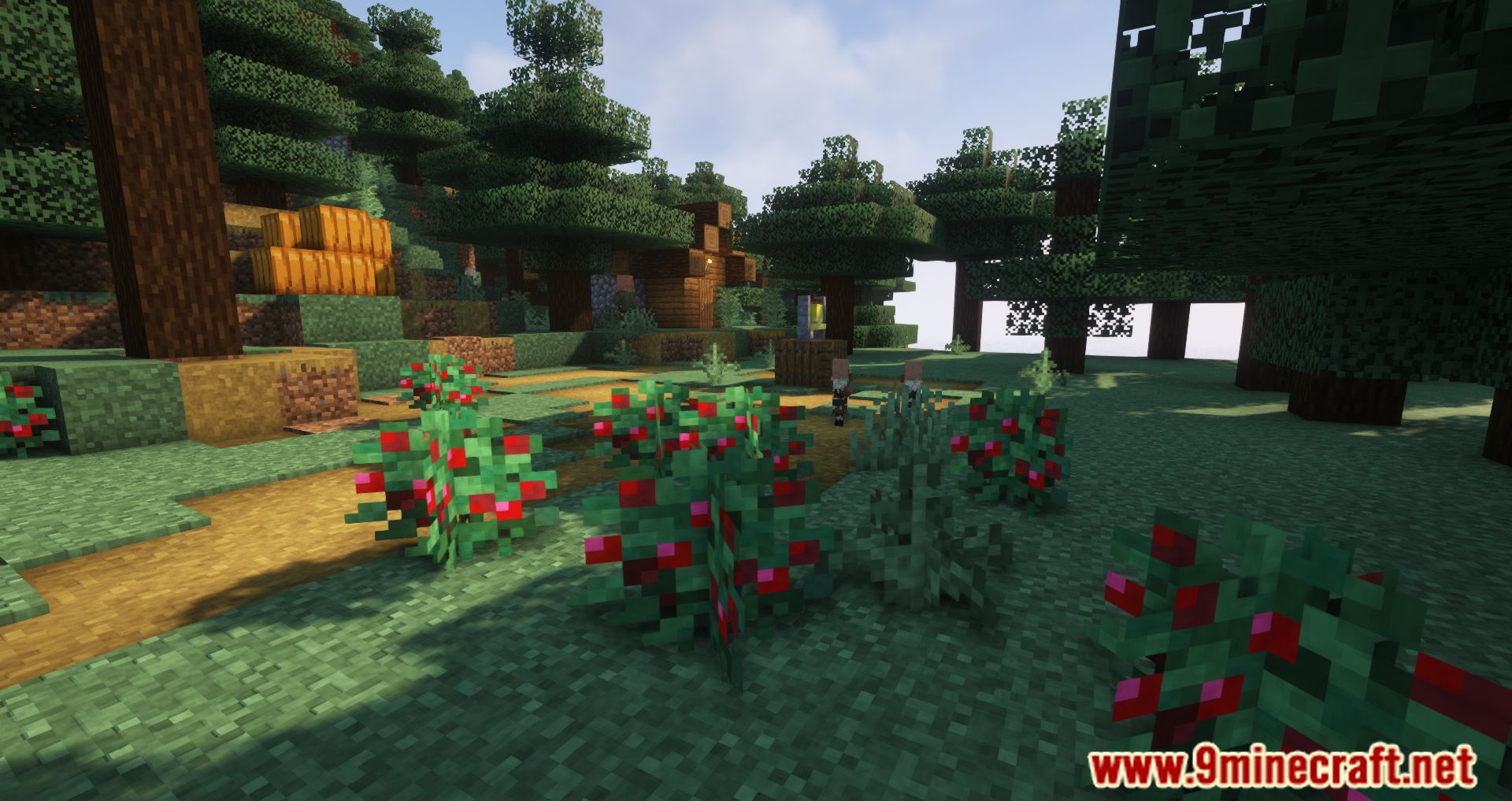
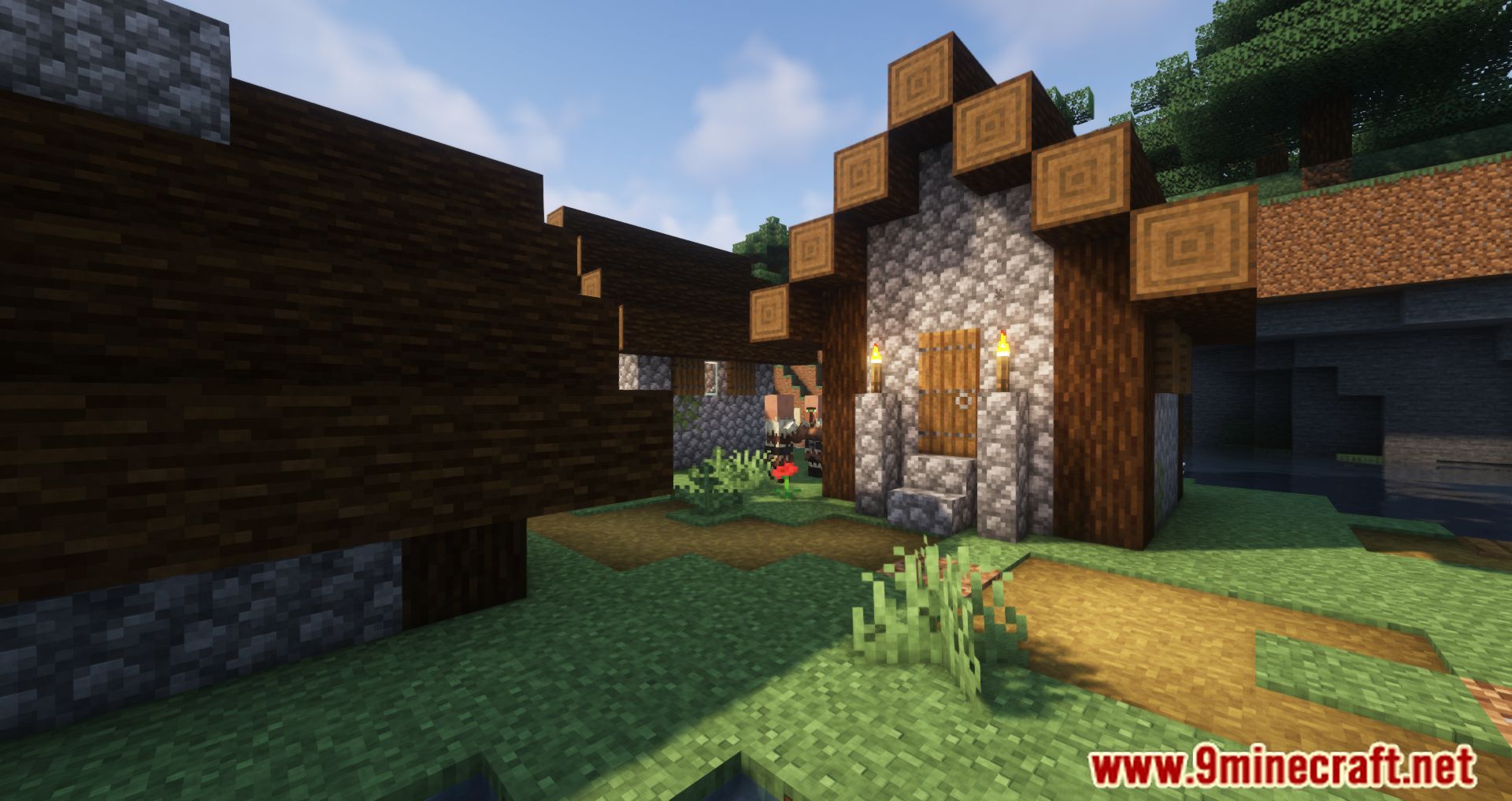
11 images from the Paxi Mod page.



You May Also Like
Wikis that share the most with this one
 Pay Bot Mod
More mod wikis on the site
The most downloaded mods that have a wiki here
A few wikis from each of the other kinds