
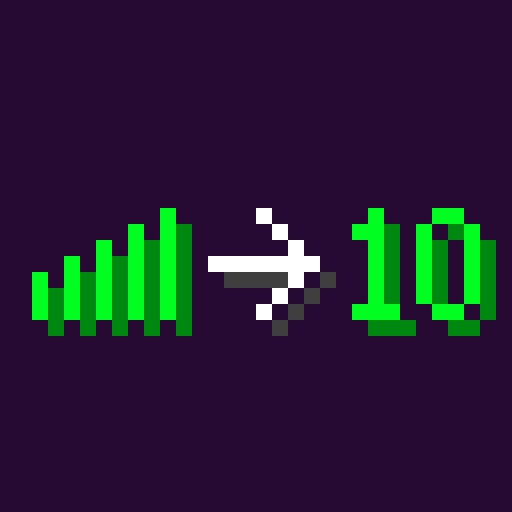
 DownloadNumeral Ping Mod
Get the files on 9Minecraft
Separate Your Lag from Theirs
The exact millisecond values make it easy to tell whether a problem is local or shared. Open the tab list and compare your number with the rest of the players.
- If only your number is high, the issue is on your side: your connection, Wi-Fi, or background downloads.
- If one other player's number is high while everyone else is fine, that player is the one lagging.
- If every number is elevated at the same time, the server is under strain or its host connection is degraded.
Watching Trends
Keep the tab list open during a fight or a busy moment and watch how the numbers move. A steady climb across all players points to server load. Sharp, brief spikes on a single player suggest a momentary network hiccup. Because the mod shows a number rather than bars, you can note the actual value before and after a change, such as switching from Wi-Fi to a wired connection, and see whether it truly helped.
Acting on What You See
The numbers give you evidence instead of guesswork.
More guides for this mod
Fixing Blurry or Misaligned Ping Numbers with the Built-In Font PacksHow to Read Ping Values in the Tab ListTroubleshooting: Ping Numbers Not Showing in the Tab List


