

 DownloadNo Frills Mod
Get the files on 9Minecraft
Guides
Step-by-step, in-game.
Enable Rare Mob Alerts and Customize NotificationsLocate the Alerts Settings Open the No Frills Mod configuration and find the Alerts or Notifications section. This is…Set Up Hotkeys for Wardrobe and Pearl RefillsAccess the Hotkey Settings Open the No Frills Mod config menu (usually accessed via chat command or mod menu).…Track Bosses, Mobs, and Sea Creatures with TrackersAccess the Tracker Menu Open the No Frills Mod interface and find the Trackers or Tracking section. This feature logs…Use the Terminal and Device Solver for Faster CompletionEnable the Solver Features In the No Frills Mod settings, locate the Solvers section and enable both Terminal Solver…
Frequently asked questions
How do I turn off the loading screen?
Open the No Frills Mod settings and find the UI section, then toggle "Hide Loading Screen" on. This removes the Hypixel loading screen entirely when joining the server.
Why am I still seeing the fire overlay when I'm burning?
Go to your mod settings, find the Visual Enhancements tab, and enable "Disable Fire Overlay." This hides the red fire effect on your screen without affecting actual fire damage.
How do I set up hotkeys for my wardrobe?
In the mod settings under Hotkeys, bind keys to specific wardrobe pieces or sets. When you press the hotkey, your character will instantly swap to that outfit without opening the menu.
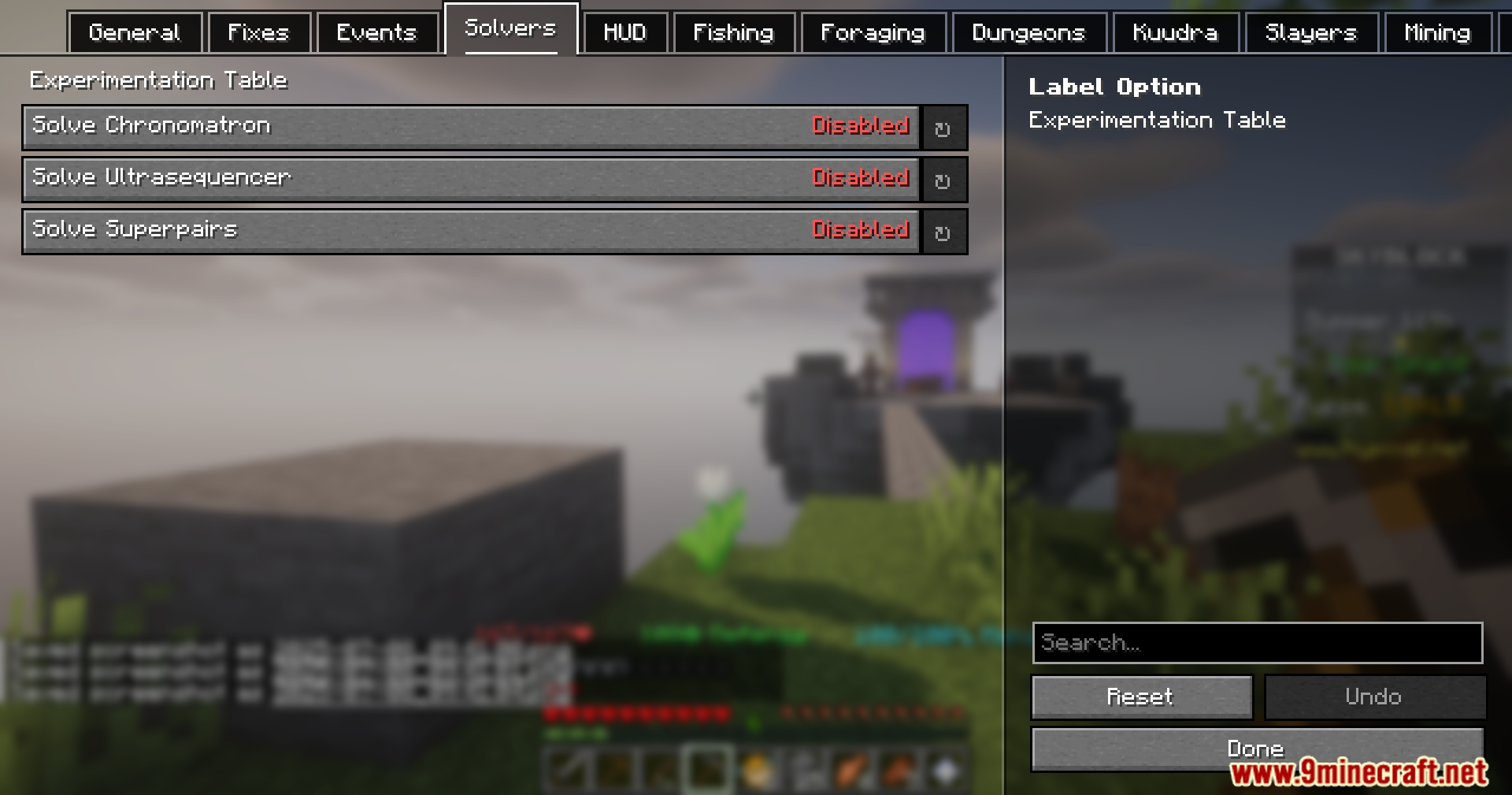
Can the mod solve Chronomatron and Ultrasequencer automatically?
Yes—enable the Chronomatron and Ultrasequencer solvers in your settings. The mod will highlight the correct tiles and sequences in real-time during the puzzle.
See all 10 No Frills questions ›
Gallery
11 images from the No Frills Mod page.
You May Also Like
Wikis on the same theme: decor
More mod wikis on the site
The most downloaded mods that have a wiki here
A few wikis from each of the other kinds