

 DownloadGamemodeOverhaul Mod
Get the files on 9Minecraft
Guides
Step-by-step, in-game.
How to Change Your Gamemode Using Numbers and LettersUsing the /gamemode Command With GamemodeOverhaul installed on the server, /gamemode accepts the old shorthand values…How to Configure Which Gamemode Commands Are EnabledWhy Configure GamemodeOverhaul is fully configurable: every command and argument it adds can be toggled on or off.…How to Set the Default Gamemode for New PlayersUsing /defaultgamemode GamemodeOverhaul restores support for the /defaultgamemode command, which controls what mode…How to Use the Short /gm and /gm* CommandsThe /gm Command /gm is a shorter alias for /gamemode . It behaves identically, so every value that works with…
Frequently asked questions
How do I change my gamemode with this mod?
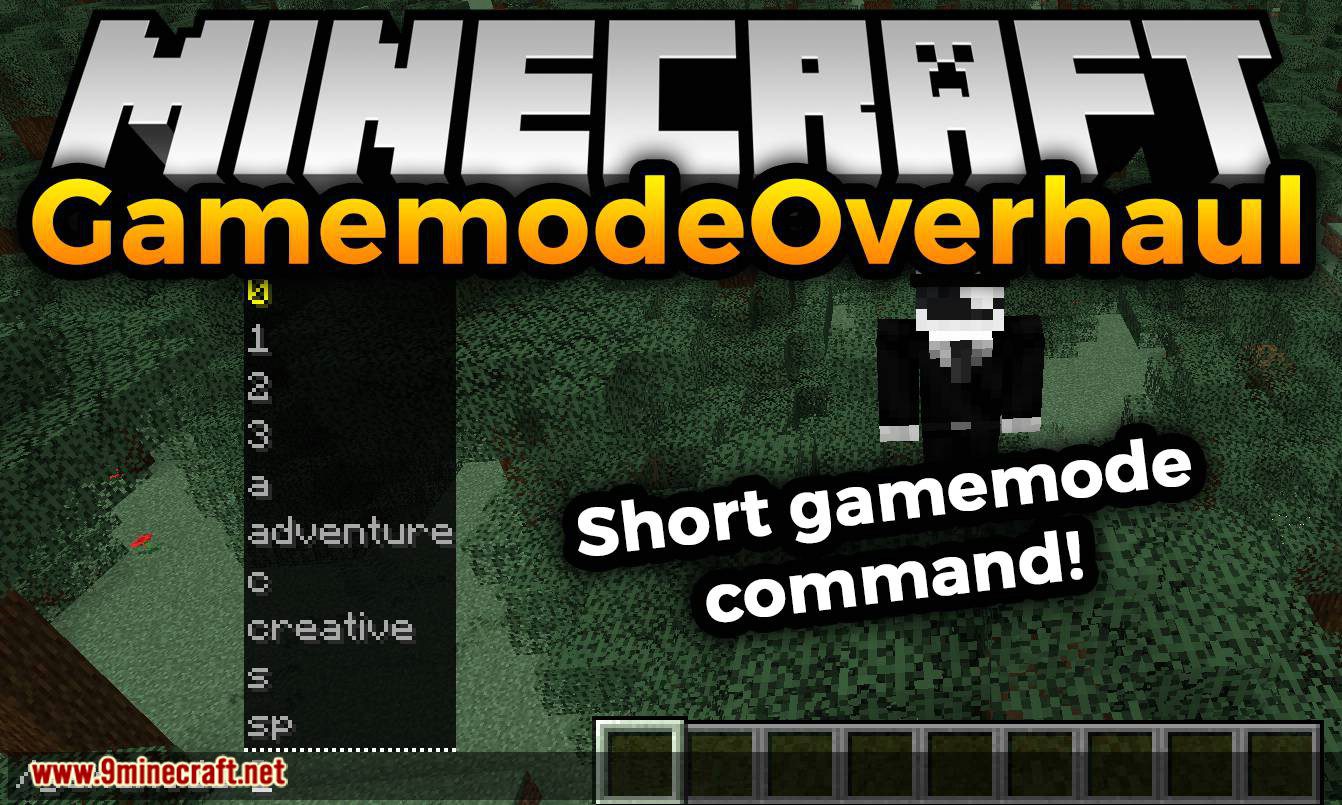
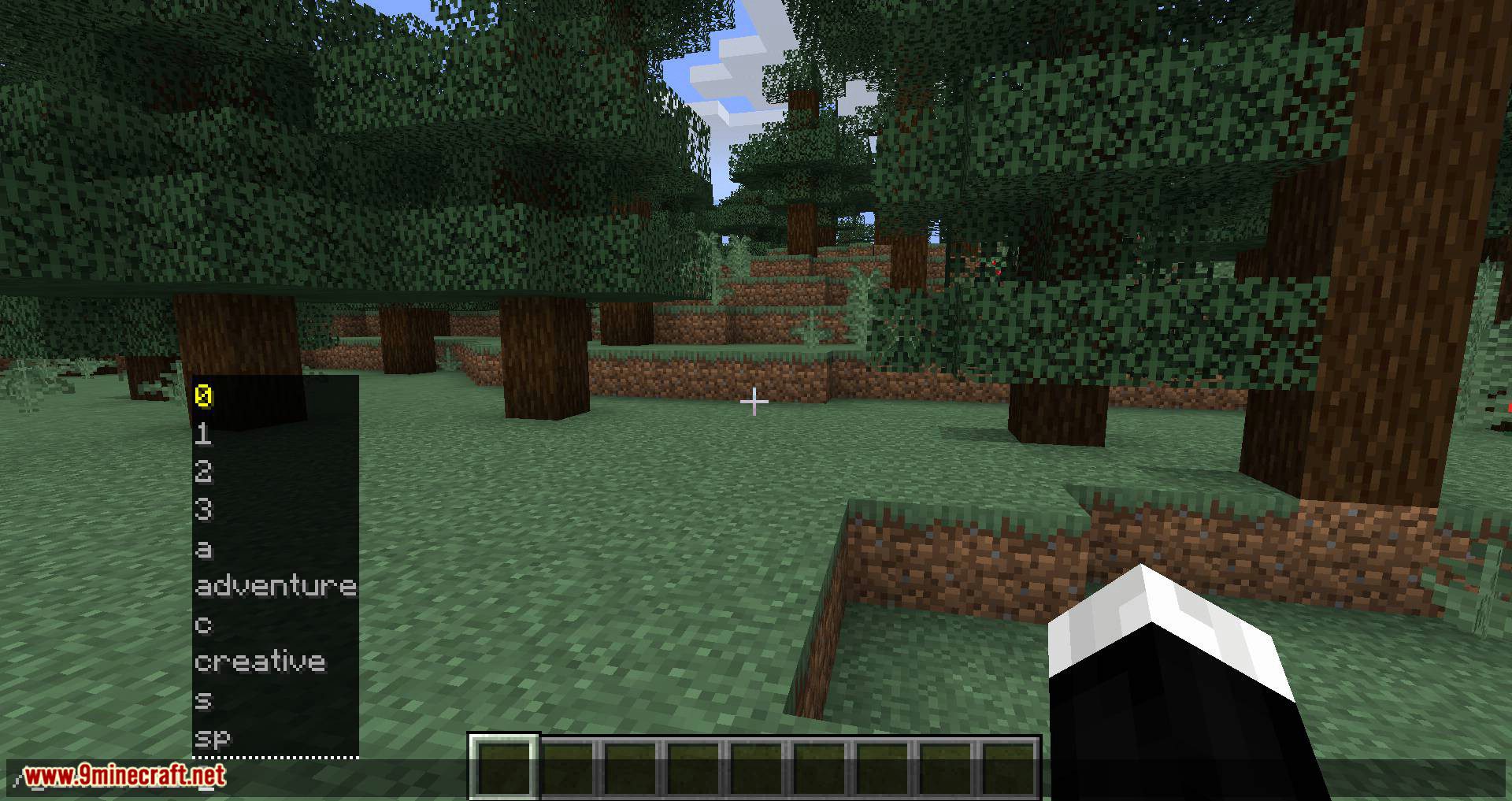
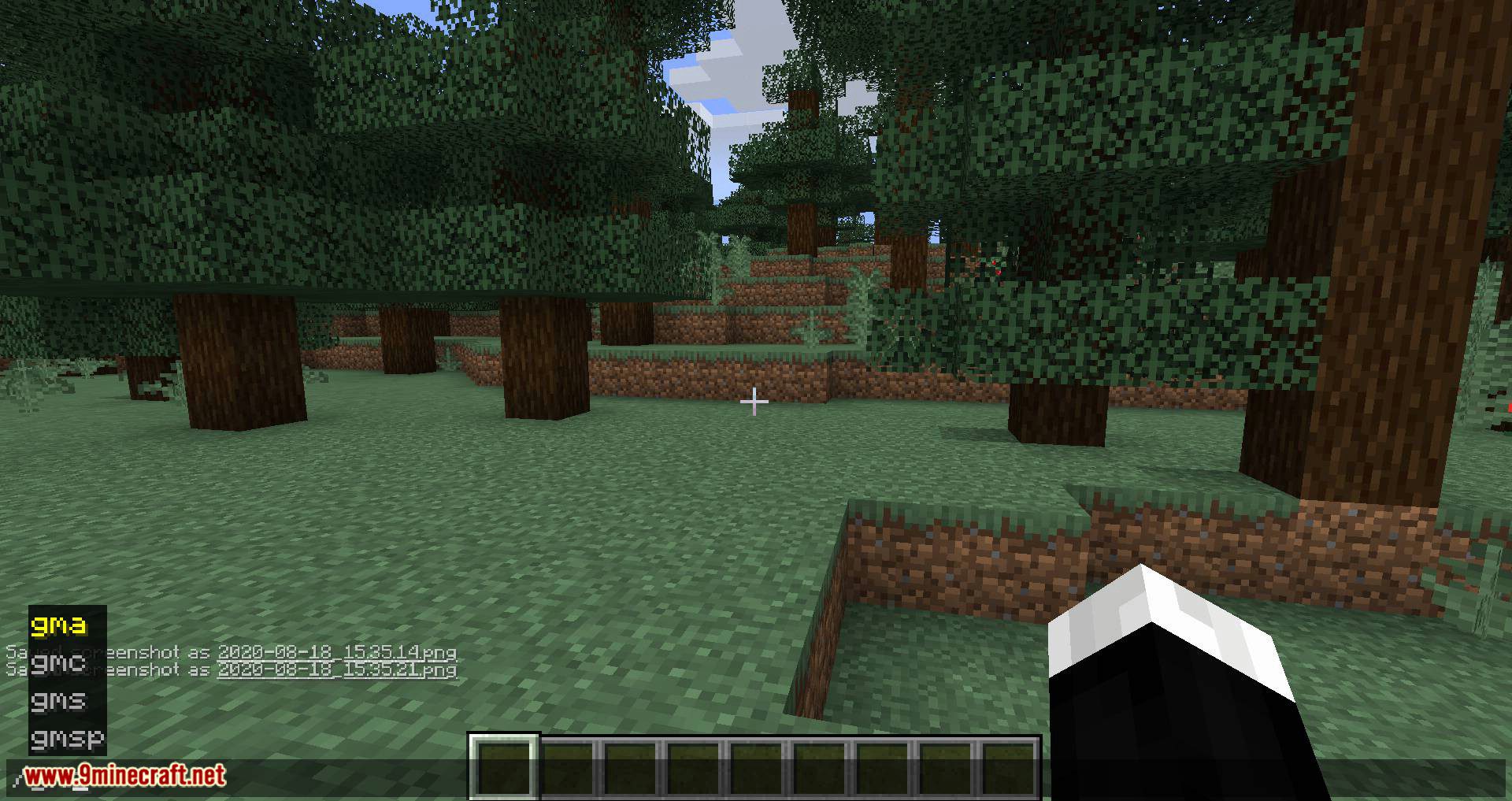
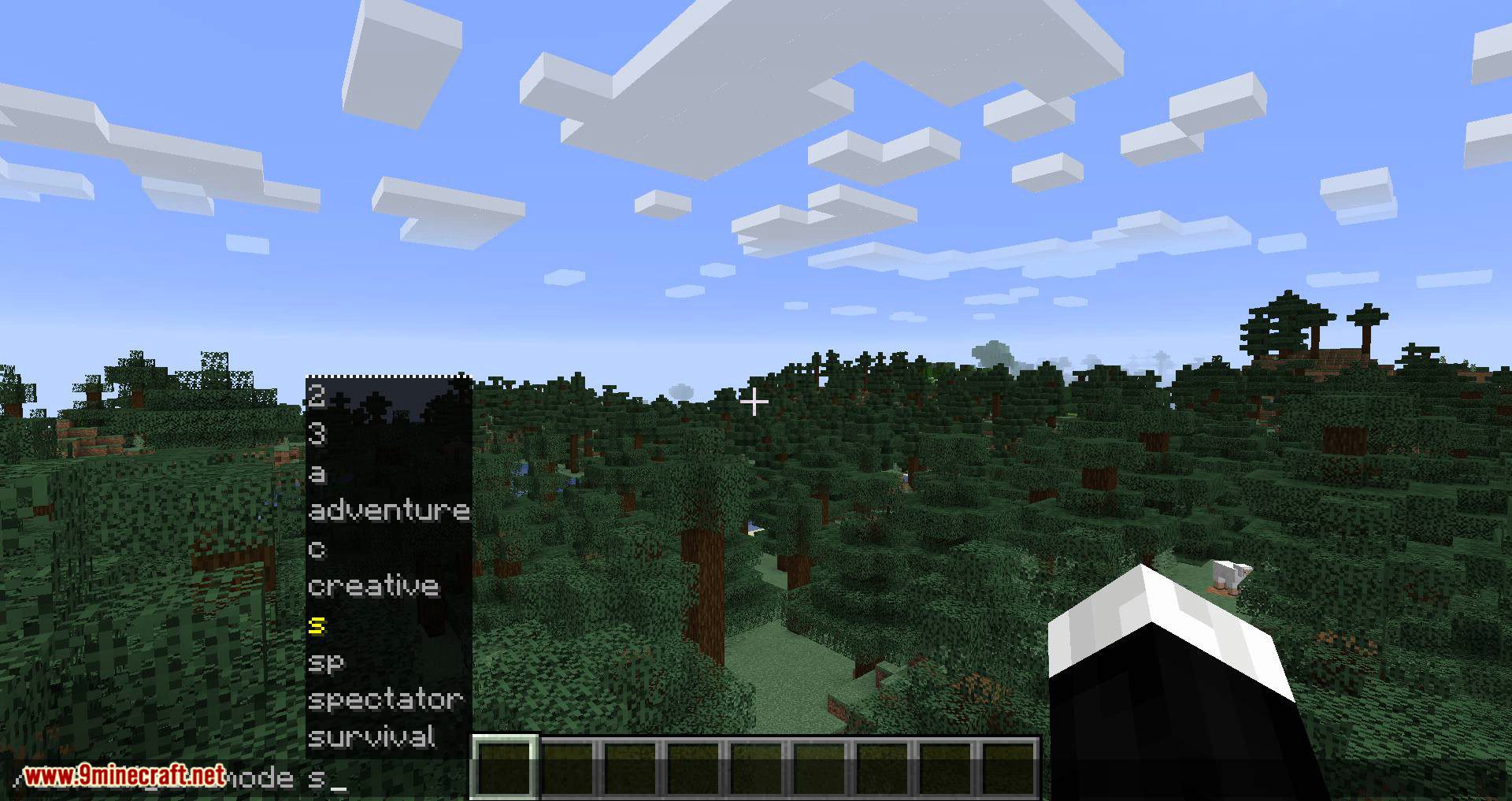
Use /gamemode followed by a name, number, or letter, or the shorter /gm command. For example, /gamemode c, /gm 1, or /gmc all set you to creative mode.
What numbers and letters can I use for each gamemode?
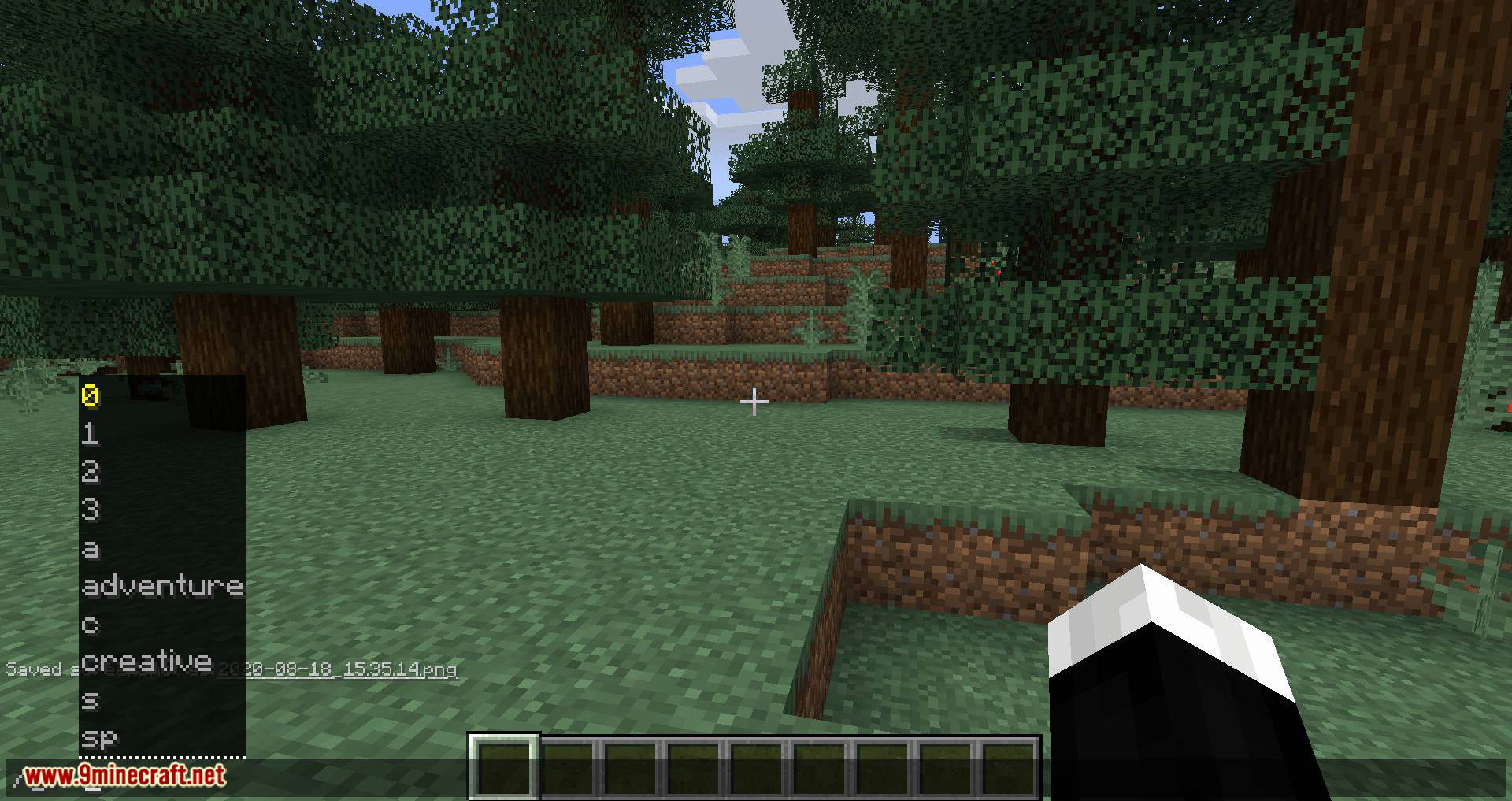
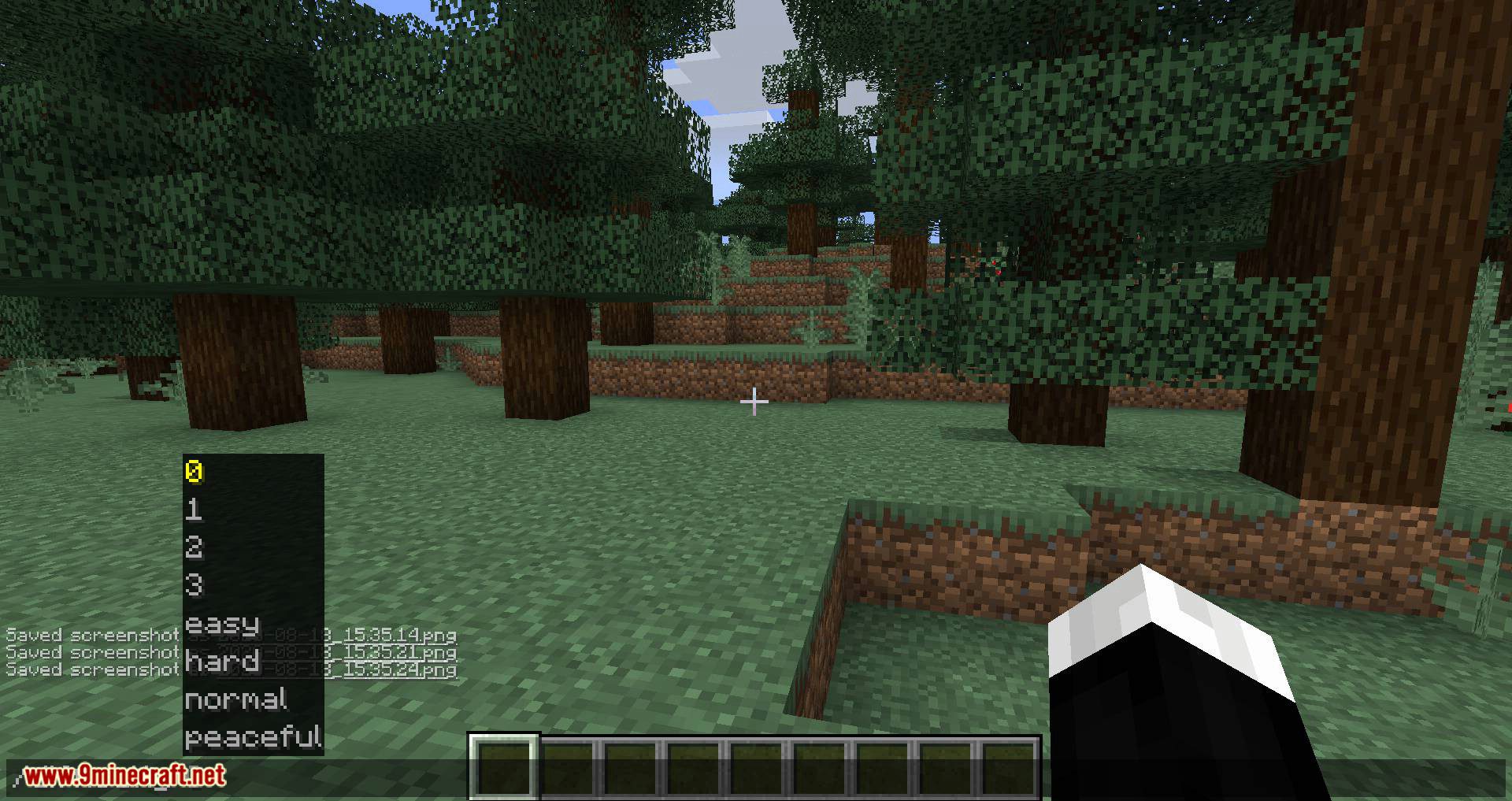
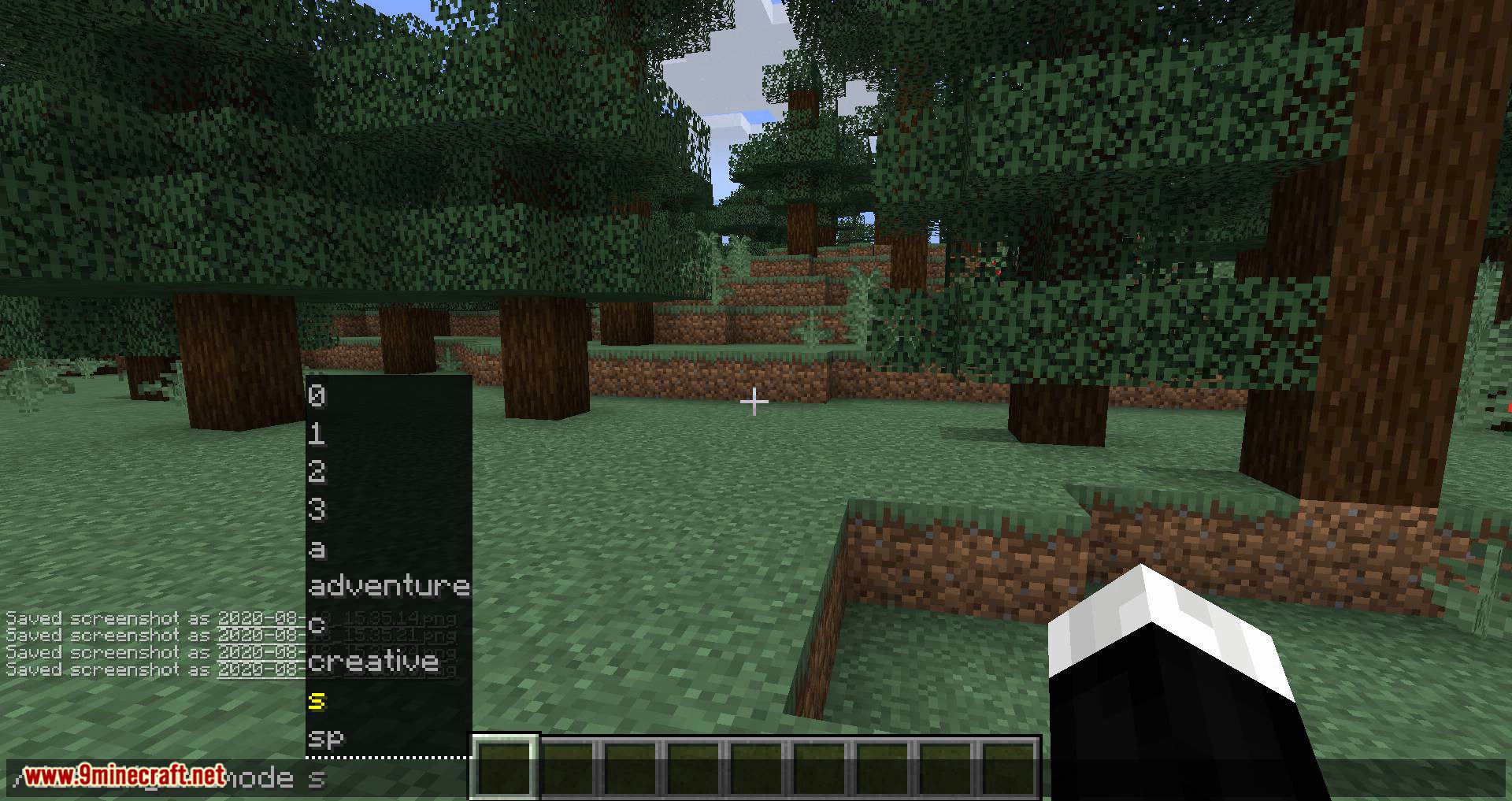
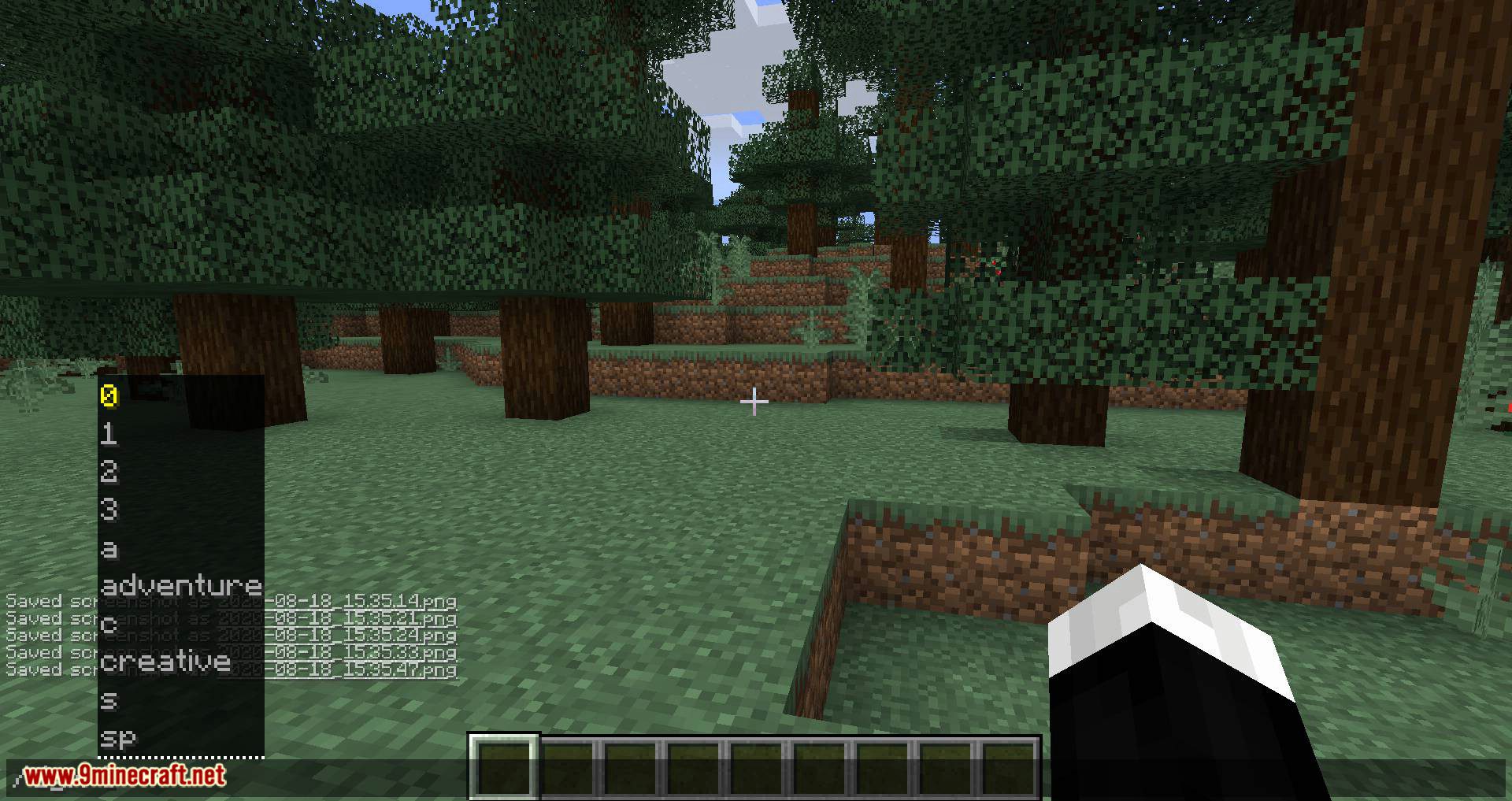
Each gamemode has a number and a letter shortcut: survival, creative, adventure, and spectator each map to their own digit and initial letter. Type the value after /gamemode or /gm, like /gamemode sp for spectator or /gamemode 2 for adventure.
Why doesn't /gamemode 1 work on my server?
The numeric and letter arguments are only available if that command is enabled in the mod's config. Check the config file and make sure the gamemode command and its legacy arguments are turned on.
Do I need to install this mod on my client too?
No. GamemodeOverhaul is only required on the server. You can join a server running it with a vanilla client and still use the commands.
See all 10 GamemodeOverhaul questions ›
Gallery
12 images from the Gamemodeoverhaul Mod page.
You May Also Like
Wikis that share the most with this one
More mod wikis on the site
The most downloaded mods that have a wiki here
A few wikis from each of the other kinds