

 DownloadAtmospherics Mod
Get the files on 9Minecraft
Guides
Step-by-step, in-game.
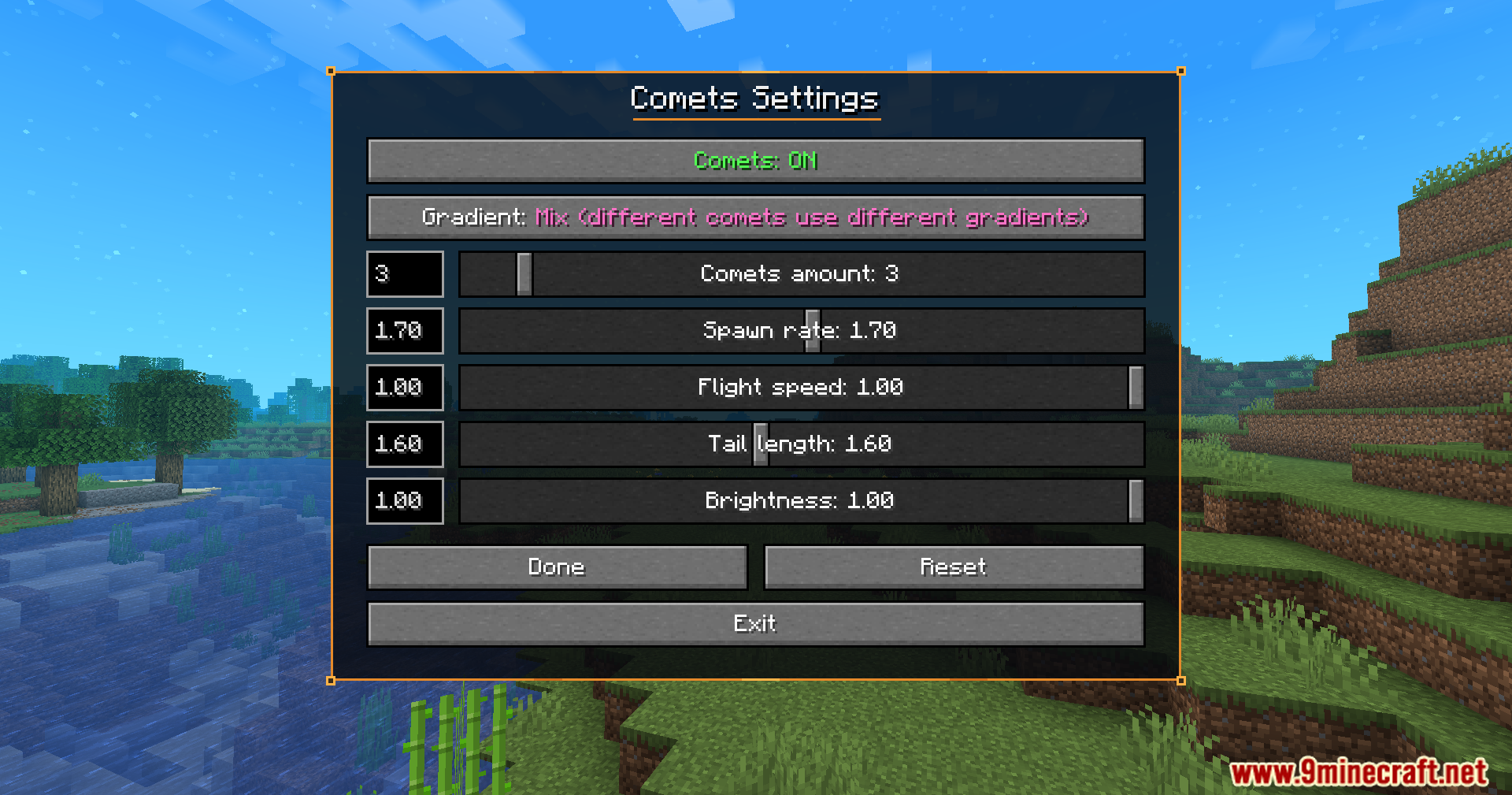
Copy and Share Atmosphere Settings Between BiomesUse the Settings Editor The mod includes a special editor tool for managing atmosphere configurations. Open it from…Create a Custom Atmosphere for a Single BiomeAccess the Biome Menu Open the Atmospherics mod menu (default keybind varies by installation). Navigate to the biome…Customize Falling Comets in Your SkyAccess Comet Settings Open the Atmospherics menu and find the comet customization section. This is typically a…Set Up Different Day and Night AtmospheresEnable Day/Night Differentiation In the biome customization menu, locate the day/night toggle option. Enable separate…
Frequently asked questions
How do I open the atmospherics menu?
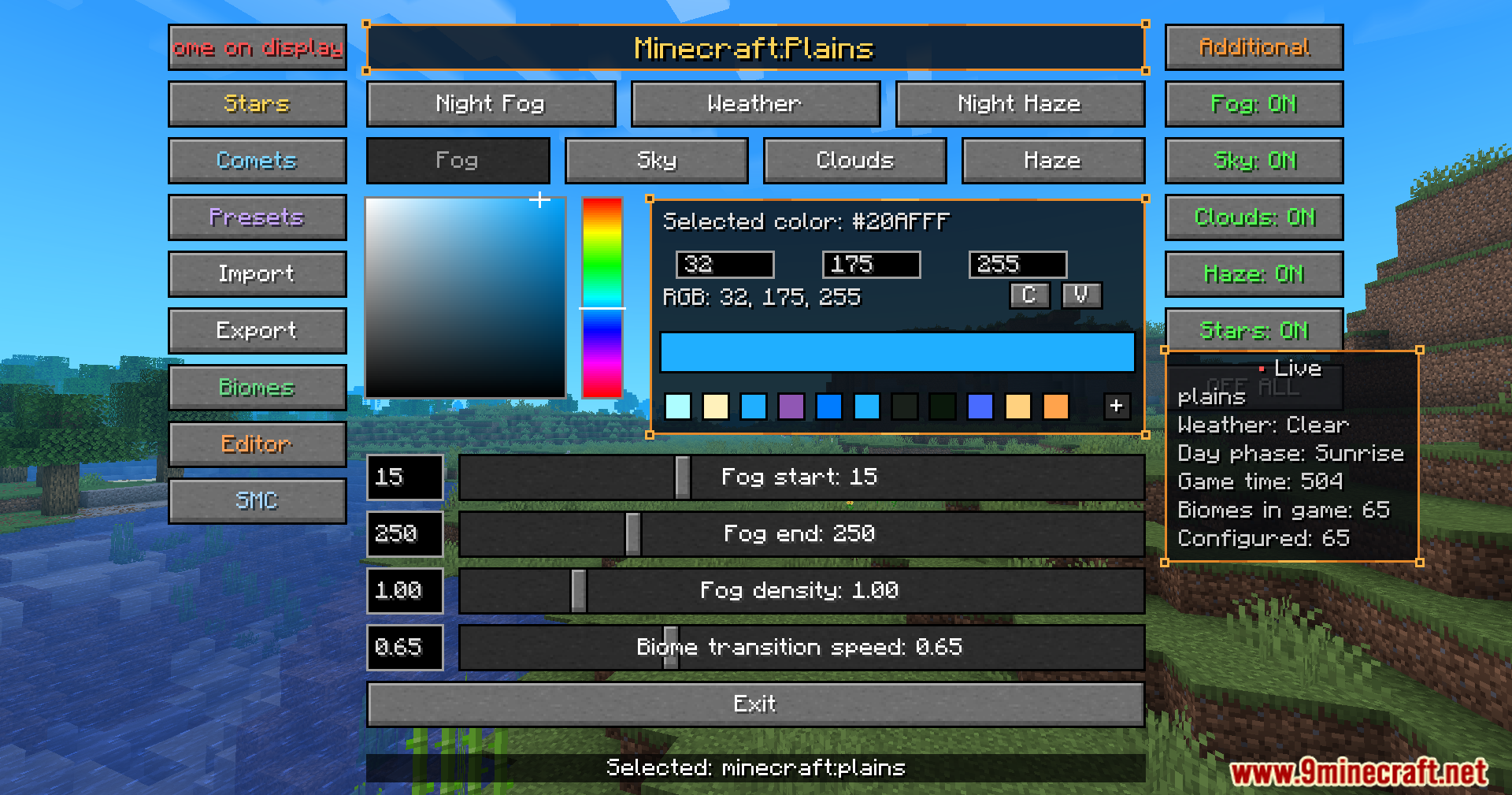
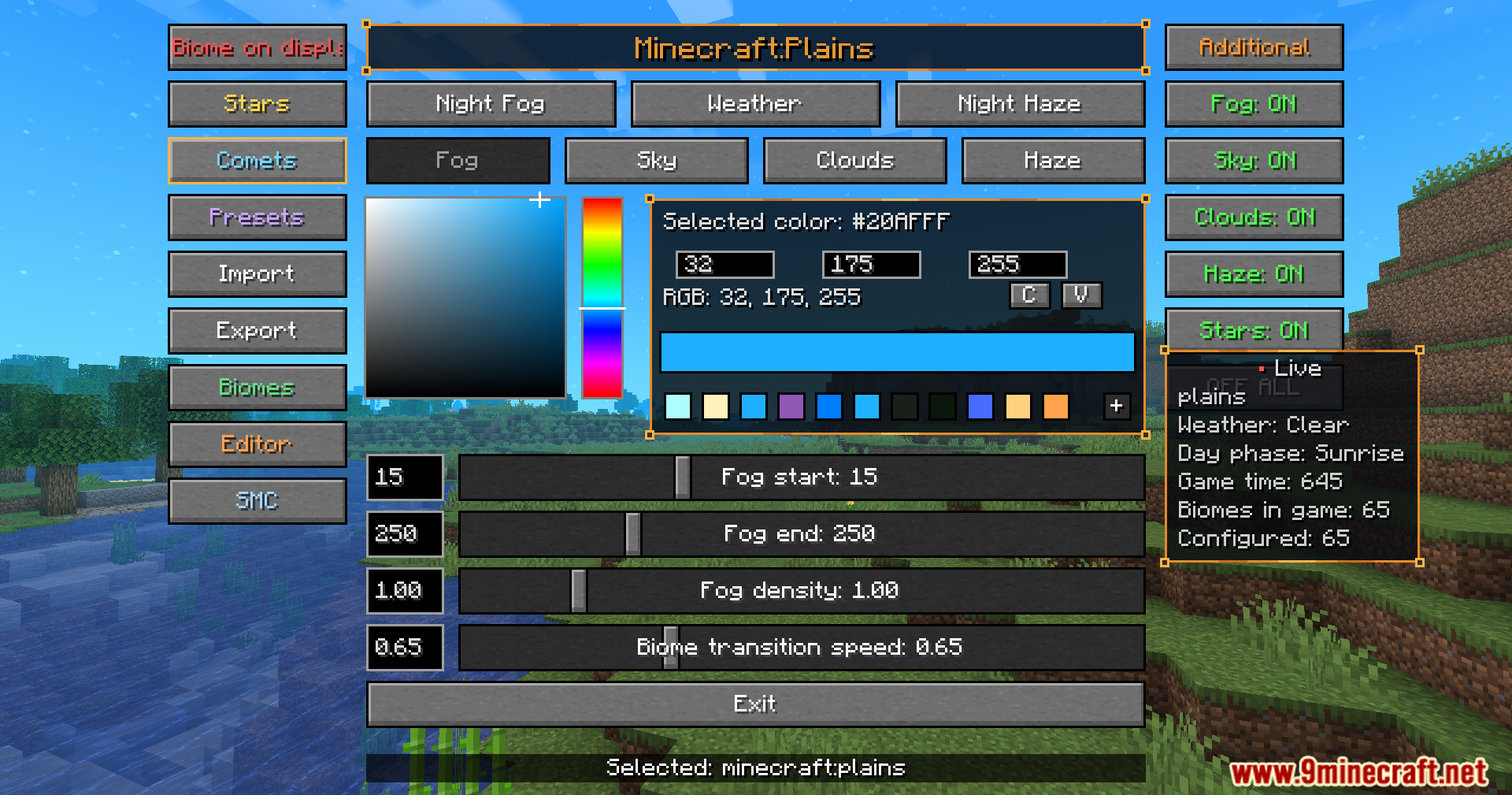
Press the designated keybind (configurable in your controls settings) to open the atmospherics menu. You'll see a live preview of your current biome's atmosphere settings and can adjust them in real time.
Can I have different atmospheres for day and night in the same biome?
Yes. In the atmospherics menu, you can toggle between day and night settings for any biome and customize fog, sky color, clouds, and stars separately for each time of day.
What happens to my atmosphere settings when I travel to a different biome?
The mod smoothly transitions your atmosphere to match the settings you've configured for the new biome. If you haven't customized that biome yet, it will use default settings.
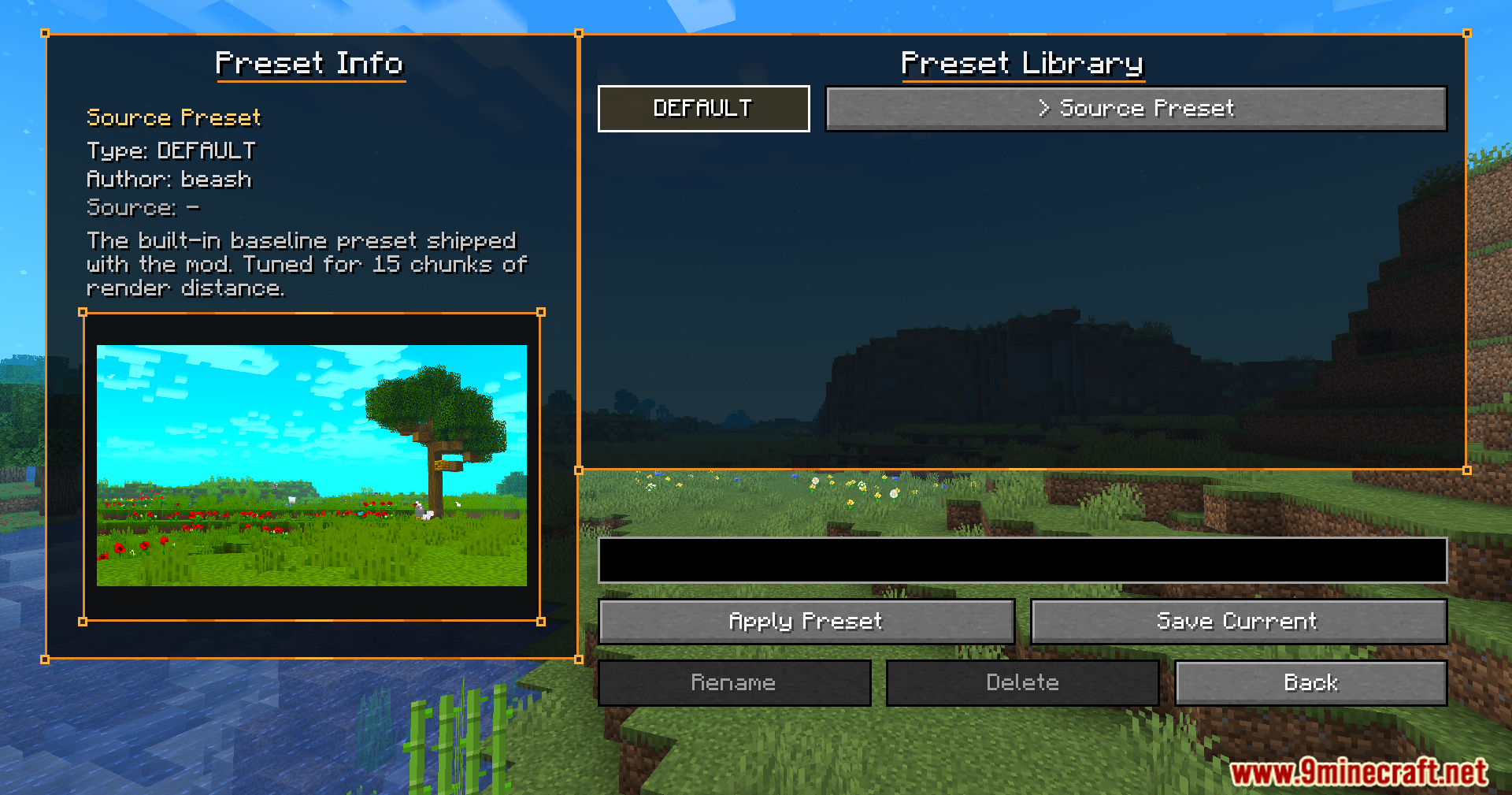
How do I save and reuse atmosphere presets?
The mod includes a preset library where you can save your custom atmosphere configurations. You can then load these presets onto any biome, and use the special editor to copy settings between biomes quickly.
See all 10 Atmospherics questions ›
Gallery
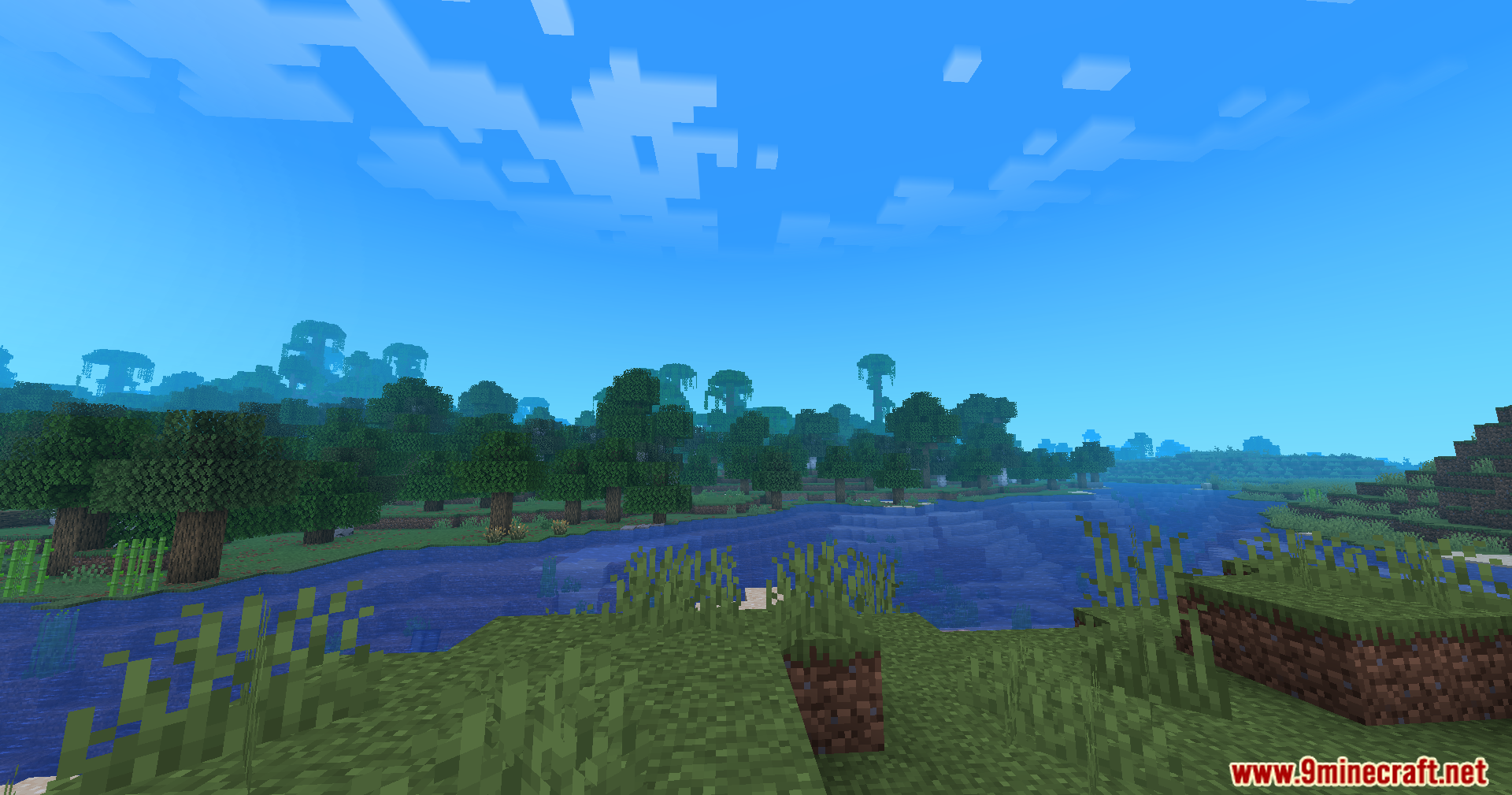
12 images from the Atmospherics Mod page.
You May Also Like
Wikis that share the most with this one
More mod wikis on the site
The most downloaded mods that have a wiki here
A few wikis from each of the other kinds