

 DownloadTower of Minecraft Map
Get the files on 9Minecraft
Guides
Step-by-step, in-game.
Complete Floor 1 Without FallingUnderstand the Layout Floor 1 introduces you to the tower's core mechanic: precision jumping. This floor uses…Find All Hidden Easter EggsUnderstand Easter Egg Placement Each of the 10 floors contains one hidden Easter Egg. These are intentionally…Progress Past the Nether FloorsRecognize the Difficulty Spike The Nether-themed floors (typically mid-tower) represent a significant jump in…Survive Hardcore Mode Without ResettingKnow What Hardcore Means Hardcore Mode removes all spawn points throughout the tower. A single death sends you back…
Frequently asked questions
How do I start the Tower of Minecraft Map?
Load the map file into a new world, and you'll spawn at the base of the tower. You can choose between Normal Mode (with spawn points on each floor) or Hardcore Mode (no checkpoints, one life) before beginning your climb.
What's the difference between Normal and Hardcore Mode?
Normal Mode lets you respawn at spawn points placed throughout each floor, so you can retry failed jumps without losing progress. Hardcore Mode has no spawn points—any death sends you all the way back to the bottom of the tower.
Can I turn off fall damage or use creative mode?
The map is designed around survival mode mechanics and fall damage as core challenges; using creative mode or disabling damage will bypass the intended difficulty and may prevent you from accessing certain progression features.
I keep falling on the same jump. What am I doing wrong?
Each jump requires precise timing and positioning—try approaching from different angles, jumping at the peak of your sprint, and landing on the center of the target block rather than its edge. Watch your crosshair alignment and practice the rhythm before committing.
See all 10 Tower of Minecraft Map questions ›
Gallery
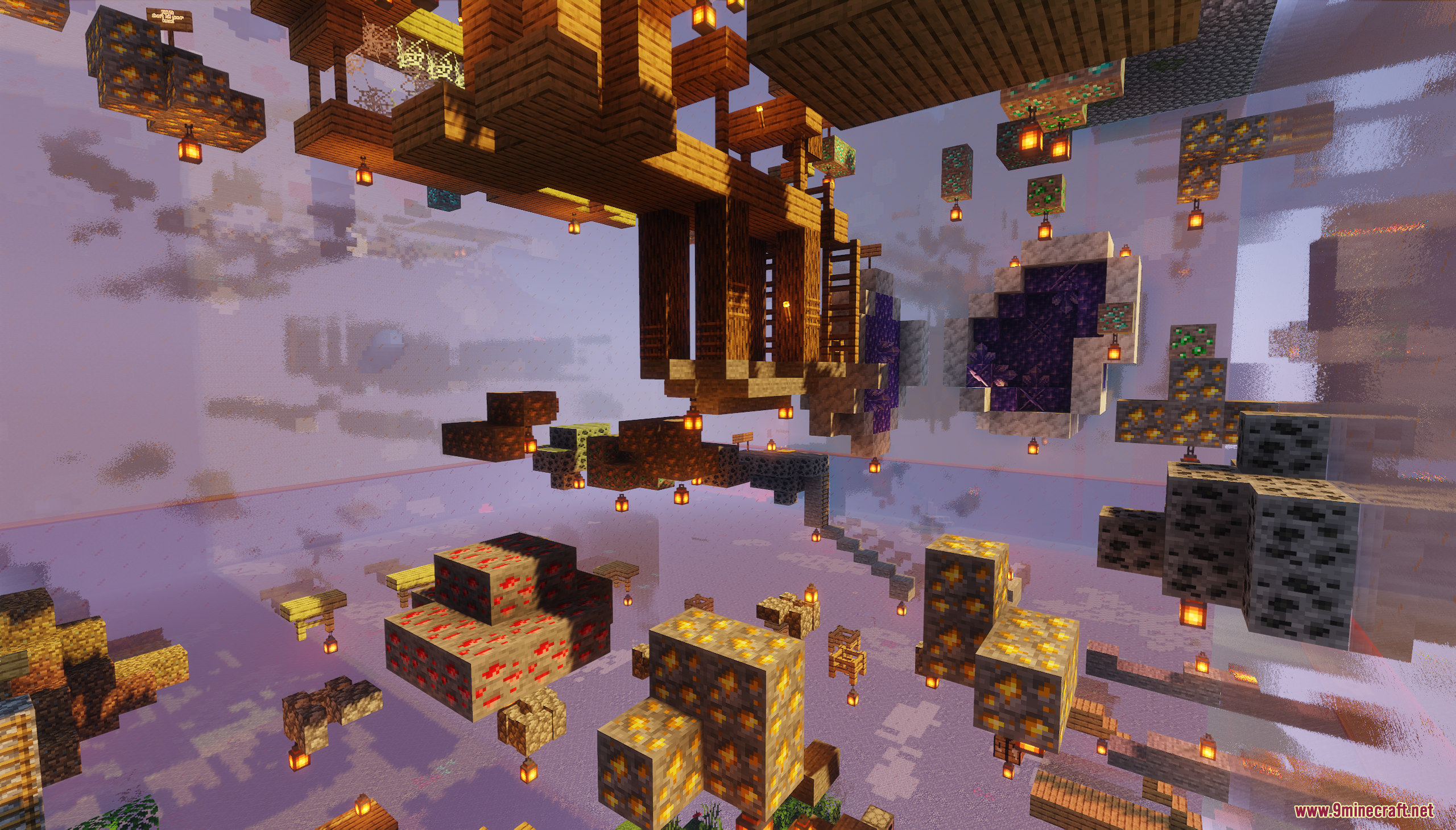
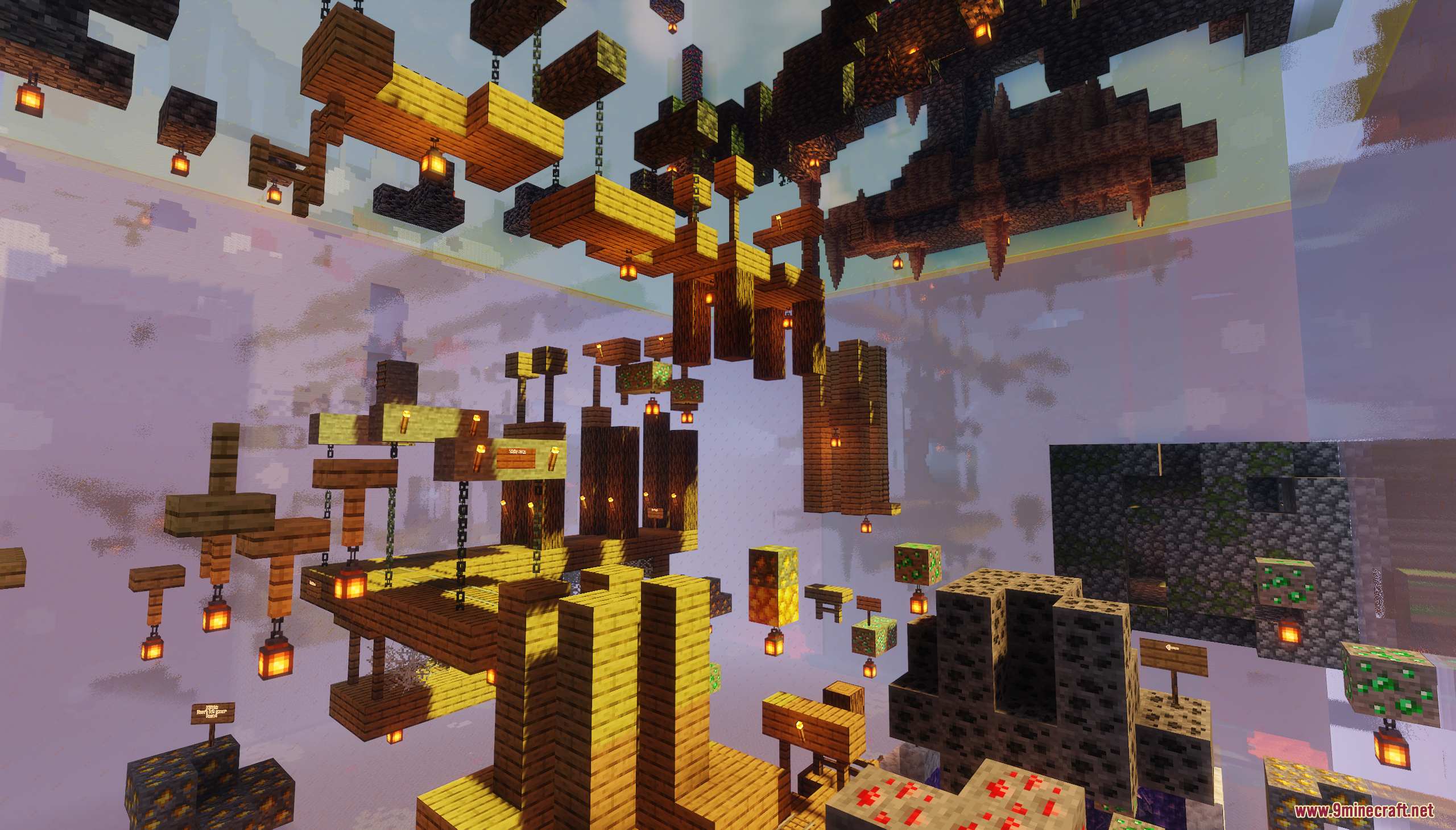
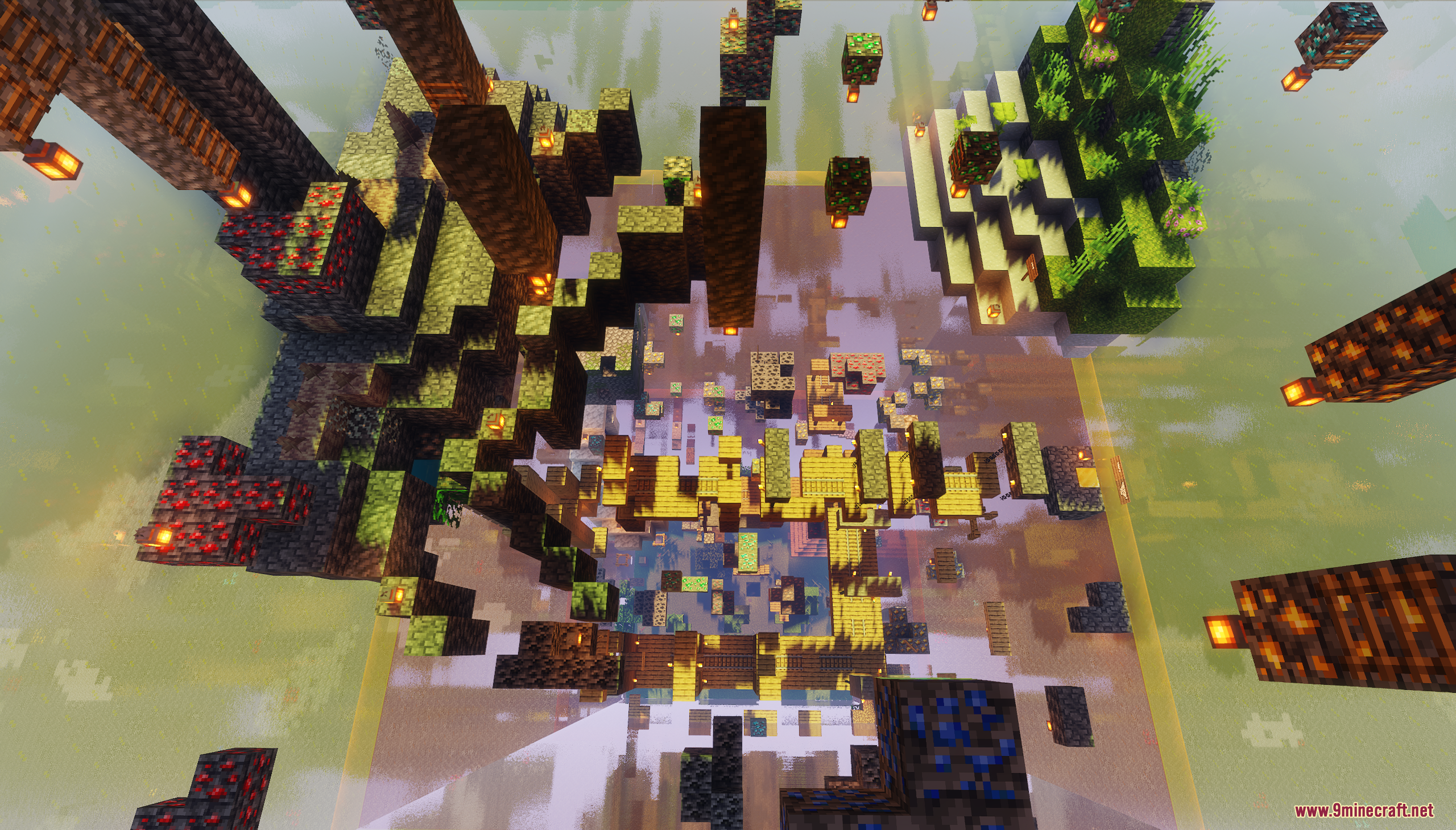
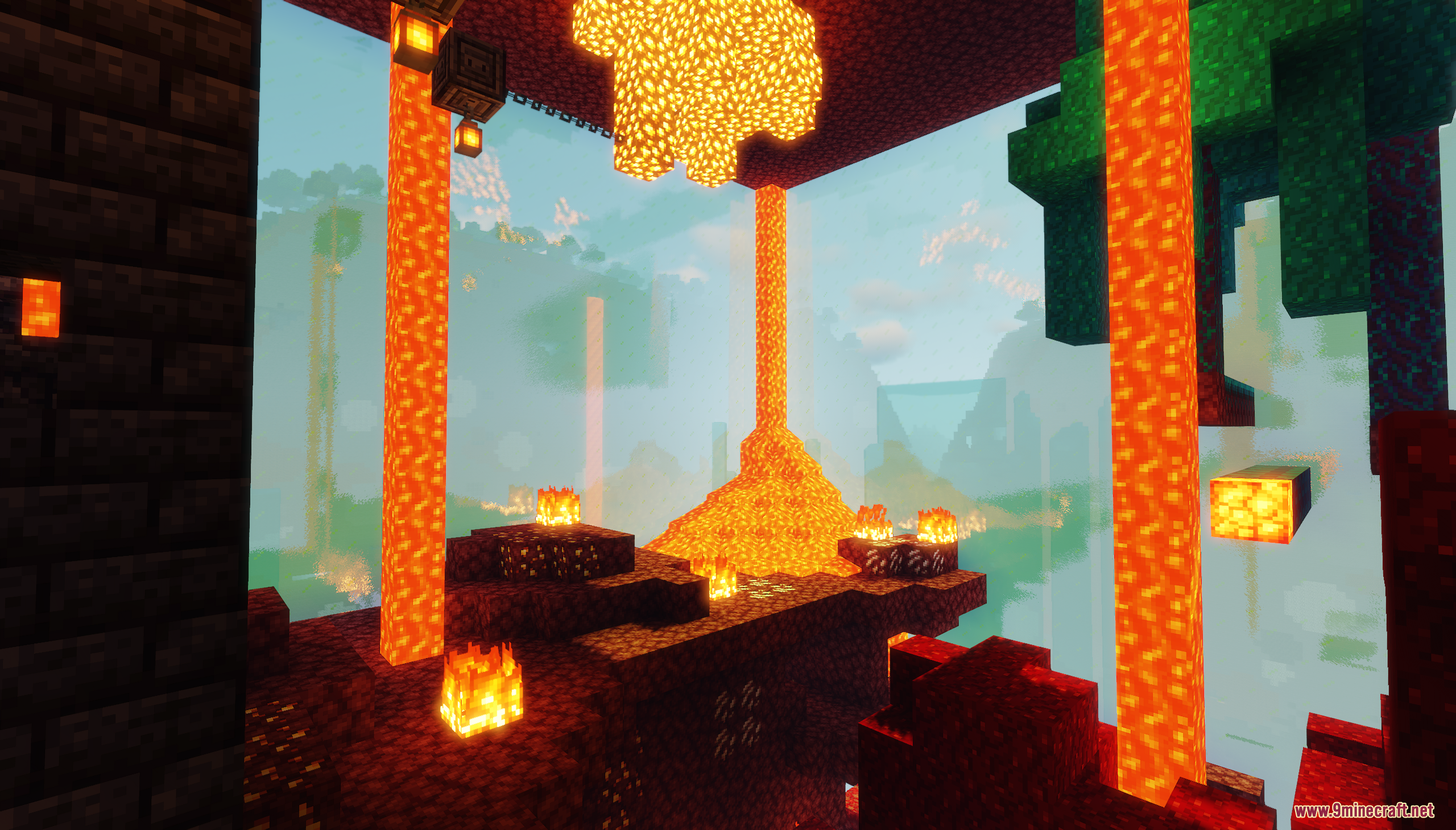
11 images from the Tower Of Minecraft Map page.
You May Also Like
Wikis that share the most with this one
Wikis on the same theme: ore
More map wikis on the site
Tokyo Inspired City MapTitan Tech Estate MapTiny Takeover Farmstead MapTiny Islands Survival MapThe Witcher Beauclair Palace MapThe Uncensored Library Official MapThe Uncensored Library Official by JART0N MapThe Town of Rikdale MapThe Town of Mordovia MapThe Spiral Parkour MapThe Sky Blessing MapThe Sculkborne Castle Map
The most downloaded mods that have a wiki here
A few wikis from each of the other kinds