

 DownloadSkyshore City World Map
Get the files on 9Minecraft
Guides
Step-by-step, in-game.
Create a Multiplayer Roleplay ScenarioEstablishing Roles and Rules With your friends, discuss what kind of city life you want to simulate. Decide on roles:…Decorate and Customize a Building InteriorPlanning Your Design Before placing blocks, think about the purpose and style of each room. Sketch a rough layout:…Explore the City Layout and Find Key LocationsUnderstanding the Street Grid Spawn into the city and take time to walk the main roads without rushing. The streets…Set Up Your First Apartment or HouseFinding Your Home Walk through the main streets of Skyshore City and explore the various residential buildings. Look…
Frequently asked questions
Where do I spawn when I load the world?
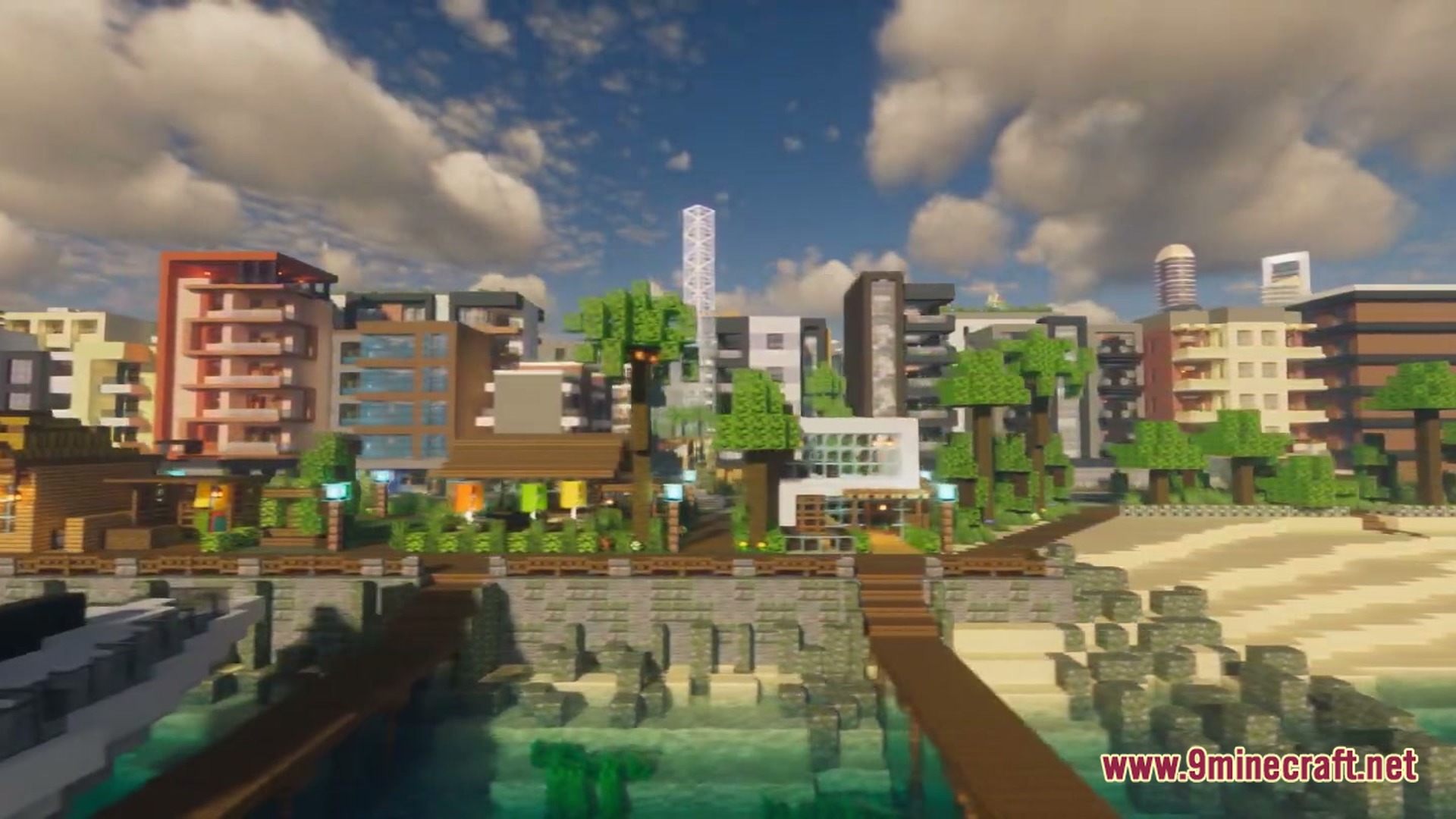
You spawn near the main entrance of Skyshore City, typically in a central plaza or street area. From there, you can walk down the main roads to explore the city layout and find buildings you want to claim.
Can I break and place blocks freely in the city?
Yes, you can break and place blocks to customize and decorate any building you choose. The map is designed as a sandbox, so you're free to modify interiors and exteriors to suit your roleplay or building style.
How do I claim a building as my home?
Simply walk into any empty building or apartment that appeals to you and start decorating or moving in—there's no formal claiming system. Once you've set up your space, it's yours to use as your base.
Are there any pre-built traps or trolls in the buildings?
No, Skyshore City is designed as a clean, trap-free urban sandbox. All buildings are straightforward structures without hidden dangers or joke elements, making it safe to explore and settle anywhere.
See all 10 Skyshore City World Map questions ›
Gallery
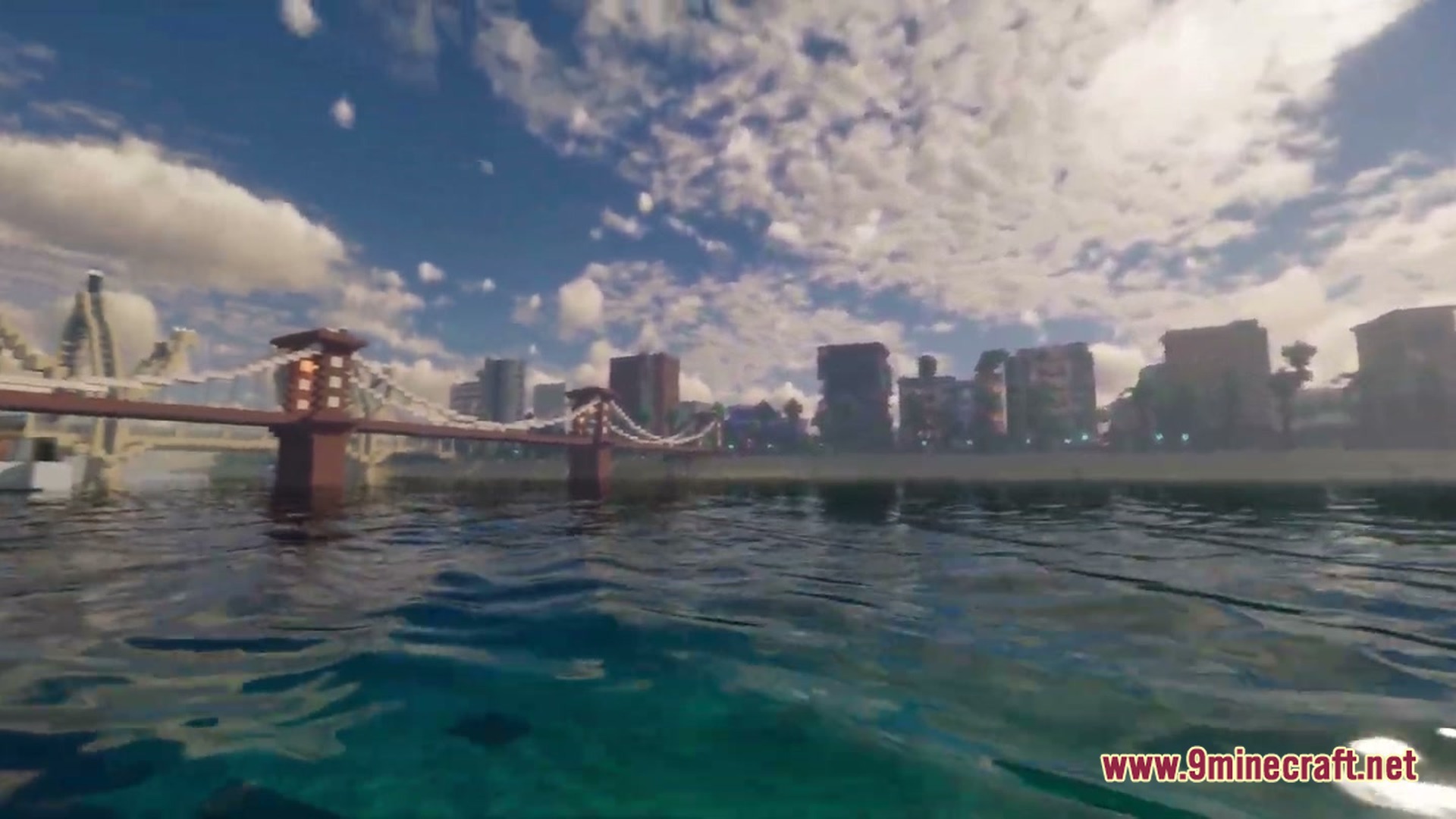
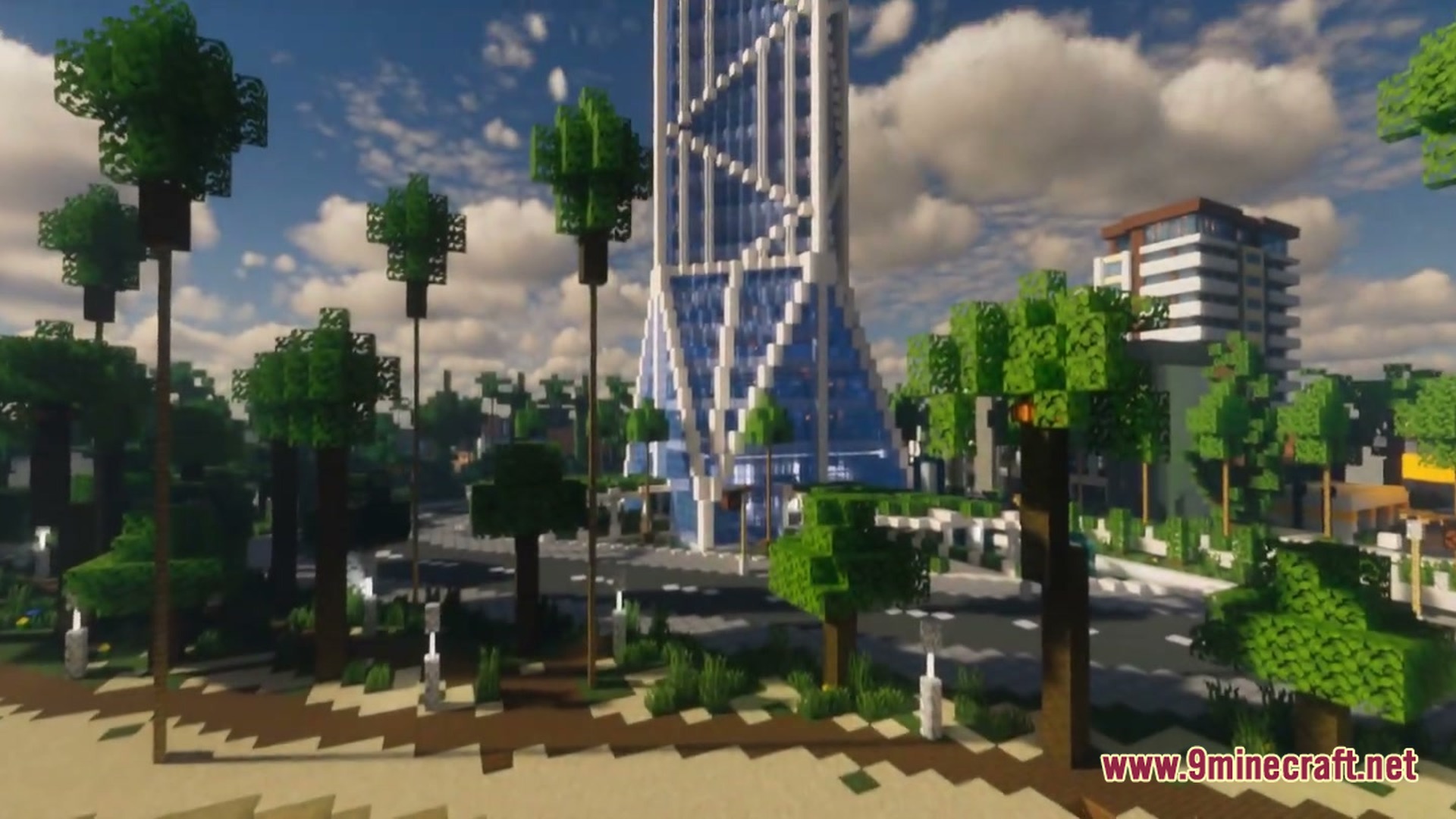
6 images from the Skyshore City World Map page.
You May Also Like
Wikis that share the most with this one
Wikis on the same theme: cat
More map wikis on the site
The most downloaded mods that have a wiki here
A few wikis from each of the other kinds