

 DownloadCobblemon Model Viewing World Map
Get the files on 9Minecraft
Guides
Step-by-step, in-game.
Compare Multiple Pokémon Models Side by SidePositioning for Comparison While the viewing world arranges Pokémon in a linear or grid-based layout, you can move…Explore the Entire Pokédex Collection SystematicallyPlanning Your Route The viewing world is designed for thorough exploration. Start at the spawn point and identify the…Find a Specific Pokémon Model in the Viewing WorldNavigating the Display Areas The Cobblemon Model Viewing World organizes Pokémon into structured viewing zones. Walk…Study a Pokémon's Attack and Movement AnimationsTriggering Animations Each Pokémon model in the viewing world displays multiple animations automatically or on…
Frequently asked questions
How do I start the Cobblemon Model Viewing World?
Create a new world and select the Cobblemon Model Viewing World preset when generating it. Once loaded, you'll spawn in the viewing area surrounded by display stations for all available Pokémon models.
Can I search for a specific Pokémon instead of walking around?
The world is organized in a logical layout, but there's no search function—you'll need to walk through the displays or use the guides to locate specific creatures by their position in the viewing areas.
Do the Pokémon attack me or can I get hurt?
No, the Pokémon in this world are display models only and cannot attack or harm you. It's a completely safe, peaceful environment designed purely for observation.
Why aren't all Pokémon showing up in the world?
Make sure you have the latest version of the main Cobblemon mod installed, as the viewing world only displays creatures that are currently added to the mod. New Pokémon added in updates will appear after you update.
See all 10 Cobblemon Model Viewing World Map questions ›
Gallery
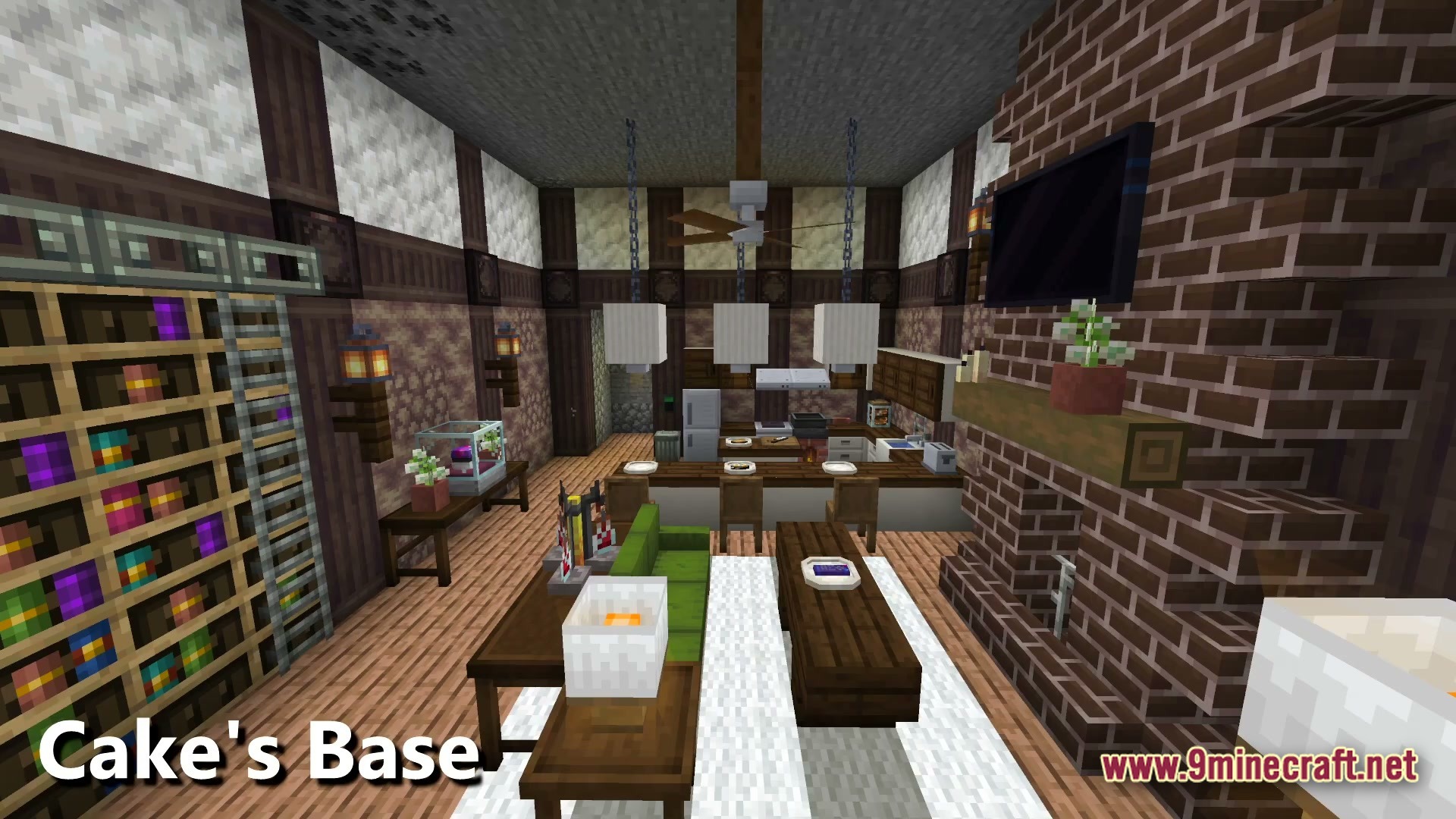
6 images from the Cobblemon Model Viewing World Map page.
You May Also Like
Wikis that share the most with this one
Wikis on the same theme: world
More map wikis on the site
Cobblemon Johto Pokemon’s Johto & Kanto Recreated MapCobbleflow Hearth MapCoal Creek Basin MapCircuit Breaker Pizzeria MapChristmas Parkour MapChernobyl Nuclear Power Plant 1984 MapChernobyl NPP MapChernobyl 1986 MapCheaper Maps ModChampions League Blockball Ultimate Soccer JV EL SANDO MapCat City MapCastle Story Mode Map
The most downloaded mods that have a wiki here
A few wikis from each of the other kinds