

 blocks
 DownloadTreeCapitator Data Pack
Get the files on 9Minecraft
Guides
Step-by-step, in-game.
How to Chop Down a Tree Instantly with TreeCapitatorBreak One Log, Get the Whole Tree TreeCapitator works passively: once the data pack is active in your world, you do…How to Enable or Disable TreeCapitator in Your WorldChecking Whether the Pack Is Active Before troubleshooting, confirm the data pack is loaded. Run /datapack list in…How to Fix TreeCapitator Not Working on a ServerConfirm the Pack Is Loaded Server-Side Data packs run on the server, not the client. If trees are not falling for…How to Stop TreeCapitator from Breaking Your Log BuildingsWhy It Happens The pack cannot tell a natural tree from a player-built log structure. Any vertical stack of connected…
Commands
Chat commands this mod registers, and what each one does.
| Command | What it does |
|---|---|
/function tc:axe/defaults/loop | Loops through the process of setting default axe configurations |
/function tc:axe/defaults/set | Restores the default axe configuration settings |
/function tc:axe/register | Registers an axe for use with tree chopping |
/function tc:config/animation/disable | Disables tree chopping animations |
/function tc:config/animation/enable | Enables tree chopping animations |
/function tc:config/axe/controller | Controls the configuration settings for individual axes |
/function tc:config/axe/disable | Disables tree chopping for the configured axe |
/function tc:config/axe/edit/loop | Loops through axe configuration editing options |
/function tc:config/axe/edit/main | Opens the main menu to edit axe configurations |
/function tc:config/axe/edit/show | Displays the current configuration settings for axes |
/function tc:config/axe/enable | Enables tree chopping for the configured axe |
/function tc:config/axe/tree/disable | Disables specific tree types for axe chopping |
/function tc:config/axe/tree/enable | Enables specific tree types for axe chopping |
/function tc:config/axe/tree/main | Opens the tree configuration menu for axes |
/function tc:config/axes/controller/loop | Loops through the main controller for all axes |
/function tc:config/axes/controller/main | Opens the main configuration controller for all axes |
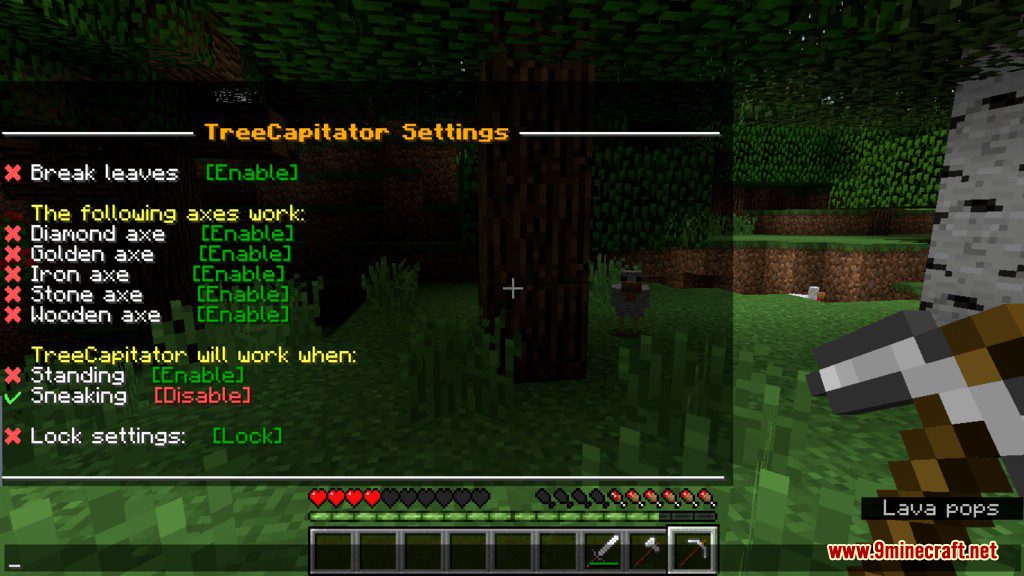
/function tc:config/break_leaves/disable | Disables automatic leaf breaking when trees are chopped |
/function tc:config/break_leaves/enable | Enables automatic leaf breaking when trees are chopped |
/function tc:config/controller | Opens the main configuration controller |
/function tc:config/durability/disable | Disables durability loss when chopping trees |
Frequently asked questions
How do I turn on treecapitator?
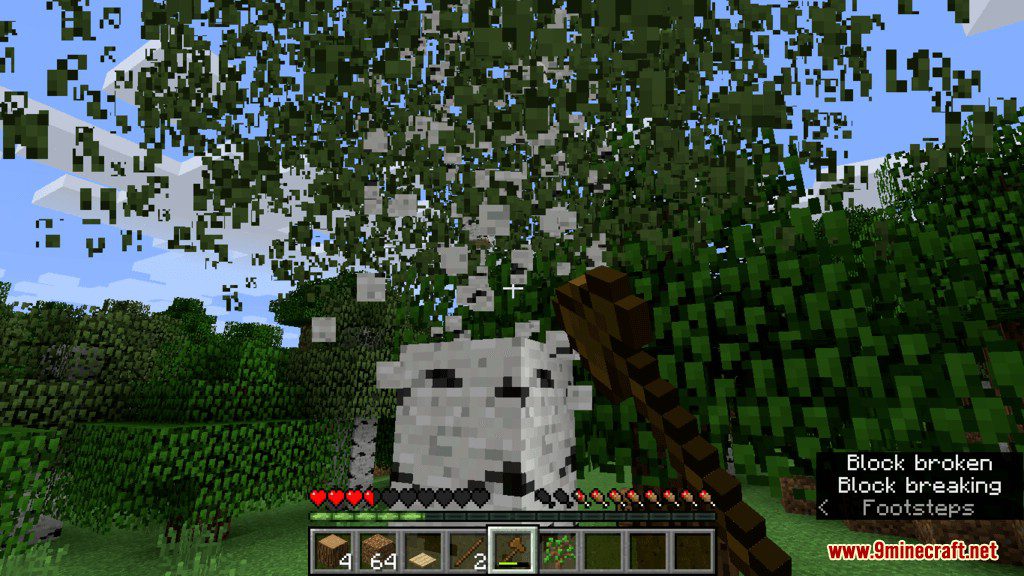
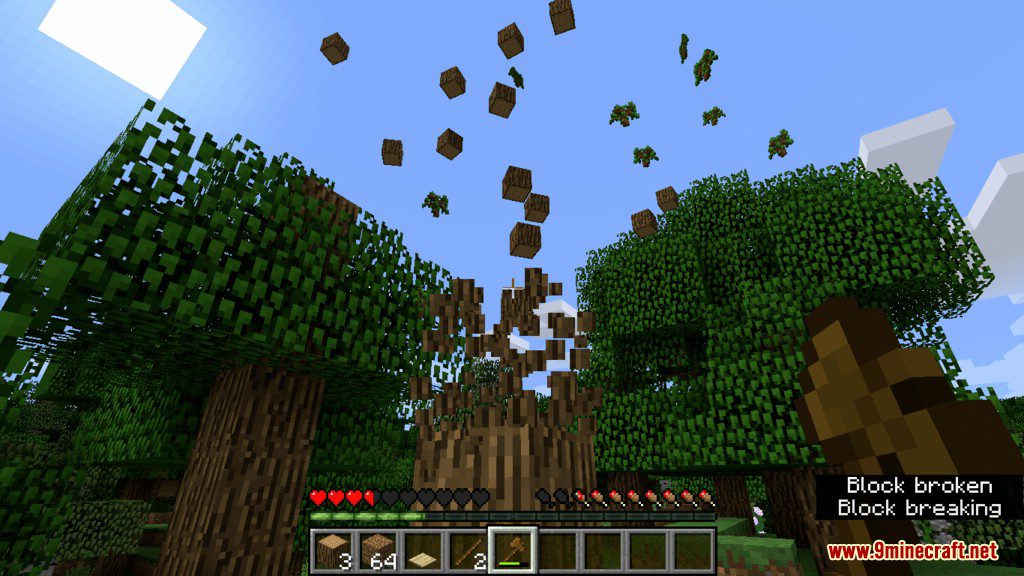
TreeCapitator is active by default once the data pack is loaded, so just break a log with an axe or by hand and the whole tree should fall. If nothing happens, check that the pack is actually enabled for your world and that you're playing in a version it supports.
Does treecapitator work with any axe?
Yes, any axe works, and in most setups you can even trigger it by hand. The axe just needs to be able to break the log normally — a broken or unbreakable tool won't start the chain.
How do I stop treecapitator from destroying my house?
Place a non-log block like a plank, slab, or stone between your build and the tree so the connected-log check can't reach it. You can also crouch while chopping, which in most versions limits the effect to a single block.
Why does treecapitator only break some of the tree?
It only fells logs that are connected to the one you broke, so leaves, branches, and detached logs stay put. If part of the trunk is missing or replaced with another block, the chain stops there.
See all 10 TreeCapitator questions ›
Gallery
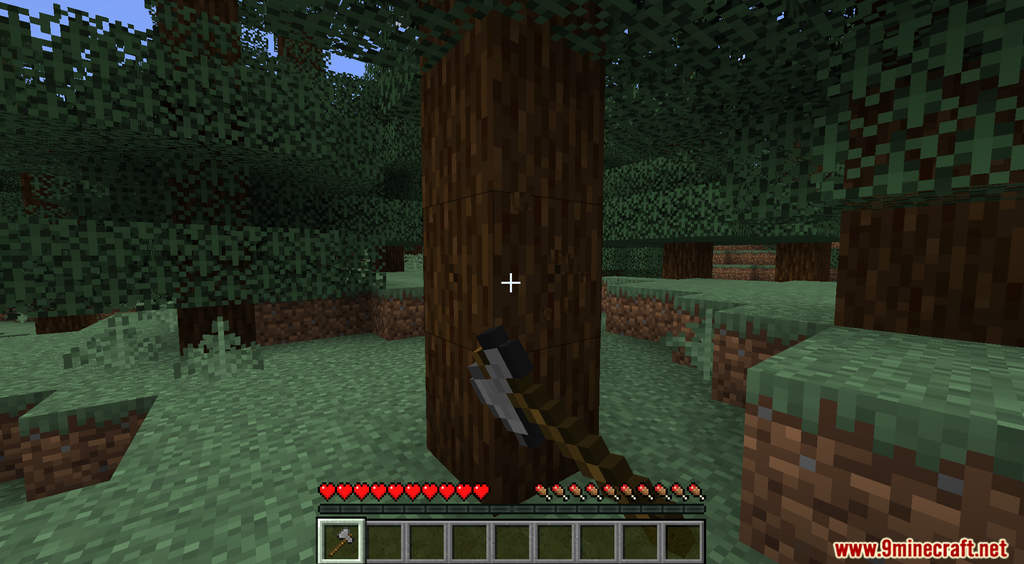
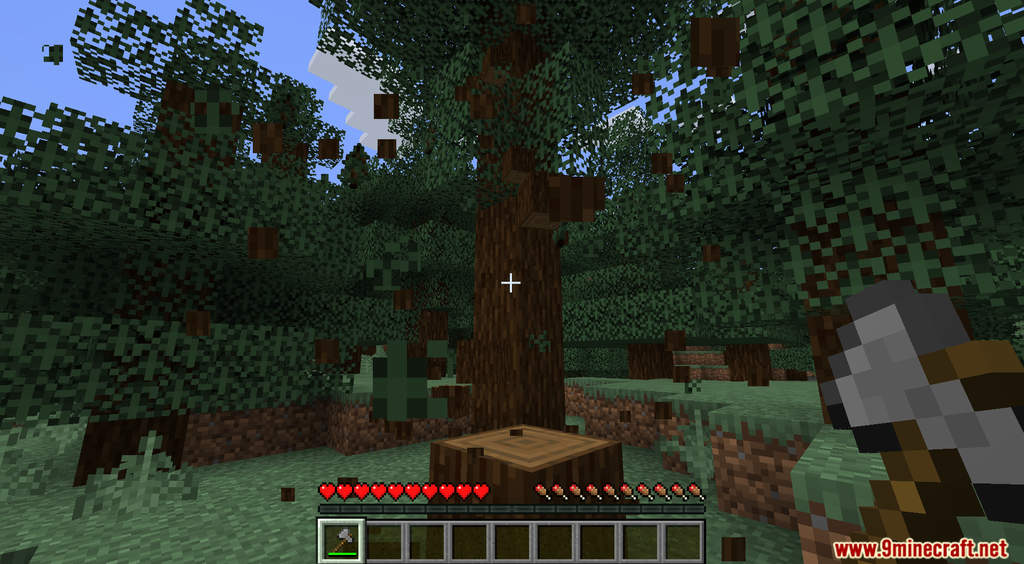
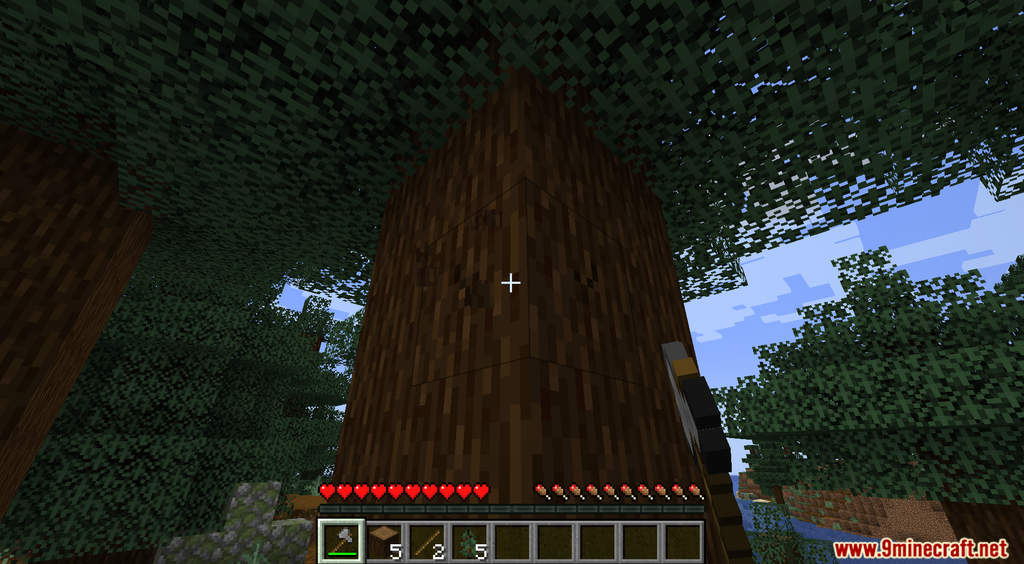
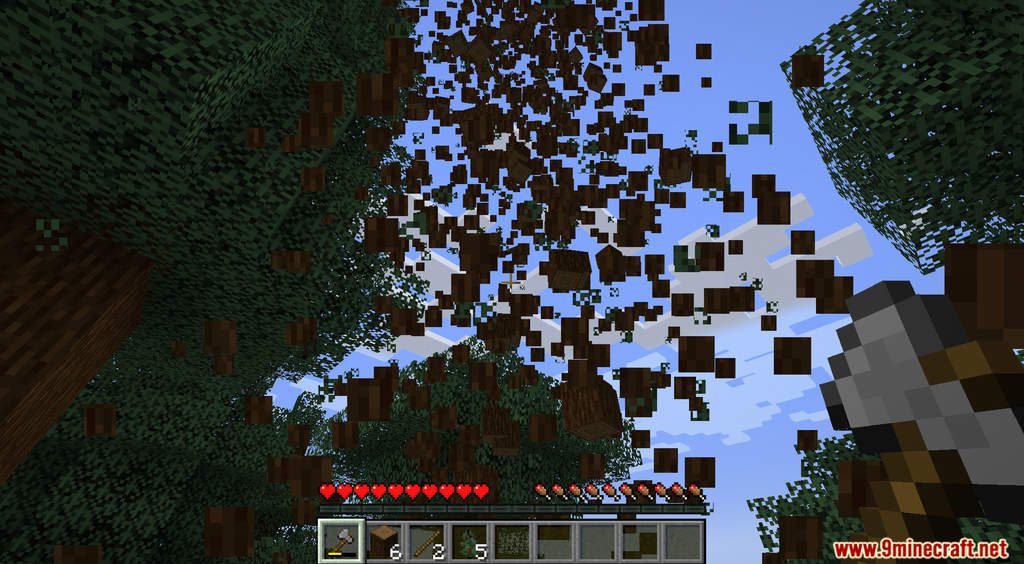
12 images from the Treecapitator Data Pack page.



You May Also Like
Wikis that share the most with this one
Wikis on the same theme: tree
More data pack wikis on the site
 The Classic Error Data Pack
 Tensura Ia F Treasure Data Pack
The most downloaded mods that have a wiki here
A few wikis from each of the other kinds