Configuration and Multiplayer
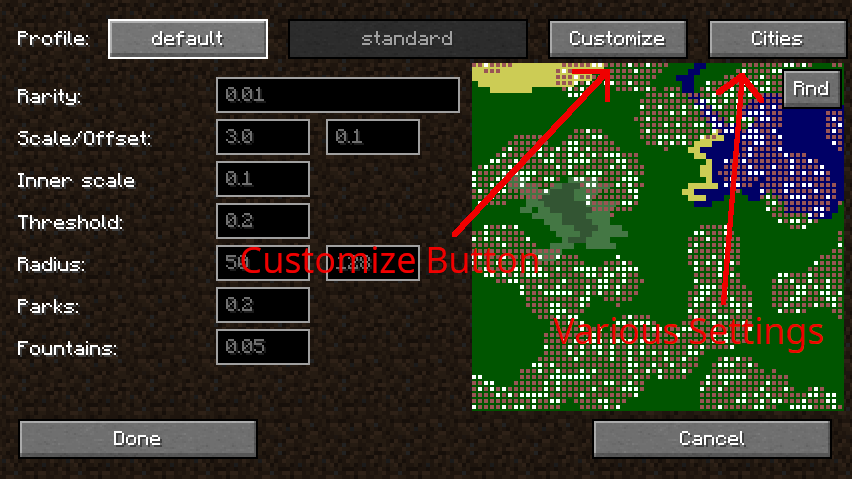
The Lost Cities is highly configurable, allowing server owners to fine-tune the experience.
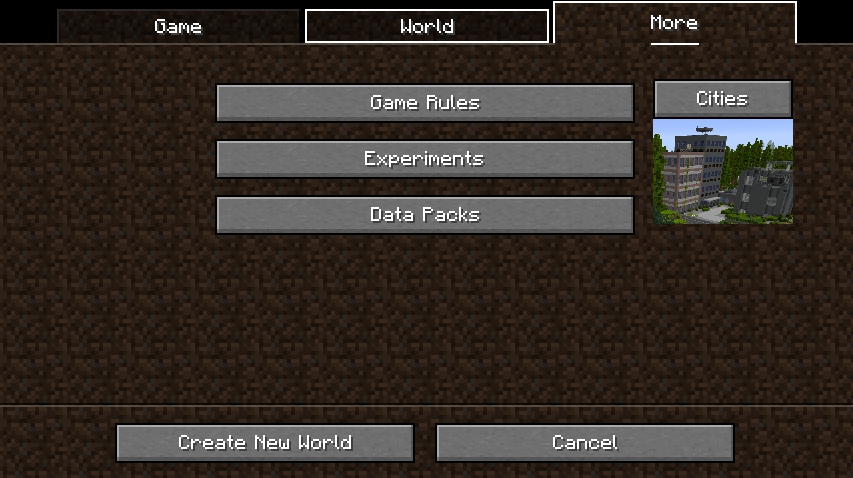
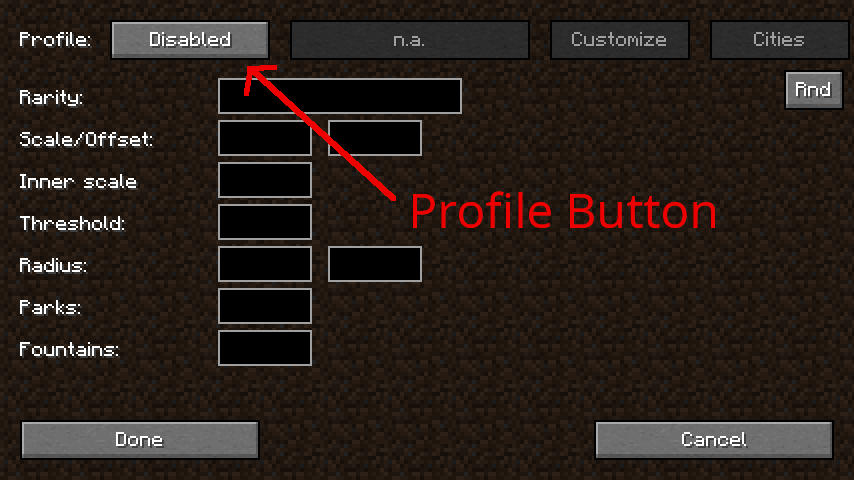
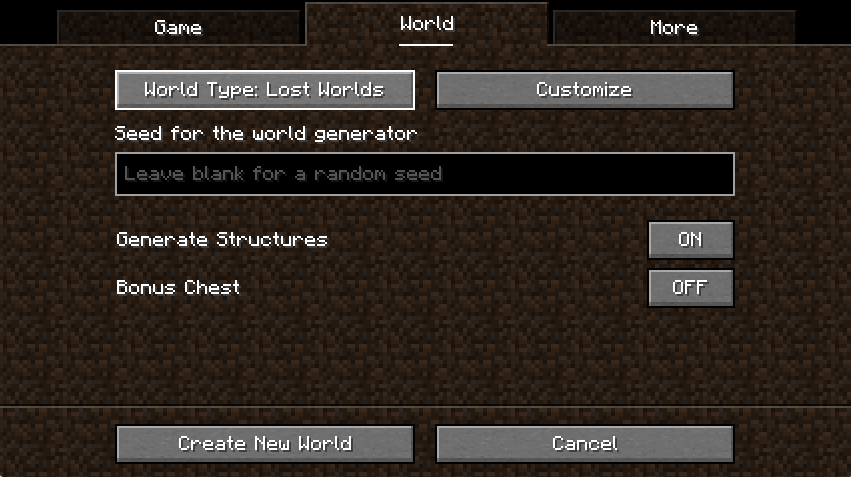
- Single Player Config: The easiest method is to configure a world in Single Player, then copy the
lostcities-server.tomlfile. - File Location: Found in
saves/<worldname>/serverconfig/. - File Location: Found in the main
config/directory. - Multiplayer Activation: To use Lost Cities as the default world type on a server, edit
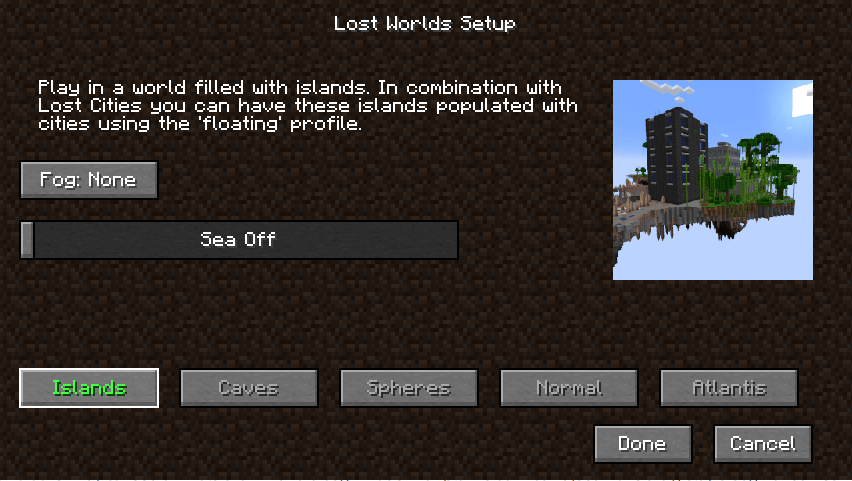
server.properties: *level-type=lostcities(for the mod's world gen) *level-type=lostworlds:lost_worlds(if using the companion mod)
The Asset System
Advanced users can create Datapacks to add custom buildings (.json files), change the block palette (e.g., replacing Stone with Concrete), or modify the mob spawning conditions. This system allows for total conversion of the city's aesthetic.