
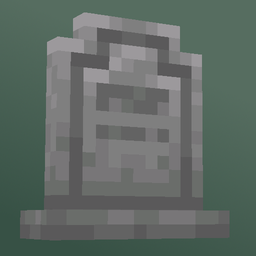
Finding Your 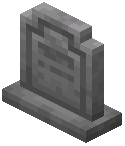 Gravestone
When you die, a gravestone spawns at your death location. Look for a stone block with a cross or grave marker texture. If you're unsure of the exact spot, check your chat log—some server configurations display gravestone coordinates.
Collecting Your Items
Approach the gravestone and interact with it (right-click). A menu will open showing all items stored inside, including your inventory, hotbar, and armor. Click items to retrieve them one at a time, or use shift-click to grab stacks.
Important Notes
Your items are safe as long as the gravestone exists. However, gravestones decay over time—they progress through visible crack stages before breaking completely. Once broken, items follow Minecraft's standard despawn timer (typically 5 minutes), so retrieve them promptly.
If your gravestone has decayed significantly or vanished, check nearby—items may have dropped on the ground. You can also ask server admins if they have backups or can help locate lost gravestones.