

What this pack changes
Every texture group the pack replaces, counted from the pack itself.
| Area | Textures replaced |
|---|---|
| Blocks | 104 |
| Items | 88 |
| Mobs & entities | 9 |
| GUI & menus | 2 |
Pack format 88–121 (Minecraft 1.21.9)203 texture files in total
Extra features
Custom block/item models
Reworked GUI
Guides
Step-by-step, in-game.
Build Less Repetitive Walls with the Stone, Blackstone, Terracotta and Concrete Powder TexturesCreate Lush Swamp and Water Scenes with Bushy Vines and New LilypadsTurn Off the Texture Changes You Don't Like with RespackoptUse Natural Block Rotation and Random Leaves for Better-Looking Builds
Items
B
 Bamboo
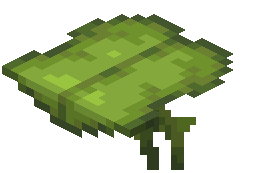 Big Dripleaf
 Blaze Powder
 Blaze Rod
 Breeze Rod
C
 Cherry Hanging Sign
 Copper Axe
 Copper Boots
 Copper Chestplate
 Copper Helmet
 Copper Hoe
 Copper Leggings
 Copper Pickaxe
 Copper Shovel
 Copper Spear
 Copper Sword
D
 Diamond Spear
 Dragon's Breath
E
 Empty Map
 Ender Pearl
F
 Feather
 Firework Rocket
G
 Ghast Tear
 Glistering Melon Slice
 Gold Nugget
 Golden Spear
I
 Iron Nugget
 Iron Spear
L
 Lantern
M
 Map
 Melon Seeds
 Minecart
 Minecart with Chest
 Minecart with Command Block
 Minecart with Furnace
 Minecart with Hopper
 Minecart with TNT
N
 Netherite Spear
P
 Paper
 Pumpkin Seeds
R
 Raw Gold
 Redstone Comparator
 Redstone Repeater
S
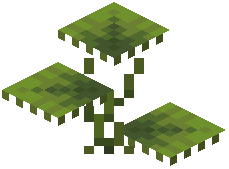 Small Dripleaf
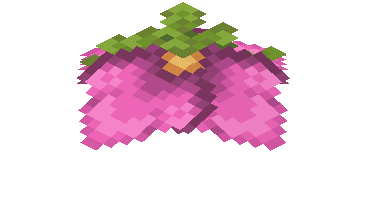 Spore Blossom
 Stone Spear
W
 Wheat Seeds
 Wooden Spear
Blocks
69 blocks · showing 24. Browse all →
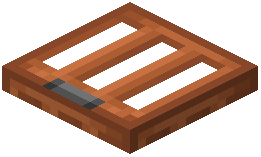 Acacia Trapdoor
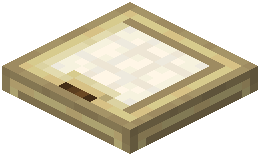 Birch Trapdoor
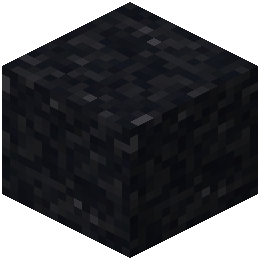 Black Concrete Powder
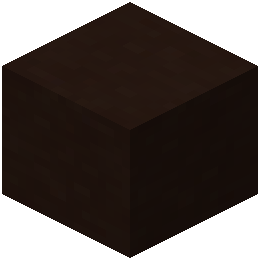 Black Terracotta
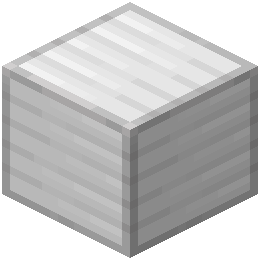 Block of Iron
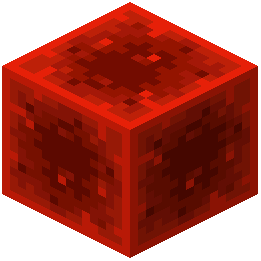 Block of Redstone
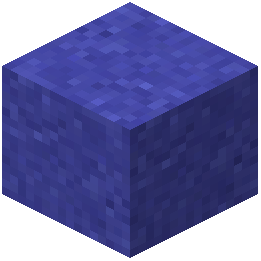 Blue Concrete Powder
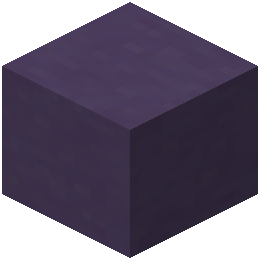 Blue Terracotta
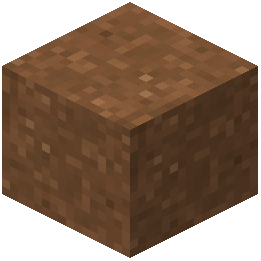 Brown Concrete Powder
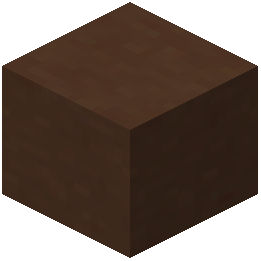 Brown Terracotta
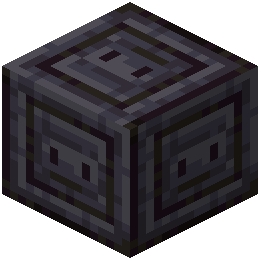 Chiseled Polished Blackstone
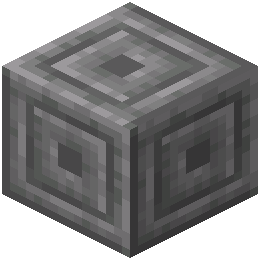 Chiseled Stone Bricks
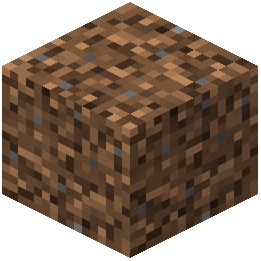 Coarse Dirt
 Copper Bars
 Copper Lantern
 Cracked Polished Blackstone Bricks
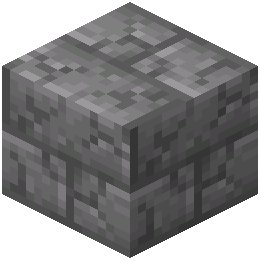 Cracked Stone Bricks
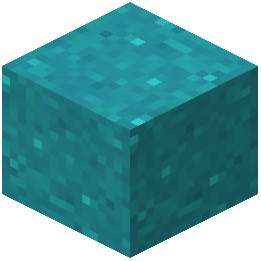 Cyan Concrete Powder
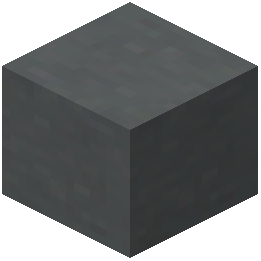 Cyan Terracotta
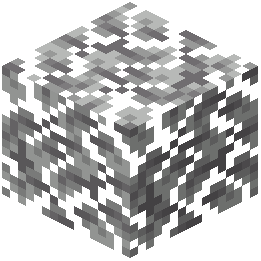 Dark Oak Leaves
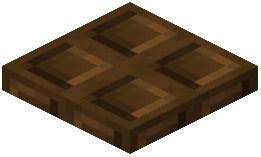 Dark Oak Trapdoor
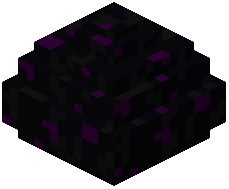 Dragon Egg
 Exposed Copper Bars
 Exposed Copper Lantern
Frequently asked questions
How do I turn on XR's Tiny Edits once it's installed?
Open Options > Resource Packs, then click the arrow on XR's Tiny Edits to move it into the Selected column and press Done. The game reloads its textures, and the edited blocks and items appear right away in your world.
Does the server need this pack, or just me?
It's a resource pack, so it only affects your own game and works on any server or singleplayer world. Other players won't see the edits unless they also have the pack enabled.
Can I turn off just one change I don't like, like the new vines?
Yes, if you also have the Respackopt mod. It lets you switch individual texture changes in the pack on or off so you keep only the edits you want.
Do I need Respackopt for this pack to work?
No, the pack works on its own. Without Respackopt every edit is applied at once, and you can't toggle individual changes.
Why do my stone floors and leaves look randomly rotated now?
That's intended. The pack rotates blocks naturally, the same way Bedrock Edition does, adds variants for stone and blackstone, and spins leaf blocks in random directions so large surfaces look less repetitive. It's purely visual, and the blocks are still the normal vanilla blocks.
Do the new copper tool textures change how the tools work?
No. The pack only changes how copper items look, including tool textures that show signs of rust. Durability, mining and everything else about the tools stay vanilla.
Do the bushier vines or new lilypad models change hitboxes?
No. A resource pack can only change how things look, so vines and lilypads keep their normal vanilla collision and behavior. Only the visuals are different.
I enabled the pack but some blocks still look vanilla. What's wrong?
Another resource pack higher in your Selected list may be overriding those textures, so move XR's Tiny Edits above it. If you use Respackopt, check that the option for that change isn't switched off, then reload resources with F3+T.
Can I use this together with other resource packs?
Yes. The pack keeps the normal Minecraft style, so it pairs well with other vanilla-style packs. Wherever two packs change the same texture, the one higher in the Selected list wins, so order them according to which version you prefer.
Will this pack lower my FPS?
It's a set of small texture and model tweaks that stay in the classic blocky style, so it shouldn't noticeably affect performance compared to the default textures. If you ever suspect it, disable it in the Resource Packs menu and compare.
Related mods
Other wikis you may find useful.