

What this pack changes
Every texture group the pack replaces, counted from the pack itself.
| Area | Textures replaced |
|---|---|
| Blocks | 295 |
| Items | 232 |
| Font | 224 |
| Mobs & entities | 123 |
| GUI & menus | 25 |
| Particles | 16 |
| Models | 14 |
| Sky & weather | 6 |
| Biome colours | 2 |
| Misc | 2 |
| Paintings | 1 |
Pack format 34–100 (Minecraft 1.21.2–1.21.9)940 texture files in total
Extra features
Custom font
Custom block/item models
Reworked GUI
Guides
Step-by-step, in-game.
Configuring Video Settings for Crystal PvP ClarityHow to Activate and Order the Pack for PvP VisibilityImproving Sword Duels and Quick Inventory SwappingMaximizing Frame Rates in Busy Combat Arenas
Items
121 items · showing 24. Browse all →
 Apple
 Armor Stand
 Arrow
 Blaze Powder
 Blaze Rod
 Bone
 Bottle o' Enchanting
 Bow
 Bowl
 Bread
 Cake
 Carrot
 Carrot on a Stick
 Chainmail Boots
 Chainmail Chestplate
 Chainmail Helmet
 Chainmail Leggings
 Charcoal
 Clay Ball
 Clock
 Coal
 Compass
 Cookie
 Diamond
Blocks
B
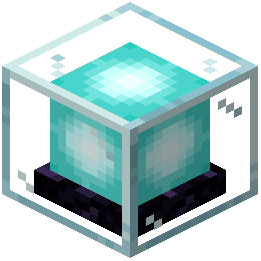 Beacon
 Bedrock
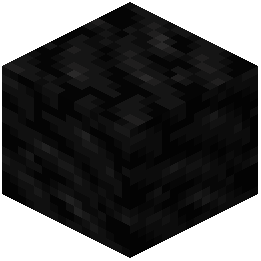 Block of Coal
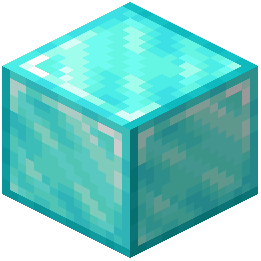 Block of Diamond
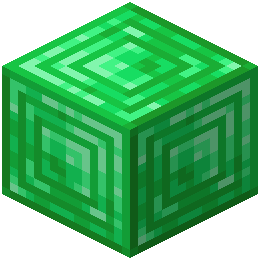 Block of Emerald
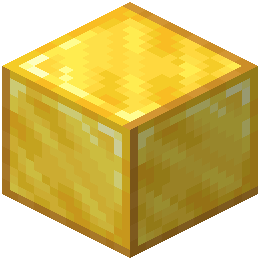 Block of Gold
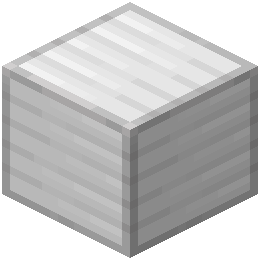 Block of Iron
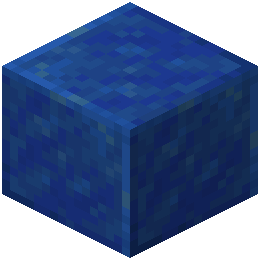 Block of Lapis Lazuli
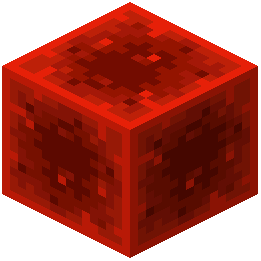 Block of Redstone
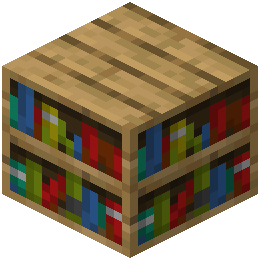 Bookshelf
 Brewing Stand
 Brick
C
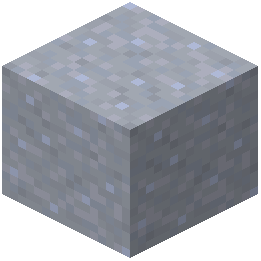 Clay
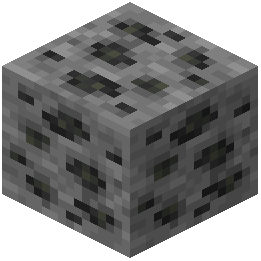 Coal Ore
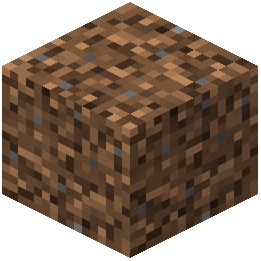 Coarse Dirt
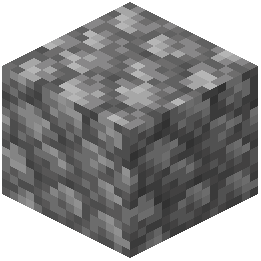 Cobblestone
D
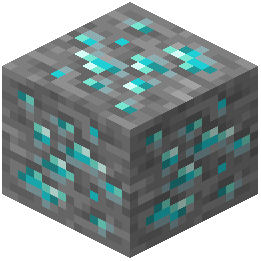 Diamond Ore
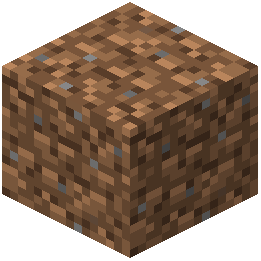 Dirt
E
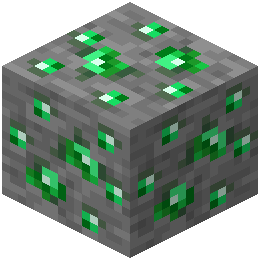 Emerald Ore
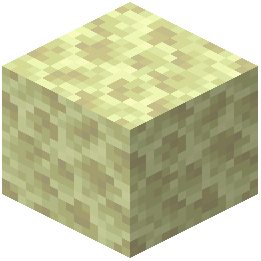 End Stone
F
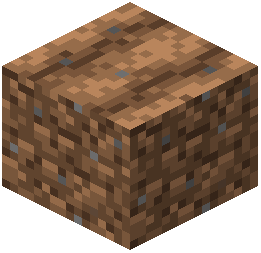 Farmland
 Fern
 Flower Pot
G
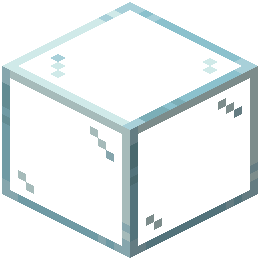 Glass
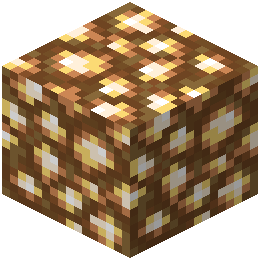 Glowstone
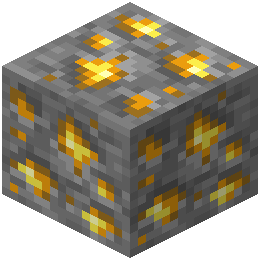 Gold Ore
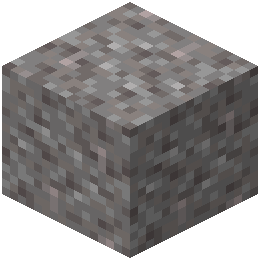 Gravel
I
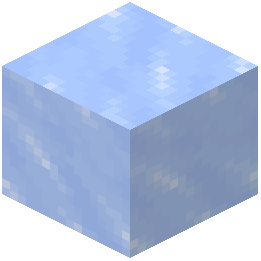 Ice
 Iron Bars
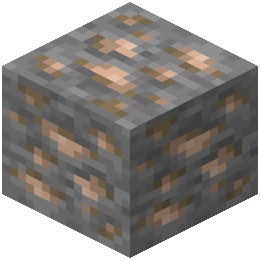 Iron Ore
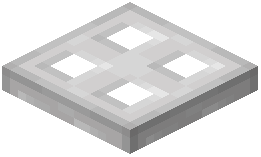 Iron Trapdoor
L
 Ladder
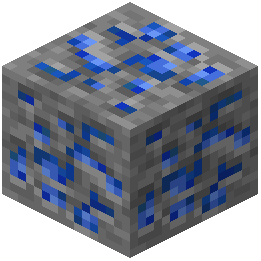 Lapis Lazuli Ore
 Lever
N
 Nether Brick
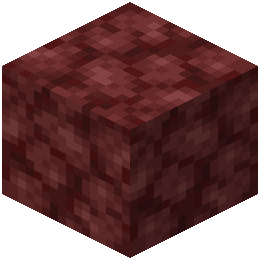 Netherrack
O
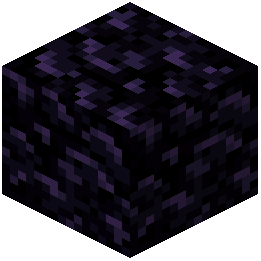 Obsidian
P
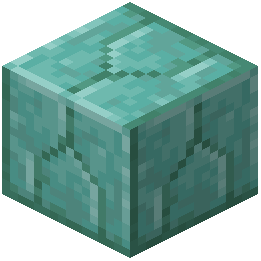 Prismarine Bricks
R
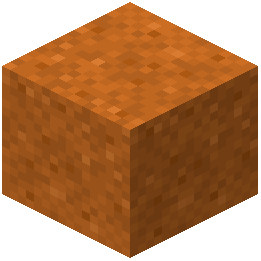 Red Sand
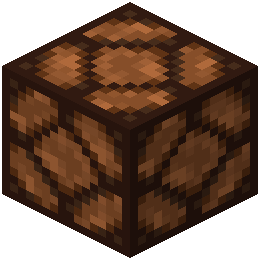 Redstone Lamp
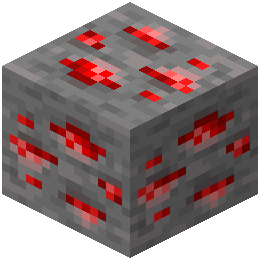 Redstone Ore
S
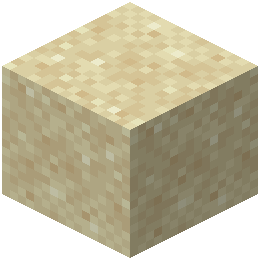 Sand
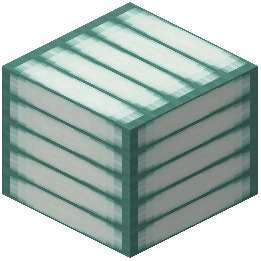 Sea Lantern
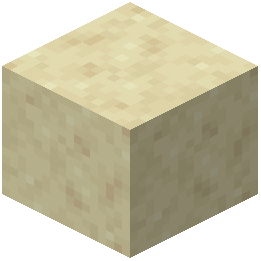 Smooth Sandstone
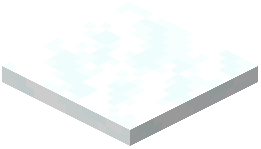 Snow
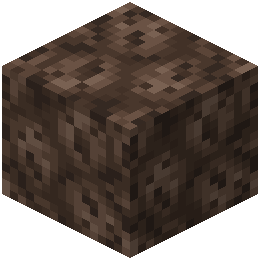 Soul Sand
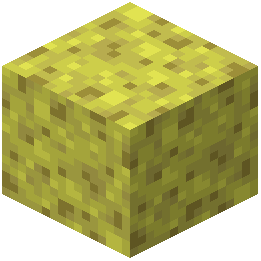 Sponge
 Stone
V
 Vines
Frequently asked questions
Why are my swords still normal size after enabling the pack?
Make sure Vertex Virtual is placed at the very top of your active resource packs list in the game options. If another pack is loaded above it, that pack's weapon models and item textures will override the short swords.
How do I get rid of end crystal explosion particles?
The pack automatically removes crystal-pop particles once it is active. If you still see explosions during Crystal PvP, check that your video settings do not have particles completely disabled by another mod, and ensure this pack is at the top of your load order.
Does this pack change how normal blocks look for building?
No, it keeps the default look of the game so your builds and surroundings look familiar. It only optimizes block and item textures to improve frame rates and combat visibility.
How does the pack stop the Totem of Undying from blocking my screen?
It shrinks the Totem of Undying popup animation and uses smaller held item models. When a totem triggers in combat, the visual effect takes up much less space so you do not lose track of your opponent.
Can I still see when I land critical hits with the smaller particles?
Yes, hit and critical strike particles are still visible, just shrunk down to reduce clutter. Make sure your game's particle setting is set to All or Decreased rather than Minimal so they still appear during sword duels.
Will this resource pack help with lag in busy combat arenas?
Yes, the pack uses optimized textures across blocks and items alongside reduced particle effects. This lowers the visual load on your system to keep your frame rate smooth during heavy action.
Can I use this on multiplayer PvP servers without the server having it?
Yes, resource packs are completely client-side and only change how the game looks on your screen. You can use it on any multiplayer server unless that specific server forces a locked server resource pack.
Why are items in my hands smaller than in vanilla?
The pack intentionally shrinks held items and weapon models. This prevents your own hands and gear from blocking your line of sight while swinging or swapping items.
How does the pack help with quick totem and gear swapping?
It replaces the standard user interface and inventory menus with a cleaned-up layout. Removing visual clutter from the inventory screen makes it easier to spot and sort gear quickly in the middle of a fight.
Can I use this with other resource packs?
Yes, you can stack it with other packs in your resource pack menu. Place Vertex Virtual above any base texture packs so its short swords, small particles, and clean UI take priority.
Related mods
Other wikis you may find useful.